

 FSX Civil Aircraft
United Airlines Boeing 737-800 Revised
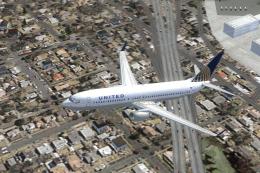
The United Airlines Boeing 737-800 featured here brings an updated paint sche…
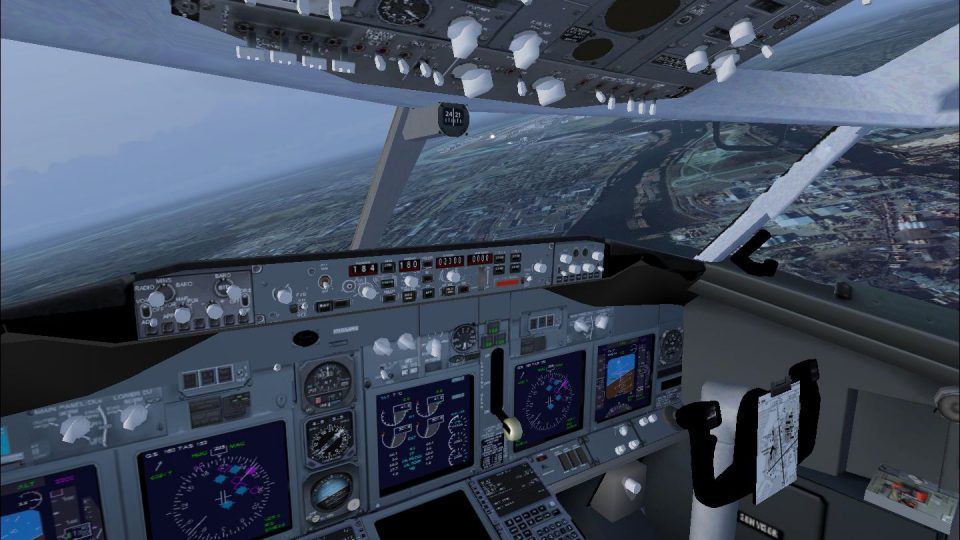
United Airlines’ post-merger Boeing 737-800 brings a frame-rate friendly Project OpenSky model to Microsoft Flight Simulator X, paired with a detailed panel featuring a working virtual cockpit, functional overhead elements, 737NG-style autopilot, EICAS modes, and tailored radios and pedestal. A pushback tug utility adds extra ground-handling immersion.
 Rate
Rate
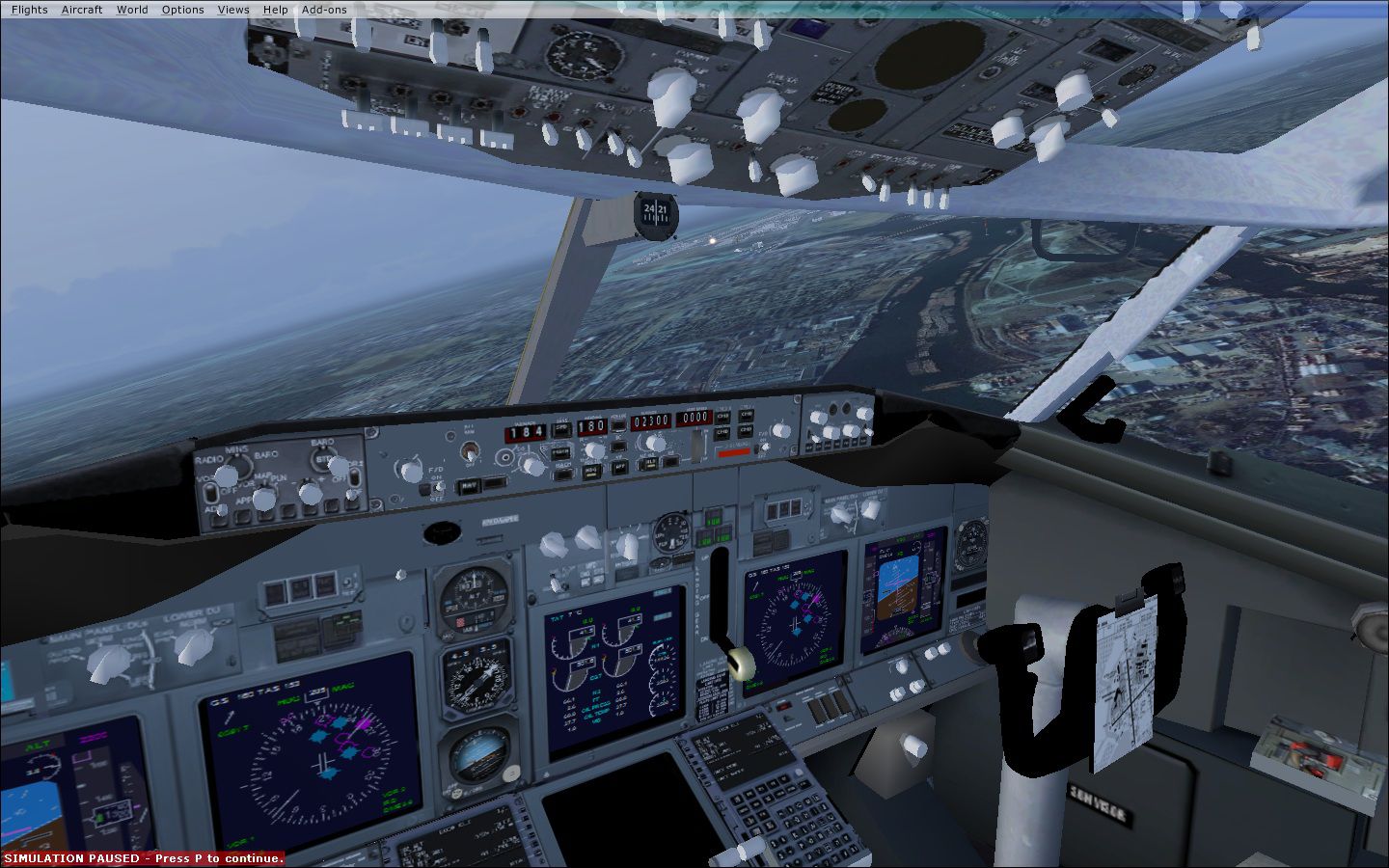
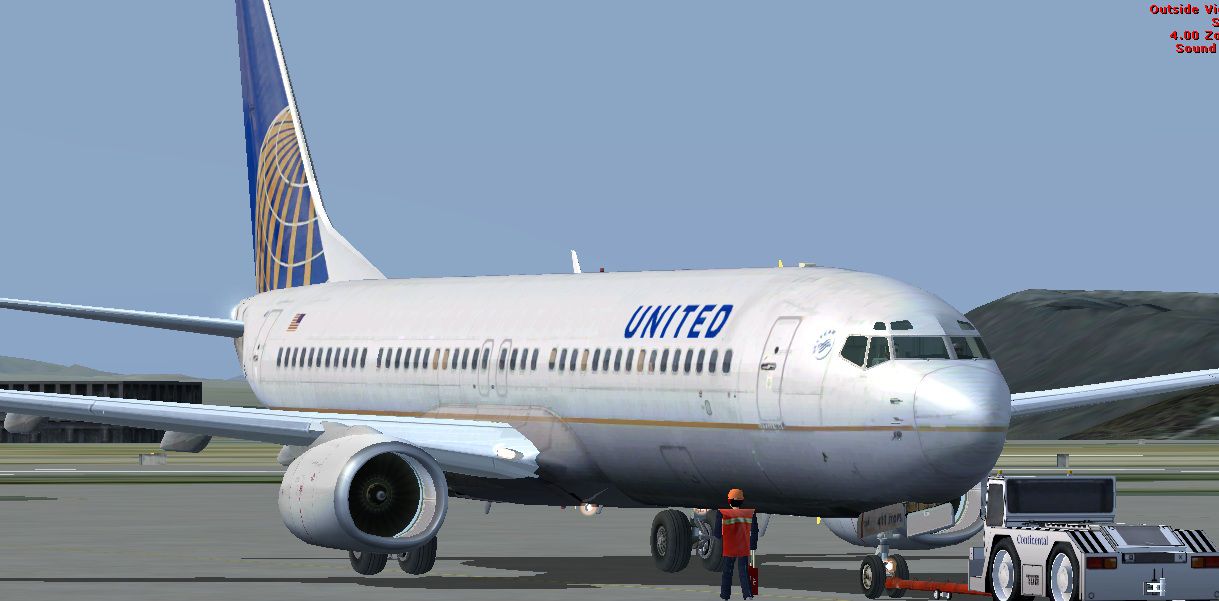
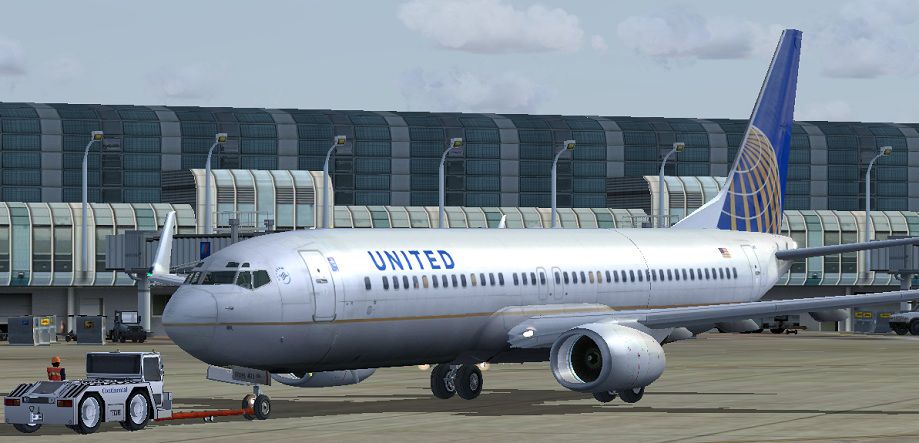
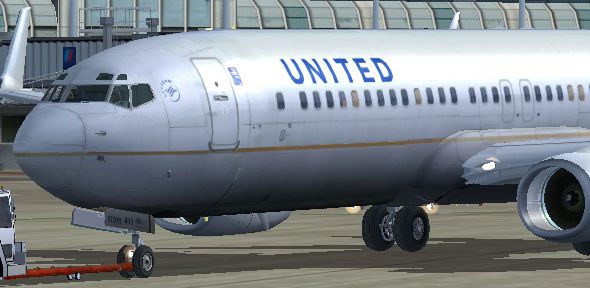

United Airlines Boeing 737-800 in post-merger livery. Includes Project Open Sky model with panel with working VC and pushback tug. Frame rate friendly. Repaint by Jim Waters.
United Airlines Boeing 737-800.
[Window08]
VISIBLE=1
position=2
size_mm=200,80
child_3d=0
background_color=0,0,0
ident=Posky Utility
gauge00=Pky_util!Pky_Util, 0, 0
PROJECT OPENSKY BOEING 737NG 2D Panel Version:1:1OS V1 for FS2004 only
************************************************************************ *******
This 2D panel is made by Project OpenSky
Tested : Project-Opensky Members
Created : Giles Hacon
********************************************************************************
Features ( in depth ):
Includes 70% functional overhead with cross feed fuel cutoff anti icing etc.
HSI that displays flight navigation,glide slopes,airport taxiways,runways,
loaded flight plan,GPS information,planned route,ADF direction,Compass Mode.
2mode EICAS
Accurate backup gauges and virtual horizon.
Navigation control system
Reaistic fully functioning 737NG auto pilot
A Gauge that displays the tail reg of the aircraft you are in.
Customised 737NG radios and pedestal.
Wind information.
Landing views and much more.
Updated standby back up gauges for a more realistic look.
Full and acurtate gauge mapping for the upadated Project Open Sky 737NG VC.
Update quick launch icon for the overhead panel etc.
We have designed this panel for easy use on VATSIM (online atc.)
This panel will put you right into the cockpit of a 737NG.
************************************************************************ *******
Just simply unzip the zip file to a temporary folder and copy the files inside
the gauges folder to the gauges folder in your fs9
(if prompted over write the current gauges.)
The panel folder to the Flight Simulator 2004 aircraft in the aircraft folder
that you want to install the panel in to (click yes to any overwright propt).
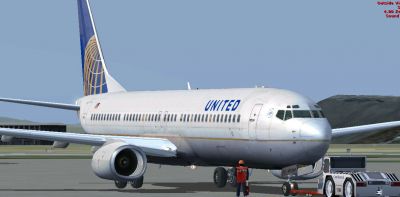
United Airlines Boeing 737-800.
Free for all simmers · 20.93 MB · Scanned clean Oct 2026
Download speed: Free tier is capped at 0.5 Mbps (this file takes approximately 6 mins at the cap). PRO members download at full line speed.
FSX\SimObjects\Airplanes\. The folder must contain an aircraft.cfg file. Effects go into FSX\Effects\; gauges go into FSX\Gauges\.readme.txt or README file. It tells you exactly where files go, what dependencies are needed, and any quirks specific to this add-on.The archive posky_b737-800_ual.zip has 116 files and directories contained within it.
This list displays the first 500 files in the package. If the package has more, you will need to download it to view them.
| Filename/Directory | File Date | File Size |
|---|---|---|
| file_id.diz.txt | 02.13.11 | 189 B |
| pic.jpg | 02.13.11 | 144.27 kB |
| pic1.jpg | 02.12.11 | 129.48 kB |
| pic1_VC.jpg | 02.13.11 | 385.09 kB |
| Posky_B737-800vc | 02.13.11 | 0 B |
| aircraft.cfg | 02.13.11 | 25.51 kB |
| boeing737-800_check.htm | 12.31.05 | 77.28 kB |
| boeing737-800_ref.htm | 12.31.05 | 27.17 kB |
| model.vc | 02.13.11 | 0 B |
| model.cfg | 02.12.11 | 41 B |
| OS738WE_VC_GHv12.mdl | 04.15.06 | 2.62 MB |
| OSBoeing737-800w.air | 03.20.06 | 8.90 kB |
| panel | 02.13.11 | 0 B |
| 737_compass.BMP | 05.12.06 | 95.51 kB |
| 737_Panel_Decals_2.bmp | 05.12.06 | 257.05 kB |
| 737-800_panel_background.bmp | 05.12.06 | 769.05 kB |
| 737-800_panel_background_night.bmp | 05.12.06 | 769.05 kB |
| B737_800.cab | 05.10.07 | 2.01 MB |
| Boeing747-400.cab | 09.04.06 | 3.21 MB |
| Panel.cfg | 02.13.11 | 8.43 kB |
| Pky_util | 02.13.11 | 0 B |
| install.txt | 03.25.08 | 143 B |
| Pky_Init.xml | 07.14.08 | 707 B |
| Pky_Timer.xml | 03.26.08 | 743 B |
| Pky_Util.xml | 07.14.08 | 4.71 kB |
| posky_sw_close.bmp | 03.25.08 | 2.30 kB |
| posky_sw_off.bmp | 03.25.08 | 2.30 kB |
| posky_sw_on.bmp | 03.25.08 | 2.30 kB |
| posky_sw_open.bmp | 03.25.08 | 2.30 kB |
| posky_utilbase.bmp | 07.14.08 | 47.87 kB |
| Thumbs.db | 07.14.08 | 14.00 kB |
| Posky737 | 02.13.11 | 0 B |
| Pky_PB_Towhead.xml | 07.13.08 | 655 B |
| PkyLeftgearheight.xml | 07.14.10 | 800 B |
| PkyNosegearheight.xml | 07.15.10 | 895 B |
| PkyNosegearsteerling.xml | 09.14.07 | 688 B |
| PkyRightgearheight.xml | 07.14.10 | 799 B |
| poskydebug.xml | 07.14.10 | 366 B |
| poskydebug2.xml | 07.14.10 | 376 B |
| Readme.txt | 09.02.06 | 3.35 kB |
| upper_640.bmp | 05.12.06 | 18.99 kB |
| sound | 02.13.11 | 0 B |
| sound.cfg | 02.12.11 | 32 B |
| texture.American | 02.13.11 | 0 B |
| clipboard.bmp | 04.07.06 | 128.07 kB |
| cockpitdetails.bmp | 06.04.07 | 5.33 MB |
| cockpitdetails2.bmp | 03.31.06 | 128.07 kB |
| console.bmp | 03.31.06 | 128.07 kB |
| electronics panel.bmp | 03.31.06 | 128.07 kB |
| FD.bmp | 02.12.11 | 4.00 MB |
| Fresnel_Ramp.dds | 09.04.06 | 640 B |
| Os737ng_engine_L.bmp | 08.16.10 | 64.07 kB |
| Os737ng_engine_t.bmp | 08.23.10 | 4.00 MB |
| Os737ngstair_t.bmp | 08.22.10 | 256.07 kB |
| Os738body_l_l.bmp | 08.23.10 | 1.00 MB |
| Os738body_l_t.bmp | 08.23.10 | 4.00 MB |
| Os738body_r_l.bmp | 08.23.10 | 1.00 MB |
| Os738body_r_t.bmp | 08.23.10 | 4.00 MB |
| OS738Option.bmp | 08.16.10 | 16.07 kB |
| OS738Option2.bmp | 07.16.08 | 256.07 kB |
| Os738parts_l.bmp | 06.26.08 | 341.40 kB |
| Os738parts_t.bmp | 08.23.10 | 1.00 MB |
| OS738W_WING_L_T.bmp | 08.16.10 | 4.00 MB |
| OS738W_WING_R_T.bmp | 08.16.10 | 4.00 MB |
| ostug_T.bmp | 08.22.10 | 1.00 MB |
| panelaftoverhead_ng.bmp | 03.31.06 | 170.74 kB |
| paneloverhead_737-700.bmp | 02.12.11 | 341.42 kB |
| Pilots_737.dds | 09.04.06 | 42.79 kB |
| radio textures.bmp | 03.31.06 | 42.74 kB |
| thumbnail.jpg | 02.13.11 | 23.04 kB |
| Thumbs.db | 08.16.10 | 39.00 kB |
| texture.UAL_new | 02.13.11 | 0 B |
| clipboard.bmp | 04.07.06 | 128.07 kB |
| cockpitdetails.bmp | 06.04.07 | 5.33 MB |
| cockpitdetails2.bmp | 03.31.06 | 128.07 kB |
| console.bmp | 03.31.06 | 128.07 kB |
| electronics panel.bmp | 03.31.06 | 128.07 kB |
| FD.bmp | 02.12.11 | 4.00 MB |
| Fresnel_Ramp.dds | 09.04.06 | 640 B |
| Os737ng_ANTCOL_RED.BMP | 09.05.06 | 1.43 kB |
| Os737ng_Cockpitgray.bmp | 06.22.08 | 5.40 kB |
| Os737ng_darkgray.bmp | 06.23.08 | 5.40 kB |
| Os737ng_engine_l.bmp | 06.26.08 | 341.40 kB |
| Os737ng_engine_t.bmp | 04.11.06 | 4.00 MB |
| Os737ng_gsu.bmp | 07.14.08 | 4.00 MB |
| Os737ng_gsu2.bmp | 07.14.08 | 4.00 MB |
| Os737ng_WINGROOT_GRAY.BMP | 06.24.08 | 5.40 kB |
| Os737ng_WINGTIP_GREEN_GLASS.bmp | 09.05.06 | 1.43 kB |
| Os737ng_WINGTIP_RED_GLASS.bmp | 09.05.06 | 1.43 kB |
| Os737ngstair_l.bmp | 06.26.08 | 341.40 kB |
| Os737ngstair_t.bmp | 02.24.06 | 1.00 MB |
| OS738_WING_L_L.bmp | 06.26.08 | 341.40 kB |
| OS738_WING_R_L.bmp | 06.26.08 | 341.40 kB |
| Os738body_l_l.bmp | 06.26.08 | 341.40 kB |
| Os738body_l_t.bmp | 02.13.11 | 682.75 kB |
| Os738body_l_t1.bmp | 02.13.11 | 3.00 MB |
| Os738body_r_l.bmp | 06.26.08 | 341.40 kB |
| Os738body_r_t.bmp | 02.13.11 | 682.75 kB |
| Os738body_r_t1.bmp | 02.13.11 | 3.00 MB |
| Os738Option.bmp | 01.08.06 | 16.07 kB |
| OS738Option2.bmp | 07.16.08 | 256.07 kB |
| Os738parts_l.bmp | 06.26.08 | 341.40 kB |
| Os738parts_t.bmp | 02.08.06 | 4.00 MB |
| OS738W_WING_L_l.bmp | 06.26.08 | 341.40 kB |
| Os738W_wing_l_t.bmp | 02.13.11 | 1.33 MB |
| OS738W_WING_R_l.bmp | 06.26.08 | 341.40 kB |
| Os738W_wing_r_t.bmp | 02.13.11 | 1.33 MB |
| ostug_L.bmp | 01.31.06 | 1.00 MB |
| ostug_T.bmp | 04.16.06 | 1.00 MB |
| panelaftoverhead_ng.bmp | 03.31.06 | 170.74 kB |
| paneloverhead_737-700.bmp | 02.12.11 | 341.42 kB |
| Pilots_737.dds | 09.04.06 | 42.79 kB |
| radio textures.bmp | 03.31.06 | 42.74 kB |
| thumbnail.jpg | 02.12.11 | 59.71 kB |
| flyawaysimulation.txt | 10.29.13 | 959 B |
| Go to Fly Away Simulation.url | 01.22.16 | 52 B |
Only PRO members can place votes.
More FSX & P3D add-ons hand-picked based on this download.
FSX Civil Aircraft
The United Airlines Boeing 737-800 featured here brings an updated paint sche…
 FSX Civil Aircraft
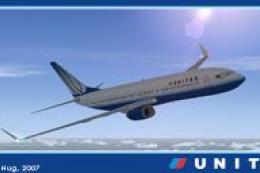
This high-fidelity repaint presents a United Airlines Boeing 737-800 (registr…
 FSX Civil Aircraft
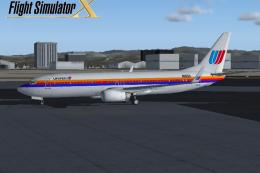
This freeware repaint showcases a detailed United Airlines livery for the def…
 FSX Civil Aircraft
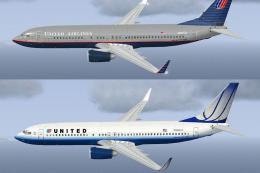
FSX United Airlines Boeing 737-800 old and new repaints. Repaint by Jon Murch…
 FSX Civil Aircraft
FSX United Airlines Boeing 737-800 (old colors). A repaint of the default B73…
 FSX Civil Aircraft
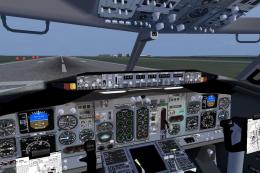
Project Open Sky Boeing 737-400 VC. Revised cockpit textures, gauges, and gau…
 FSX Civil Aircraft
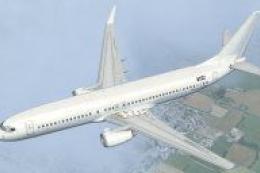
A repaint for the default B737. Repaint by Benjamin Romsy and David Kuess. Sc…
 FSX Civil Aircraft
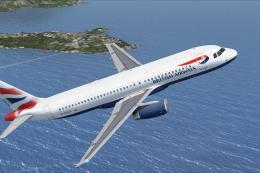
This freeware release brings an Airbus A320 model enhanced with an FD-FMC sui…
Read what other simmers think, or add your own.

Very good aircraft; it helped me a lot to make flights from New York to the United States, and honestly I recommend it if you want a realistic experience.