

 FSX Civil Aircraft
Korean Air Airbus A300B4-103
This freeware repaint package for Microsoft Flight Simulator X features an au…
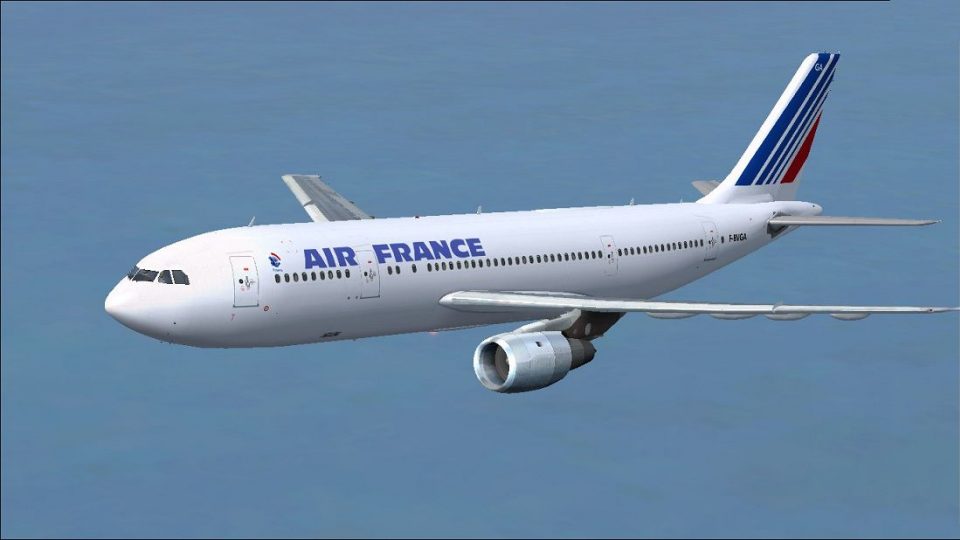
Air France’s early Airbus A300B2-103 in registration F-BVGA comes to life with a crisp freeware repaint that matches classic striping, titles, and period-correct markings, reflecting one of the first A300 airframes. Built for Microsoft Flight Simulator X, it includes textures only and requires the Thomas Ruth A300B2 base model.
 Rate
Rate
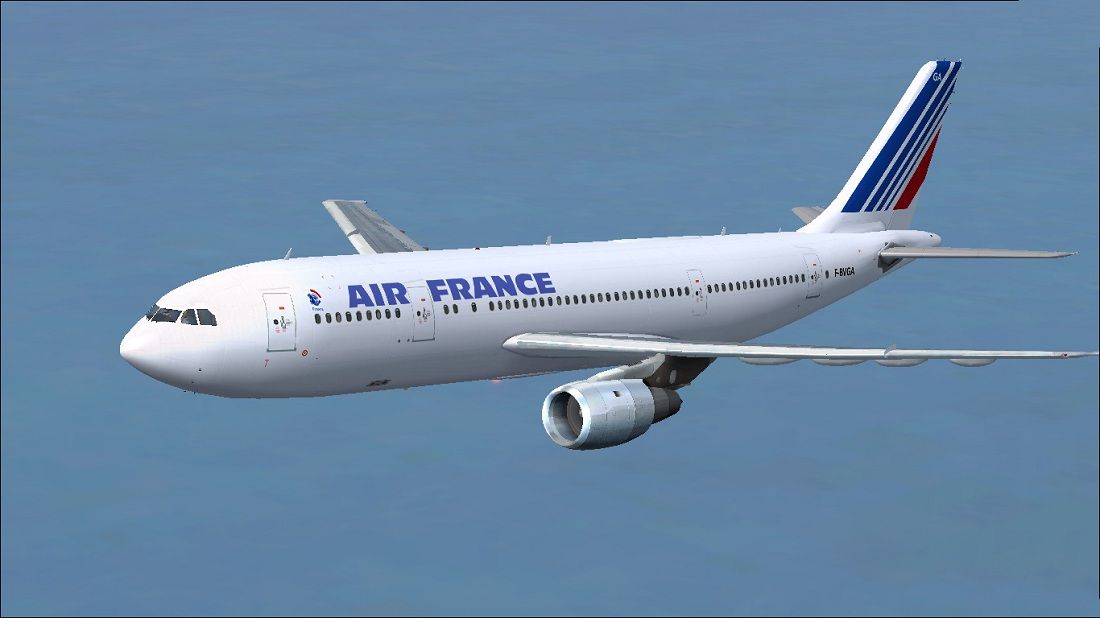

This freeware repaint showcases Air France’s Airbus A300B2-103 for Microsoft Flight Simulator X. It includes only the custom textures and requires the base model by Thomas Ruth. Created by Paul Craig, it is designed to replicate one of the earliest A300B2-103 aircraft flown under Air France registration F-BVGA.
The Airbus A300 family is recognized as one of the earliest widebody twinjets, offering a spacious cabin and pioneering efficient operations for medium-haul routes. This A300B2 variant, bearing construction number 5, illustrates the early production lineage of the A300 series. Air France initially embraced these jets to modernize its regional and international network. Paul Craig’s repaint accurately translates the livery details onto Thomas Ruth’s base model—from the classic fuselage striping to the airline’s distinct titles.
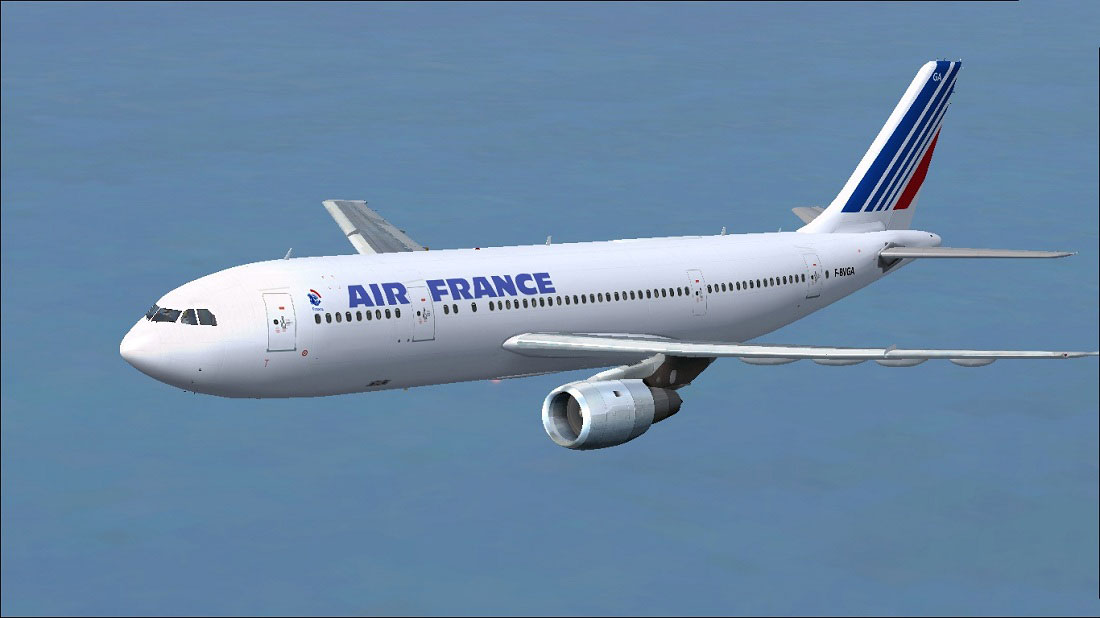
Air France Airbus A300B2-103 cruising above the clouds.
After downloading the repaint package, extract all contents to a temporary location. You will notice a texture folder labeled texture.AF. Place this folder into the Tom_A300-B2 directory, which should be located in:
Please confirm that you have already installed the required freeware base model (TOM30B.ZIP) by Thomas Ruth, which is available in the Fly Away Simulation library. Without the base pack, the repaint alone will not function properly.
Next, open the aircraft.cfg file in the Tom_A300-B2 folder. It is highly recommended to back up this file before modifying. Locate the last [fltsim.X] entry and insert the text below, incrementing X to the next sequential number. If you encounter any issues in editing, moving the aircraft.cfg file to a different location, adjusting it, and then returning it to its original path usually clears any file-permission errors.
[fltsim.X]
title=Air France A300-B2
sim=TomA300b
model=2GEold
panel=A300B2GE
sound=
texture=AF
kb_checklists=
kb_reference=
atc_id=F-BVGA
atc_airline=Air France
atc_flight_number=1124
atc_heavy=1
ui_manufacturer=Airbus
ui_typerole=Commercial Airliner
ui_createdby=Thomas Ruth
ui_type=A300-B2
ui_variation=Air France
USE ALL FILES AT YOUR OWN RISK! The creator, Paul Craig, will not assume responsibility for any harm, inconveniences, or errors resulting from the installation or use of these files. Always maintain backups before making any changes, and ensure you fully adhere to proper procedures within Microsoft Flight Simulator X.
Free for all simmers · 2.74 MB · Scanned clean Oct 2026
Download speed: Free tier is capped at 0.5 Mbps. PRO members download at full line speed.
This file is a repaint — the package below is the base model it paints onto. Install it first, or the textures will have nothing to load onto.
texture.{airline}) inside FSX\SimObjects\Airplanes\{base-aircraft}\.aircraft.cfg in Notepad. Add a new [fltsim.X] section per the readme.readme.txt or README file. It tells you exactly where files go, what dependencies are needed, and any quirks specific to this add-on.The archive af_a300b2-103.zip has 20 files and directories contained within it.
This list displays the first 500 files in the package. If the package has more, you will need to download it to view them.
| Filename/Directory | File Date | File Size |
|---|---|---|
| Air France Airbus A300B2-103.jpg | 03.03.11 | 108.67 kB |
| FILE_ID.DIZ | 03.03.11 | 218 B |
| Readme.txt | 03.03.11 | 1.51 kB |
| texture.AF | 03.03.11 | 0 B |
| glass.dds | 04.01.10 | 64.12 kB |
| main.dds | 03.03.11 | 4.00 MB |
| main_bump.dds | 03.19.10 | 4.00 MB |
| main_light.dds | 03.19.10 | 1.00 MB |
| main_spec.dds | 03.19.10 | 1.00 MB |
| texture.cfg | 03.30.10 | 158 B |
| thumbnail.jpg | 03.03.11 | 9.36 kB |
| VC01.dds | 07.14.10 | 1.00 MB |
| VC01_L.dds | 07.15.10 | 1.00 MB |
| VC06.dds | 07.14.10 | 4.00 MB |
| VC06_L.dds | 07.14.10 | 1.00 MB |
| wing_l.dds | 03.18.10 | 1.00 MB |
| wing_r.dds | 03.18.10 | 1.00 MB |
| thumbnail.png | 03.03.11 | 22.25 kB |
| flyawaysimulation.txt | 10.29.13 | 959 B |
| Go to Fly Away Simulation.url | 01.22.16 | 52 B |
Only PRO members can place votes.
More FSX & P3D add-ons hand-picked based on this download.
FSX Civil Aircraft
This freeware repaint package for Microsoft Flight Simulator X features an au…
 FSX Civil Aircraft
Textures only for the Thomas Ruth FSX Airbus A300-B. Works with all three ver…
 FSX Civil Aircraft
A repaint for the Simcheck A300 B4. Repainted by Ali Heravi. Screenshot of Ir…
 FSX Civil Aircraft
Experience an early production variant of Airbus’s first twin-engine wide-bod…
 FSX Civil Aircraft
This release presents a freeware Air France Airbus A380-800 for enthusiasts s…
 FSX Civil Aircraft
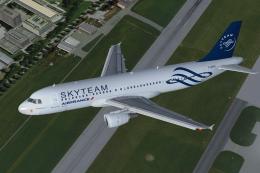
SkyTeam (Air France) Airbus A320-211. SkyTeam is an airline alliance and was …
 FSX Civil Aircraft
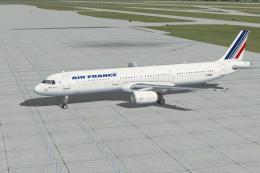
This freeware release showcases an accurate Air France Airbus A321 repaint (r…
 FSX Civil Aircraft
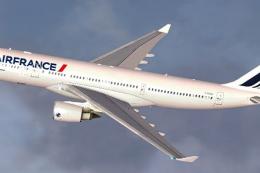
Air France Airbus A330-200 (new livery). Textures only for Thomas Ruth's A330…
Be the first to leave a comment on this download.
Be the first to share your thoughts on this download.