

 FSX Civil Aircraft
Singapore Airlines Airbus A310-324
This repaint package brings the iconic Singapore Airlines color scheme to the…
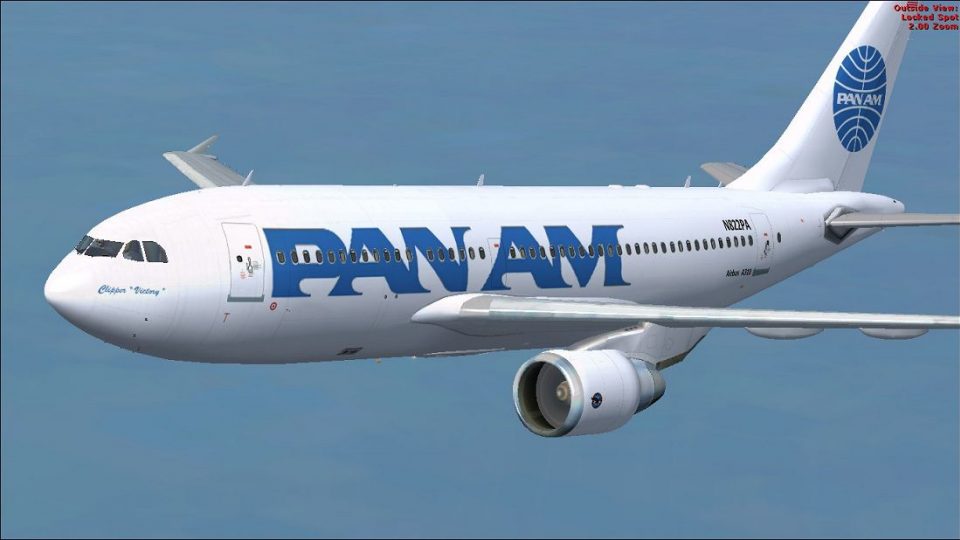
Pan Am’s Airbus A310-324 “Clipper Victory” livery brings registration N822PA to life with crisp markings and era-accurate detailing for Microsoft Flight Simulator X. Built to match the A310-300 airframe, it requires Thomas Ruth’s freeware base model and adds a faithful Pan American look for immersive mid- to long-range operations.
 Rate
Rate

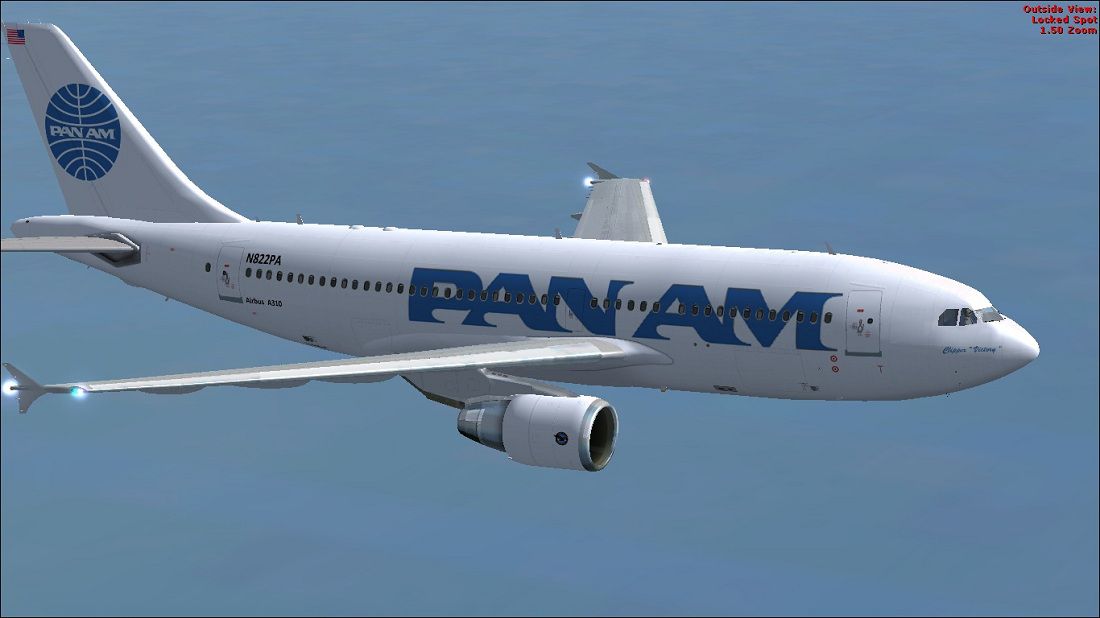
Experience a detailed recreation of Pan American World Airways’ Airbus A310-324, bearing registration N822PA, configured especially for Microsoft Flight Simulator X. This package offers a texture set that revives the Clipper “Victory” paint scheme originally seen on Pan Am’s fleet, created by Paul Craig. Note that these files require the freeware Airbus A310 base model by Thomas Ruth, which you can locate in the Fly Away Simulation mod library. This repaint provides a faithful impression of how Pan Am’s wide-body twinjet once soared across global routes, reflecting the airline’s pioneering reputation.
This repaint celebrates one of Pan American’s distinctive Airbus A310-324 variants, an offshoot of the original A300 series designed for medium- to long-range travel. Pan Am was well-known for its long-haul operations, and the A310 brought greater flexibility and efficiency. By applying this update, you can explore the iconic Pan Am brand while piloting a streamlined two-engine aircraft in diverse flight scenarios.
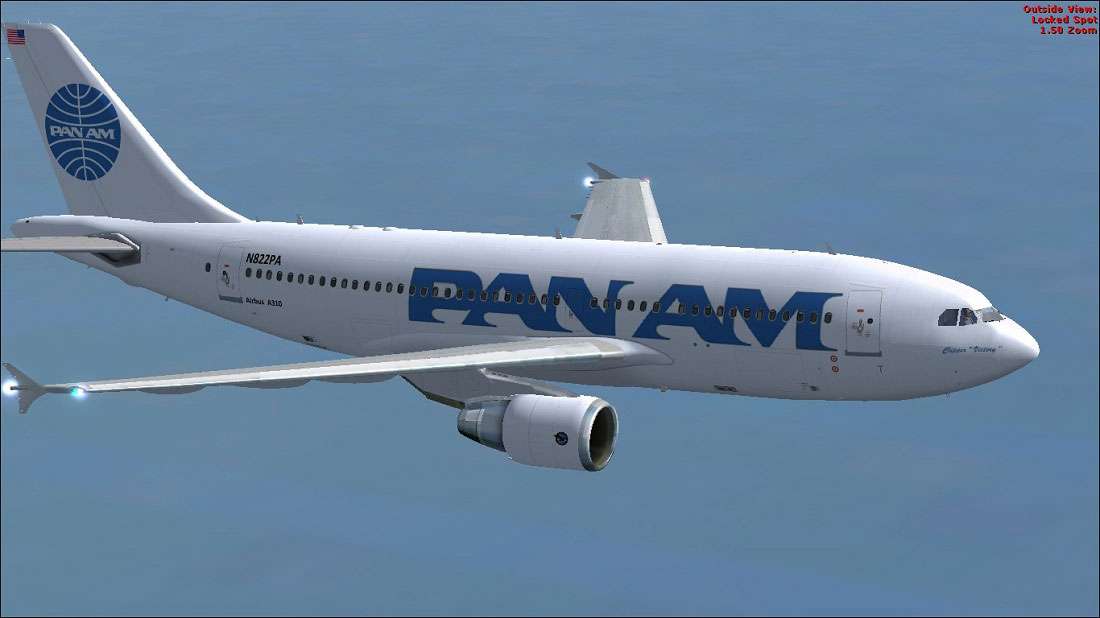
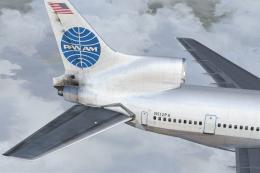
Pan Am Airbus A310-324 in flight.
Before installing, ensure that Thomas Ruth’s A310-300 freeware base package (TOMA310.ZIP) is already installed in your FSX aircraft directory. Then follow the instructions below:
OS (C)/Program Files (x86)/Microsoft Games/Microsoft Flight Simulator X/SimObjects/Airplanes/Tom_A310-300aircraft.cfg) by adding a new entry directly below the last [fltsim.x] section. Increment x by 1 for the next valid index.[fltsim.x]
title=Pan Am A310
sim=TomA310
model=PW
panel=310PW
sound=
texture=Pan Am
kb_checklists=
kb_reference=
atc_id=N822PA
atc_airline=Pan Am
atc_flight_number=1124
atc_heavy=1
ui_manufacturer=Airbus
ui_typerole=Commercial Airliner
ui_createdby=Thomas Ruth
ui_type=A310-300
ui_variation=Pan Am aircraft.cfg, move it to a separate folder, edit it externally, and then return it to the Tom_A310-300 directory as a workaround.This paint set is offered as freeware and is released for community enjoyment. Please keep in mind the following disclaimer:
Install and operate any provided content at your own discretion. The creator, Paul Craig, assumes no responsibility for any potential damage or complications resulting from the use of these files.
Arts and logos remain the property of their respective holders, and credits go to Paul Craig for crafting these textures and to Thomas Ruth for the original A310 model design.
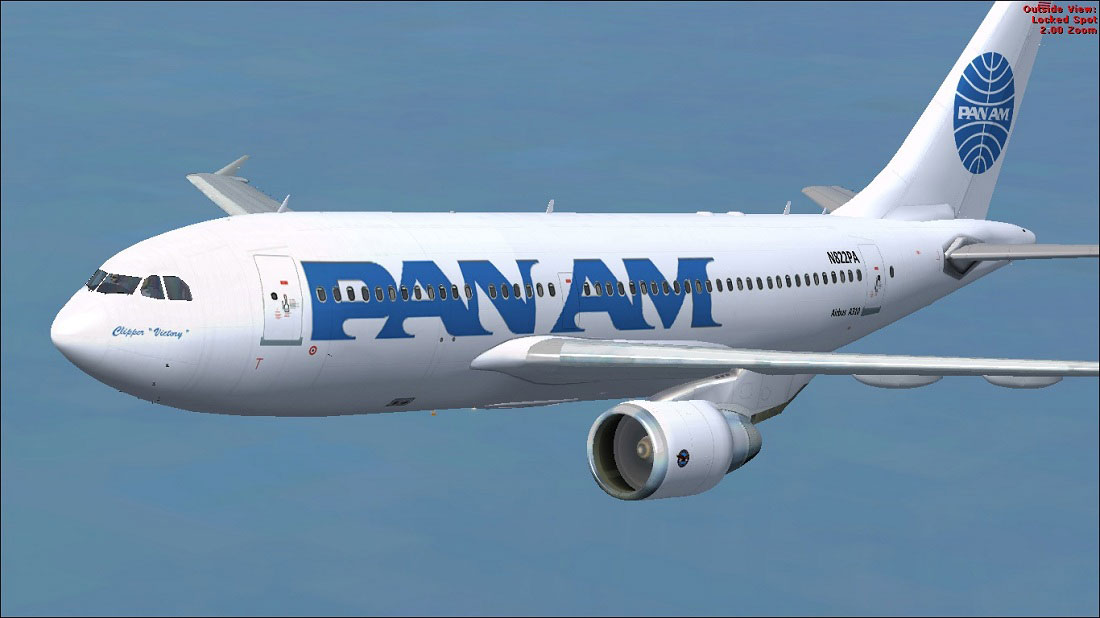
Pan Am Airbus A310-324 in flight.
Free for all simmers · 1.54 MB · Scanned clean Oct 2026
Download speed: Free tier is capped at 0.5 Mbps. PRO members download at full line speed.
This file is a repaint — the package below is the base model it paints onto. Install it first, or the textures will have nothing to load onto.
texture.{airline}) inside FSX\SimObjects\Airplanes\{base-aircraft}\.aircraft.cfg in Notepad. Add a new [fltsim.X] section per the readme.readme.txt or README file. It tells you exactly where files go, what dependencies are needed, and any quirks specific to this add-on.The archive pan_am_a310-324.zip has 17 files and directories contained within it.
This list displays the first 500 files in the package. If the package has more, you will need to download it to view them.
| Filename/Directory | File Date | File Size |
|---|---|---|
| FILE_ID.DIZ | 03.04.11 | 185 B |
| Pan Am Airbus A310-324 (1).jpg | 03.04.11 | 109.80 kB |
| Pan Am Airbus A310-324.jpg | 03.04.11 | 119.59 kB |
| Readme.txt | 03.04.11 | 1.47 kB |
| texture.Pan Am | 03.04.11 | 0 B |
| glass.dds | 11.26.10 | 64.12 kB |
| main.dds | 03.04.11 | 4.00 MB |
| main_bump.dds | 03.12.10 | 4.00 MB |
| main_light.dds | 03.13.10 | 1.00 MB |
| main_spec.dds | 03.13.10 | 256.12 kB |
| texture.cfg | 03.12.10 | 143 B |
| thumbnail.jpg | 03.04.11 | 11.46 kB |
| wing_l.dds | 03.12.10 | 1.00 MB |
| wing_r.dds | 03.12.10 | 1.00 MB |
| thumbnail.png | 03.04.11 | 23.28 kB |
| flyawaysimulation.txt | 10.29.13 | 959 B |
| Go to Fly Away Simulation.url | 01.22.16 | 52 B |
Only PRO members can place votes.
More FSX & P3D add-ons hand-picked based on this download.
FSX Civil Aircraft
This repaint package brings the iconic Singapore Airlines color scheme to the…
 FSX Civil Aircraft
Textures only for the payware Overland A310-300 model. Repaint by Bonnie Bell…
 FSX Civil Aircraft
Pan Am Airbus A370. A fictional repaint of the A370 operated by Pan American.…
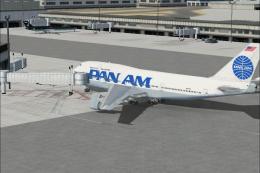 FSX Civil Aircraft
Pan Am Boeing 747-400. Pan American textures only for the default B747-400. R…
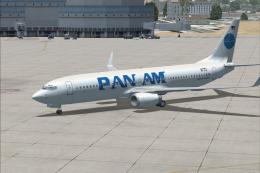 FSX Civil Aircraft
FSX Pan Am Boeing 737-800 Pan American textures only for the default B737-800…
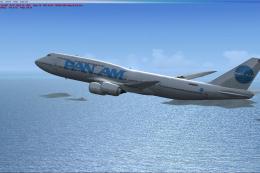 FSX Civil Aircraft
Pan American B747-8i textures for the payware PMDG model. By Domino Kotchqhar…
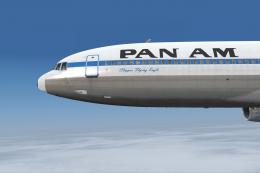 FSX Civil Aircraft
This custom livery adds the historic Pan American “Clipper Flying Eagle” desi…
 FSX Civil Aircraft
This freeware repaint provides an authentic Pan American World Airways livery…
Be the first to leave a comment on this download.
Be the first to share your thoughts on this download.