

 FSX General Aviation Aircraft
Red White And Blue Bonanza V35
This alluring freeware release, crafted specifically for Microsoft Flight Sim…
Project V35 Bonanza brings Beechcraft’s classic V-tail single to FSX with tuned flight dynamics, a refined 2D instrument panel, and updated textures that highlight the aircraft’s crisp silhouette. Blank paint templates and bitmap files make repaints straightforward, letting simmers tailor liveries while keeping the package lightweight and focused.
 Rate
Rate
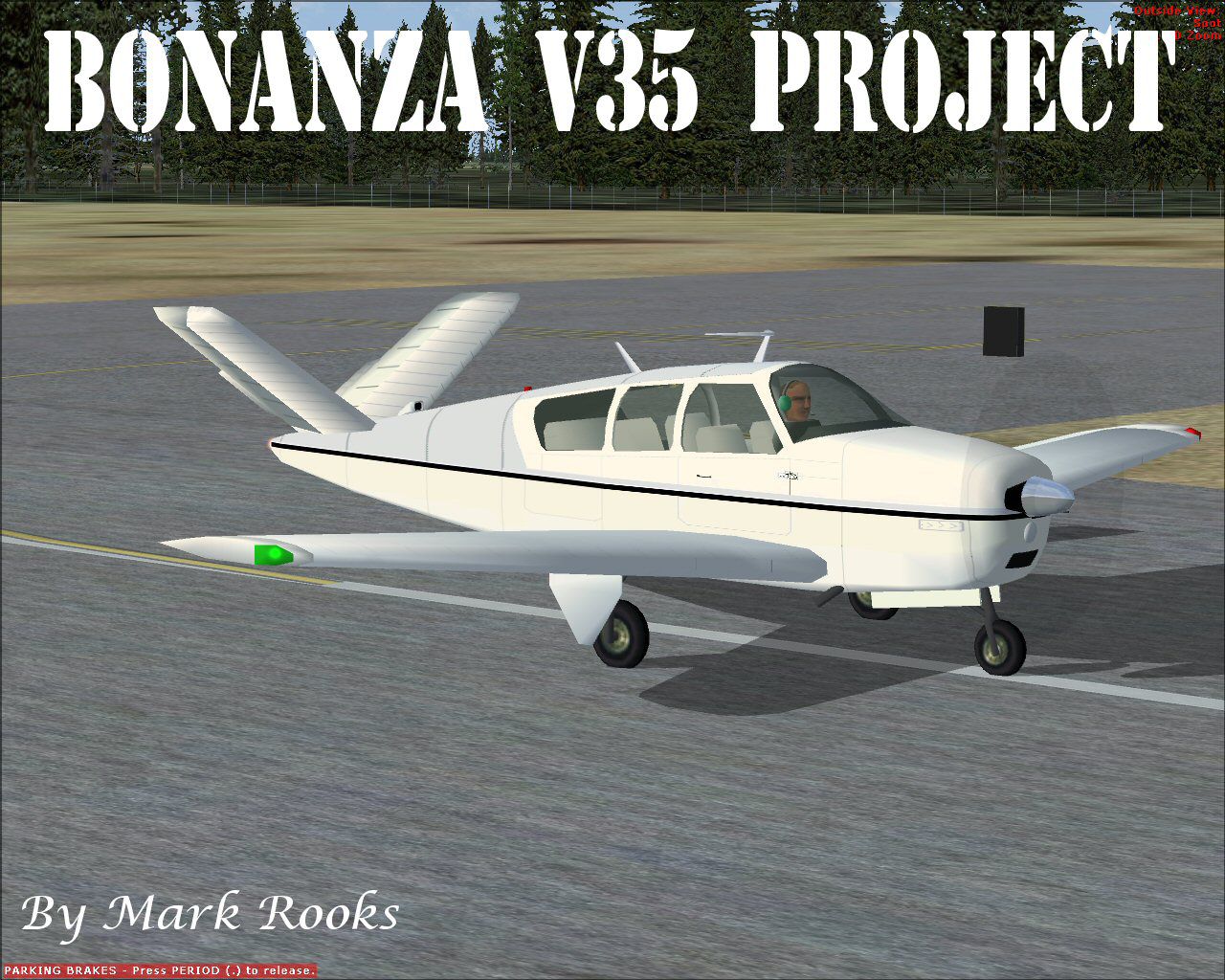
Featuring a distinct V-tail arrangement, the Project V35 Bonanza is a freeware aircraft package honoring one of Beechcraft’s most iconic single-engine designs. Originally introduced with a focus on personal and corporate aviation, this particular model’s instantly recognizable silhouette has made it a mainstay in modern flight simulation. The developer, Chuck Dome, crafted the underlying Bonanza structure, and Mark Rooks of RSDG Aircraft subsequently enhanced it for Microsoft Flight Simulator X by refining the panel, optimizing flight characteristics, and creating updated textures complete with blank liveries that users can easily repaint.
The Beechcraft Bonanza line has remained wildly popular across multiple flight simulator platforms for decades. Its V-tail variant first appeared in the late 1940s, offering aerodynamic advantages and an appealing profile. Pilots in the civil aviation community quickly applauded this design for its nimble handling and comfortable interior. With Project V35 Bonanza, simmers can explore that legacy in a modern environment, taking advantage of an authentic flight model that reflects the aircraft’s general aviation roots.

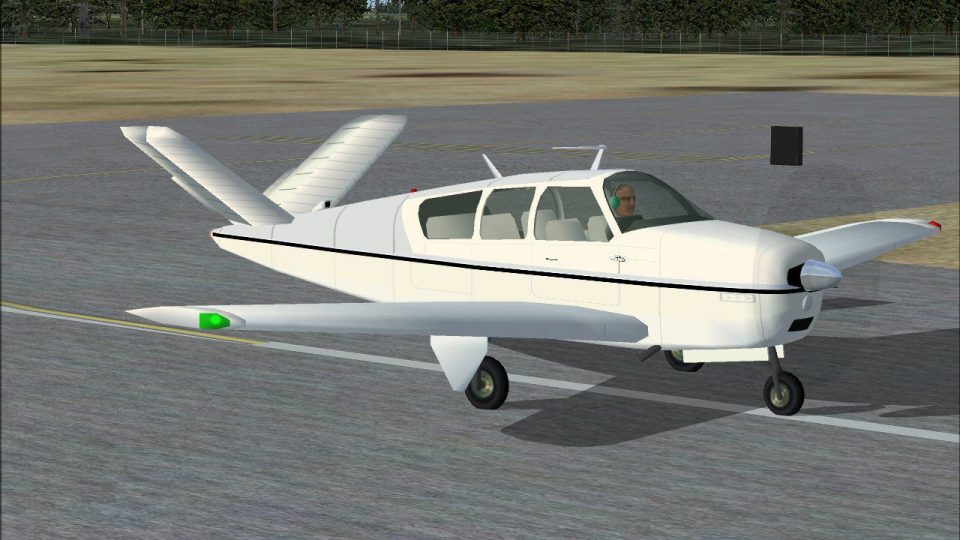
Project V35 Bonanza on runway.
In this rendition, Mark Rooks, known as “Fire Ball,” has meticulously tailored the Bonanza’s panel layout while fine-tuning flight parameters to ensure a well-balanced experience in FSX. Although no virtual cockpit (often abbreviated as “NO VC”) is included, the 2D panel has undergone careful adjustments to meet the expectations of flight simulation enthusiasts who seek reliable instrumentation and functionality. Additionally, new textures have been seamlessly integrated, and the entire aircraft has been packaged with user-friendly bitmap files for artists who wish to personalize the paint scheme.
For simmers eager to create custom liveries, the included bitmaps serve as a straightforward starting canvas. Painting utilities like DXTBMP (a standalone tool for opening and converting flight sim texture formats) can be used in combination with common image editors to develop distinctive color schemes. Once repaints are finalized, they are typically converted to an FS-friendly format (for instance, DXT1BMP), helping optimize visuals and performance within Microsoft Flight Simulator X. It is also advisable to rename the entries in the aircraft configuration (.cfg) file to ensure each variation appears correctly on the aircraft selection screen.
Following these steps should result in a complete, fully functional add-on, ready to appear on your aircraft selection list.
RSDG Aircraft stands behind its freeware releases, yet it disclaims responsibility for any potential damages—use of these files always remains at your own risk. These additions were free of harmful software when uploaded, and no single member of RSDG can be held liable for any maintenance or repair issues that might arise while modifying your setup. By installing these files, you acknowledge and accept that condition.
References to military tradition, including passages contributed by Col. Robert K Suchke, reflect the spirit of airborne service and its storied past—they have been preserved here as part of the developer’s original creative expression. The creators, Chuck Dome and Mark “Fire Ball” Rooks, encourage users to support organizations like Mercy Flight in their local areas.
Enjoy your newly upgraded Beechcraft Bonanza and immerse yourself in the classic V-tail experience that continues to captivate general aviation enthusiasts. Should you wish to add further modifications, simply adapt the .cfg file or experiment with new texture ideas. Have fun exploring the skies with this freeware release from Mark Rooks and the RSDG team.
Free for all simmers · 17.66 MB · Scanned clean Oct 2026
Download speed: Free tier is capped at 0.5 Mbps (this file takes approximately 5 mins at the cap). PRO members download at full line speed.
SimObjects\Airplanes\, Addon Scenery\, Effects\, or Gauges\.readme.txt or README file. It tells you exactly where files go, what dependencies are needed, and any quirks specific to this add-on.The archive pbbv35.zip has 8 files and directories contained within it.
This list displays the first 500 files in the package. If the package has more, you will need to download it to view them.
| Filename/Directory | File Date | File Size |
|---|---|---|
| Pictures and History.zip | 05.11.08 | 5.89 MB |
| Project Bonanza V35.zip | 05.15.08 | 11.47 MB |
| Read Me First.txt | 05.15.08 | 6.18 kB |
| Reg. Text.txt | 05.15.08 | 527 B |
| Thumbs.db | 05.15.08 | 10.00 kB |
| V35 Screen.jpg | 05.15.08 | 289.39 kB |
| flyawaysimulation.txt | 10.29.13 | 959 B |
| Go to Fly Away Simulation.url | 01.22.16 | 52 B |
Only PRO members can place votes.
More FSX & P3D add-ons hand-picked based on this download.
FSX General Aviation Aircraft
This alluring freeware release, crafted specifically for Microsoft Flight Sim…
 FSX General Aviation Aircraft
Beech Bonanza 35. This is a modified version of Chuck Dome's Beechcraft Bonan…
 FSX General Aviation Aircraft
Enhance your virtual flying experience with the Carenado A36 Bonanza Mega Rep…
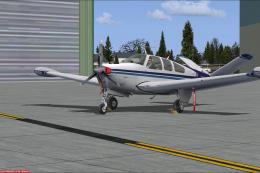 FSX General Aviation Aircraft
Features include: engine wear, engine damage with fire and sound effect, engi…
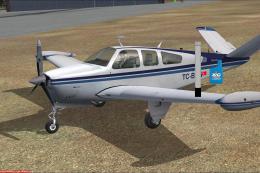 FSX General Aviation Aircraft
This is a freeware project for the Carenado FSX Beech V35. This mod adds to y…
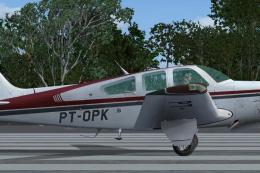 FSX General Aviation Aircraft
Textures only for the payware Carenado model. By Adelson de Souza Brito Junio…
 FSX General Aviation Aircraft
Textures only; requires TWIN_BON.ZIP. Model by Eric Dantes. Repaint by Mel Mu…
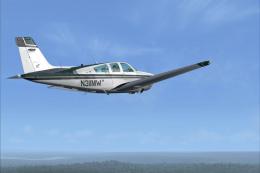 FSX General Aviation Aircraft
This freeware repaint set by Kevin Michael refreshes the payware Carenado Bee…
Be the first to leave a comment on this download.
Be the first to share your thoughts on this download.