

 FSX General Aviation Aircraft
Cessna 208B For FSX Carrier
After publishing my FSX AI Carrier package, I had several people contact me a…
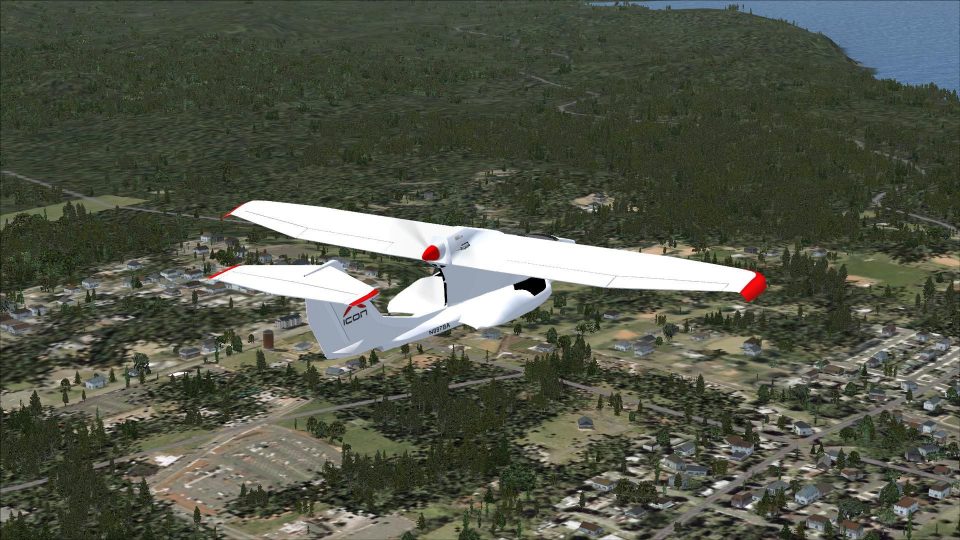
The Icon A5 amphibious light-sport aircraft brings water-to-runway freedom with a crisp external model and a clear virtual cockpit for relaxed VFR flying in FSX. Dan Cowan’s freeware release captures the A5’s sporty handling and seaplane versatility, making lake hops, beach landings, and short-field circuits feel natural.
 Rate
Rate
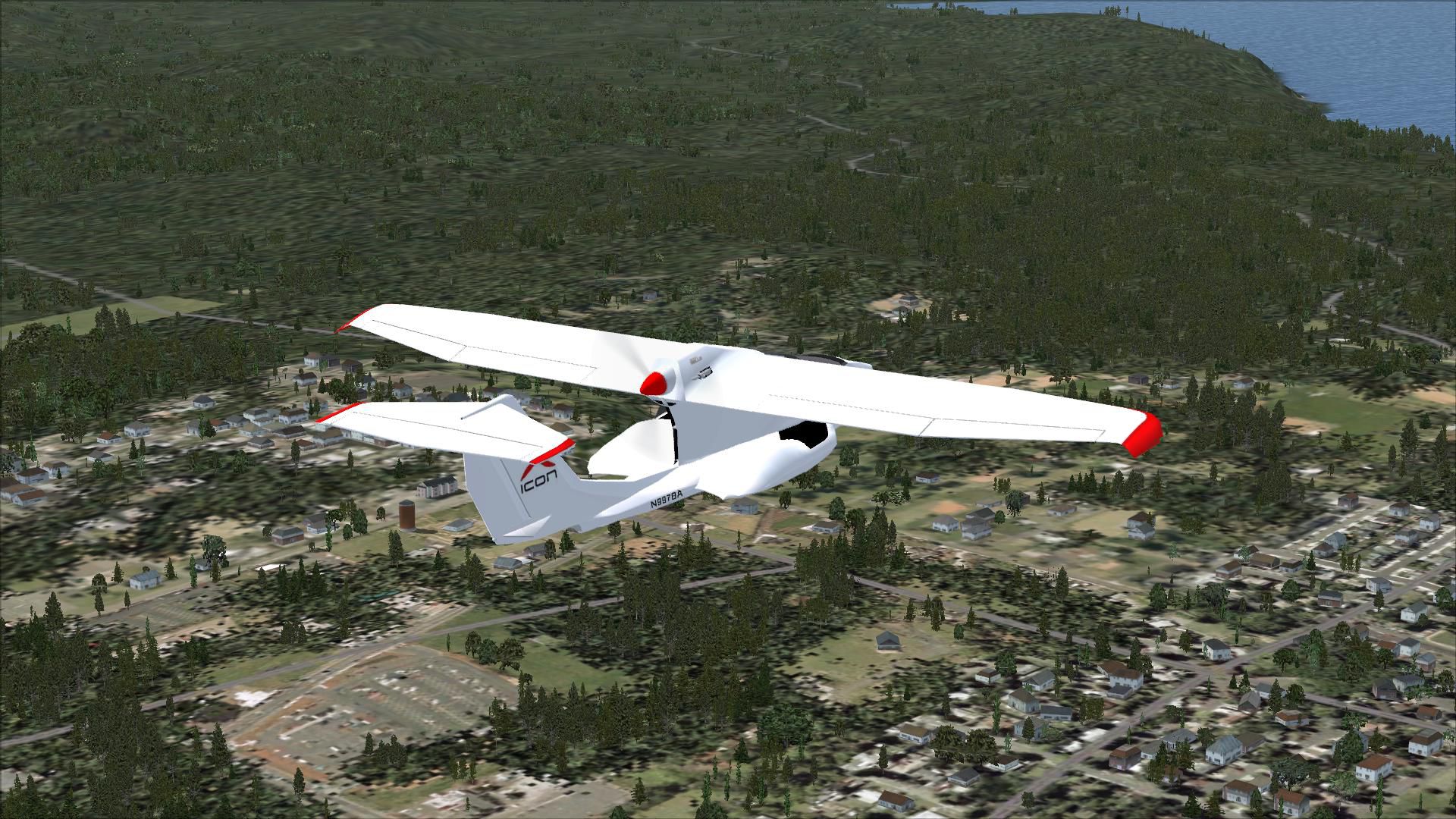
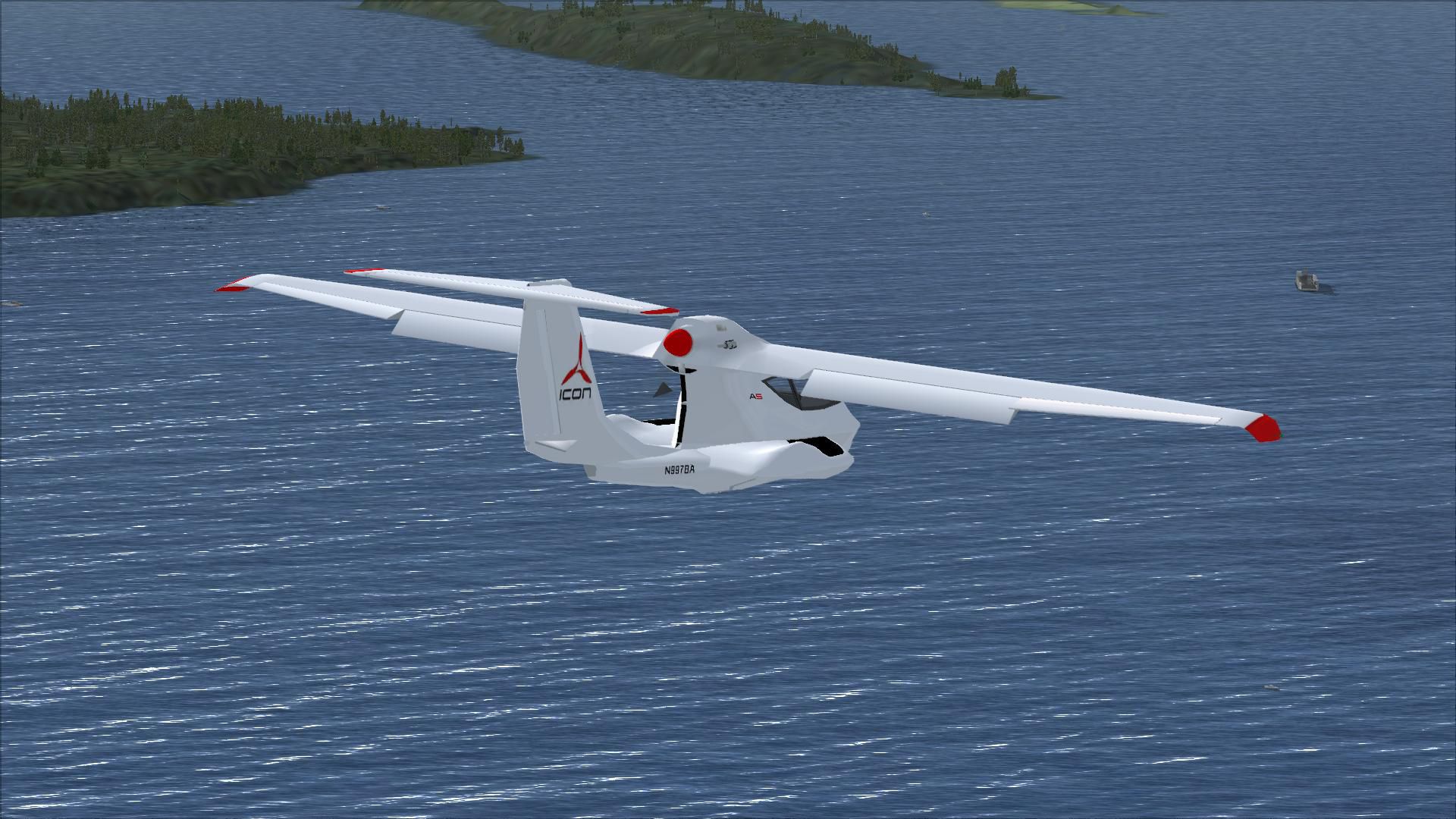
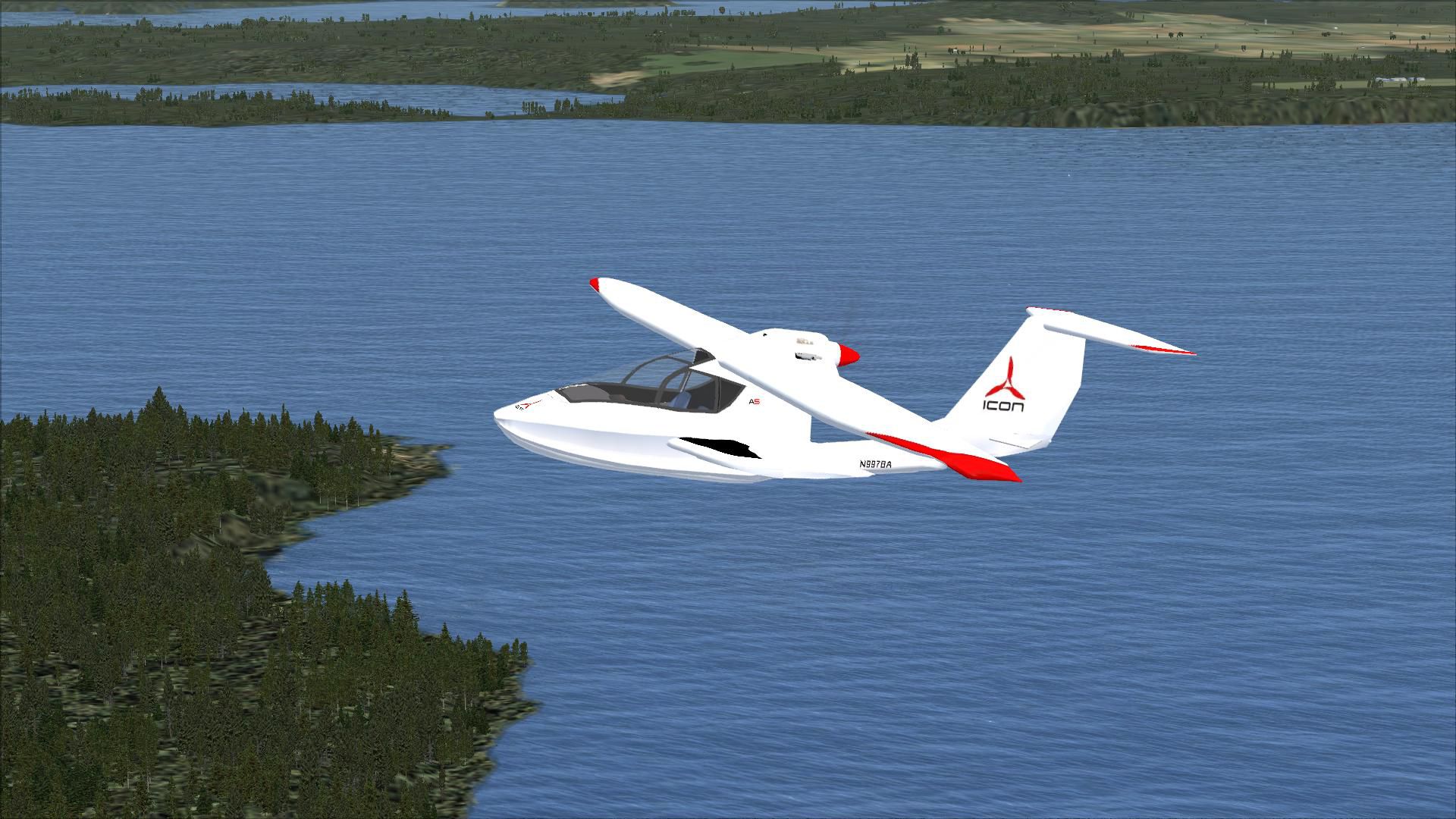
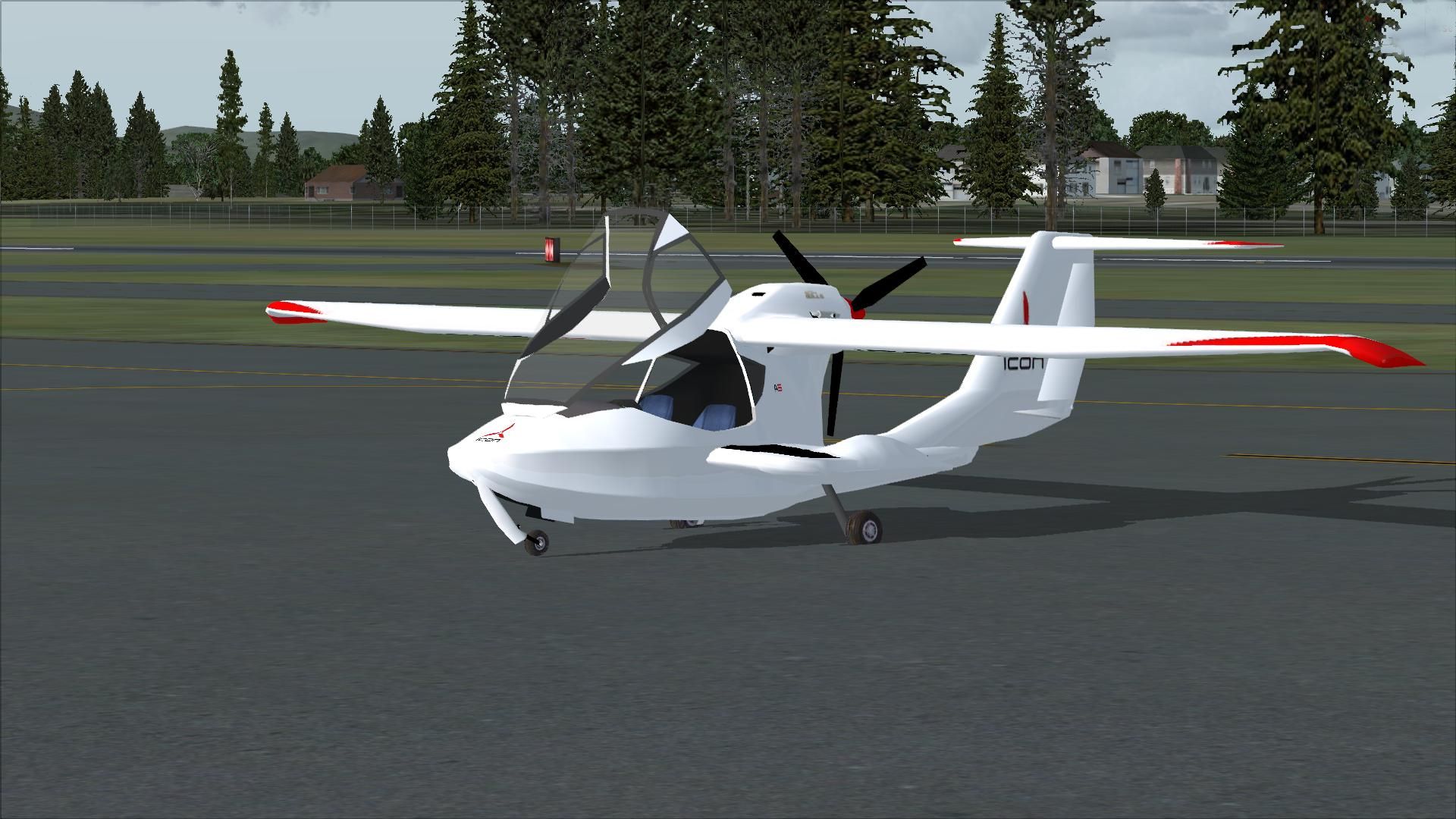
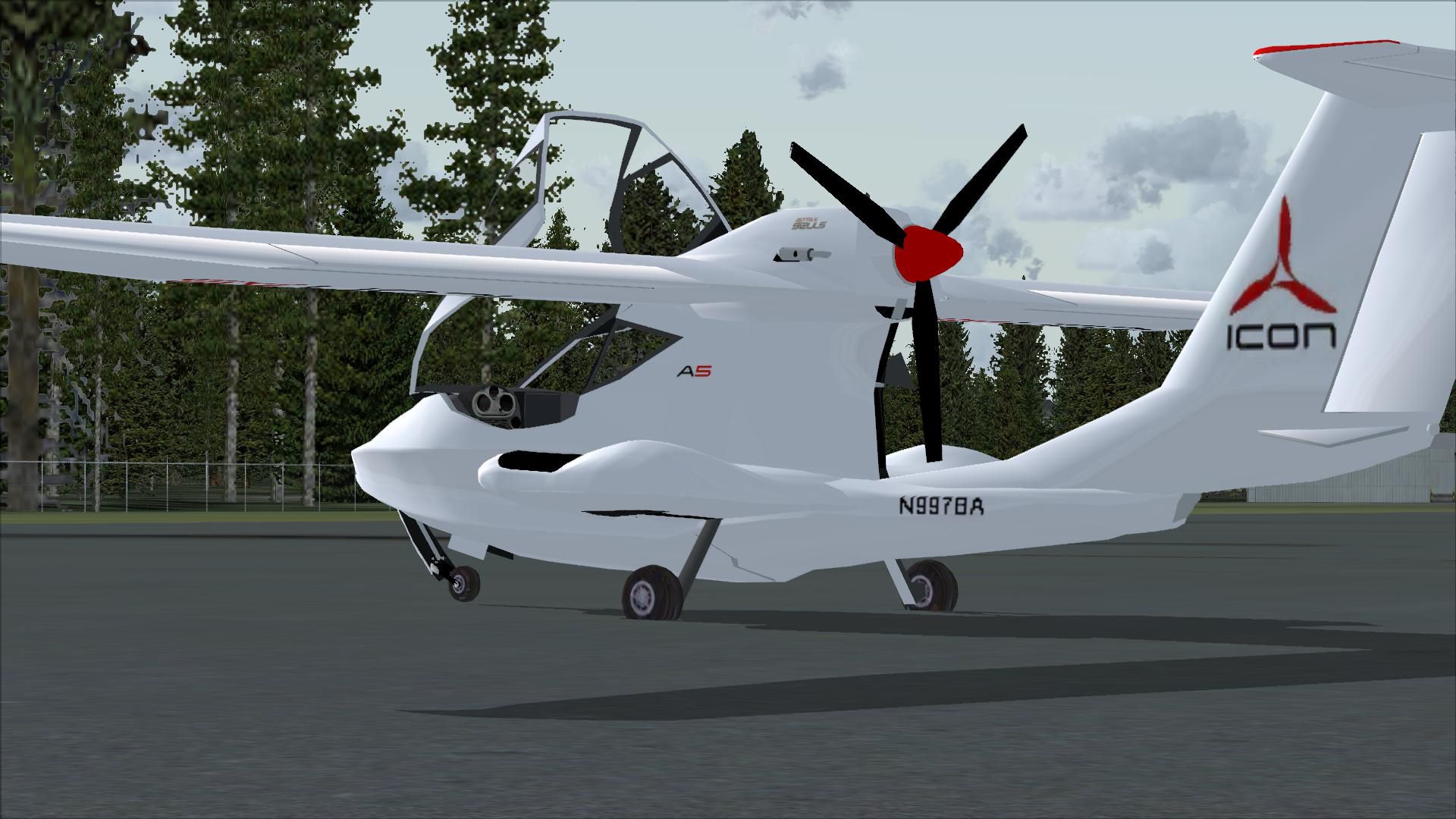
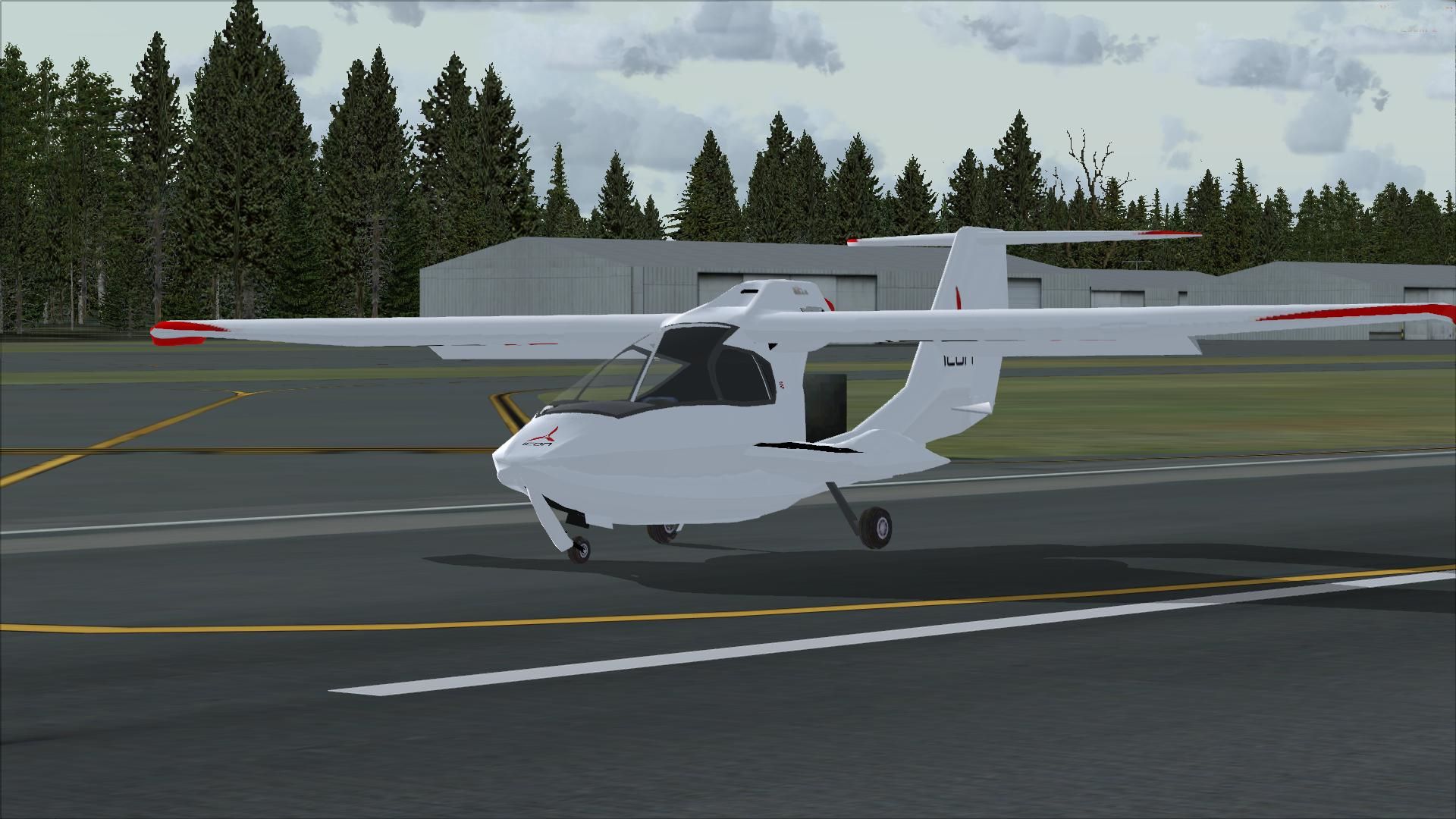
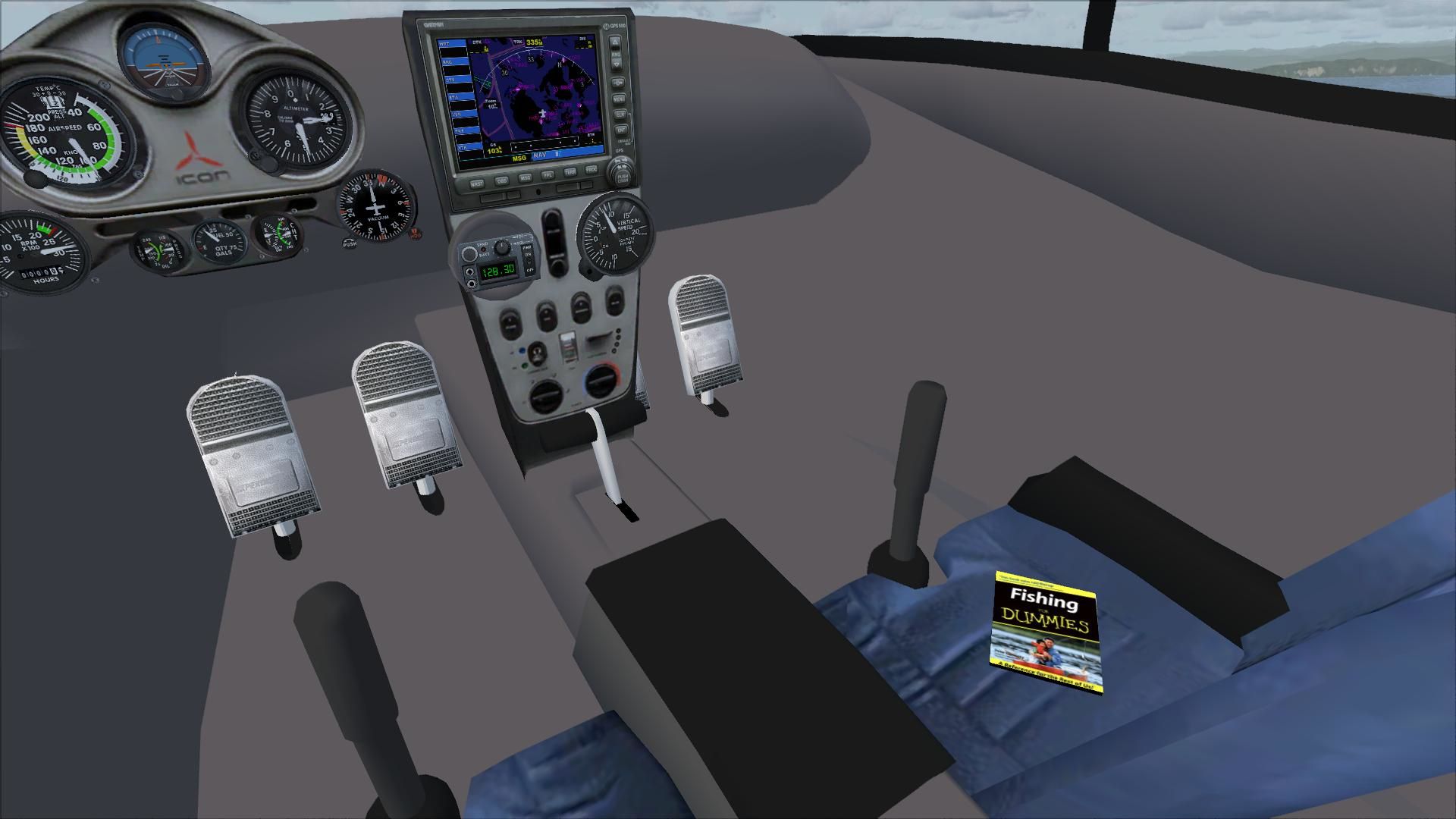
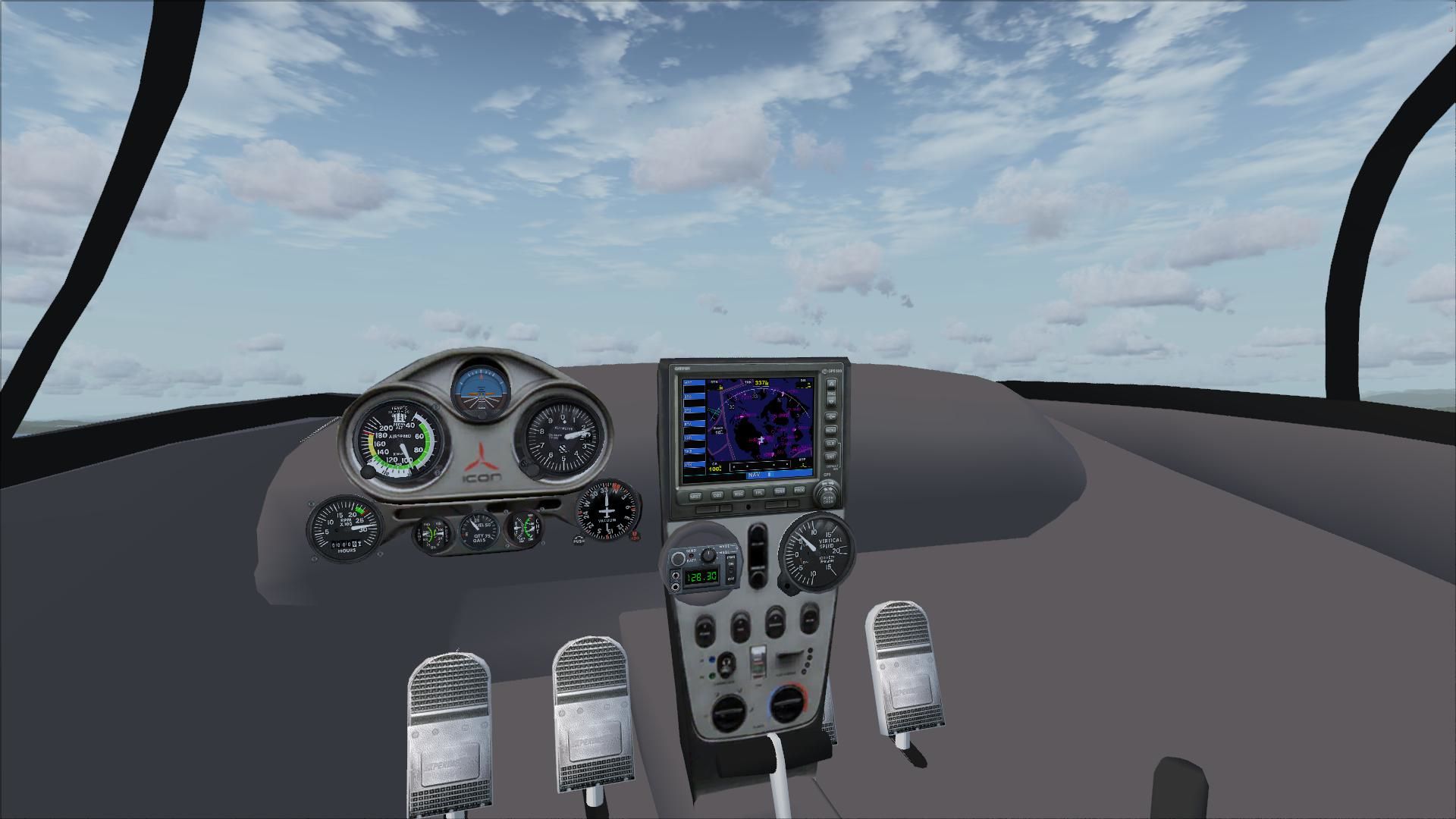
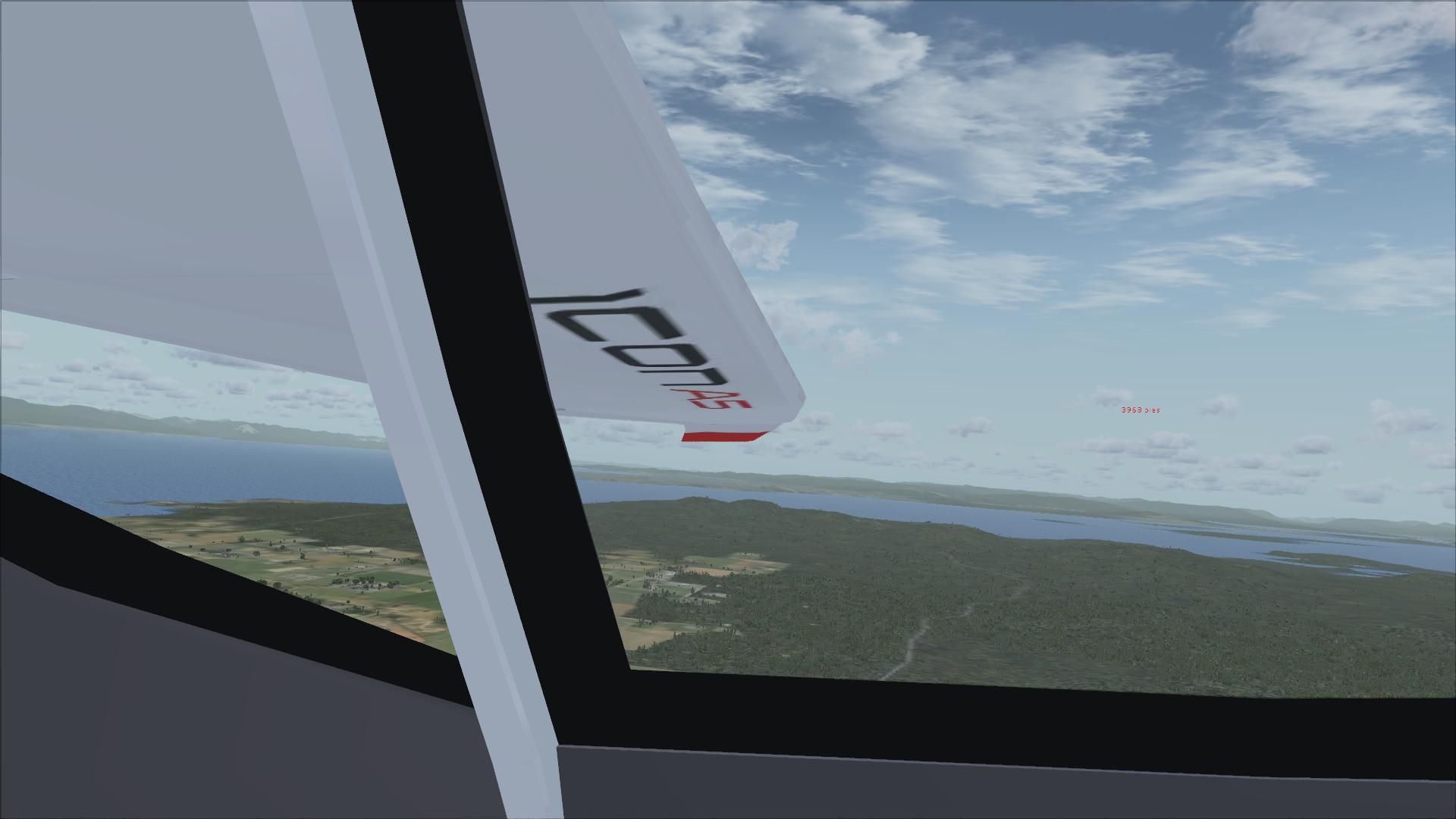
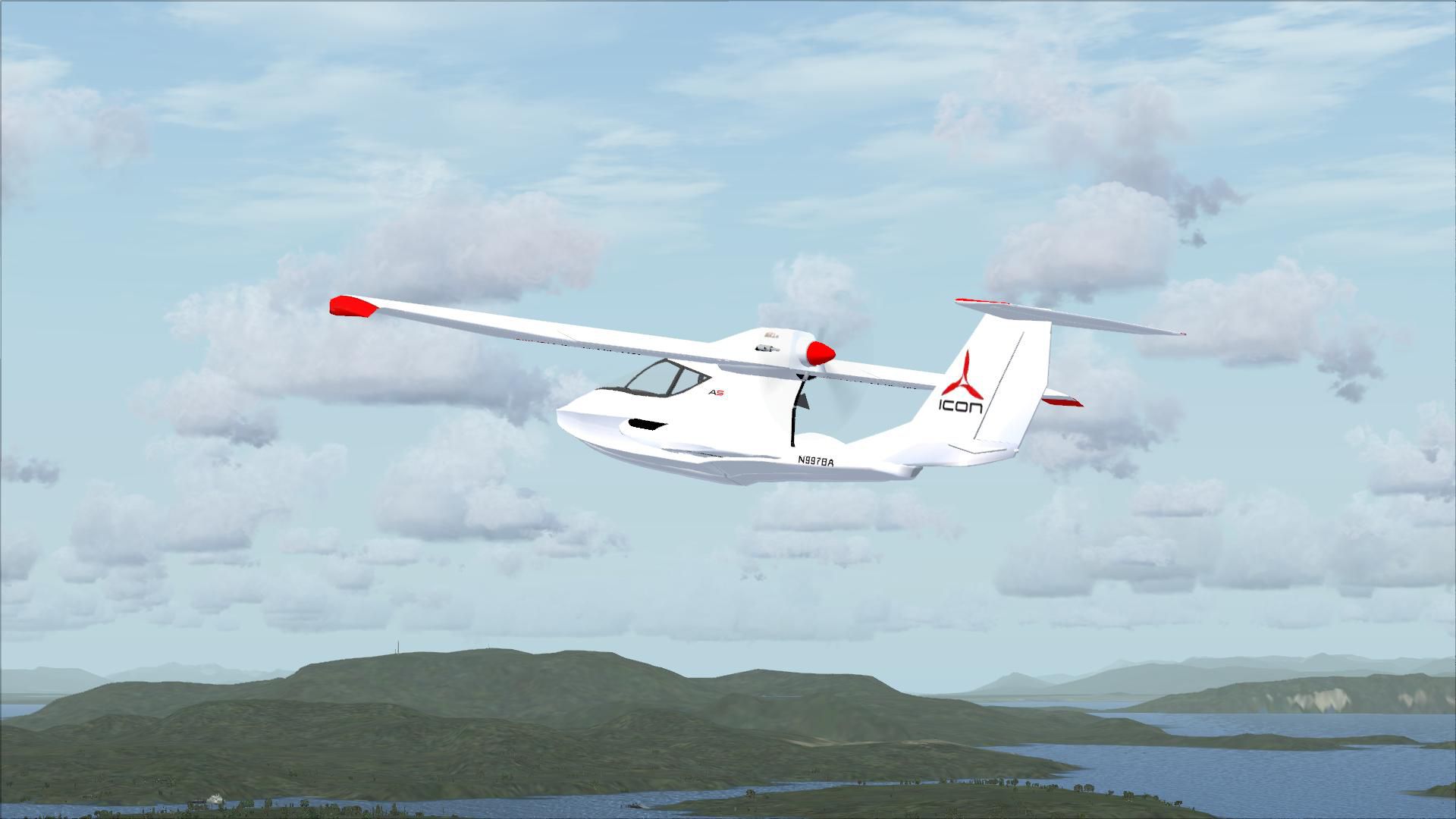
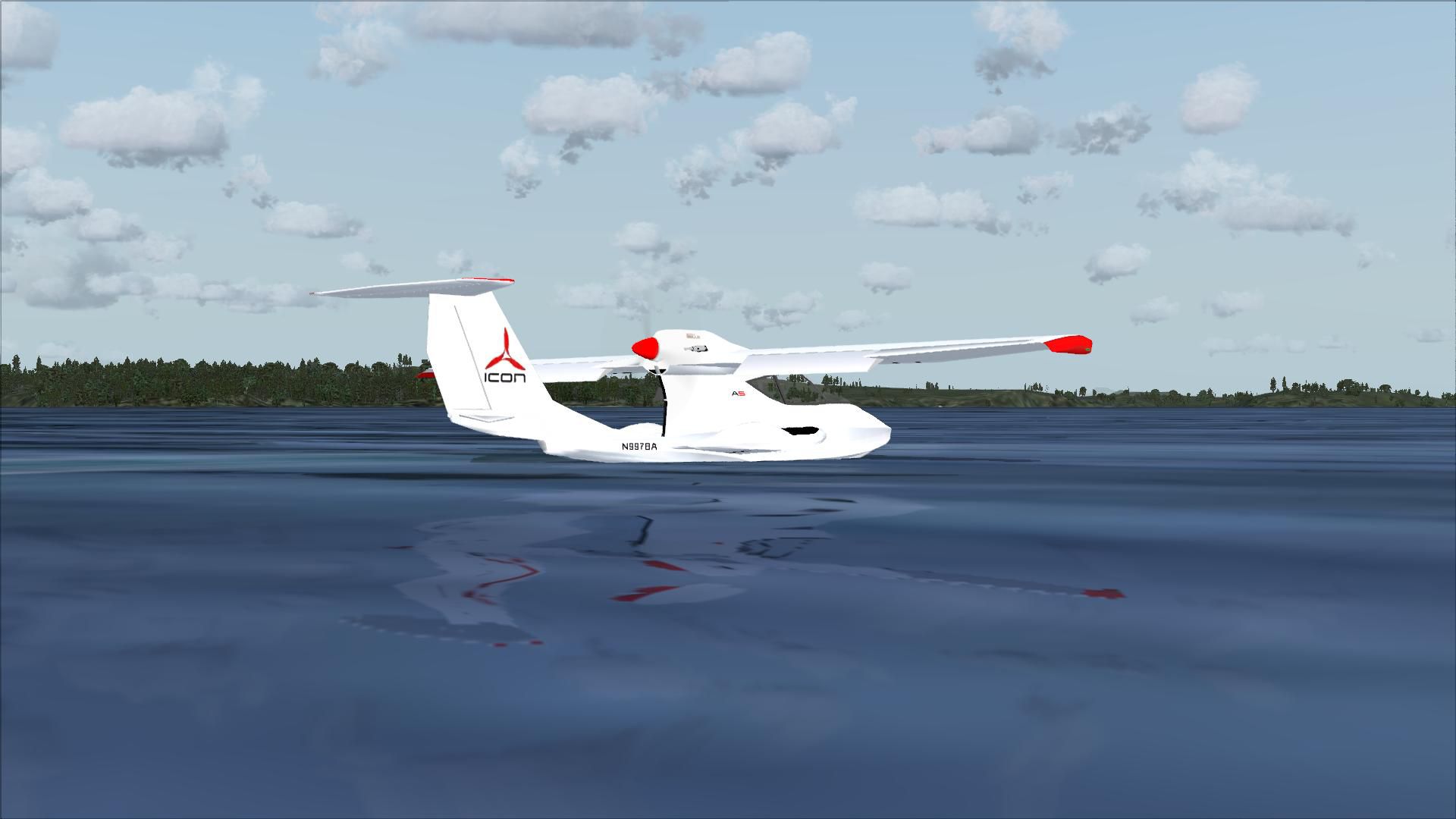
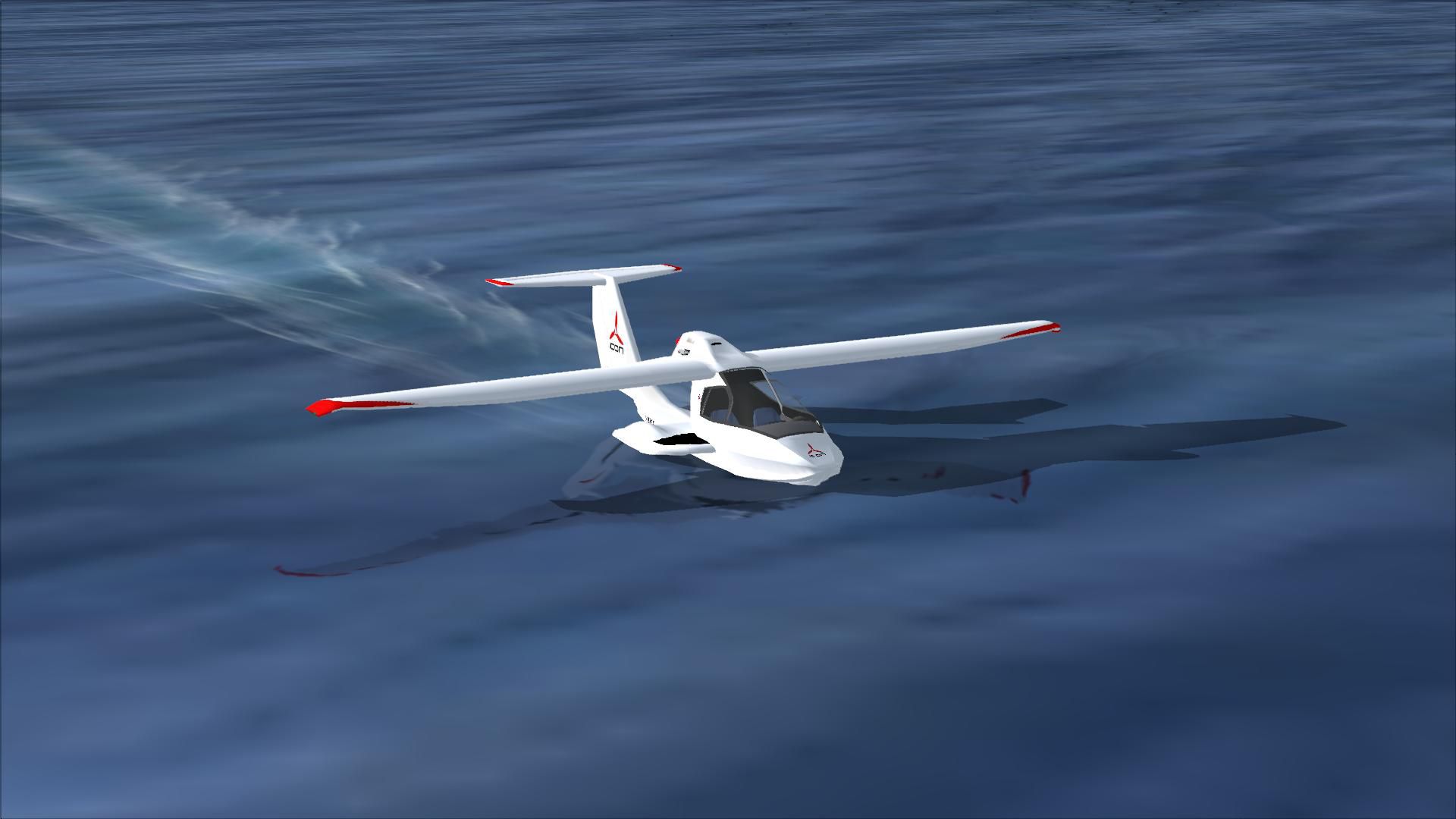
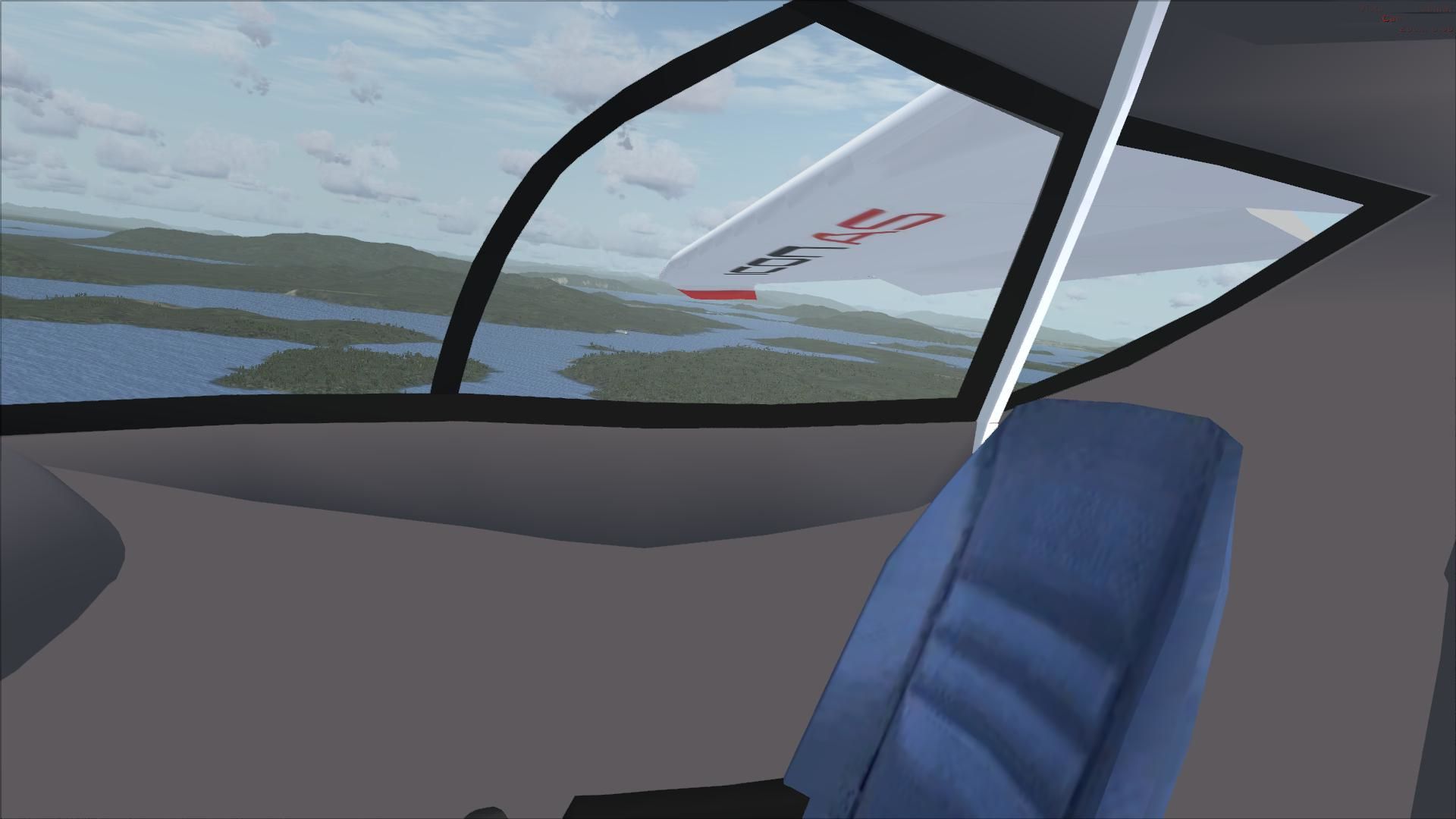
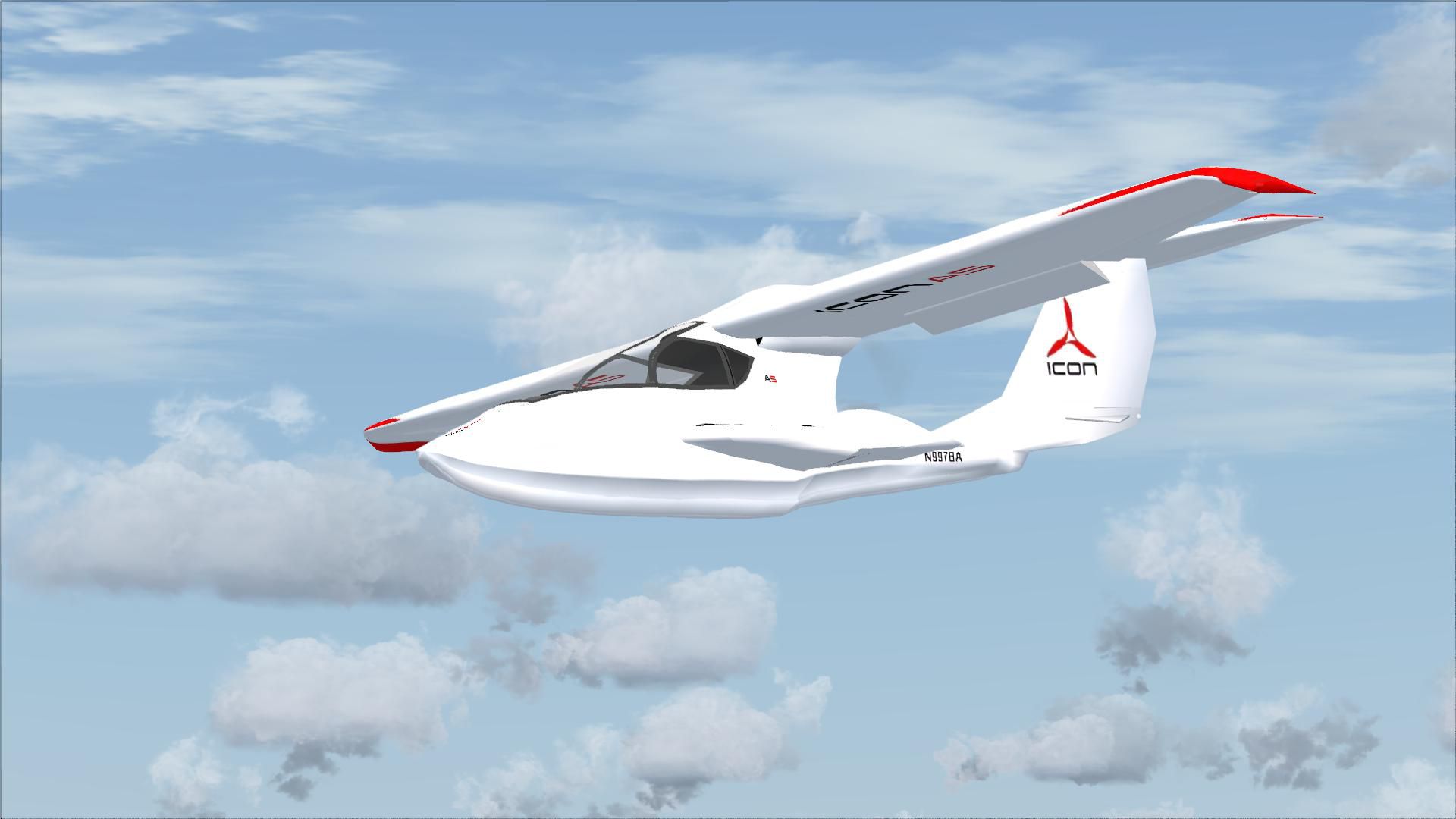
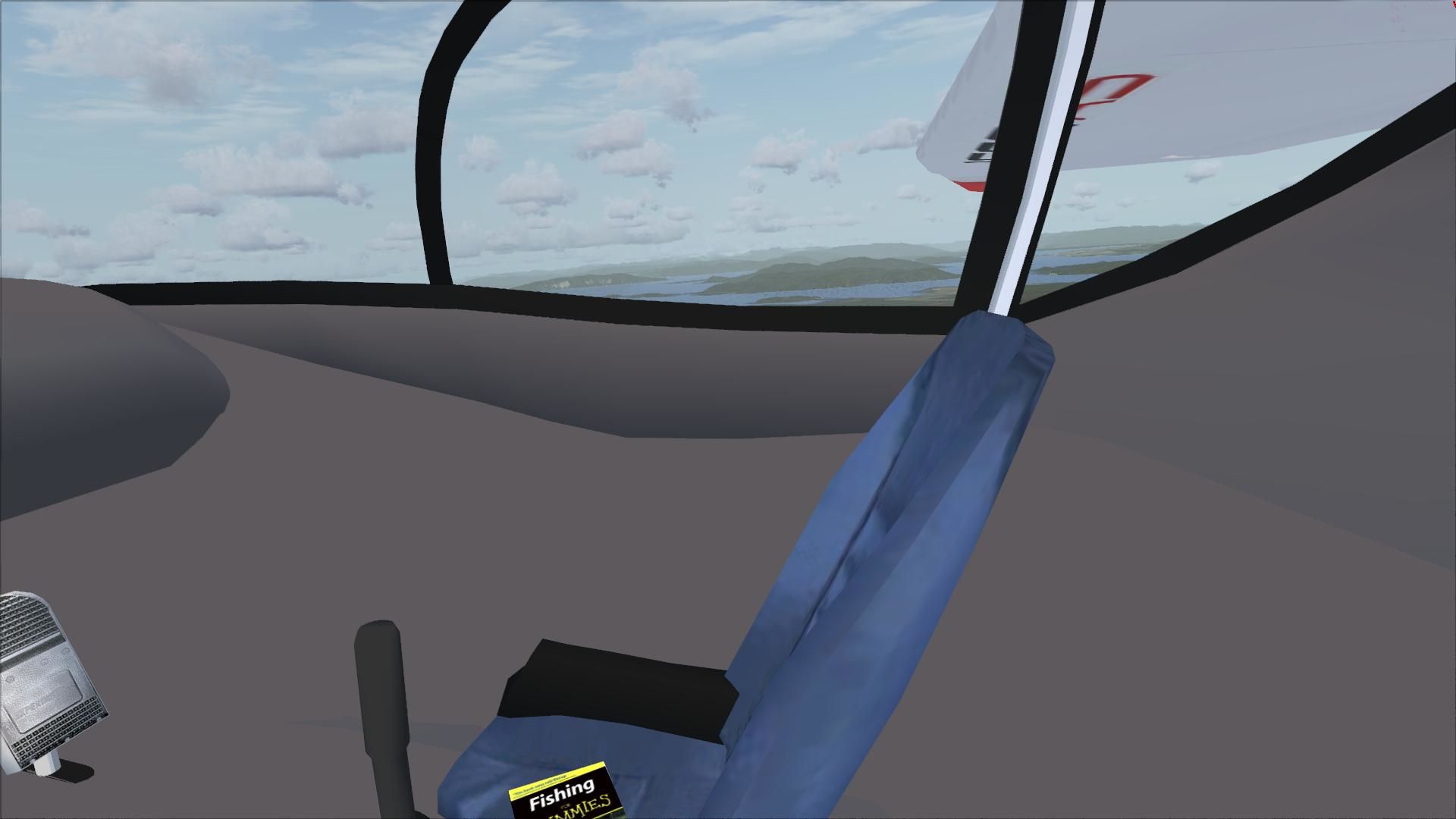
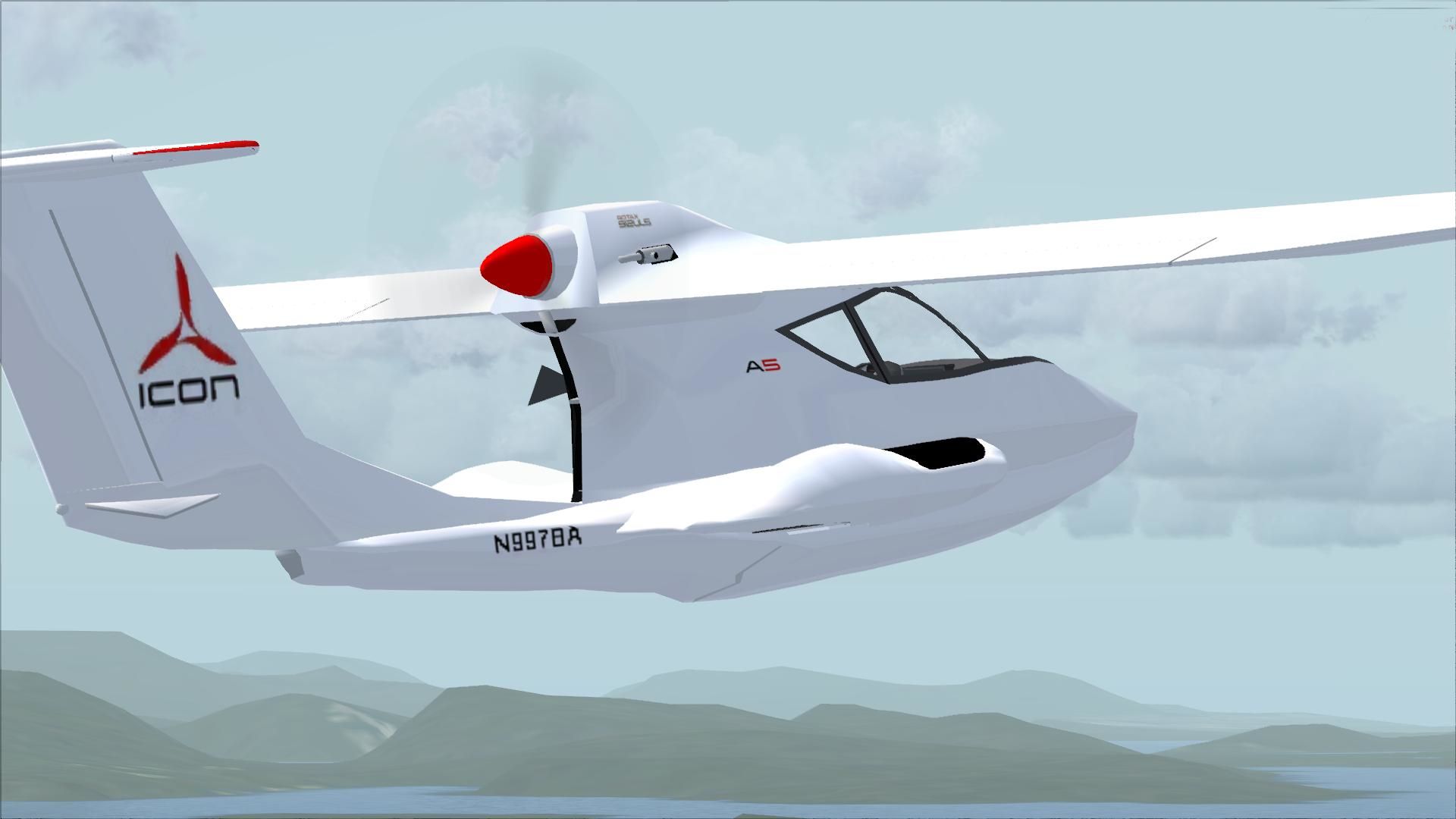
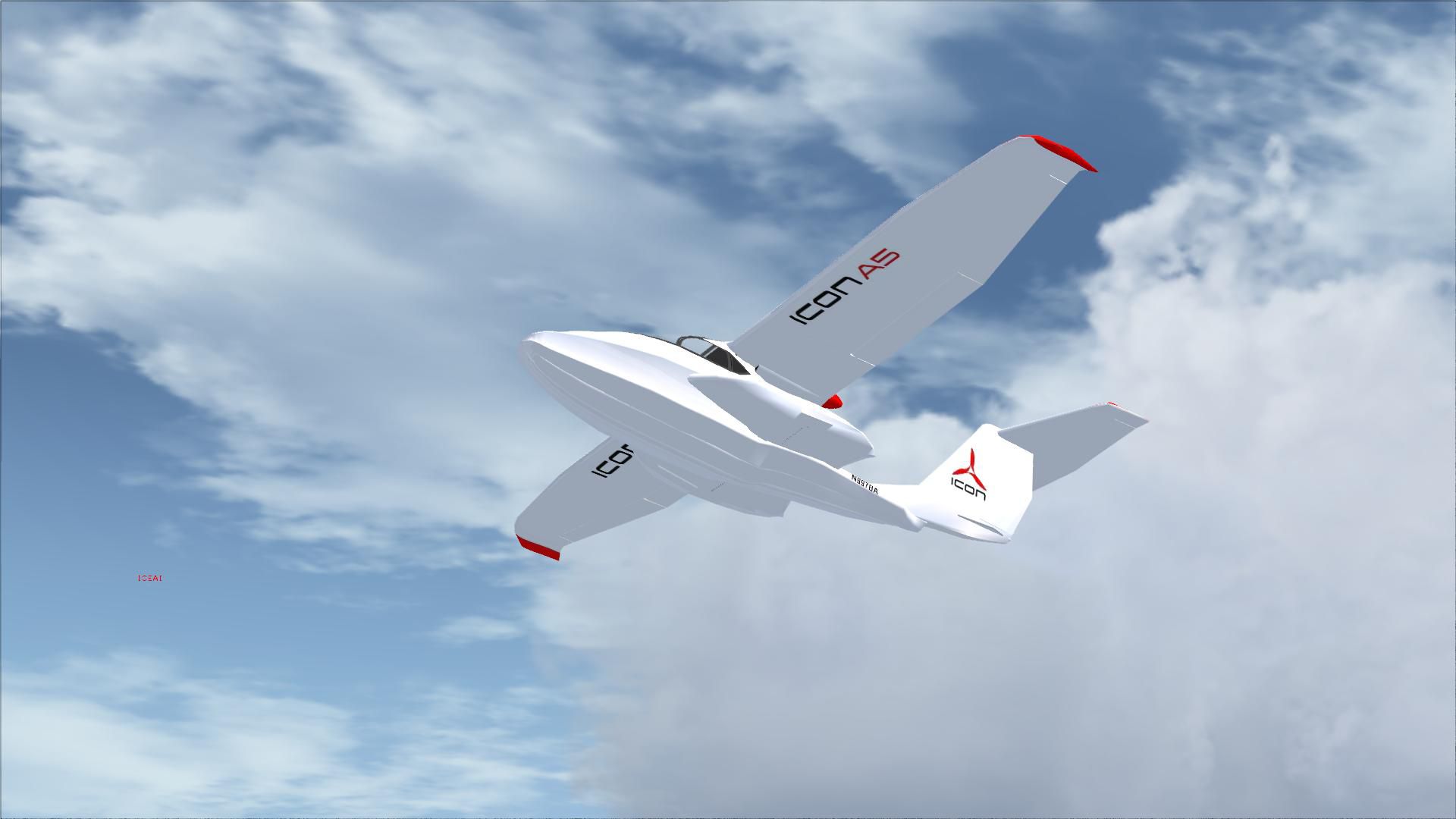
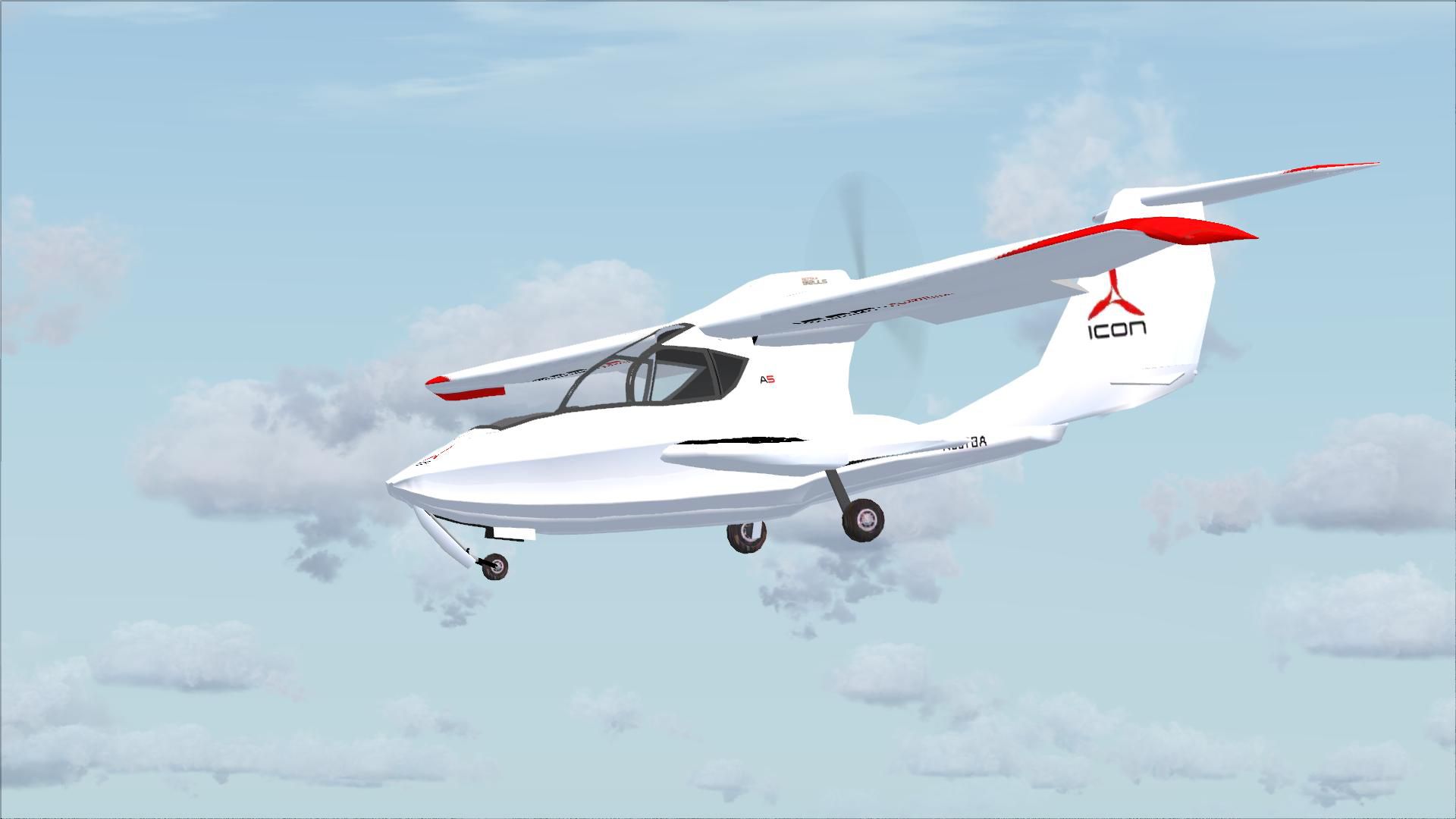
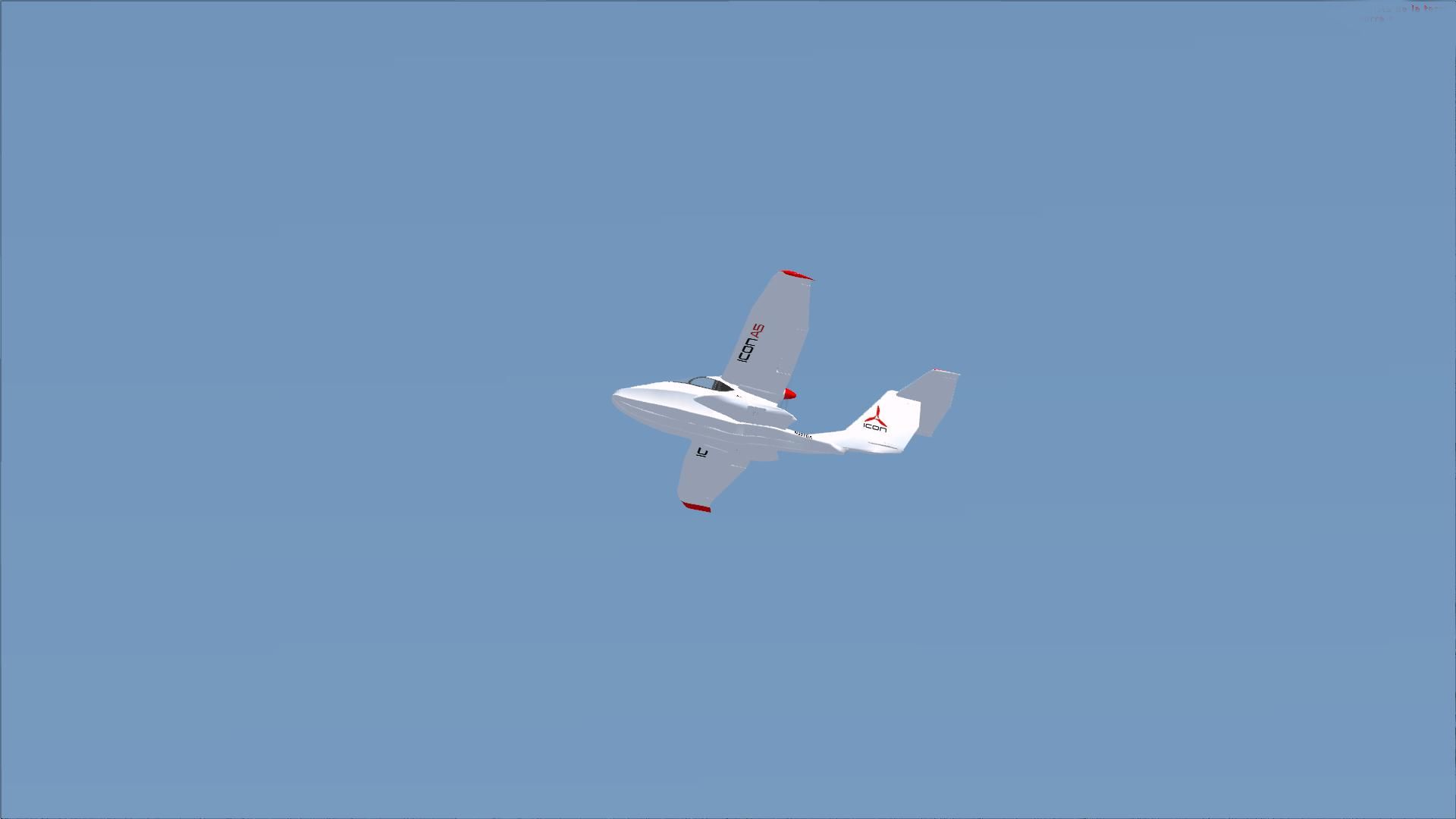
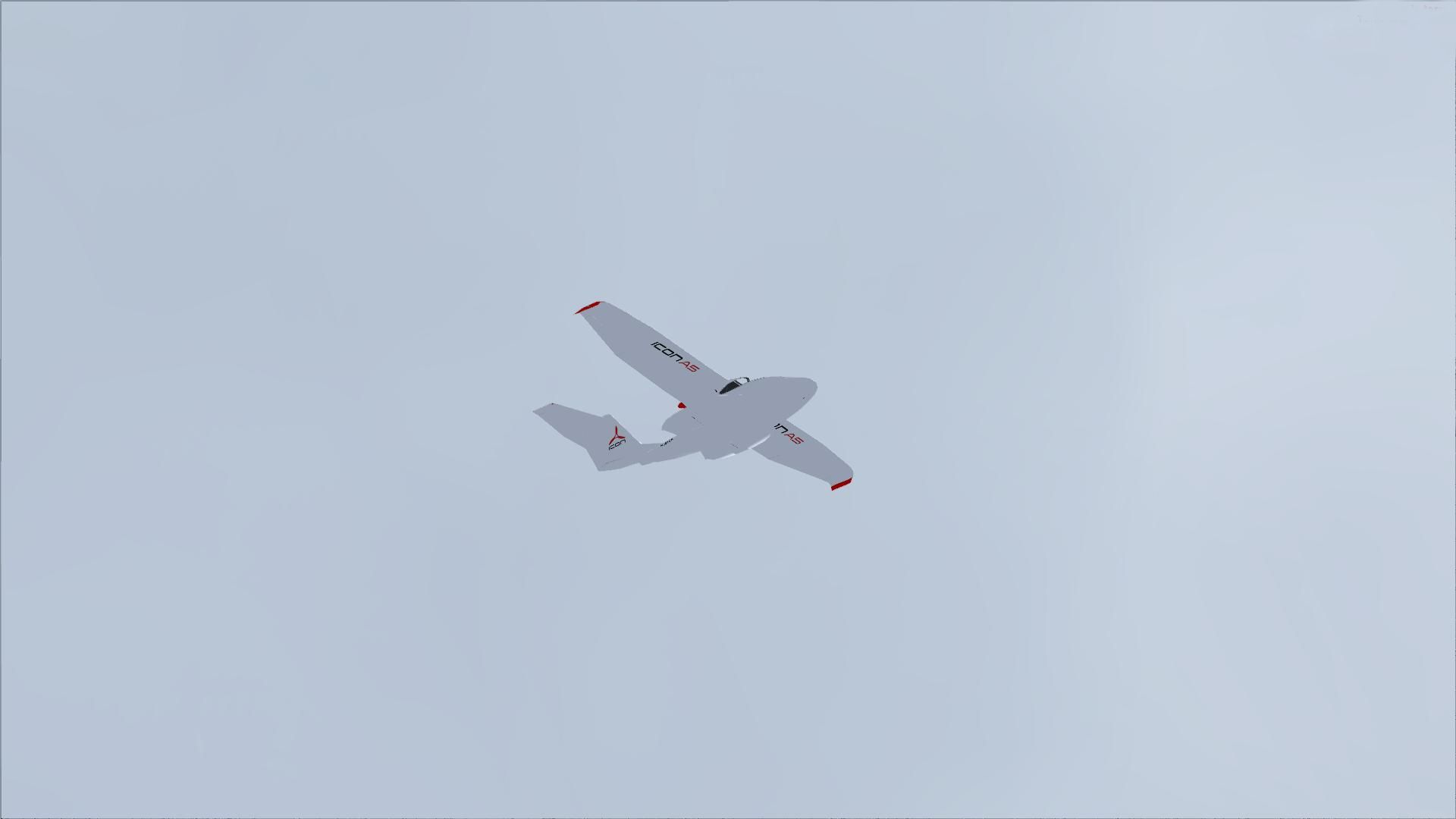
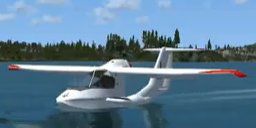
Icon A5. Amphibious Light Sport Aircraft (S-LSA). By Dan Cowan.
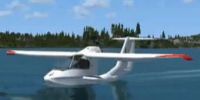
Icon A5 on water.
Icon A5 for FSX, Freeware, by Dan Cowan, July 14, 2009.
To install just unzip the A5.zip file into your FSX SimObjects/Airplanes folder. Then start FSX and go flying. That's all there is to it. I consider this version 1.0 and plan on updating it with various enhancements as time permits. Enjoy
Free for all simmers · 9.53 MB · Scanned clean Oct 2026
Download speed: Free tier is capped at 0.5 Mbps (this file takes approximately 3 mins at the cap). PRO members download at full line speed.
SimObjects\Airplanes\, Addon Scenery\, Effects\, or Gauges\.readme.txt or README file. It tells you exactly where files go, what dependencies are needed, and any quirks specific to this add-on.The archive a5.zip has 71 files and directories contained within it.
This list displays the first 500 files in the package. If the package has more, you will need to download it to view them.
| Filename/Directory | File Date | File Size |
|---|---|---|
| A5.air | 04.26.09 | 11.95 kB |
| aircraft.cfg | 07.14.09 | 13.10 kB |
| model | 07.14.09 | 0 B |
| A5.mdl | 07.05.09 | 881.28 kB |
| Model.cfg | 04.19.09 | 21 B |
| panel | 07.14.09 | 0 B |
| panel.bmp | 04.25.09 | 2.25 MB |
| panel.cfg | 05.25.09 | 4.52 kB |
| Thumbs.db | 05.02.09 | 8.50 kB |
| readme.txt | 07.14.09 | 1.48 kB |
| screenshot.jpg | 07.14.09 | 6.63 kB |
| sound | 07.14.09 | 0 B |
| 2000rpmGere.wav | 11.24.07 | 158.02 kB |
| a5geardn.wav | 05.12.06 | 79.25 kB |
| a5gearup.wav | 05.12.06 | 79.25 kB |
| CE1.WAV | 05.16.09 | 174.95 kB |
| CE2.WAV | 05.16.09 | 172.29 kB |
| CE3.WAV | 02.16.02 | 189.41 kB |
| CE4.WAV | 02.16.02 | 197.38 kB |
| CEIDLE.WAV | 02.16.02 | 257.38 kB |
| gerewind.wav | 11.24.07 | 157.43 kB |
| gere_prop.wav | 03.18.03 | 262.17 kB |
| gere_shutdown.wav | 05.13.03 | 314.04 kB |
| gere_starter.wav | 05.13.03 | 15.66 kB |
| lo-rpmGere.wav | 11.24.07 | 180.21 kB |
| Sound.cfg | 07.14.09 | 5.42 kB |
| startupGere.wav | 11.24.07 | 184.40 kB |
| XCE1.WAV | 02.16.02 | 182.20 kB |
| XCE2.WAV | 02.16.02 | 184.17 kB |
| XCE3.WAV | 02.16.02 | 146.17 kB |
| XCE4.WAV | 02.16.02 | 173.43 kB |
| XCEIDLE.WAV | 02.16.02 | 127.97 kB |
| texture | 07.14.09 | 0 B |
| buckprop.bmp | 11.25.02 | 341.40 kB |
| fish.bmp | 05.24.09 | 65.05 kB |
| MASTER.bmp | 07.14.09 | 1.00 MB |
| nacelleMaster.bmp | 05.15.09 | 768.05 kB |
| other.bmp | 05.03.09 | 1.00 MB |
| prop.bmp | 02.13.08 | 256.07 kB |
| rpedal.bmp | 05.11.09 | 65.05 kB |
| sidefusef.bmp | 05.17.09 | 1.00 MB |
| SIDETEMP.bmp | 05.15.09 | 341.43 kB |
| sidetexture.bmp | 05.12.09 | 256.07 kB |
| thumbnail.jpg | 07.14.09 | 6.63 kB |
| Thumbs.db | 04.21.09 | 4.50 kB |
| topfusef.bmp | 05.17.09 | 64.07 kB |
| WS_FTP.LOG | 05.01.09 | 125 B |
| wwing.bmp | 07.05.09 | 256.07 kB |
| flyawaysimulation.txt | 10.29.13 | 959 B |
| Go to Fly Away Simulation.url | 01.22.16 | 52 B |
| Screenshots | 07.04.19 | 0 B |
| screen-1.jpg | 07.03.19 | 305.39 kB |
| screen-10.jpg | 07.03.19 | 480.13 kB |
| screen-11.jpg | 07.03.19 | 310.77 kB |
| screen-12.jpg | 07.03.19 | 87.73 kB |
| screen-13.jpg | 07.03.19 | 384.42 kB |
| screen-14.jpg | 07.03.19 | 309.62 kB |
| screen-15.jpg | 07.03.19 | 97.79 kB |
| screen-16.jpg | 07.03.19 | 109.24 kB |
| screen-17.jpg | 07.03.19 | 111.02 kB |
| screen-18.jpg | 07.03.19 | 712.35 kB |
| screen-19.jpg | 07.03.19 | 810.91 kB |
| screen-2.jpg | 07.03.19 | 90.29 kB |
| screen-20.jpg | 07.03.19 | 219.21 kB |
| screen-3.jpg | 07.03.19 | 113.54 kB |
| screen-4.jpg | 07.03.19 | 387.58 kB |
| screen-5.jpg | 07.03.19 | 88.28 kB |
| screen-6.jpg | 07.03.19 | 63.55 kB |
| screen-7.jpg | 07.03.19 | 513.74 kB |
| screen-8.jpg | 07.03.19 | 319.21 kB |
| screen-9.jpg | 07.03.19 | 115.00 kB |
Only PRO members can place votes.
More FSX & P3D add-ons hand-picked based on this download.
FSX General Aviation Aircraft
After publishing my FSX AI Carrier package, I had several people contact me a…
 FSX General Aviation Aircraft
Christen Eagle Gauge Fix For FSX SP2. This is one small file to improve the w…
 FSX General Aviation Aircraft
Extra 300s For FSX DTT. This is a repaint of the default Extra 300S for a new…
 FSX General Aviation Aircraft
Canadair CL215 v3.0X Multirole amphibious aircraft. Tested with FSX SP1 but w…
 FSX General Aviation Aircraft
Cirrus SR22-GTS Turbo G3. This is Wolfram Beckert and Guenter Kraemer's Cirru…
 FSX General Aviation Aircraft
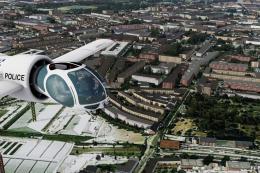
The Edgley EA-7 Optica, designed by John Edgley and built by Brooklands Aeros…
 FSX General Aviation Aircraft
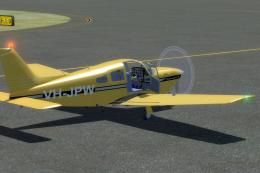
Explore the skies with the meticulously crafted Piper Arrow III Pack, a premi…
 FSX General Aviation Aircraft
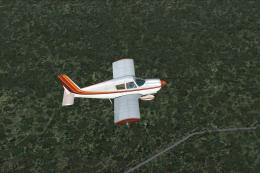
Piper PA28-180 Cherokee. This file contains the default FS2004 PA28-180 with …
Read what other simmers think, or add your own.

The aircraft installs fine. Once it's loaded, the aircraft is all white. No colors show outside or in. I'm sure this has something to do with the Preview DirectX 10. If I don't have the box selected, then I get a black screen when I hit fly. On my older PC, I had the box unselected and all was fine. Anyway, the aircraft did as expected. It was just void of textures.


I encounter an error when trying to the A5 installer package. it is "The application could not be installed because the installer file is damaged. Try obtaining a new installer file from the application author." Do you have any clues as to the software required? I have downloaded Abobe AIr. Please Help!!!

I like the whole design , I like it small enough to store in the garage with the size of van , and looks like easy to fly too , even I don have flying skill ha .. I am going to fly it in my FSX , thanks for sharing the simulator .
