

 FSX General Aviation Aircraft
Green/White Cessna C182 Skylane
Complete aircraft, includes textures, realistic sounds, 2D panel, realistic l…
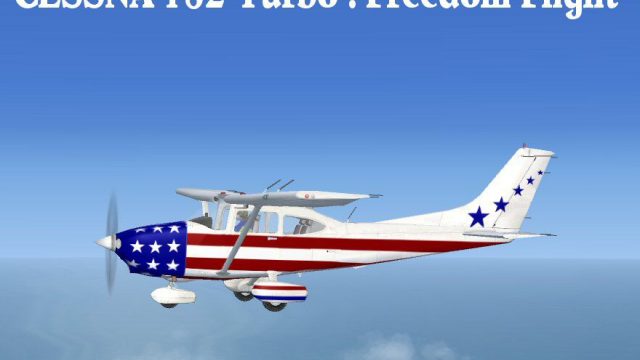
Cessna 182 “Freedom Flight” refreshes the default Skylane in Microsoft Flight Simulator X with a patriotic exterior, tuned turbocharged Lycoming TIO-540 performance, and flight dynamics modeled on the 2007 T182T for more authentic climb, cruise, and handling. Subtle shading and reflective textures enhance the virtual cockpit experience; requires the stock C-182.
 Rate
Rate
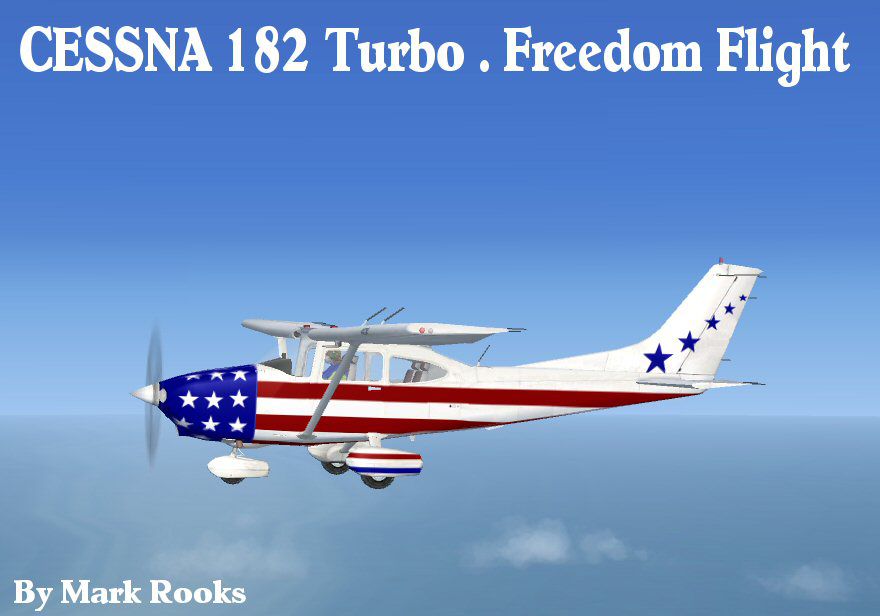
This package introduces a revitalized take on the default Cessna C-182 in Microsoft Flight Simulator X by blending a brand-new livery titled "Freedom Flight" with upgraded performance that mirrors the 2007 turbocharged Cessna T182T. Mark Rooks of RDG Aircraft and Col. Robert K. Suchke have meticulously combined visual enhancements, adjusted flight characteristics, and personal touches to create a unique repaint dedicated to supporting communities and charitable efforts, including Mercy Flight missions.
[Lycoming TIO-540 AK1A] This model aligns with real-world specifications of a turbocharged setup. Its engine is rated at 235 horsepower, enabling cruise speeds around 203 mph (176 knots). The flight dynamics have been refined to match the authentic handling profile of the T182T variant, which ensures more accurate climb rates, overall engine performance, and speed behavior in various flight conditions.
The exterior reflects a “Freedom Flight” scheme, which highlights a patriotic motif and aligns with the theme of supporting Mercy Flight initiatives. The new textures incorporate subtle shading and reflective surfaces formatted specifically for the FSX environment. Textures and updates were prepared by Mark Rooks, who adapted the repaint to seamlessly integrate into the 3D model.

C182 Freedom Flight.
Note: You need to have the base Cessna C-182 model already present in your FSX setup. This download includes the repaint and adjusted configuration only.
This enhanced Skylane adaptation is credited to both Mark Rooks of RDG Aircraft and Col. Robert K. Suchke. Mark Rooks, often referred to as "Fire Ball," is responsible for the texture work, flight model refinements, and overall adaptation. Col. Suchke provided inspirational literature and background themes integrated into this package. A snippet of his creative vision is included below, reflecting on Airborne, Rangers, Special Forces, and more.
And the Lord God spoke forth...
[The complete passage details the mythical origins of Airborne, Rangers, and Special Forces, culminating in a humorous yet reverent dedication.]
Please exercise caution when installing any unofficial modifications. The creators cannot be held liable for potential complications or damage to your hardware. All files are distributed virus-free at the time of upload, and usage of these materials remains solely at your own risk. By placing these items on your system, you acknowledge and accept full responsibility.
Enjoy this “Freedom Flight” enhancement for the C-182 in Microsoft Flight Simulator X, and consider supporting your local Mercy Flight organizations to uphold the spirit behind this special livery.
Free for all simmers · 22.88 MB · Scanned clean Oct 2026
Download speed: Free tier is capped at 0.5 Mbps (this file takes approximately 6 mins at the cap). PRO members download at full line speed.
texture.{airline}) inside FSX\SimObjects\Airplanes\{base-aircraft}\.aircraft.cfg in Notepad. Add a new [fltsim.X] section per the readme.readme.txt or README file. It tells you exactly where files go, what dependencies are needed, and any quirks specific to this add-on.The archive fsiaaff.zip has 6 files and directories contained within it.
This list displays the first 500 files in the package. If the package has more, you will need to download it to view them.
| Filename/Directory | File Date | File Size |
|---|---|---|
| Cessna 182 T Freedom.zip | 06.09.10 | 22.83 MB |
| Read Me First.txt | 06.09.10 | 5.36 kB |
| Reg. Text.txt | 06.09.10 | 444 B |
| screen.jpg | 06.09.10 | 56.90 kB |
| flyawaysimulation.txt | 10.29.13 | 959 B |
| Go to Fly Away Simulation.url | 01.22.16 | 52 B |
Only PRO members can place votes.
More FSX & P3D add-ons hand-picked based on this download.
FSX General Aviation Aircraft
Complete aircraft, includes textures, realistic sounds, 2D panel, realistic l…
 FSX General Aviation Aircraft
Fictional repaint for the payware Carenado Cessna Skylane 182 RG II. Textures…
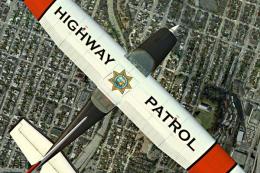 FSX General Aviation Aircraft
Fictional repaint for the payware Carenado Cessna Skylane 182 RG II. Textures…
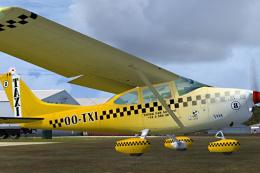 FSX General Aviation Aircraft
Fictional repaint for the payware Carenado Cessna Skylane C182Q. Textures onl…
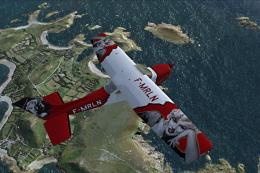 FSX General Aviation Aircraft
Fictional repaint for the payware Carenado Cessna Skylane 182 RG II. Textures…
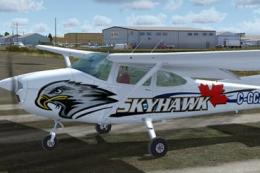 FSX General Aviation Aircraft
Semi-real/semi-fictional repaint for the payware Carenado Cessna Skylane C182…
 FSX General Aviation Aircraft
This fix only concerns users who encounter a problem with the registration un…
 FSX General Aviation Aircraft
Fictional repaint for the payware Carenado Cessna Skylane C182Q. Textures onl…
Be the first to leave a comment on this download.
Be the first to share your thoughts on this download.