

 FSX Military Aircraft
RCAF McDonnell CF-101B Voodoo 416 Sqdn 1982
This is a repaint for the Alphasim/Virtavia CF-101B Voodoo (alphacf101bupx.zi…
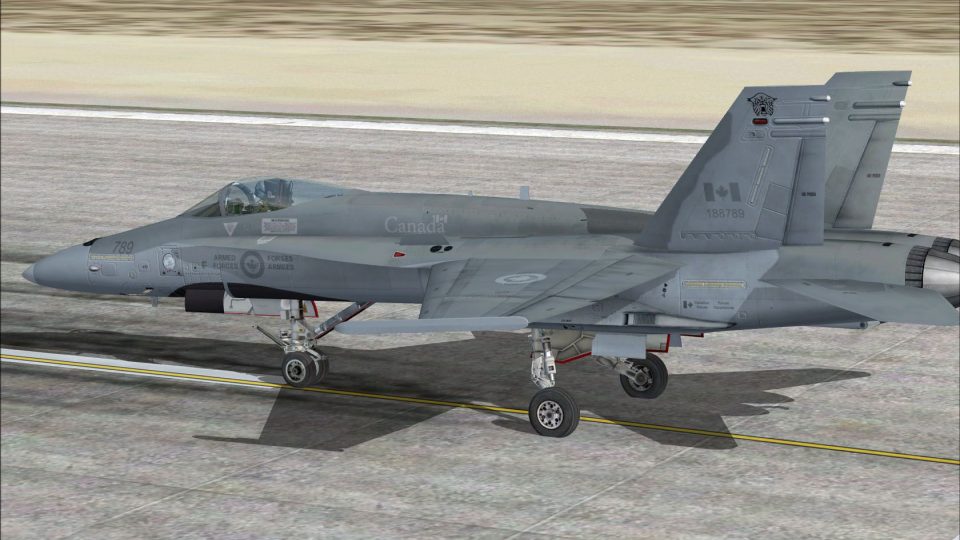
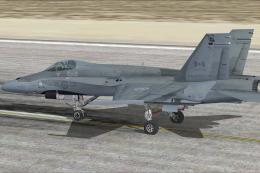
CF-18 416 Squadron “Lynx” low-visibility repaint brings an operational Royal Canadian Air Force look to the default Boeing F/A-18C Hornet in Microsoft Flight Simulator X, with subdued gray markings suited to tactical flights and intercept scenarios. Repaint only; requires the Acceleration F/A-18 model already installed.
 Rate
Rate
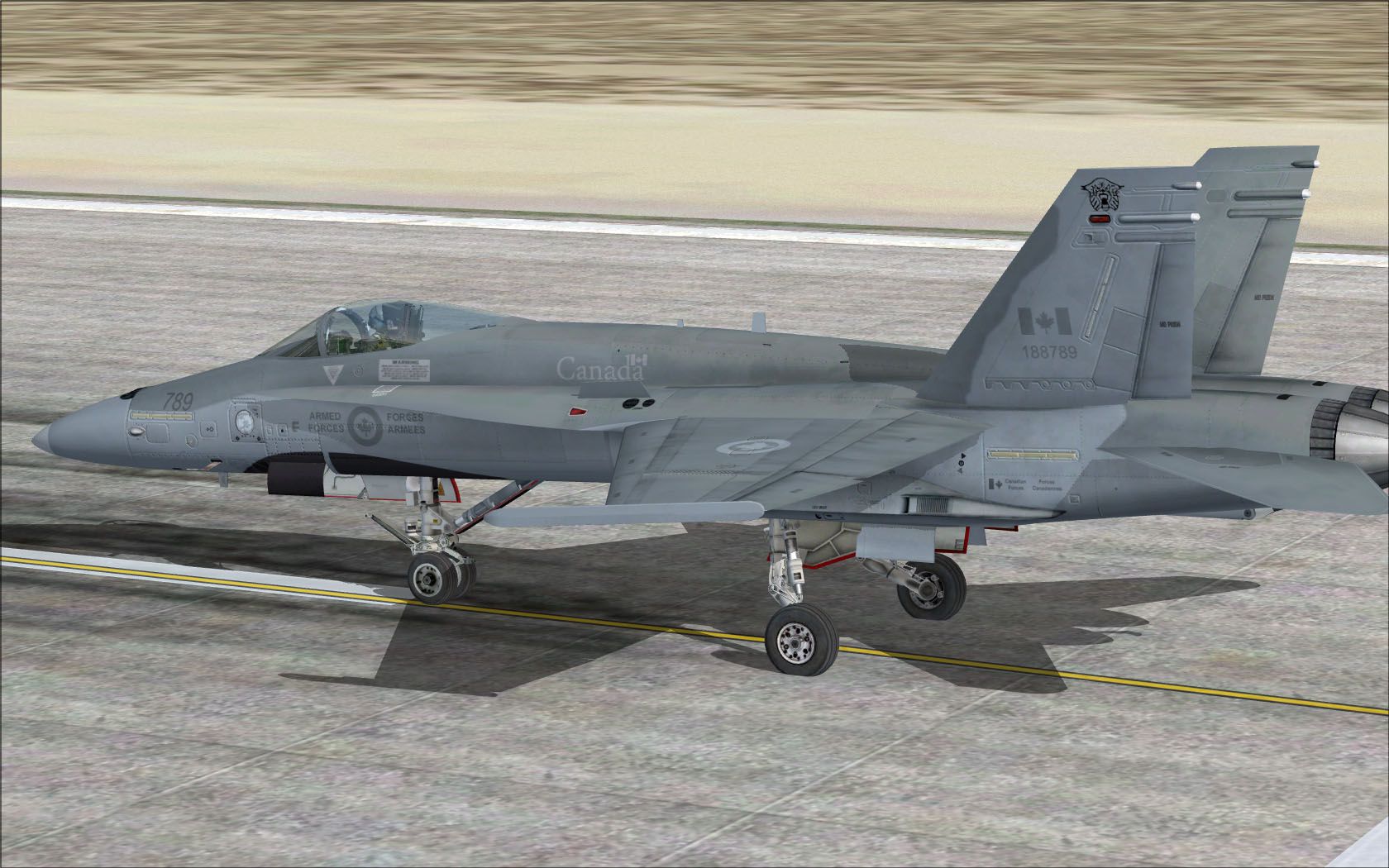
This specialized repaint introduces a low visibility Canadian Forces (CF) 416 Squadron “Lynx” texture modification for the default Boeing F/A-18C Hornet included in the Acceleration expansion for Microsoft Flight Simulator X. It showcases a gray tactical livery used operationally, bringing an authentic Royal Canadian Air Force aesthetic to your virtual fleet. Developed and released by Ray Gagnon, these textures do not include the original Acceleration F-18 model, which you must already own.
This package depicts a modern CF-18 configured for the 416 Squadron, historically known as the Lynx. The real-world CF-18 jets differ from their U.S. Navy counterparts (F/A-18C) by incorporating certain distinctive features [such as a fitted searchlight on the port side of the nose, for example]. However, this repaint focuses on the subdued, low-visibility markings that 416 Squadron employs in its stealth and tactical operations, highlighting a gray camouflage pattern consistent with many active combat units.
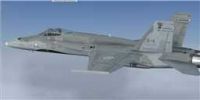
CF-18 416 Sqn in flight.
Once in place, you can select the new CF-18 from within your Microsoft Flight Simulator X menu. The textures apply a distinct Canadian flair while retaining the sleek lines and advanced aerodynamic surfaces that make the F/A-18 such a reliable multi-role fighter in numerous air arms.
[fltsim.XX]
title=FA-18 416 lowvis
sim=FA-18
model=
panel=
sound=
texture=416 lowvis
kb_checklists=boeing_FA18_check
kb_reference=boeing_FA18_ref
atc_id=CF789
atc_airline=Air Force
atc_flight_number=789
ui_manufacturer="Boeing"
ui_type=CF-18
ui_variation=416 Sqn Lynx Low Vis
ui_typerole=RCAF
ui_createdby=repaint by Ray Gagnon
description="The Hornet combines the ruggedness required of carrier-borne aircraft with speed and superior agility, especially at high angles of attack. Its powerful engines, canted vertical stabilizers, horizontal stabilators, large leading- and trailing-edge flaps, and sophisticated flight control system all contribute to a level of performance that makes the Hornet a versatile front-line fighter in several air forces around the world."
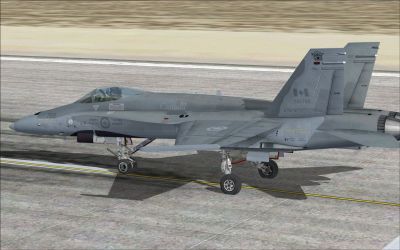
CF-18 416 Sqn on runway.
Enhance your fleet’s realism when flying combat patrols or advanced intercept missions by integrating this subdued livery. The Hornet’s Nest community has also curated additional paint schemes that complement the default Acceleration F/A-18C, so check the appropriate library for more. As a final note, remember that this package only includes textures—acquire the freeware base model from the Fly Away Simulation archives if you have not already set up the Acceleration Hornet.
Free for all simmers · 3.07 MB · Scanned clean Oct 2026
Download speed: Free tier is capped at 0.5 Mbps. PRO members download at full line speed.
texture.{airline}) inside FSX\SimObjects\Airplanes\{base-aircraft}\.aircraft.cfg in Notepad. Add a new [fltsim.X] section per the readme.readme.txt or README file. It tells you exactly where files go, what dependencies are needed, and any quirks specific to this add-on.The archive 416sqnlynxlowvis.zip has 15 files and directories contained within it.
This list displays the first 500 files in the package. If the package has more, you will need to download it to view them.
| Filename/Directory | File Date | File Size |
|---|---|---|
| 416 Lynx low vis.jpg | 04.21.10 | 276.15 kB |
| FILE_ID.DIZ | 04.21.10 | 139 B |
| readme!.txt | 06.17.10 | 2.87 kB |
| texture.416 lowvis | 06.17.10 | 0 B |
| F-18_Main01_T.dds | 04.21.10 | 1.33 MB |
| F-18_Main02_T.dds | 04.16.10 | 1.33 MB |
| F-18_Main03_T.dds | 04.16.10 | 1.33 MB |
| F-18_Main04_T.dds | 04.21.10 | 1.33 MB |
| F-18_Main05_T.dds | 09.08.09 | 1.33 MB |
| F-18_Wingl_T.dds | 04.21.10 | 1.33 MB |
| F-18_WingR_T.dds | 04.21.10 | 1.33 MB |
| texture.cfg | 08.22.07 | 162 B |
| thumbnail.jpg | 04.21.10 | 3.04 kB |
| flyawaysimulation.txt | 10.29.13 | 959 B |
| Go to Fly Away Simulation.url | 01.22.16 | 52 B |
Only PRO members can place votes.
More FSX & P3D add-ons hand-picked based on this download.
FSX Military Aircraft
This is a repaint for the Alphasim/Virtavia CF-101B Voodoo (alphacf101bupx.zi…
 FSX Military Aircraft
This freeware package introduces a subtle low-visibility paint scheme for the…
 FSX Military Aircraft
This repaint pack offers a low-visibility CF-18 425 Squadron (Alouettes) text…
 FSX Military Aircraft
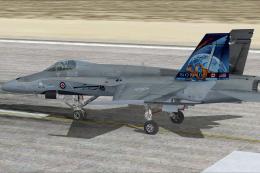
This repaint offers a faithful depiction of the Royal Canadian Air Force CF-1…
 FSX Military Aircraft
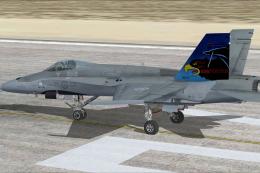
This download adds a carefully detailed CF-18 409 Squadron Nighthawks livery …
 FSX Military Aircraft
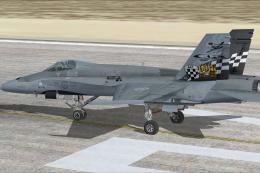
Immerse yourself in a tribute to the Royal Canadian Air Force with this CF-18…
 FSX Military Aircraft
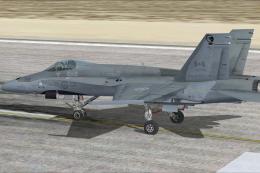
This freeware repaint brings a low-visibility CF-18 409 Squadron “Nighthawks”…
 FSX Military Aircraft
Enhance your Microsoft Flight Simulator X experience by adding a precisely de…
Be the first to leave a comment on this download.
Be the first to share your thoughts on this download.