

 FSX Scenery
Princess Juliana International Airport
Princess Juliana International Airport (TNCM) in Saint Marteen, Netherlands A…
Gainesville Regional Airport (KGNV) gets a detailed makeover with corrected taxiways and apron geometry, a remodeled terminal, custom-built hangars and local object libraries, plus tuned landclass for a more authentic Florida setting in Microsoft Flight Simulator X. Optional apron lighting appears at higher scenery complexity and pairs neatly with UTX USA.
 Rate
Rate
 United States of America
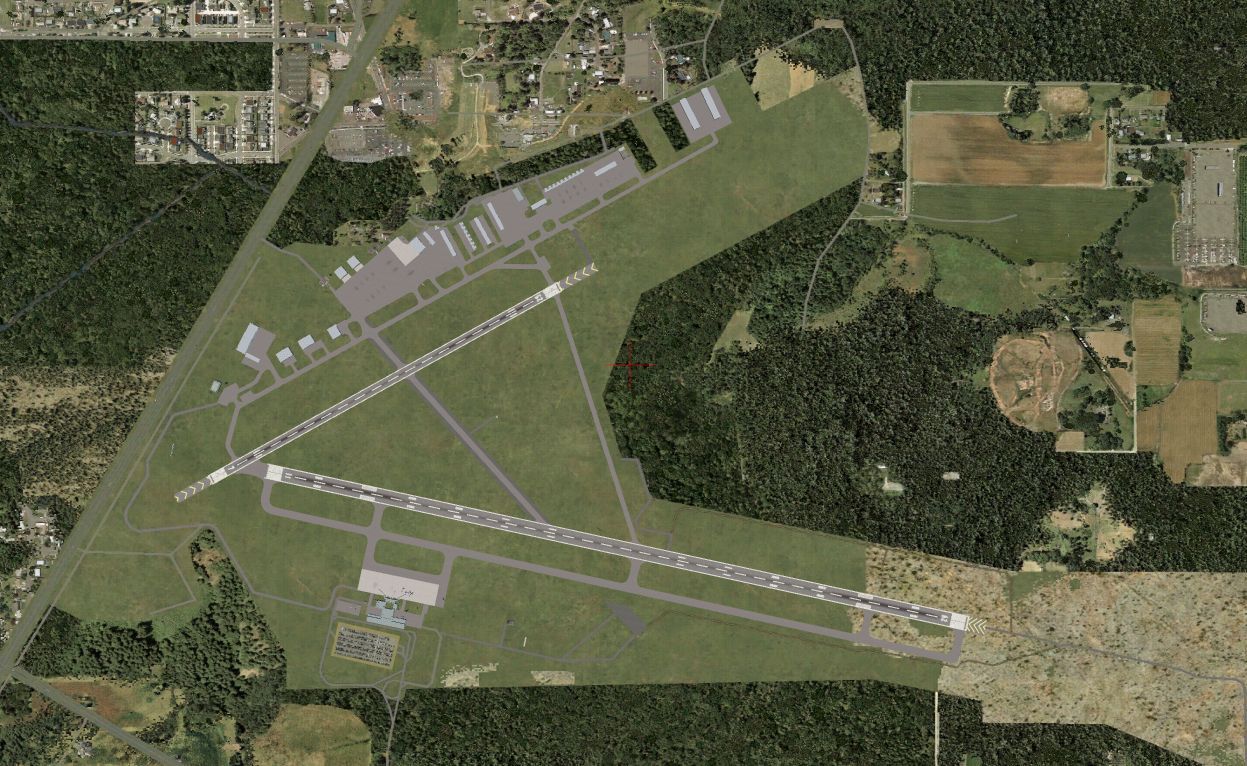
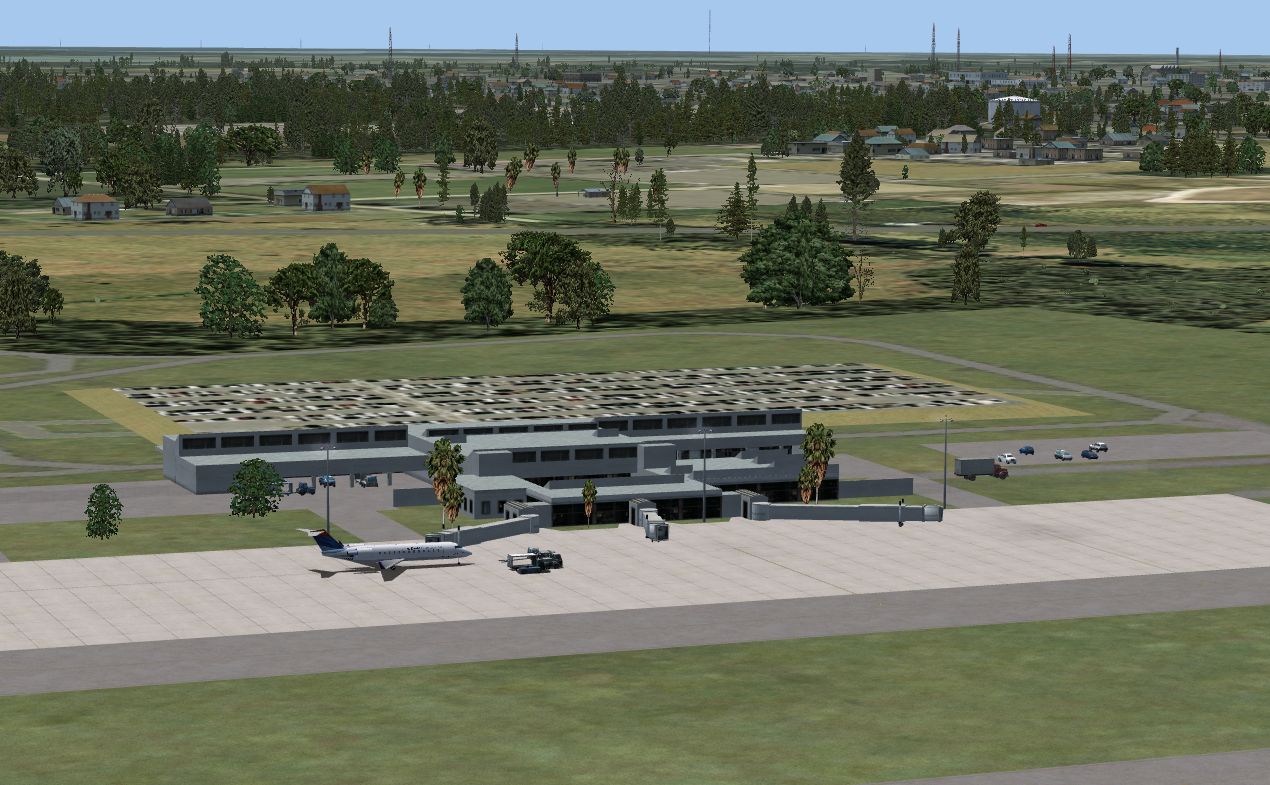
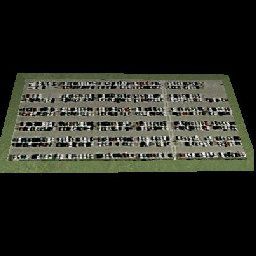
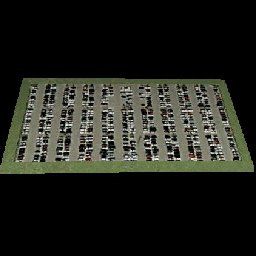
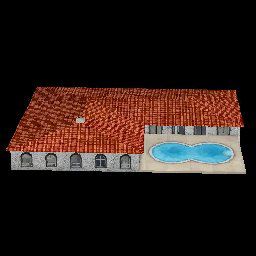

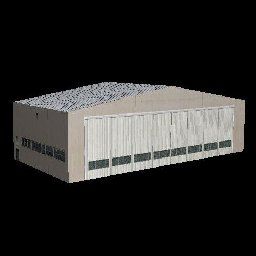
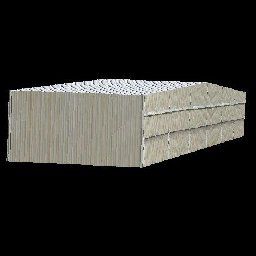
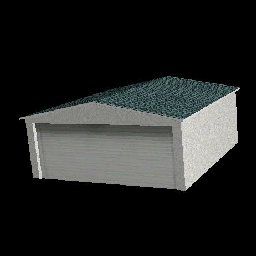
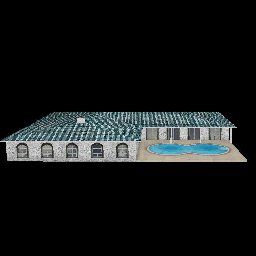
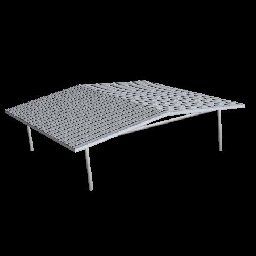
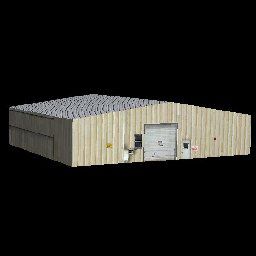
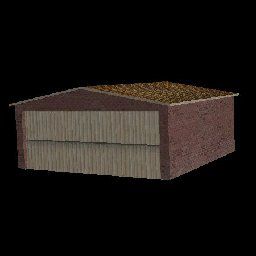

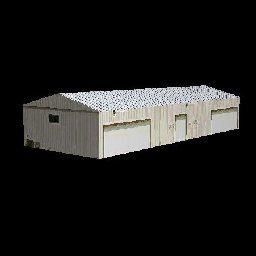
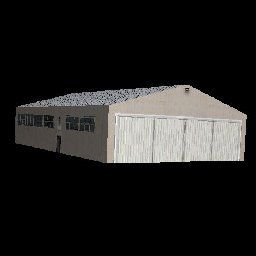
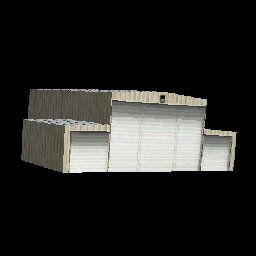

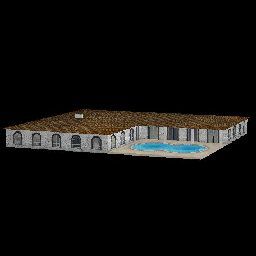

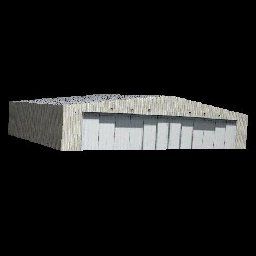

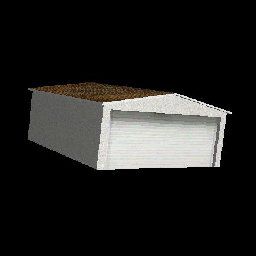
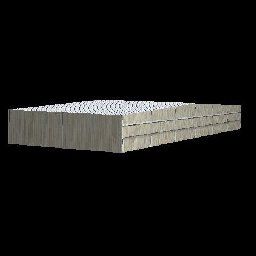
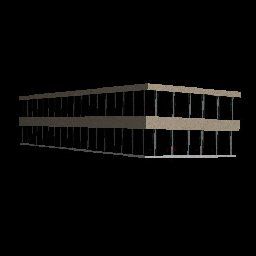

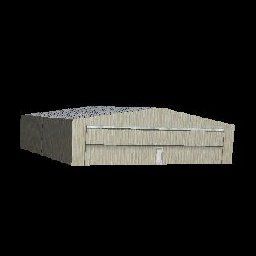
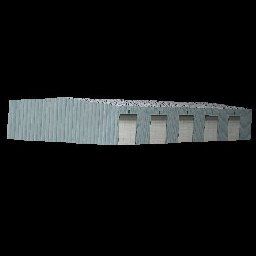


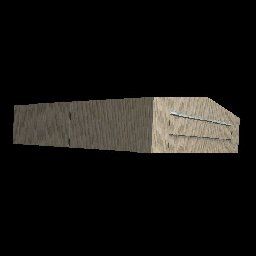
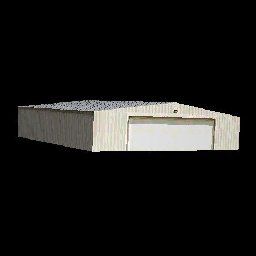

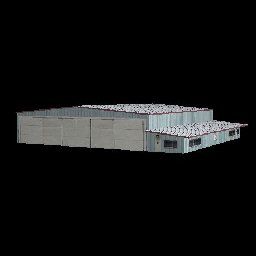


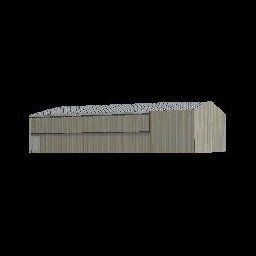
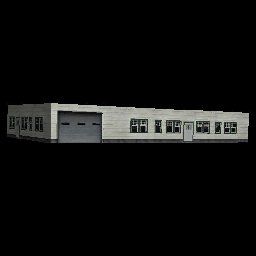

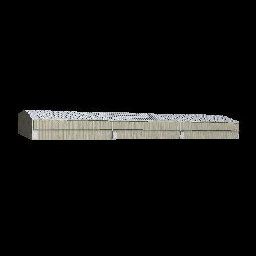
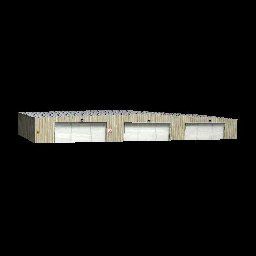

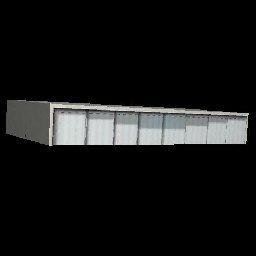
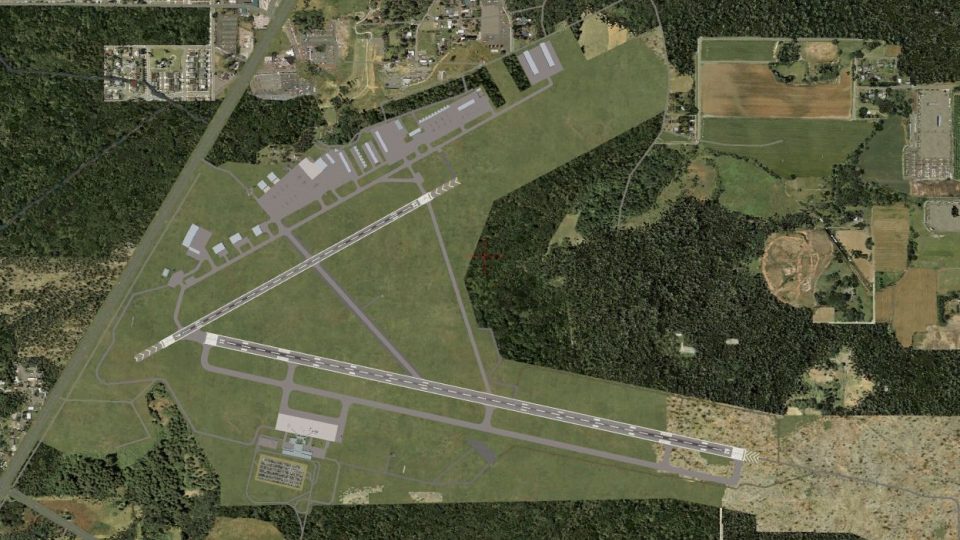
This scenery package presents a refined interpretation of Gainesville Regional Airport (KGNV) in Florida. It offers an upgraded environment complete with custom-built structures, adjusted landclass data, and accurate apron configurations. Created by Art Poole for Microsoft Flight Simulator X, this freeware enhancement emphasizes regional details and aims to bring an authentic Floridian atmosphere to your virtual flights.
Enthusiasts will notice that every taxiway, apron, and hangar aligns with real-life data for Gainesville Regional Airport. The main terminal building has been meticulously remodeled and includes subtle architectural elements visible in its shape and textures. Additionally, standard library objects have been introduced, complemented by a custom object repository containing newly designed airport structures. These components ensure a more true-to-life airfield that captures the essence of Gainesville’s aviation environment.
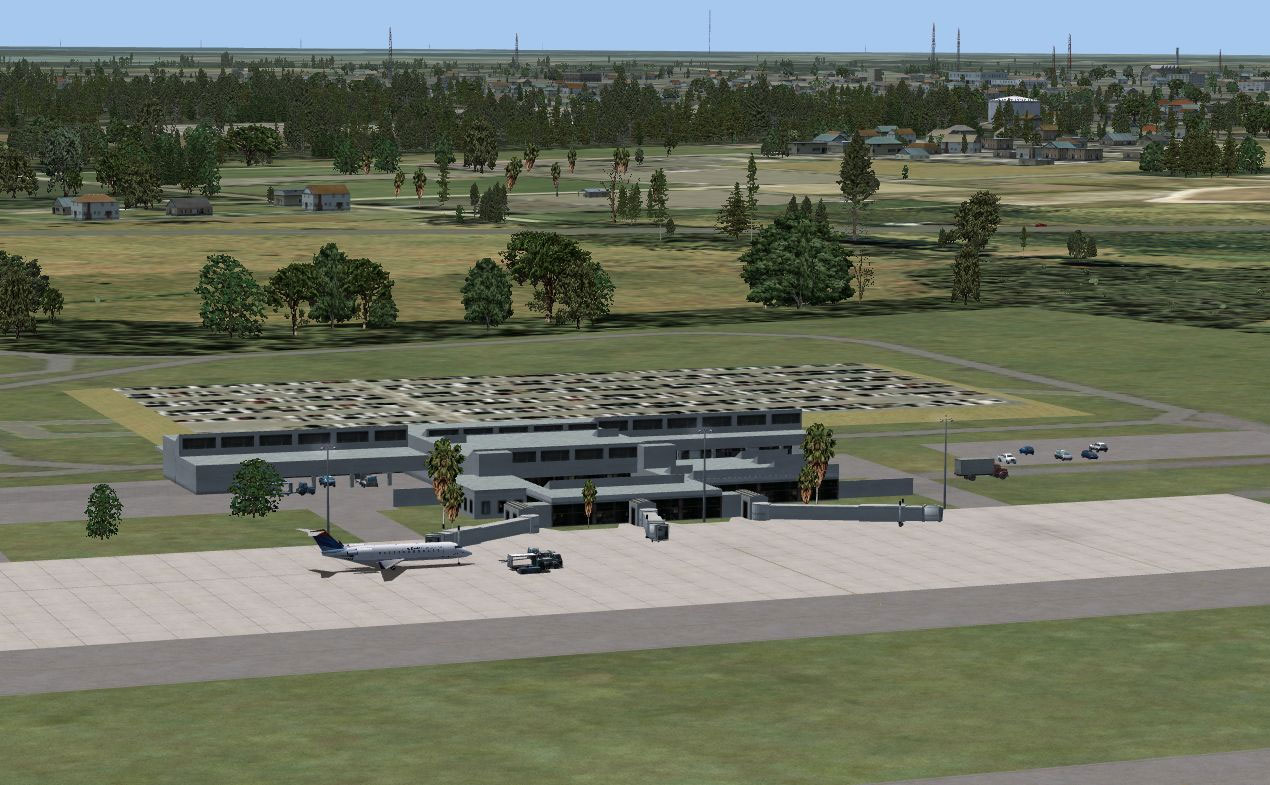
Updated terminals and landclass incorporate Gainesville’s local character.
For the majority of custom objects to appear, set the Scenery Complexity slider to Very Dense. Additionally, if you possess Jim Dhaenens’ lightobj.bgl (available under the filename fsx_lts.zip) and choose Extremely Dense, you will benefit from extra apron lighting around the terminal area. This scenery arrangement aligns well with Ultimate Terrain X–USA (UTX-USA) for improved surroundings.
Gainesville Regional Airport can also be further tailored by airport editing software such as Airport Design Editor v1.37 (often referred to as ADE). Should you wish to revert to default settings, uncheck “Gainesville FL” within your AddOn Scenery settings or remove the KGNV-related files from your chosen installation location. Keep in mind that “Airport_Buildings_AP.bgl” functions as an object library and does not need to be removed unless you want to disable its contents elsewhere.
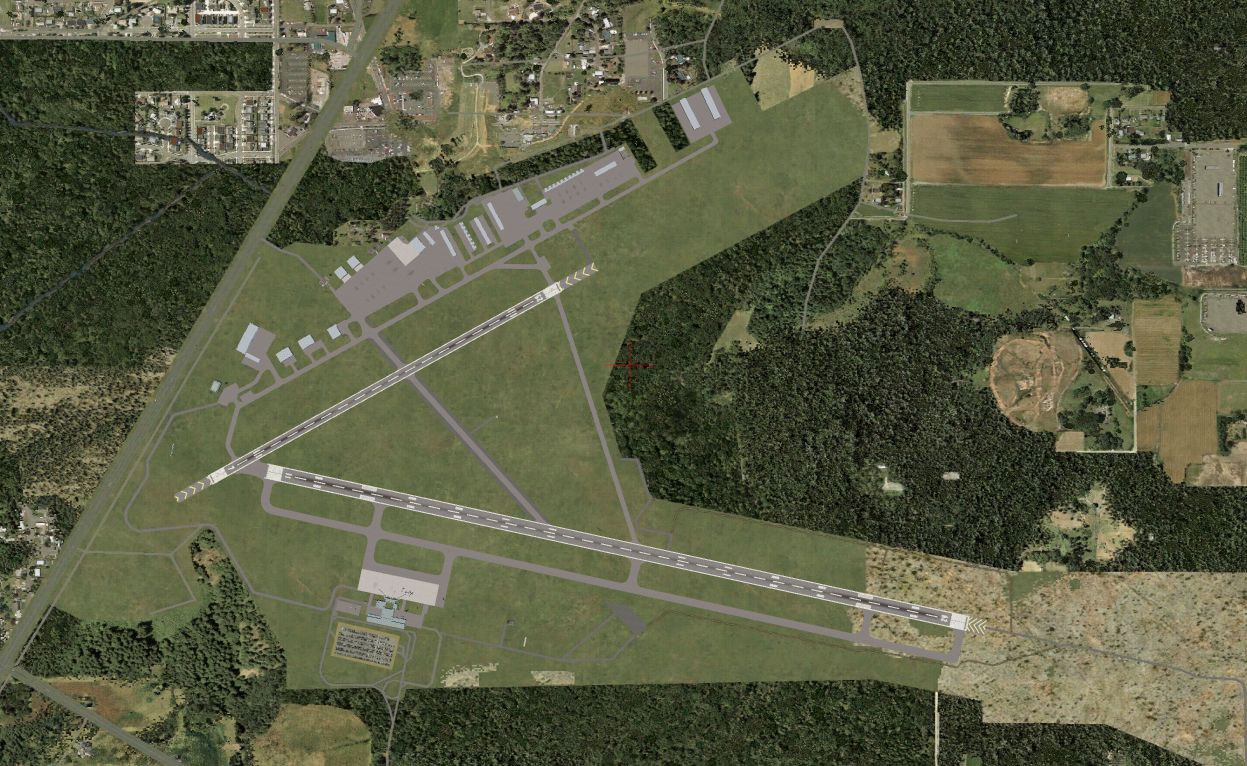
Regional aviation enhancements for a dynamic approach into KGNV.
The Thumbs folder offers convenient image previews of each custom object for anyone employing additional object placement tools. As a freeware release, permission for commercial redistribution of any portion is barred. Testing occurred on Microsoft Flight Simulator X Deluxe Edition with UTX-USA, Acceleration, and WOAI.
All modifications, from landclass tweaks to object placement, utilized Airport Design Editor v1.37 by ScruffyDuck Software, and the compiled library itself was created with LibraryCreatorXML. Many thanks to Art Poole for this comprehensive revamp of Gainesville Regional Airport.
Free for all simmers · 1 MB · Scanned clean Oct 2026
Download speed: Free tier is capped at 0.5 Mbps. PRO members download at full line speed.
FSX\Addon Scenery\ containing scenery and texture sub-folders.readme.txt or README file. It tells you exactly where files go, what dependencies are needed, and any quirks specific to this add-on.Use these coordinates to fly directly to this location once the mod is installed.
29.69010000,-82.27180000
Launch FSX or Prepar3D and use Flights → Load to open the downloaded .pln file. Your aircraft will be positioned at this location.
The archive gainsfl.zip has 60 files and directories contained within it.
This list displays the first 500 files in the package. If the package has more, you will need to download it to view them.
| Filename/Directory | File Date | File Size |
|---|---|---|
| Gainesville FL | 03.23.09 | 0 B |
| Scenery | 03.23.09 | 0 B |
| KGNV_ADE_AP.BGL | 03.23.09 | 25.48 kB |
| KGNV_ADE_AP_CVX.bgl | 03.23.09 | 3.02 kB |
| KGNV_terminal_AP.bgl | 03.23.09 | 34.24 kB |
| KGNV terminal.JPG | 03.23.09 | 186.17 kB |
| KGNV.JPG | 03.23.09 | 243.31 kB |
| KGNV.pdf | 05.19.08 | 122.00 kB |
| readme.txt | 03.23.09 | 2.62 kB |
| Scenery_Global_Scenery | 03.23.09 | 0 B |
| Airport_Buildings_AP.bgl | 03.22.09 | 367.70 kB |
| Texture | 03.23.09 | 0 B |
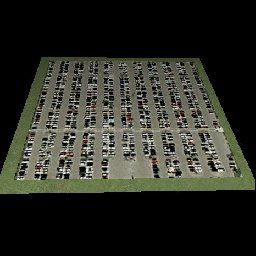
| parking.dds | 03.03.09 | 170.80 kB |
| Thumbs | 03.23.09 | 0 B |
| Airport_Buildings.bgl | 03.23.09 | 0 B |
| double_row_hangers_01.JPG | 01.03.09 | 5.25 kB |
| double_row_hangers_02.JPG | 01.03.09 | 5.96 kB |
| double_row_hangers_03.JPG | 01.03.09 | 4.72 kB |
| double_row_hangers_end_01.JPG | 01.03.09 | 6.58 kB |
| double_row_hangers_end_02.JPG | 03.17.09 | 7.07 kB |
| fbo_small_01.JPG | 01.03.09 | 5.93 kB |
| fbo_small_02.JPG | 02.05.09 | 4.76 kB |
| fbo_small_03.JPG | 02.06.09 | 4.96 kB |
| fbo_small_04.JPG | 02.06.09 | 5.43 kB |
| hanger_fbo_01.JPG | 03.15.09 | 5.23 kB |
| large_double_hanger_01.JPG | 03.22.09 | 4.96 kB |
| large_hanger_01.JPG | 01.03.09 | 6.28 kB |
| large_hanger_02.JPG | 02.05.09 | 5.27 kB |
| large_hanger_03.JPG | 03.20.09 | 6.37 kB |
| long_cover.JPG | 01.03.09 | 4.62 kB |
| low_jetway_02.JPG | 03.22.09 | 5.32 kB |
| medium_hanger_01.JPG | 01.03.09 | 6.12 kB |
| medium_hanger_02.JPG | 01.03.09 | 8.24 kB |
| medium_hanger_03.JPG | 01.03.09 | 5.19 kB |
| medium_hanger_04.JPG | 03.09.09 | 4.50 kB |
| office_rectangular_01.JPG | 02.06.09 | 5.98 kB |
| office_round_01.JPG | 02.06.09 | 8.64 kB |
| Parking_01.jpg | 03.03.09 | 15.20 kB |
| Parking_02.jpg | 03.03.09 | 12.36 kB |
| Parking_03.jpg | 03.03.09 | 12.90 kB |
| residence_01.JPG | 02.05.09 | 11.02 kB |
| residence_02.JPG | 02.05.09 | 6.47 kB |
| residence_03.JPG | 02.05.09 | 7.70 kB |
| row_hangers_01.JPG | 01.03.09 | 4.72 kB |
| row_hangers_02.JPG | 01.03.09 | 6.79 kB |
| row_hangers_03.JPG | 01.03.09 | 8.24 kB |
| row_hangers_04.JPG | 01.03.09 | 5.34 kB |
| row_hangers_end_01.JPG | 01.03.09 | 4.96 kB |
| short_cover.jpg | 03.08.09 | 7.66 kB |
| small_hanger_01.JPG | 01.03.09 | 5.84 kB |
| small_hanger_02.JPG | 01.03.09 | 5.23 kB |
| small_hanger_03.JPG | 03.15.09 | 6.67 kB |
| t_hangers_01.JPG | 01.03.09 | 5.44 kB |
| tiny_hanger_01.JPG | 01.03.09 | 6.62 kB |
| tiny_hanger_02.JPG | 02.05.09 | 7.67 kB |
| tiny_hanger_03.JPG | 02.05.09 | 7.01 kB |
| tiny_hanger_04.JPG | 02.05.09 | 7.01 kB |
| tiny_hanger_05.JPG | 02.05.09 | 6.06 kB |
| flyawaysimulation.txt | 10.29.13 | 959 B |
| Go to Fly Away Simulation.url | 01.22.16 | 52 B |
Only PRO members can place votes.
More FSX & P3D add-ons hand-picked based on this download.
FSX Scenery
Princess Juliana International Airport (TNCM) in Saint Marteen, Netherlands A…
 FSX Scenery
Los Angeles Airport Scenery v3, California (CA). This photoreal scenery is a …
 FSX Scenery
Barbados International Airport (TBPB). Grantley Adams International Airport f…
 FSX Scenery
Paris Charles de Gaulle Airport (CDG, LFPG), France. The entire airport has b…
 FSX Scenery
John F. Kennedy Airport (KJFK), New York, NYU. This is a photoreal scenery re…
 FSX Scenery
Dubai International Airport (OMDB), Dubai. Includes a new passenger terminal …
 FSX Scenery
Soekarno-Hatta International Airport (WIII), Jakarta, Indonesia. An update to…
 FSX Scenery
San Diego International Airport, California (CA), USA. This photoreal scenery…
Be the first to leave a comment on this download.
Be the first to share your thoughts on this download.