

 FSX Scenery
Craig Municipal Airport
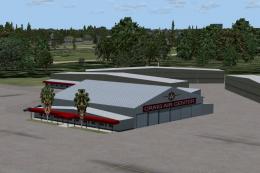
Craig Municipal Airport (KCRG), Jacksonville, Florida (FL). This update to th…
Jacksonville Craig Municipal Airport (KCRG) in Florida gets a sharper, more authentic layout with revised taxiways, detailed aprons, improved hangar modeling, and updated landclass around northeast Florida. Built for Microsoft Flight Simulator X, it includes a dedicated object library and requires Airport_Buildings_AP.bgl in the global scenery folder for full structure coverage.
 Rate
Rate
 United States of America
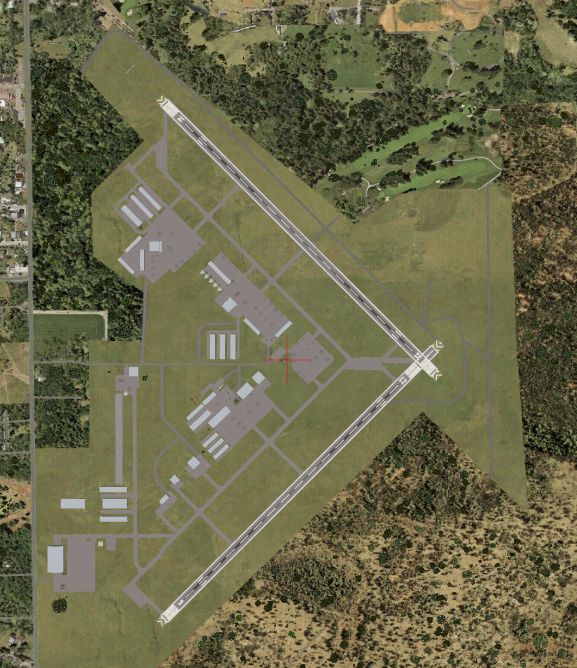
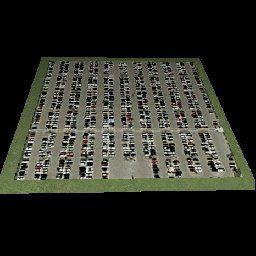

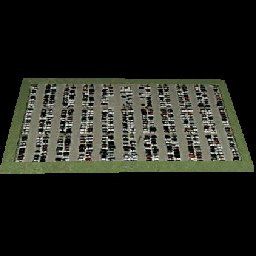
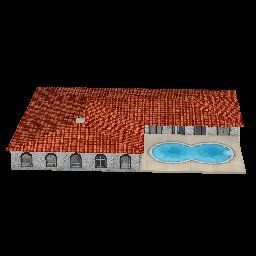

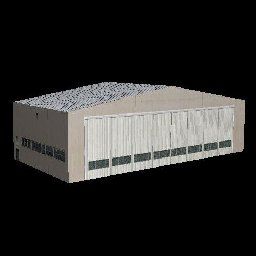

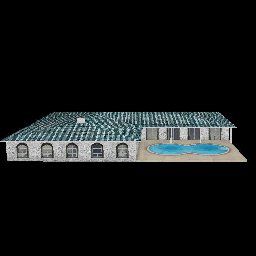
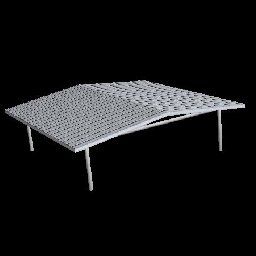
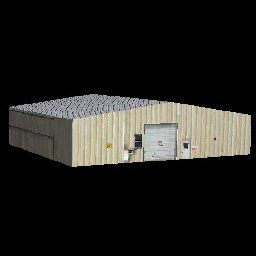
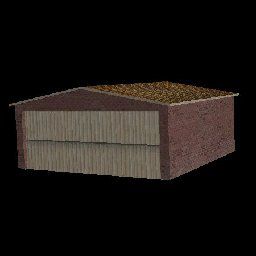
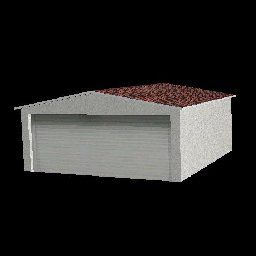
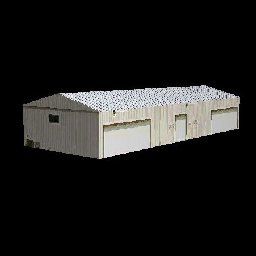
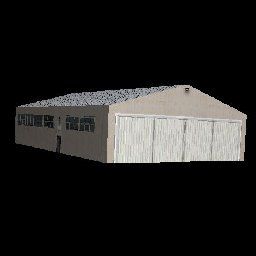
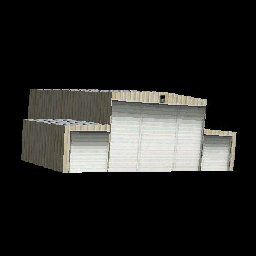
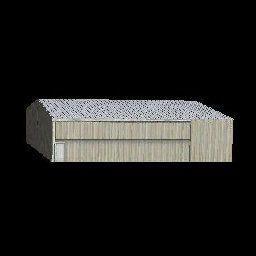
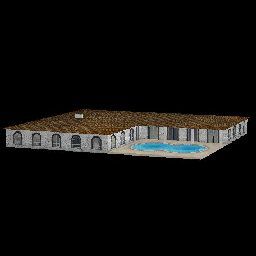
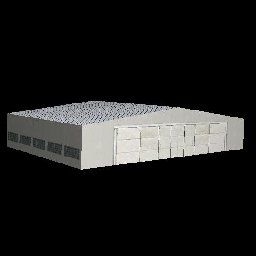
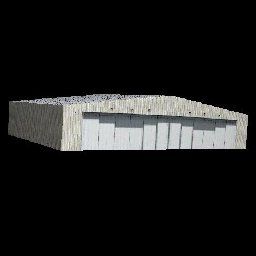
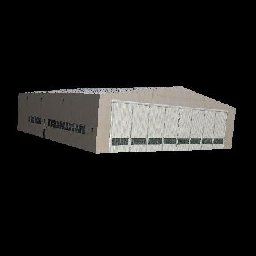
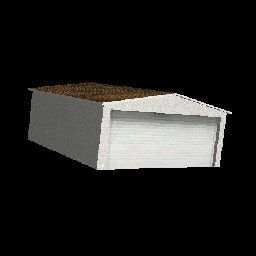

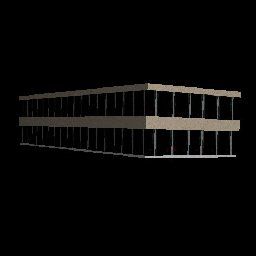
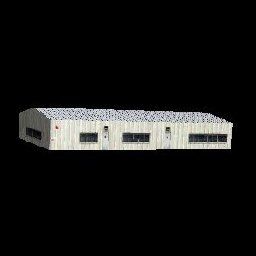
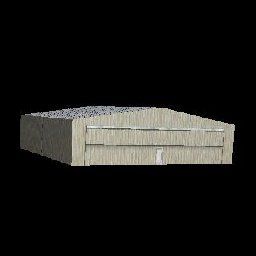
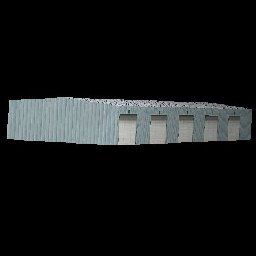
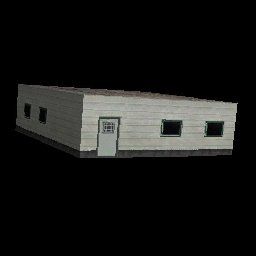
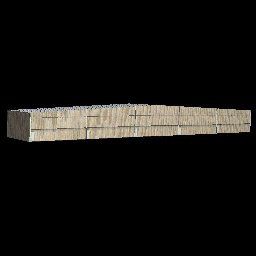
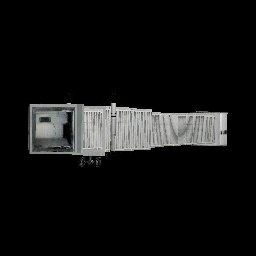
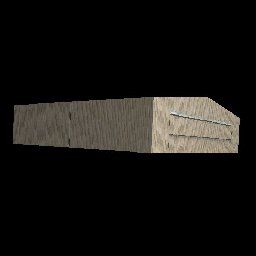


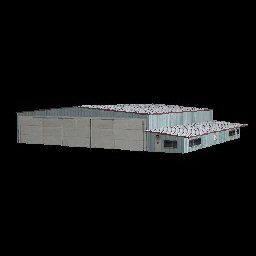

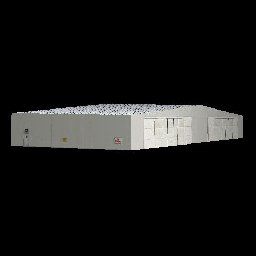
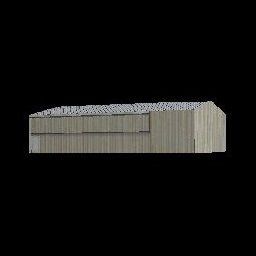
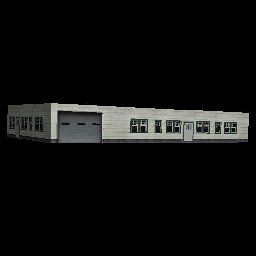
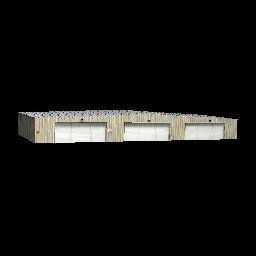
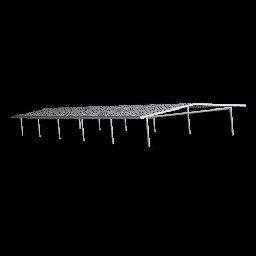
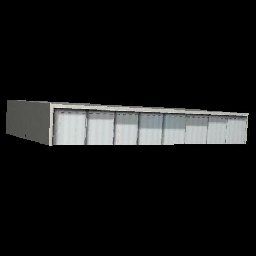
This package updates and refines Jacksonville Craig Municipal Airport (KCRG) in Florida for Microsoft Flight Simulator X. It incorporates revised taxi paths, detailed aprons, and improved hangar modeling. Also included is a custom set of airport structures in a dedicated object library developed by Art Poole. These enhancements aim to transform the default KCRG environment into a more authentic rendition of this important regional airfield.
Jacksonville Craig Municipal Airport sits in Duval County and typically serves a broad range of general aviation activities. This scenery carefully restructures the original facility, adjusting the layout of runways and taxi lanes to reflect real-world conditions. Additionally, surrounding landclass is updated to present a more realistic depiction of northeast Florida’s terrain near the Atlantic coast. Because of these changes, flight simulator enthusiasts will notice a significant difference in both ground textures and building placements while operating within the local airspace.
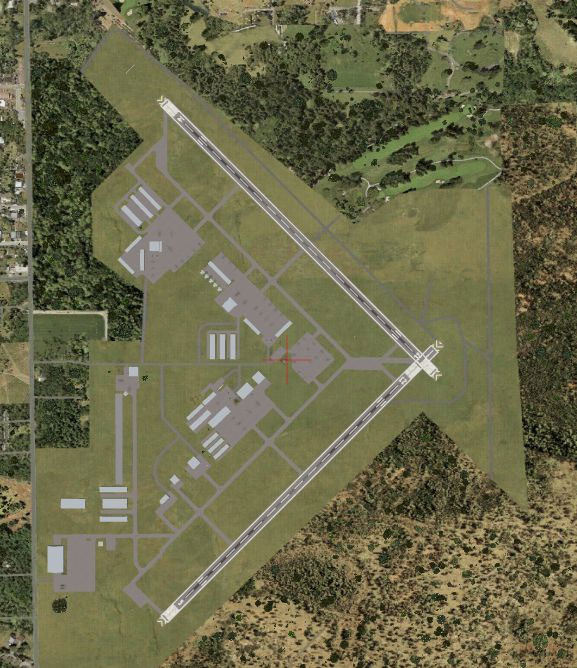
Jacksonville Craig Municipal Scenery.
For ease of setup, there are two suggested methods:
Next, find the Airport_Buildings_AP.bgl file located in the “Scenery_Global_Scenery” folder and place it into the “Scenery\Global\Scenery” directory under Microsoft Flight Simulator X. If you already have this file installed, overwrite the older version when appropriate.
This add-on is balanced for use alongside scenery solutions like Ultimate Terrain X-USA. When layering multiple scenery components, ensure the Scenery Complexity slider in the simulator settings is adjusted to “Very Dense” to display all custom objects. The configuration ensures hangars, terminals, small structures, and runway environment elements remain visible and well-integrated.
Although Airport Design Editor v1.37 was integral to creating this enhanced package, users can also leverage the same tool if additional modifications are desired. If it ever becomes necessary to revert back to the default environment, either uncheck the entry in the Addon Scenery library or remove the installed files from the “Addon Scenery\Scenery” folder, depending on the method used.
The included Airport_Buildings_AP.bgl is a comprehensive resource for scenery designers, offering a variety of airport objects. This library can stay in place even if KCRG’s custom files are removed, ensuring other sceneries that reference it remain fully functional.
Inside the “Thumbs” directory, thumbnail images showcase each object in the library for easy reference within external tools like Airport Design Editor. The entire package is freeware and contains no implied warranty. It has been tested with Microsoft Flight Simulator X Deluxe, Acceleration, UTX-USA, and World of AI traffic setups.
Airport creator: Art Poole (using Airport Design Editor v1.37 by ScruffyDuck Software and LibraryCreatorXML)
Free for all simmers · 453.82 KB · Scanned clean Oct 2026
Download speed: Free tier is capped at 0.5 Mbps. PRO members download at full line speed.
FSX\Addon Scenery\ containing scenery and texture sub-folders.readme.txt or README file. It tells you exactly where files go, what dependencies are needed, and any quirks specific to this add-on.Use these coordinates to fly directly to this location once the mod is installed.
30.33630000,-81.51440000
Launch FSX or Prepar3D and use Flights → Load to open the downloaded .pln file. Your aircraft will be positioned at this location.
The archive jack_fl.zip has 55 files and directories contained within it.
This list displays the first 500 files in the package. If the package has more, you will need to download it to view them.
| Filename/Directory | File Date | File Size |
|---|---|---|
| Jacksonville FL Craig | 04.07.09 | 0 B |
| Scenery | 04.23.09 | 0 B |
| KCRG_ADE_AP.BGL | 04.23.09 | 24.88 kB |
| KCRG_ADE_AP_CVX.bgl | 04.23.09 | 1.53 kB |
| KCRG.JPG | 04.23.09 | 106.42 kB |
| readme.txt | 04.23.09 | 2.13 kB |
| Scenery_Global_Scenery | 04.07.09 | 0 B |
| Airport_Buildings_AP.bgl | 03.31.09 | 372.23 kB |
| Thumbs | 04.07.09 | 0 B |
| Airport_Buildings.bgl | 04.07.09 | 0 B |
| double_row_hangers_01.JPG | 01.03.09 | 5.25 kB |
| double_row_hangers_02.JPG | 01.03.09 | 5.96 kB |
| double_row_hangers_03.JPG | 01.03.09 | 4.72 kB |
| double_row_hangers_end_01.JPG | 01.03.09 | 6.58 kB |
| double_row_hangers_end_02.JPG | 03.17.09 | 7.07 kB |
| fbo_small_01.JPG | 01.03.09 | 5.93 kB |
| fbo_small_02.JPG | 02.05.09 | 4.76 kB |
| fbo_small_03.JPG | 02.06.09 | 4.96 kB |
| fbo_small_04.JPG | 02.06.09 | 5.43 kB |
| hanger_fbo_01.JPG | 03.15.09 | 5.23 kB |
| large_double_hanger_01.JPG | 03.22.09 | 4.96 kB |
| large_hanger_01.JPG | 01.03.09 | 6.28 kB |
| large_hanger_02.JPG | 02.05.09 | 5.27 kB |
| large_hanger_03.JPG | 03.20.09 | 6.37 kB |
| long_cover.JPG | 01.03.09 | 4.62 kB |
| low_jetway_02.JPG | 03.22.09 | 5.32 kB |
| medium_hanger_01.JPG | 01.03.09 | 6.12 kB |
| medium_hanger_02.JPG | 01.03.09 | 8.24 kB |
| medium_hanger_03.JPG | 01.03.09 | 5.19 kB |
| medium_hanger_04.JPG | 03.09.09 | 4.50 kB |
| office_rectangular_01.JPG | 02.06.09 | 5.98 kB |
| office_round_01.JPG | 02.06.09 | 8.64 kB |
| Parking_01.jpg | 03.03.09 | 15.20 kB |
| Parking_02.jpg | 03.03.09 | 12.36 kB |
| Parking_03.jpg | 03.03.09 | 12.90 kB |
| residence_01.JPG | 02.05.09 | 11.02 kB |
| residence_02.JPG | 02.05.09 | 6.47 kB |
| residence_03.JPG | 02.05.09 | 7.70 kB |
| row_hangers_01.JPG | 01.03.09 | 4.72 kB |
| row_hangers_02.JPG | 01.03.09 | 6.79 kB |
| row_hangers_03.JPG | 01.03.09 | 8.24 kB |
| row_hangers_04.JPG | 01.03.09 | 5.34 kB |
| row_hangers_end_01.JPG | 01.03.09 | 4.96 kB |
| short_cover.jpg | 03.08.09 | 7.66 kB |
| small_hanger_01.JPG | 01.03.09 | 5.84 kB |
| small_hanger_02.JPG | 01.03.09 | 5.23 kB |
| small_hanger_03.JPG | 03.15.09 | 6.67 kB |
| t_hangers_01.JPG | 01.03.09 | 5.44 kB |
| tiny_hanger_01.JPG | 01.03.09 | 6.62 kB |
| tiny_hanger_02.JPG | 02.05.09 | 7.67 kB |
| tiny_hanger_03.JPG | 02.05.09 | 7.01 kB |
| tiny_hanger_04.JPG | 02.05.09 | 7.01 kB |
| tiny_hanger_05.JPG | 02.05.09 | 6.06 kB |
| flyawaysimulation.txt | 10.29.13 | 959 B |
| Go to Fly Away Simulation.url | 01.22.16 | 52 B |
Only PRO members can place votes.
More FSX & P3D add-ons hand-picked based on this download.
FSX Scenery
Craig Municipal Airport (KCRG), Jacksonville, Florida (FL). This update to th…
 FSX Scenery
Jacksonville Naval Air Station, Florida (FL). This is an enhanced version of …
 FSX Scenery
NAS Jacksonville (KNIP), Florida (FL). This is the third rendition of NAS Jac…
 FSX Scenery
Jacksonville International Airport (KJAX), Florida (FL). Requires Acceleratio…
 FSX Scenery
Jacksonville NAS Update, for use with KNIP_ENHANCED.ZIP. Without this update …
 FSX Scenery
NAS Jacksonville (KNIP), Florida (FL). An improved version with added parking…
 FSX Scenery
This freeware scenery package by Ray Smith creates a comprehensive overhaul o…
 FSX Scenery
Santa Barbara Municipal Airport (KSBA), California (CA) hi-res photo scenery.…
Be the first to leave a comment on this download.
Be the first to share your thoughts on this download.