


 United States of America
  FSX Scenery
FSX Skara Bonaire X
Skara Scenery Bonaire X. Flamingo International Airport or Bonaire Internatio…
Sarasota-Bradenton International Airport (KSRQ) gets a faithful, modernized layout in FSX with updated terminals, FBOs, taxiways, hangars, apron markings, and refined surrounding landclass based on current FAA charts and imagery. The package also includes a custom object library for new structures and optional enhanced night lighting when lightobj.bgl is installed.
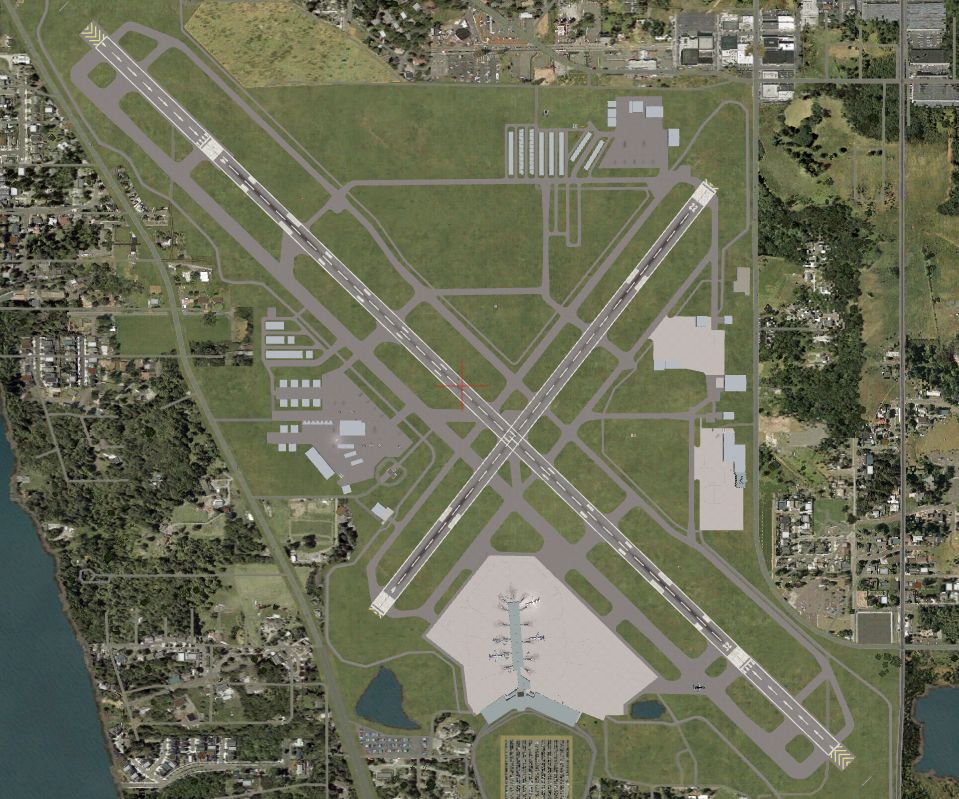
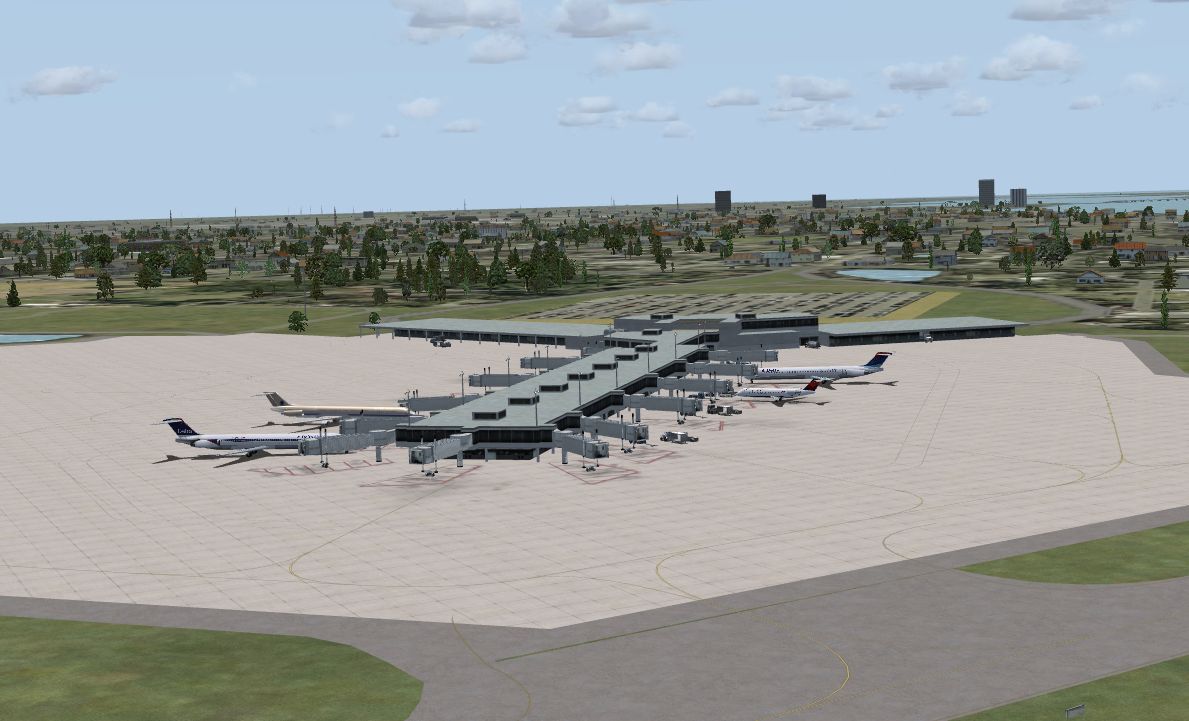
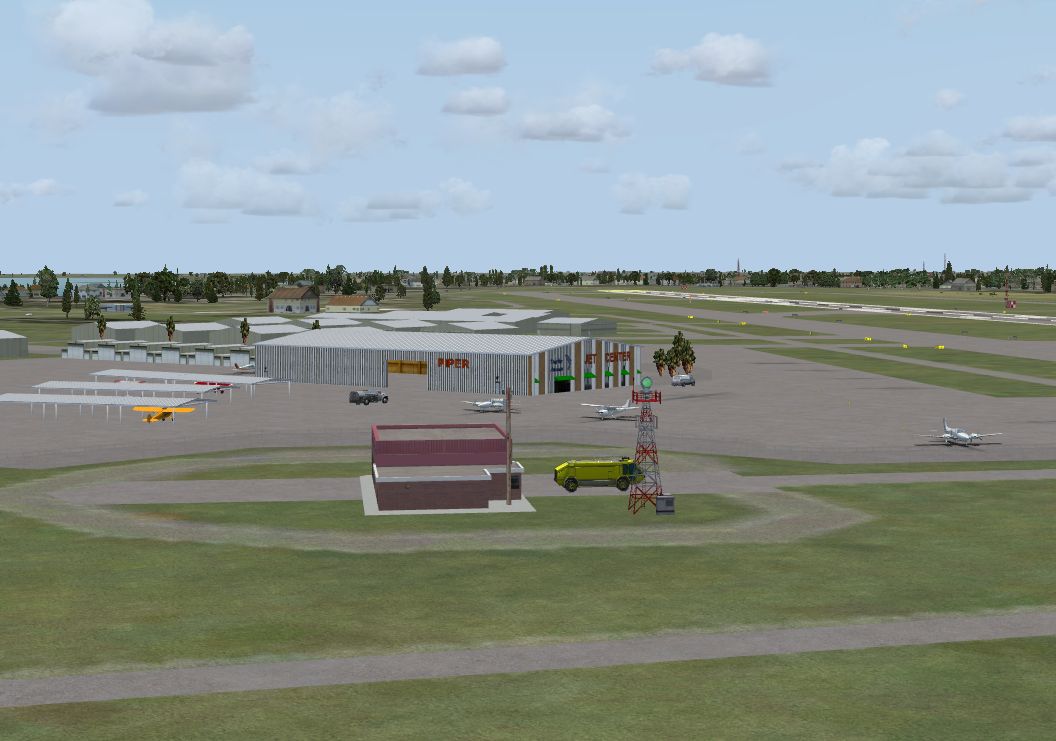
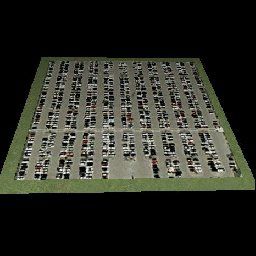
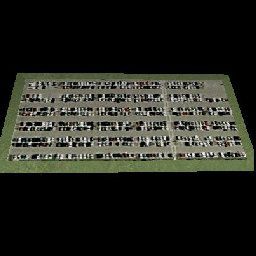
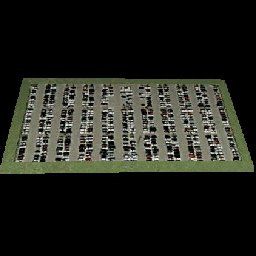
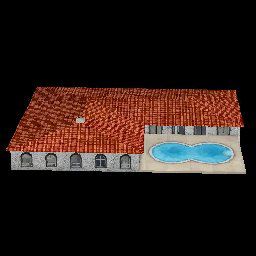
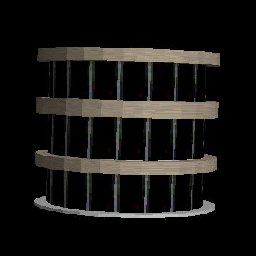
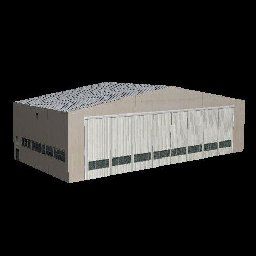
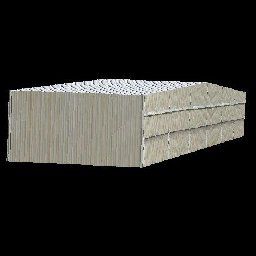
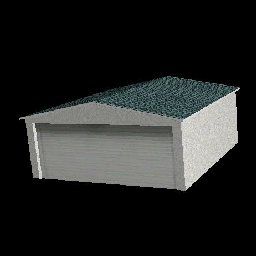
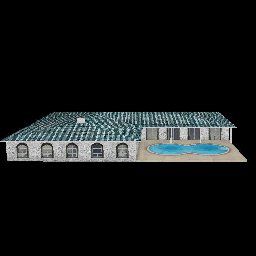
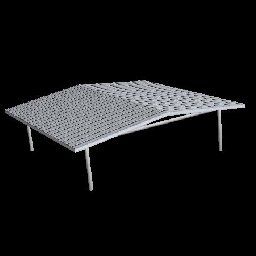
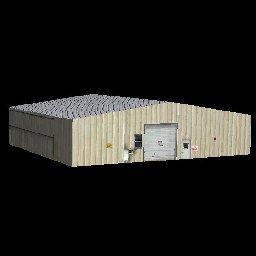
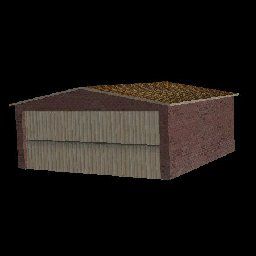
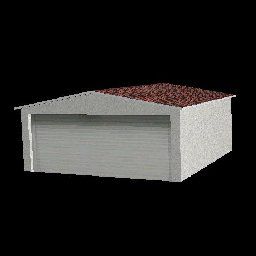
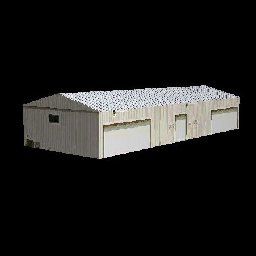
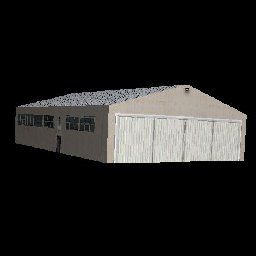
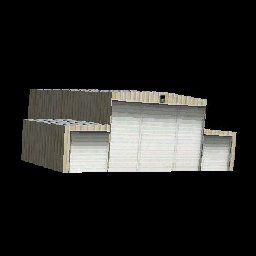
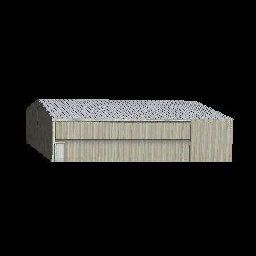
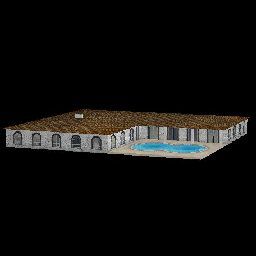
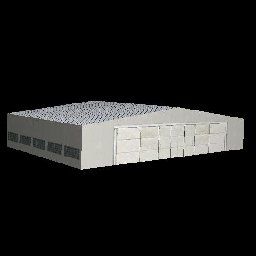
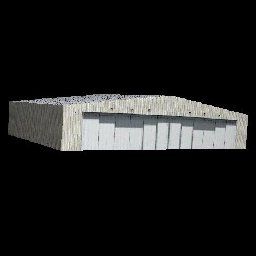
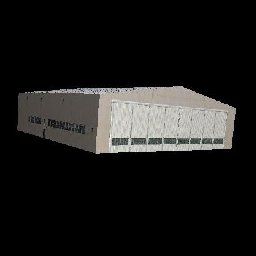
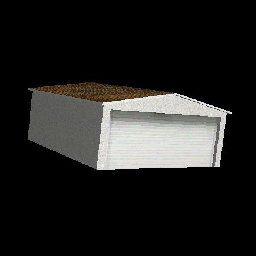
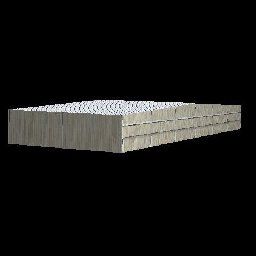
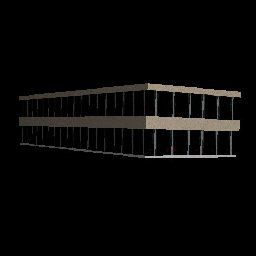
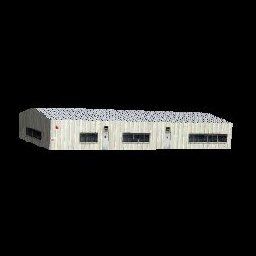
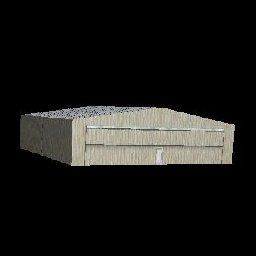
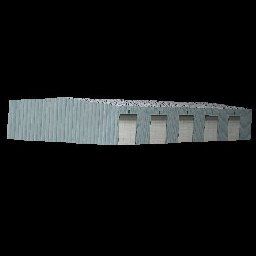
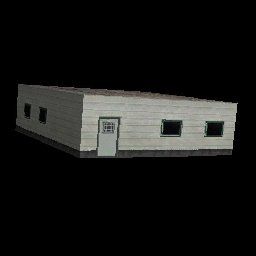
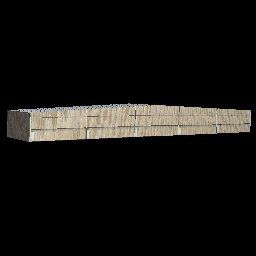
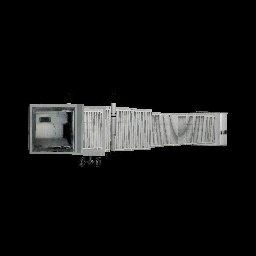
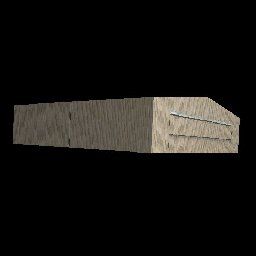
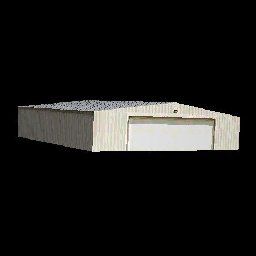
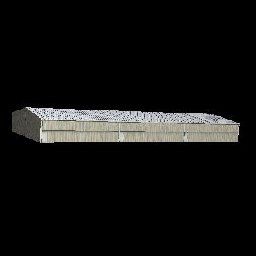
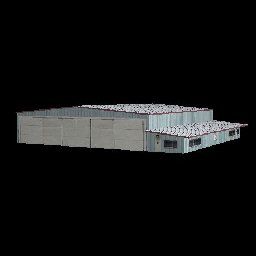
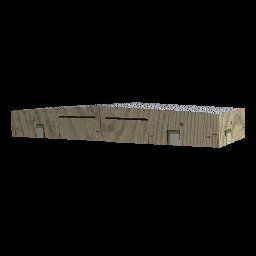
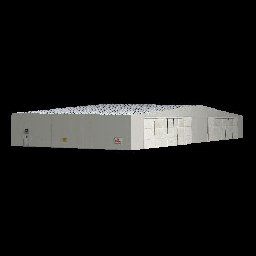
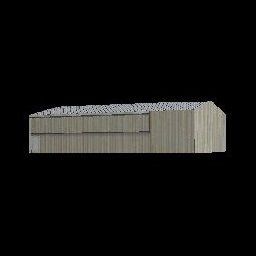
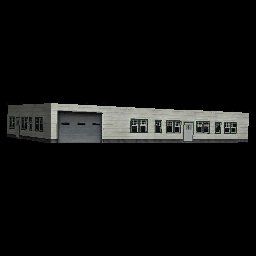
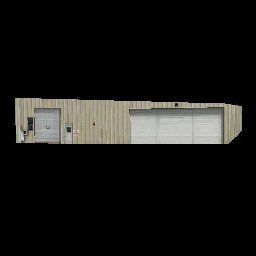
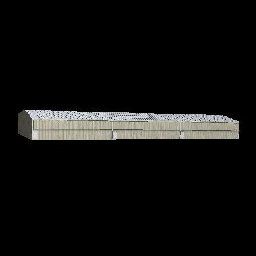
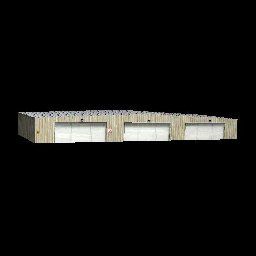
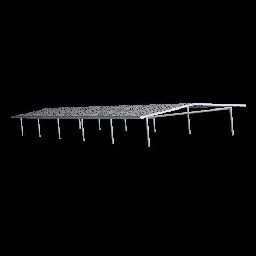
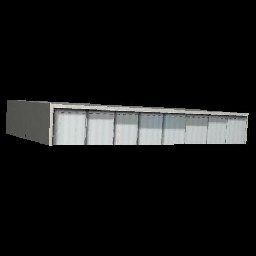
Sarasota-Bradenton International Airport (KSRQ) in Florida has undergone several real-world modifications since the initial release of Microsoft Flight Simulator X. This upgraded add-on, created by Art Poole, accurately reflects those changes by introducing new terminals, FBOs, taxiways, hangars, landclass modifications, and much more. It is presented entirely as freeware and arrives with no warranty implied.
The scenery package takes advantage of comprehensive imagery and references to replicate present-day Sarasota-Bradenton International Airport. It is built upon the latest FAA charts and Virtual Earth sources, ensuring layout accuracy. These updates cover:
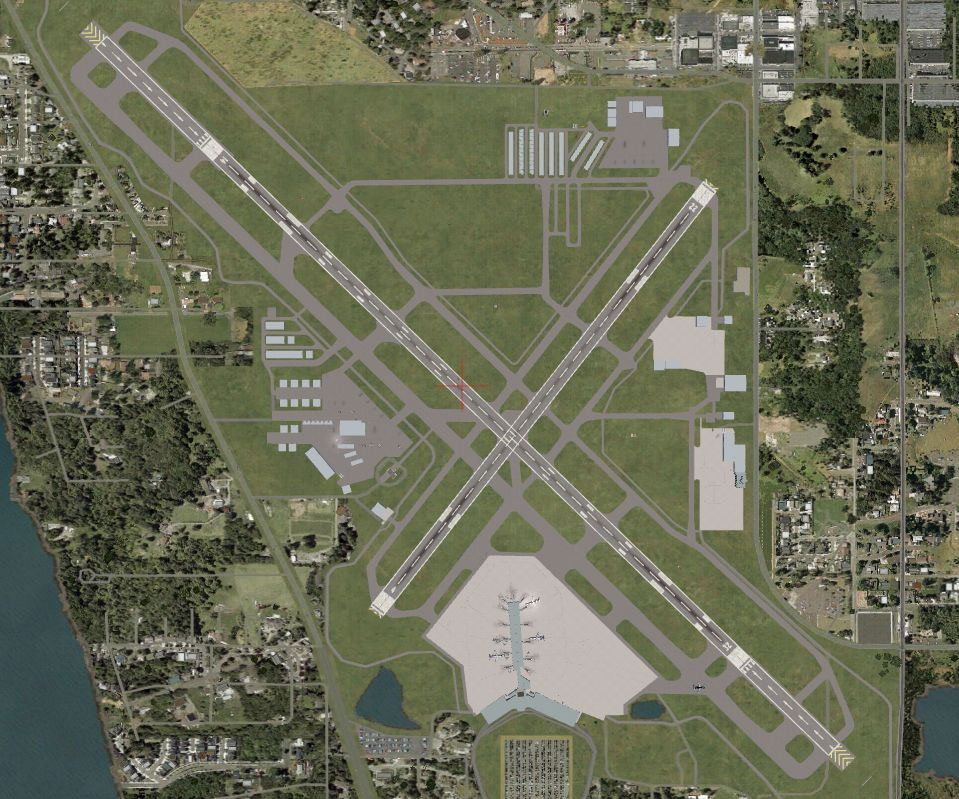
Sarasota-Bradenton Scenery.
After extracting the downloaded ZIP file, there are two primary ways to apply the update:
Additionally, transfer parking.dds into “Flight Simulator X\Texture.” Then place the global library file Airport_Buildings_AP.bgl into “Microsoft Flight Simulator X\Scenery\Global\Scenery.” If there is a previous file with the same name, overwrite it unless your older file carries a more recent date.
For the various objects to appear, set the Scenery Complexity slider to Very Dense. If you have Jim Dhaenens’ lightobj.bgl (available separately) installed and slide the complexity to Extremely Dense, you will see additional night lighting around the terminal area. The overall layout coexists nicely with Ultimate Terrain X – USA.
This airport can be further customized using Airport Design Editor (a freeware utility). To restore the default FSX airport, simply uncheck or remove the added KSRQ-related files from your scenery library or “Addon Scenery\Scenery” folder, based on your chosen installation method.
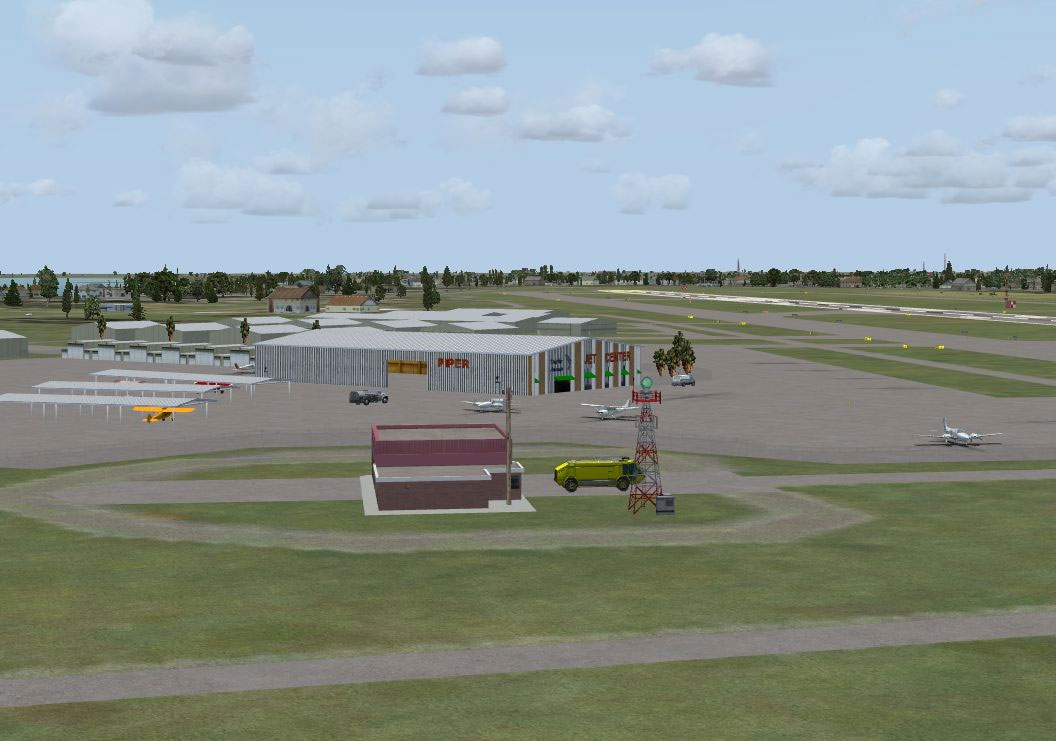
Sarasota-Bradenton Scenery.
An object library file (Airport_Buildings_AP.bgl) is packaged to deliver new airport buildings for placement. The Thumbs folder offers reference images for those who leverage Airport Design Editor or other scenery design applications. These resources help you integrate the structures elsewhere if desired, without the need to remove or deactivate them to revert to the original KSRQ layout.
This scenery was developed and tested using FSX Deluxe Edition with UTX-USA, Acceleration, and World of AI (WOAI) traffic packages. It also uses NovaGold textures and was chiefly assembled through Airport Design Editor v1.40.09 by ScruffyDuck Software and LibraryCreatorXML. The objective was to offer a realistic portrayal of KSRQ while remaining compatible with widely used add-ons.
The Sarasota-Bradenton International Airport scenery by Art Poole is released as freeware. You can freely use or modify and incorporate it into your personal flight simulation setup, but not for any commercial profit. This package is distributed without warranty, and although it has been diligently tested, there is no guarantee it will function perfectly under all setups.
Free for all simmers · 1.24 MB · Scanned clean Oct 2026
Download speed: Free tier is capped at 0.5 Mbps. PRO members download at full line speed.
FSX\Addon Scenery\ containing scenery and texture sub-folders.readme.txt or README file. It tells you exactly where files go, what dependencies are needed, and any quirks specific to this add-on.Use these coordinates to fly directly to this location once the mod is installed.
27.39540000,-82.55440000
Launch FSX or Prepar3D and use Flights → Load to open the downloaded .pln file. Your aircraft will be positioned at this location.
The archive sarasota-bradenton_fl.zip has 70 files and directories contained within it.
This list displays the first 500 files in the package. If the package has more, you will need to download it to view them.
| Filename/Directory | File Date | File Size |
|---|---|---|
| ksrq.JPG | 08.15.09 | 182.50 kB |
| KSRQ.pdf | 05.11.09 | 167.39 kB |
| ksrq_fbo.JPG | 08.15.09 | 95.85 kB |
| ksrq_terminal.JPG | 08.15.09 | 116.42 kB |
| readme.txt | 08.18.09 | 2.80 kB |
| Sarasota-Bradenton Airport | 08.15.09 | 0 B |
| Scenery | 08.15.09 | 0 B |
| KSRQ_ADE_AP.BGL | 08.18.09 | 63.78 kB |
| KSRQ_ADE_AP_CVX.bgl | 08.15.09 | 1.63 kB |
| KSRQ_DOLPHIN_AP.bgl | 08.02.09 | 25.69 kB |
| KSRQ_RECTRIX_AP.bgl | 08.15.09 | 15.34 kB |
| KSRQ_TERMINAL_AP.bgl | 08.13.09 | 197.63 kB |
| Texture | 08.15.09 | 0 B |
| green.bmp | 11.25.08 | 2.05 kB |
| NovaGold011_lm.bmp | 07.28.08 | 86.39 kB |
| NovaGold018.bmp | 08.01.09 | 65.05 kB |
| signs.bmp | 08.02.09 | 170.75 kB |
| signs_lm.bmp | 08.02.09 | 170.75 kB |
| stone_wall.dds | 08.01.09 | 170.80 kB |
| Scenery_Global_Scenery | 08.15.09 | 0 B |
| Airport_Buildings_AP.bgl | 03.31.09 | 372.23 kB |
| Texture | 08.15.09 | 0 B |
| parking.dds | 03.03.09 | 170.80 kB |
| Thumbs | 08.15.09 | 0 B |
| Airport_Buildings.bgl | 08.15.09 | 0 B |
| double_row_hangers_01.JPG | 01.03.09 | 5.25 kB |
| double_row_hangers_02.JPG | 01.03.09 | 5.96 kB |
| double_row_hangers_03.JPG | 01.03.09 | 4.72 kB |
| double_row_hangers_end_01.JPG | 01.03.09 | 6.58 kB |
| double_row_hangers_end_02.JPG | 03.17.09 | 7.07 kB |
| fbo_small_01.JPG | 01.03.09 | 5.93 kB |
| fbo_small_02.JPG | 02.05.09 | 4.76 kB |
| fbo_small_03.JPG | 02.06.09 | 4.96 kB |
| fbo_small_04.JPG | 02.06.09 | 5.43 kB |
| hanger_fbo_01.JPG | 03.15.09 | 5.23 kB |
| large_double_hanger_01.JPG | 03.22.09 | 4.96 kB |
| large_hanger_01.JPG | 01.03.09 | 6.28 kB |
| large_hanger_02.JPG | 02.05.09 | 5.27 kB |
| large_hanger_03.JPG | 03.20.09 | 6.37 kB |
| long_cover.JPG | 01.03.09 | 4.62 kB |
| low_jetway_02.JPG | 03.22.09 | 5.32 kB |
| medium_hanger_01.JPG | 01.03.09 | 6.12 kB |
| medium_hanger_02.JPG | 01.03.09 | 8.24 kB |
| medium_hanger_03.JPG | 01.03.09 | 5.19 kB |
| medium_hanger_04.JPG | 03.09.09 | 4.50 kB |
| office_rectangular_01.JPG | 02.06.09 | 5.98 kB |
| office_round_01.JPG | 02.06.09 | 8.64 kB |
| Parking_01.jpg | 03.03.09 | 15.20 kB |
| Parking_02.jpg | 03.03.09 | 12.36 kB |
| Parking_03.jpg | 03.03.09 | 12.90 kB |
| residence_01.JPG | 02.05.09 | 11.02 kB |
| residence_02.JPG | 02.05.09 | 6.47 kB |
| residence_03.JPG | 02.05.09 | 7.70 kB |
| row_hangers_01.JPG | 01.03.09 | 4.72 kB |
| row_hangers_02.JPG | 01.03.09 | 6.79 kB |
| row_hangers_03.JPG | 01.03.09 | 8.24 kB |
| row_hangers_04.JPG | 01.03.09 | 5.34 kB |
| row_hangers_end_01.JPG | 01.03.09 | 4.96 kB |
| short_cover.jpg | 03.08.09 | 7.66 kB |
| small_hanger_01.JPG | 01.03.09 | 5.84 kB |
| small_hanger_02.JPG | 01.03.09 | 5.23 kB |
| small_hanger_03.JPG | 03.15.09 | 6.67 kB |
| t_hangers_01.JPG | 01.03.09 | 5.44 kB |
| tiny_hanger_01.JPG | 01.03.09 | 6.62 kB |
| tiny_hanger_02.JPG | 02.05.09 | 7.67 kB |
| tiny_hanger_03.JPG | 02.05.09 | 7.01 kB |
| tiny_hanger_04.JPG | 02.05.09 | 7.01 kB |
| tiny_hanger_05.JPG | 02.05.09 | 6.06 kB |
| flyawaysimulation.txt | 10.29.13 | 959 B |
| Go to Fly Away Simulation.url | 01.22.16 | 52 B |
Only PRO members can place votes.
More FSX & P3D add-ons hand-picked based on this download.
FSX Scenery
Skara Scenery Bonaire X. Flamingo International Airport or Bonaire Internatio…
 FSX Scenery
Iwo Jima Scenery 1945 Update. This is a complete scenery with added effects a…
FSX Scenery
Kjeller Area Scenery X, Norway. Scenery around Kjeller airport with photoreal…
 FSX Scenery
FSX Loney's Alaska For FSX. This is a compilation of the author's Alaskan sce…
 FSX Scenery
For users of Flight Simulator X (and FSX: Steam Edition) and/or Prepar3D, ter…
 FSX Scenery
This freeware release by developer Aime Leclercq introduces revised highways …
 FSX Scenery
Team GEX Enhanced Autogen World. This package upgrades 522 world wide autogen…
 FSX Scenery
Princess Juliana International Airport (TNCM) in Saint Marteen, Netherlands A…
Be the first to leave a comment on this download.
Be the first to share your thoughts on this download.