


 Germany
  FSX Scenery
Acc MSPG Sceneries Mach Loop
Acc MSPG Sceneries Mach Loop Scenery. This scenery is for FSX Acceleration SP…
Rostock–Laage Airport (ETNL) and a regional texture refresh bring sharper, photo-adjusted autogen across forests, beaches, streets, rivers, and reflective water in FSX. The military base comes alive with a detailed German Air Force layout, a new terminal, hangars and shelters, dense custom objects, and static displays including the F-4F Phantom, Eurofighter, Eurocopter Tiger, and Airbus A350.
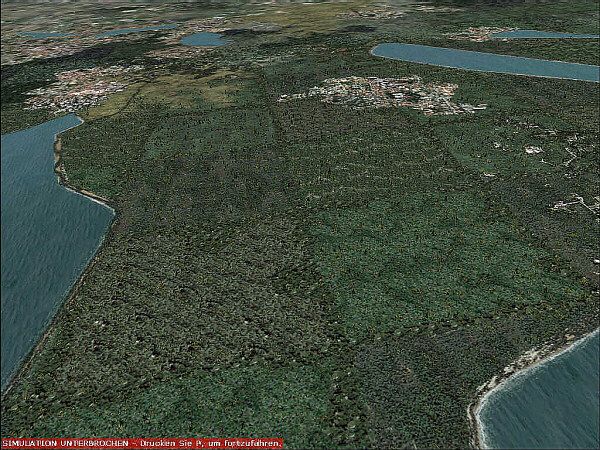
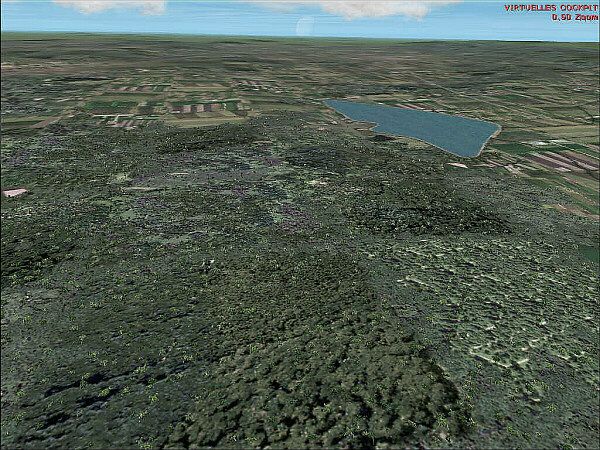
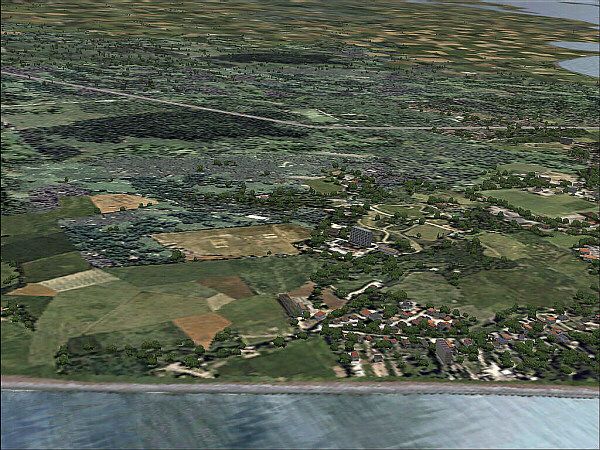
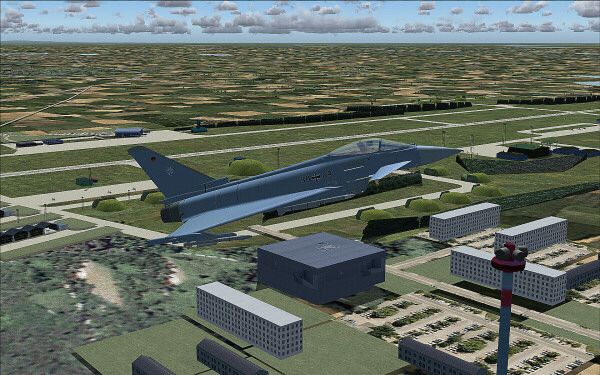
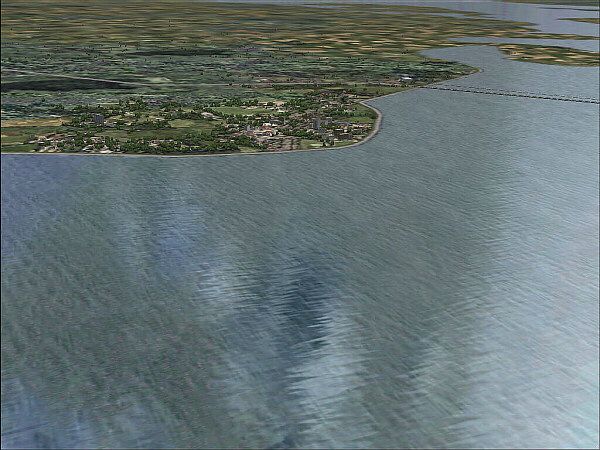
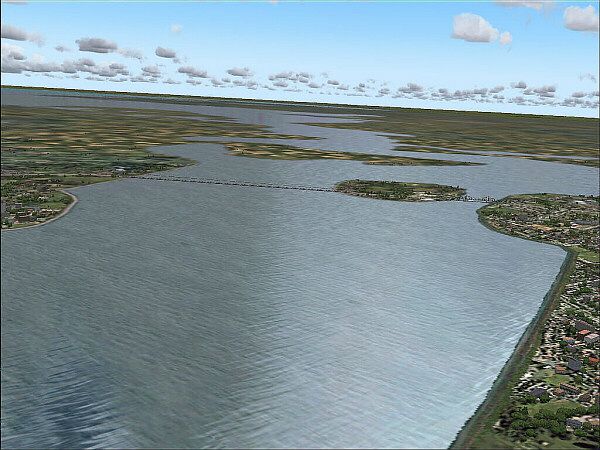

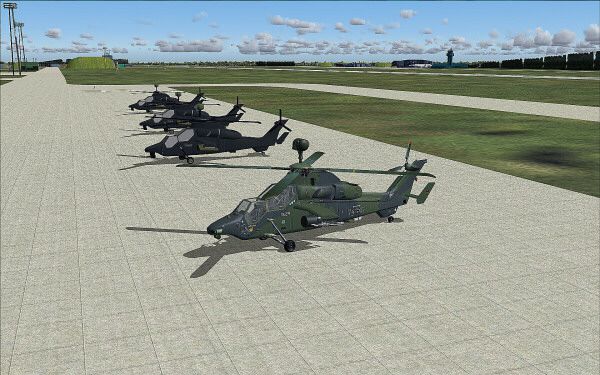
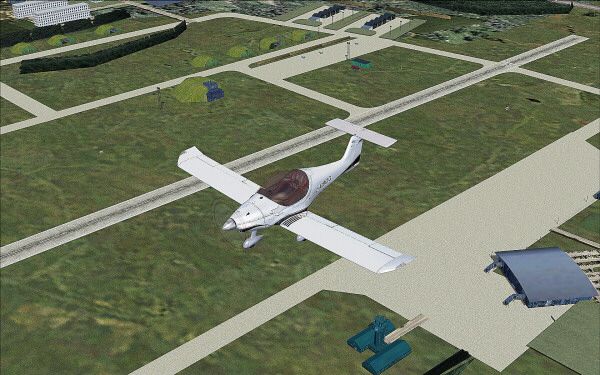
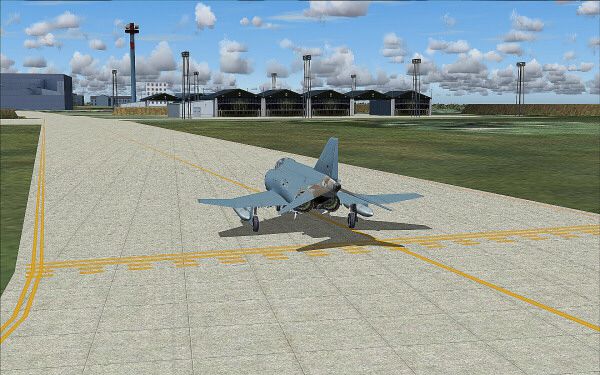
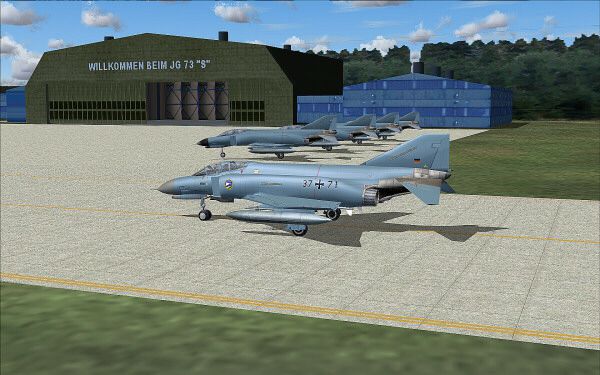

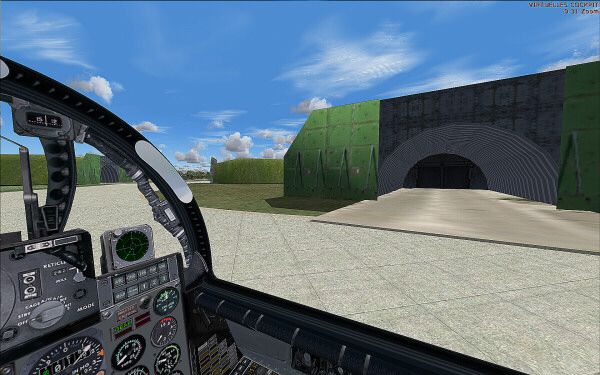

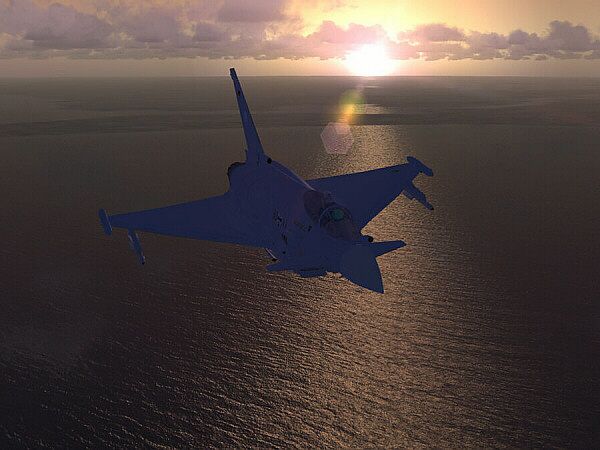
Sceneries Package v1; now freeware. The Sceneries Package v1 product features the following: new autogen forest textures, new autogen water mirror textures, autogen water textures, new beach, streets and river. All textures have three different altitude - sharpness - raster, all textures are adjusted air photos. The Airport Rostock - Laage (ETNL) product features the following: new static display of F-4F Phantom and Airbus A350, new objects and new forest, static display of Eurofighter, Eurocopter Tiger, accurate simulation of Fliegerhorst German Bundeswehr: Jagdgeschwader 73 Steinhof, 200 authentic objects, with shelter for the Eurofighters, forest, streets, hangars for civils and military air traffic, new airport terminal and many more. Autogen textures, 3D buildings and textures by A. Meyer.
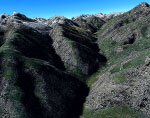
Sceneries Package.
The autogen textures product features the following:
- new autogen forest textures
- new autogen water mirror textures for FSX
- autogen water textures
- new beach,streets and river
- all textures have 3 differents altitude - sharpness - raster
- all textures are adjusted air photos
The Airport Rostock – Laage ( ETNL ) is modern, service-orientated, professional - that’s how passengers and visitors see the airport in Mecklenburg-Western Pommerania. Quality and customer care are matters of course for 60 airport employees. Day after day they’re mastering their complex work flows (almost) with perfection. Every business section of the airport like ground traffic service, passage, or traffic control is subject to a permanent quality management following Lufthansa standards. Not least it’s due to the German Air Force that the airport meets international standards. Rostock-Laage is a popular airport. Both business travellers and tourists appreciate the individual atmosphere and the extensive service which is improved every day.
The Airport Rostock – Laage ( ETNL ) product features the following:
- New static display of F-4F Phantom and AIRBUS A350
- New opjects and new forest
- static display of Eurofighter, Eurocopter Tiger
- accurate simulation of Fliegerhorst German Bundeswehr: “ Jagdgeschwader 73 Steinhof ”
- 200 authentic objects
- with shelter for the Eurofighters, forest, streets, hangars for civils and military air traffic
- new airport terminal and many more
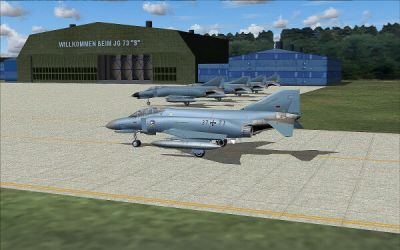
Sceneries Package.
Free for all simmers · 9.13 MB · Scanned clean Oct 2026
Download speed: Free tier is capped at 0.5 Mbps (this file takes approximately 3 mins at the cap). PRO members download at full line speed.
SimObjects\Airplanes\, Addon Scenery\, Effects\, or Gauges\.readme.txt or README file. It tells you exactly where files go, what dependencies are needed, and any quirks specific to this add-on.Use these coordinates to fly directly to this location once the mod is installed.
53.91820000,12.27830000
Launch FSX or Prepar3D and use Flights → Load to open the downloaded .pln file. Your aircraft will be positioned at this location.
The archive afs_scnen1_fsx.zip has 23 files and directories contained within it.
This list displays the first 500 files in the package. If the package has more, you will need to download it to view them.
| Filename/Directory | File Date | File Size |
|---|---|---|
| = READ ME =.txt | 10.06.09 | 1.65 kB |
| 1.JPG | 10.06.09 | 22.22 kB |
| 10.JPG | 06.12.08 | 95.29 kB |
| 11.JPG | 06.12.08 | 86.63 kB |
| 12.JPG | 02.21.07 | 147.62 kB |
| 13.JPG | 02.21.07 | 163.69 kB |
| 14.JPG | 02.21.07 | 72.66 kB |
| 15.JPG | 02.21.07 | 153.78 kB |
| 16.JPG | 02.21.07 | 97.74 kB |
| 17.JPG | 02.21.07 | 100.56 kB |
| 2.JPG | 10.06.09 | 27.91 kB |
| 3.JPG | 06.12.08 | 93.51 kB |
| 4.JPG | 06.12.08 | 89.89 kB |
| 5.JPG | 06.12.08 | 107.28 kB |
| 6.JPG | 06.12.08 | 109.37 kB |
| 7.JPG | 06.12.08 | 102.97 kB |
| 8.JPG | 06.12.08 | 125.16 kB |
| 9.JPG | 06.12.08 | 107.21 kB |
| FileID.diz | 10.06.09 | 861 B |
| liesmich.txt | 10.06.09 | 2.03 kB |
| scenafsX.exe | 03.02.09 | 7.57 MB |
| flyawaysimulation.txt | 10.29.13 | 959 B |
| Go to Fly Away Simulation.url | 01.22.16 | 52 B |
Only PRO members can place votes.
More FSX & P3D add-ons hand-picked based on this download.
FSX Scenery
Acc MSPG Sceneries Mach Loop Scenery. This scenery is for FSX Acceleration SP…
 FSX Scenery
VATJO Jordanian Sceneries, v4. The latest installment of the VATSIM Jordanian…
FSX Scenery
This is a freeware file and has taken a lot of time and effort to make To ins…
 FSX Scenery
This is the fourth and final part of my LA-basin sceneries. It works equally …
 FSX Scenery
A package for Microsoft Flight Simulator X that brings 7 Swiss airports to r…
 FSX Scenery
Custom built hangars and buildings for Altus AFB, Oklahoma (OK), USA. AFCAD f…
 FSX Scenery
This package contains photo-scenery for the eastern part of Puerto Rico. The …
 FSX Scenery
Complete Jordan Scenery Package. This is version 2 of the VATSIM Jordanian FI…
Be the first to leave a comment on this download.
Be the first to share your thoughts on this download.