


 Ethiopia
  FSX Scenery
Mystery Temple of Artemus
Mystery Temple of Artemus Episode 4. FSAdventureSky Series: Morocco is famous…
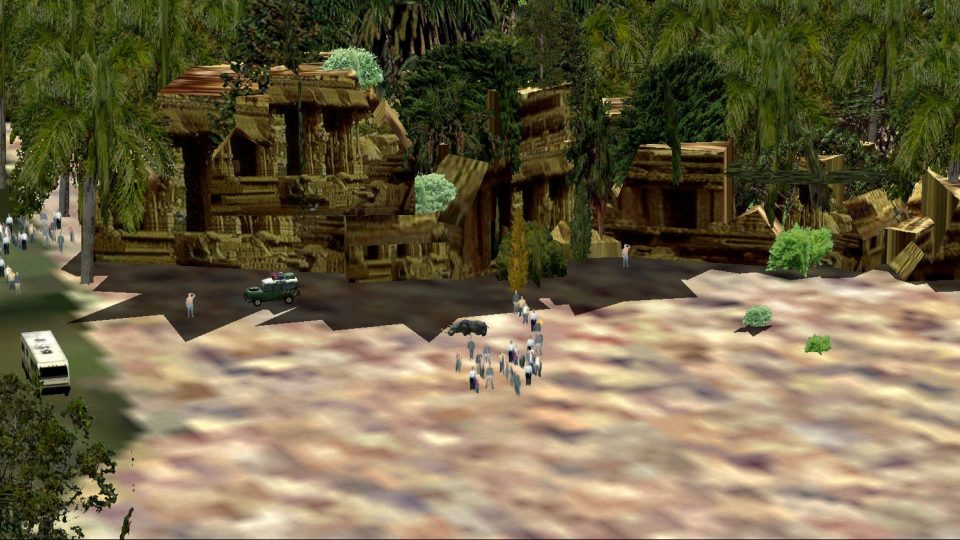
The Temple of Afrik-Trem brings a photo-textured Ethiopian landmark to life with a small airfield and an included route map for a satisfying backcountry-style hop in FSX. The package also adds themed postcards and supporting scenery details, turning the legendary jungle shrine into a memorable tourist stop.
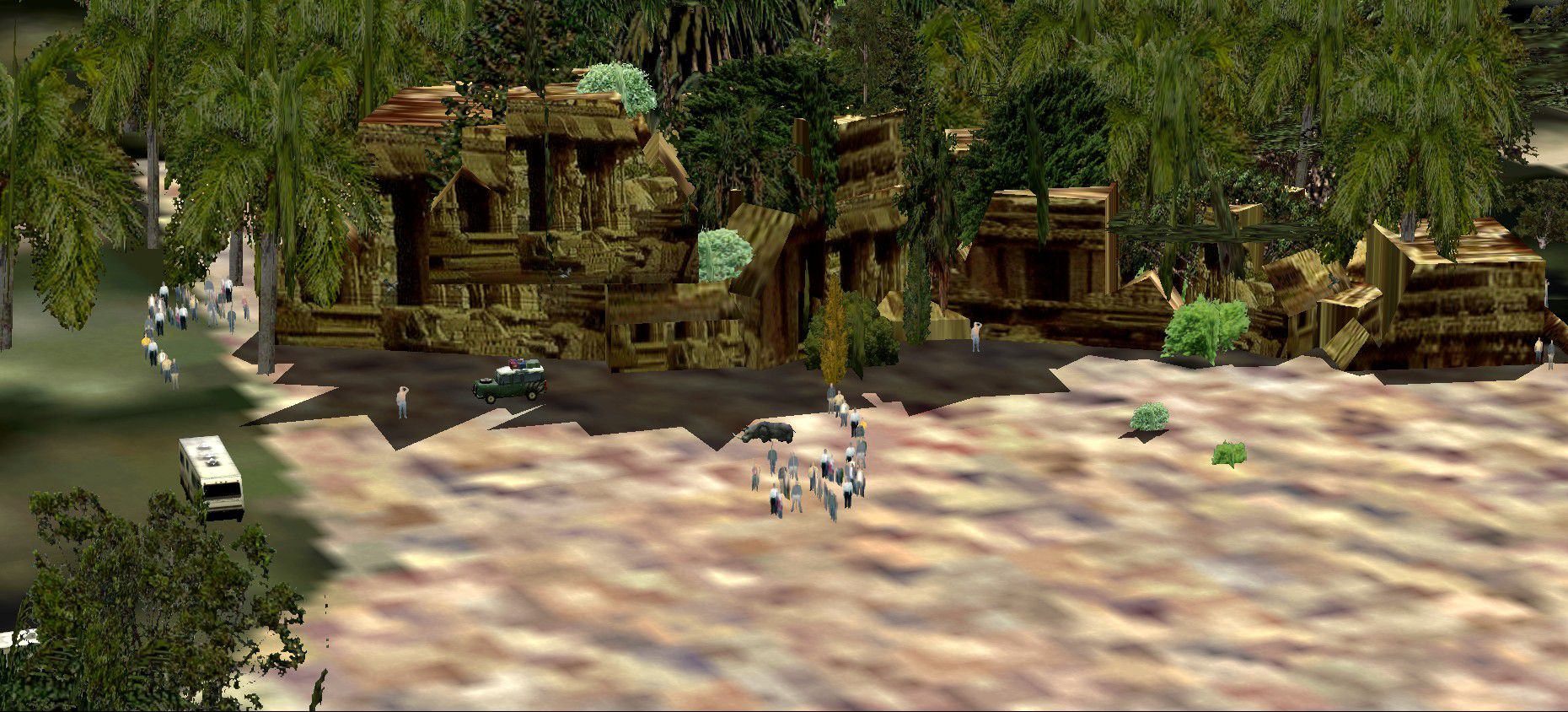
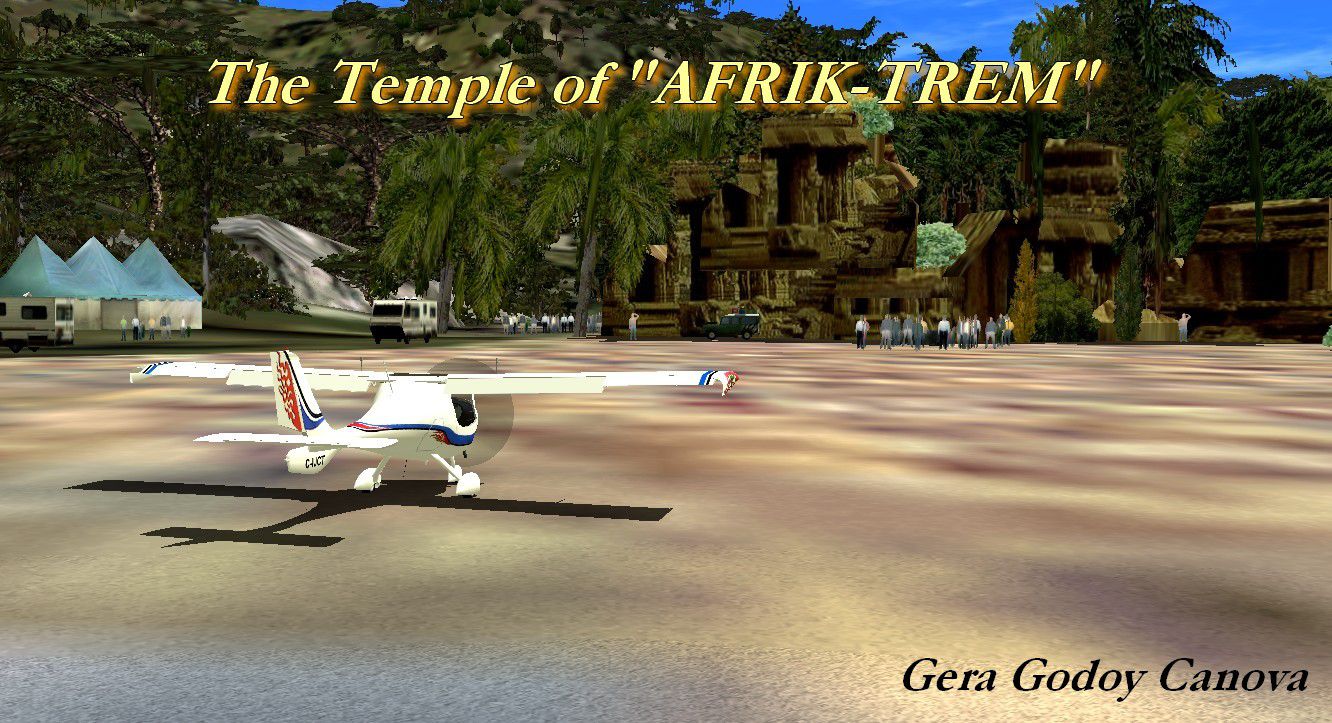
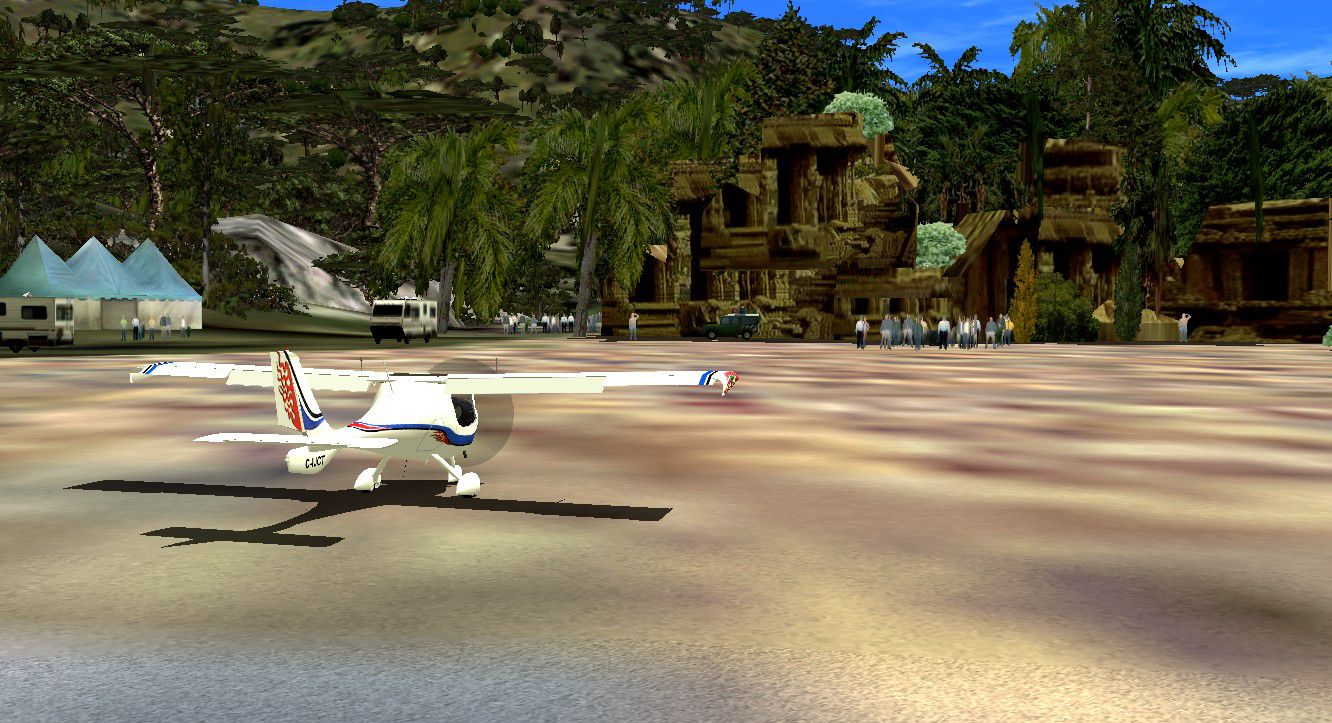
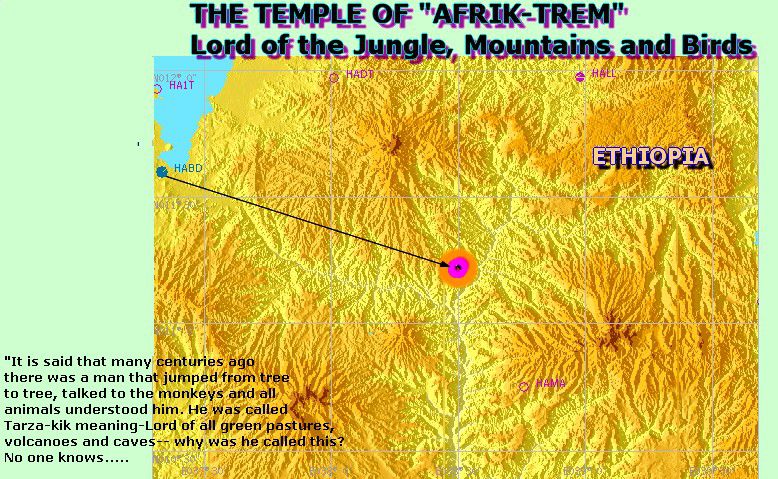
Chapter 3 "The Temple of Afrik-Trem". It is said in the tribes of Ethiopia that many centuries ago "There was a man that jumped from tree to tree, talked to the monkeys and all animals understood and liked him. His name was Trarza-Trem, meaning King of the Jungle in Uiguli. He lived for 600 years and took care of all trees and animals as well as teaching them to be good animals. The temple to this strange man was found only two years ago and is now a tourist trap! Check it out you might enjoy the flight to it and the temple itself, even a Cessna 172 can get there. Kit includes: photo-temple, airfield, route map, two post cards and a lot of fun. By Gera Godoy Canova.
Chapter 3 "The Temple of Afrik-Trem" Scenery.
1) Place the enclosed .bgl files in your FSX/Addon Scenery/Scenery Directory
2) Place all .BMP files in your FSX/Addon Scenery/Texture Directory
3) Activate your new files by closing FSX if its open, when you open it again the files will be activated and available.
4) Use the enclosed "ROUTE MAP" TO FIND THE TEMPLE AND AIRFIELD.....
Have a nice Flight.
Gera
Chapter 3 "The Temple of Afrik-Trem" Scenery.
Free for all simmers · 1.27 MB · Scanned clean Oct 2026
Download speed: Free tier is capped at 0.5 Mbps. PRO members download at full line speed.
FSX\Addon Scenery\ containing scenery and texture sub-folders.readme.txt or README file. It tells you exactly where files go, what dependencies are needed, and any quirks specific to this add-on.Use these coordinates to fly directly to this location once the mod is installed.
8.98060000,38.75780000
Launch FSX or Prepar3D and use Flights → Load to open the downloaded .pln file. Your aircraft will be positioned at this location.
The archive temp-03.zip has 13 files and directories contained within it.
This list displays the first 500 files in the package. If the package has more, you will need to download it to view them.
| Filename/Directory | File Date | File Size |
|---|---|---|
| ROUTE-MAP-TO TEMPLE.jpg | 11.05.09 | 196.71 kB |
| TEMPL-01.jpg | 11.05.09 | 445.41 kB |
| TEMPL-2.jpg | 11.05.09 | 291.51 kB |
| AFRIK-01.bgl | 11.05.09 | 4.78 kB |
| CVX_PROJECT.BGL | 11.05.09 | 351 B |
| TEMPLO-AFRIK.bgl | 11.05.09 | 29.22 kB |
| SERIE-TEMPLE-4.bmp | 11.03.09 | 65.05 kB |
| READ ME FIRST.txt | 11.09.09 | 631 B |
| FILE_ID.DIZ | 11.09.09 | 62 B |
| poster.jpg | 11.09.09 | 305.20 kB |
| postersito.gif | 11.09.09 | 10.61 kB |
| flyawaysimulation.txt | 10.29.13 | 959 B |
| Go to Fly Away Simulation.url | 01.22.16 | 52 B |
Only PRO members can place votes.
More FSX & P3D add-ons hand-picked based on this download.
FSX Scenery
Mystery Temple of Artemus Episode 4. FSAdventureSky Series: Morocco is famous…
 FSX Scenery
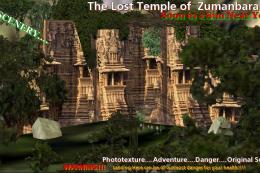
The Lost Temple Of Zummanbarah. No. 2 of the series "Mysterious Temples of a …
 FSX Scenery
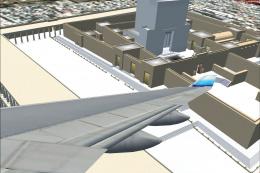
This is an alternative scenery file for the Temple Mount in Jerusalem (Israel…
 FSX Scenery
Skara Scenery Bonaire X. Flamingo International Airport or Bonaire Internatio…
 FSX Scenery
Iwo Jima Scenery 1945 Update. This is a complete scenery with added effects a…
FSX Scenery
Kjeller Area Scenery X, Norway. Scenery around Kjeller airport with photoreal…
 FSX Scenery
FSX Loney's Alaska For FSX. This is a compilation of the author's Alaskan sce…
 FSX Scenery
For users of Flight Simulator X (and FSX: Steam Edition) and/or Prepar3D, ter…
Be the first to leave a comment on this download.
Be the first to share your thoughts on this download.