


 Cyprus
  FSX Scenery
RAF Coningsby
RAF Coningsby UK. This scenery depicts RAF Coningsby, Lincolnshire, England a…
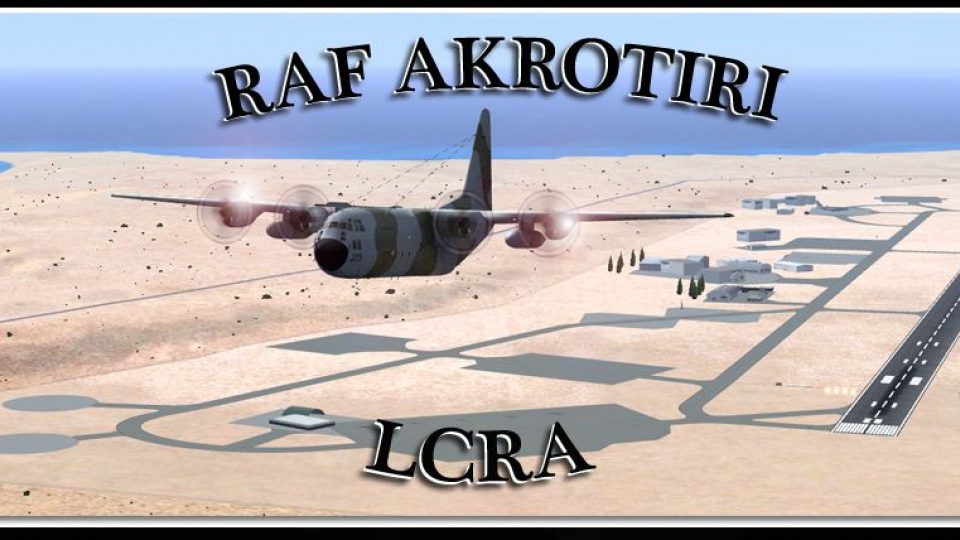
RAF Akrotiri (LCRA/AKT) scenery brings the key Royal Air Force station on Cyprus to life with a refined airport layout tailored for operations south of Limassol in the UK Sovereign Base Area. Designed for Microsoft Flight Simulator X, it enhances immersion with accurate field placement and a cleaner, more authentic approach environment.
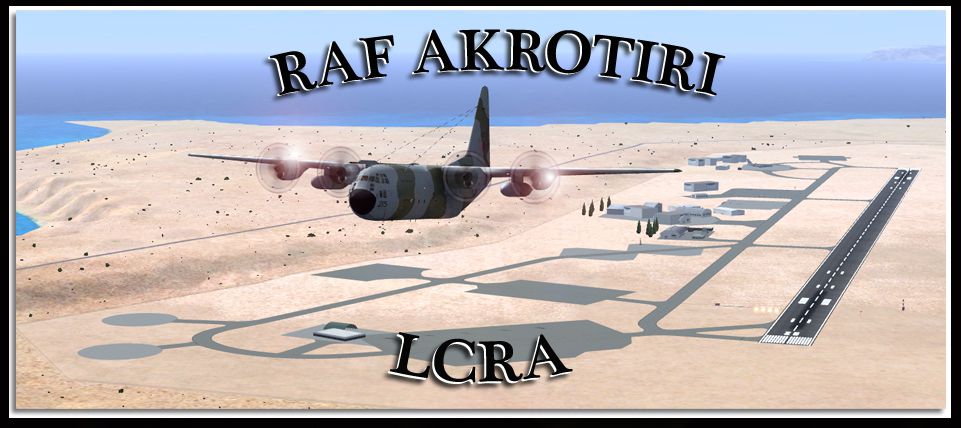
Scenery RAF Akrotiri, Cyprus. Royal Air Force Station Akrotiri, more commonly known as RAF Akrotiri (IATA: AKT, ICAO: LCRA), is a large Royal Air Force station on the Mediterranean island of Cyprus. It is located in the south of the island, 10 km (6.2 miles) south southwest of Limassol in the UK sovereign base area of Akrotiri. By Gordon Barnes.
RAF Akrotiri Scenery Poster.
Install Instructions:
Just cut and past the following file into your FSX Addon Scenery/Scenery foler.
LCRA_ADEX_GB.BGL
Enjoy.
Gordy
UK.
Free for all simmers · 321.95 KB · Scanned clean Oct 2026
Download speed: Free tier is capped at 0.5 Mbps. PRO members download at full line speed.
FSX\Addon Scenery\ containing scenery and texture sub-folders.readme.txt or README file. It tells you exactly where files go, what dependencies are needed, and any quirks specific to this add-on.Use these coordinates to fly directly to this location once the mod is installed.
34.59040000,32.98790000
Launch FSX or Prepar3D and use Flights → Load to open the downloaded .pln file. Your aircraft will be positioned at this location.
The archive akrotiri-1.zip has 6 files and directories contained within it.
This list displays the first 500 files in the package. If the package has more, you will need to download it to view them.
| Filename/Directory | File Date | File Size |
|---|---|---|
| Akrotiri | 10.26.10 | 0 B |
| Akrotiri.jpg | 10.26.10 | 327.42 kB |
| LCRA_ADEX_GB.BGL | 10.26.10 | 18.88 kB |
| Readme1st.txt | 10.26.10 | 586 B |
| flyawaysimulation.txt | 10.29.13 | 959 B |
| Go to Fly Away Simulation.url | 01.22.16 | 52 B |
Only PRO members can place votes.
More FSX & P3D add-ons hand-picked based on this download.
FSX Scenery
RAF Coningsby UK. This scenery depicts RAF Coningsby, Lincolnshire, England a…
 FSX Scenery
RAF Mildenhall (EGUN), UK. Home to the 100th ARW, RAF Mildenhall is one of th…
 FSX Scenery
RAF Mount Pleasant (EGYP) in the Falkland Islands. It includes aircraft hanga…
 FSX Scenery
Situated on the dramatic Moray Firth coastline of northern Scotland, RAF Loss…
 FSX Scenery
RAF Marham in the UK for the period circa 1993. Designed for use with the Vic…
 FSX Scenery
RAF Fairford 2009 (EGVA), UK. Built with SBuilderX, ADE and Whisplacer with r…
 FSX Scenery
Scenery RAF Marham in the UK. A very detailed, but frame rate efficient scene…
 FSX Scenery
RAF Woodvale UK Scenery for FSX and GenX. EGOW RAF Woodvale for FSX and GenX …
Read what other simmers think, or add your own.

Thanks for a stable Akrotiri scenery. On my FSX system, I have multiple terrain spikes at the Arotiri town port - have you seen or experienced the same or know how to flatten this area. Somewhat disconcerting when carrying out a daily approach
thanks again
Mike