

 FSX Scenery
Reunion/St. Denis Airport
Scenery Reunion/St. Denis Airport. The scenery is made using ADE9x for Reunio…
St Gallen–Altenrhein Airport (LSZR) scenery refreshes this Swiss lakeside airfield with a more realistic layout, improved placement of standard objects, and enhanced surroundings along the coast, including the nearby town of Staad. Optimized for Microsoft Flight Simulator X default terrain and autogen, it blends naturally into the regional landscape.
 Rate
Rate
 Switzerland
Scenery St Gallen Altenrhein Airport (LSZR), Sankt Gallen, Switzerland. Uses standard objects to create a more realistic layout of the airport and the surrounding area including the coast and and the town Staad. The scenery is optimised to use with FSX basic senery. By Michael Spengler.
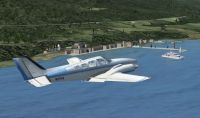
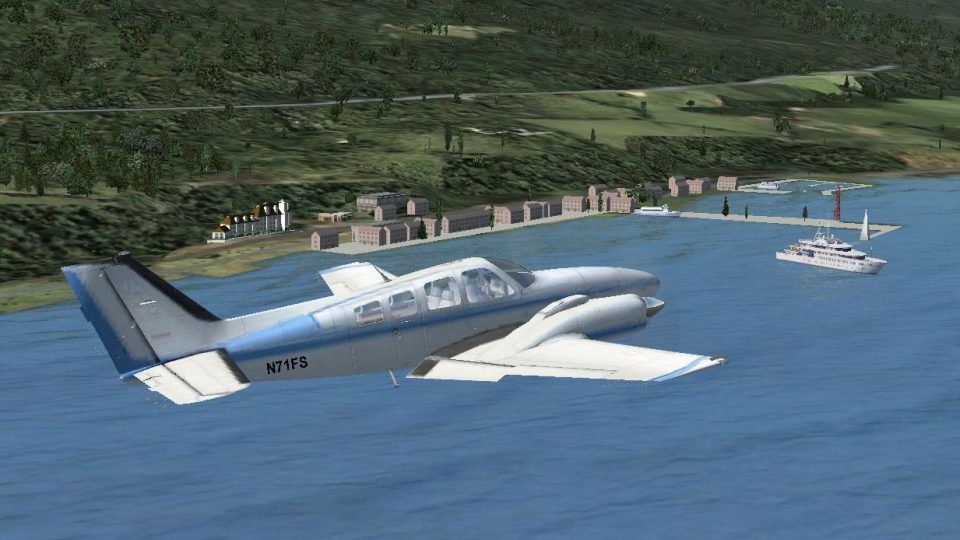
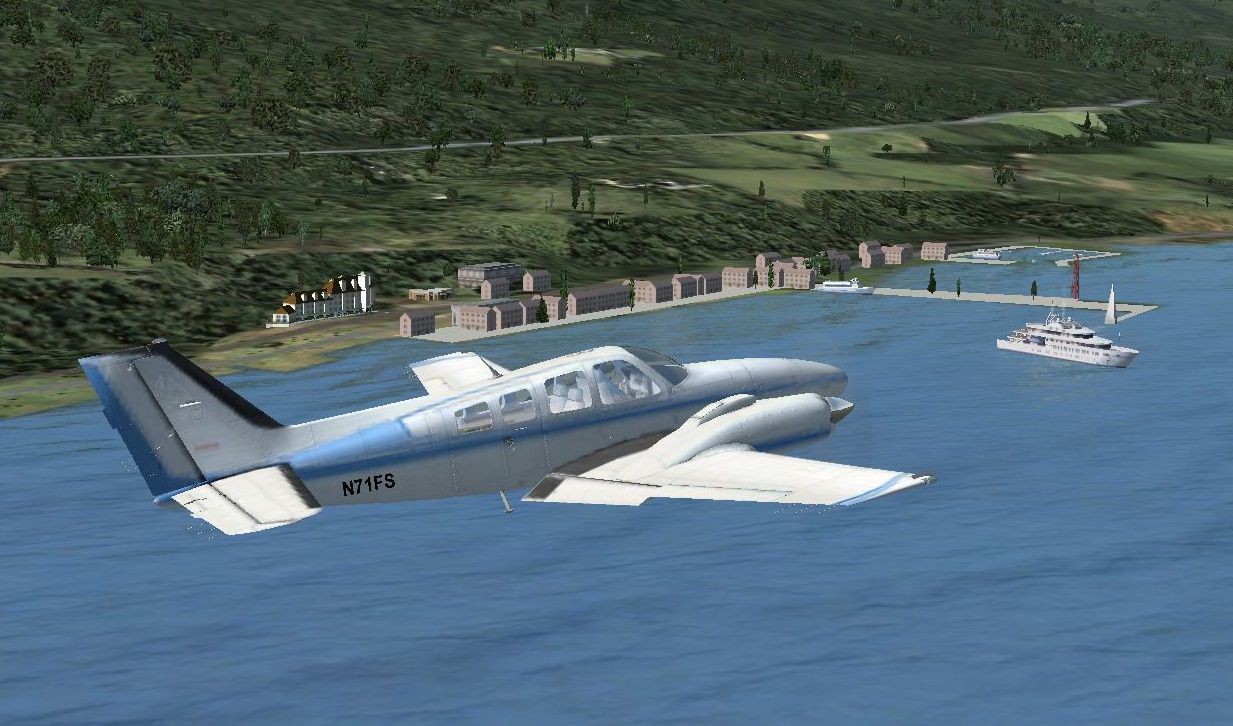
Screenshot of plane flying past St.Gallen scenery.
Scenery designed using Airport Design Editor 9_147
By using standard Objects I trayed to create a more realistic outfit of the airport and the surrounding area includung the cost an and the town Staad.
Place file into folder "Flight Simulator X/Addon Scenery/scenery"
This is freeware.
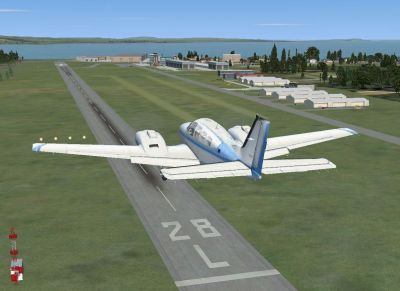
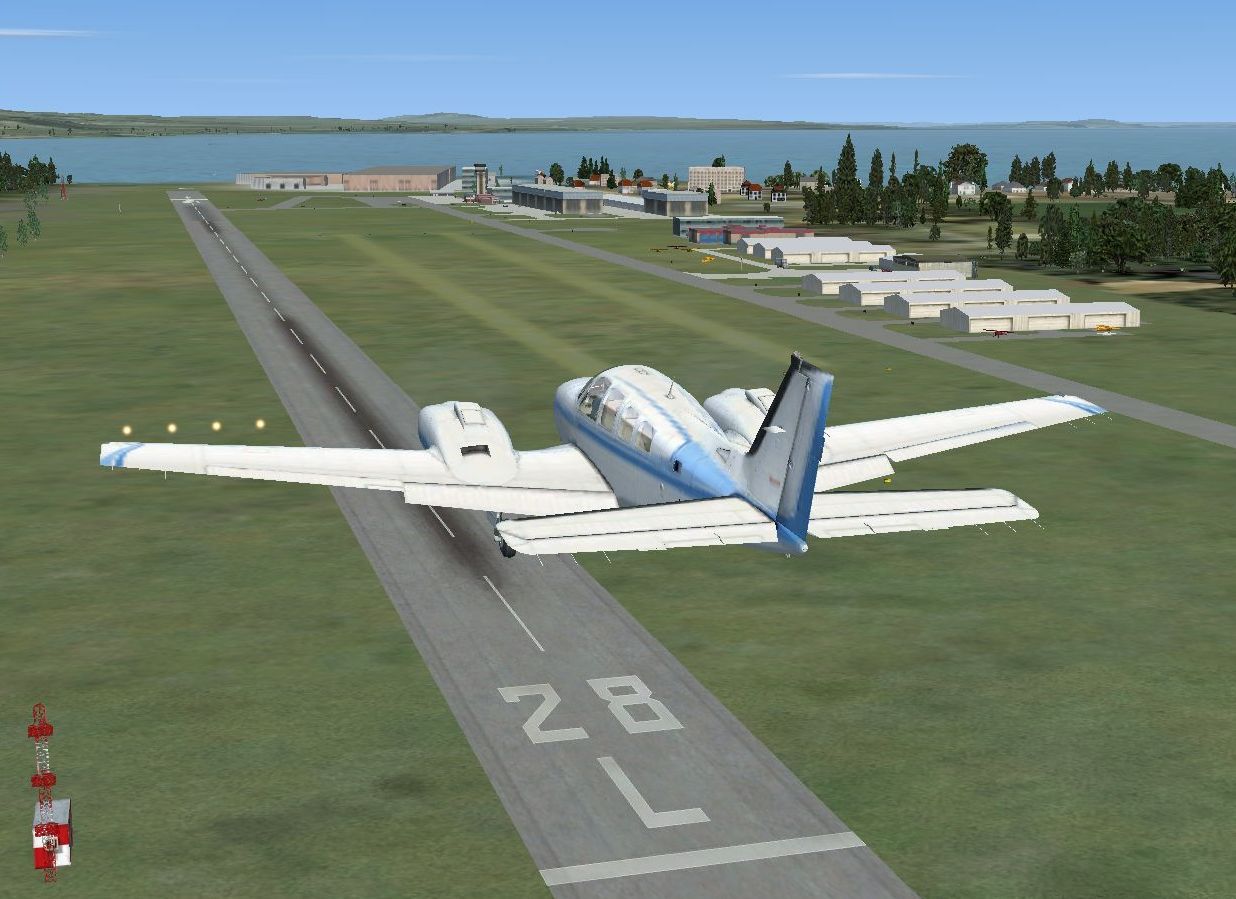
Screenshot of a plane approaching runway at St.Gallen Altenrhein Airport.
Free for all simmers · 355.83 KB · Scanned clean Oct 2026
Download speed: Free tier is capped at 0.5 Mbps. PRO members download at full line speed.
FSX\Addon Scenery\ containing scenery and texture sub-folders.readme.txt or README file. It tells you exactly where files go, what dependencies are needed, and any quirks specific to this add-on.Use these coordinates to fly directly to this location once the mod is installed.
47.48503100,9.56174100
Launch FSX or Prepar3D and use Flights → Load to open the downloaded .pln file. Your aircraft will be positioned at this location.
The archive lszrstgallenaltenrheinfsx.zip has 10 files and directories contained within it.
This list displays the first 500 files in the package. If the package has more, you will need to download it to view them.
| Filename/Directory | File Date | File Size |
|---|---|---|
| LSZR Documentation.pdf | 10.29.10 | 70.73 kB |
| LSZR -Scenery.txt | 11.01.10 | 839 B |
| LSZR.gif | 11.01.10 | 10.46 kB |
| LSZR.jpg | 11.01.10 | 135.59 kB |
| Scenery | 10.31.10 | 0 B |
| LSZR_ADEX_SP.BGL | 10.31.10 | 26.74 kB |
| LSZR_ADEX_SP_CVX.bgl | 10.31.10 | 763 B |
| Staad.jpg | 11.01.10 | 138.77 kB |
| flyawaysimulation.txt | 10.29.13 | 959 B |
| Go to Fly Away Simulation.url | 01.22.16 | 52 B |
Only PRO members can place votes.
More FSX & P3D add-ons hand-picked based on this download.
FSX Scenery
Scenery Reunion/St. Denis Airport. The scenery is made using ADE9x for Reunio…
 FSX Scenery
FSX Minneapolis/St. Paul (KMSP) Update. An updated Minneapolis/St. Paul, Minn…
 FSX Scenery
A major enhancement of the base scenery of Newquay Airport, formerly RAF St. …
 FSX Scenery
Lambert–St. Louis International Airport (KSTL) in Missouri is a significant a…
 FSX Scenery
LeHavre-St Romain Airport (LFOY), Normandie, France. Saint Romain is a small …
 FSX Scenery
St. George Airport (KDXZ), UT. KDXZ is the new airport at St. George, Utah, r…
 FSX Scenery
Port St. Johns Airport, South Africa. A holiday destination set in one of the…
 FSX Scenery
Pic St Loup Airport (LFNL), 20 miles north of Montpellier, in the south of Fr…
Be the first to leave a comment on this download.
Be the first to share your thoughts on this download.