


 Australia
  FSX Scenery
Private Island
Private Island Scenery. The private island is located off the coast of St. Ma…
Noarlunga Private Airport in South Australia is recreated with near-accurate runway alignment, geo-referenced layout details, and custom 3D hangars and airfield objects for richer low-level VFR flying. Built for Microsoft Flight Simulator X Acceleration, it uses Google Earth-based reference data to capture the local setting while keeping the strip approachable and immersive.
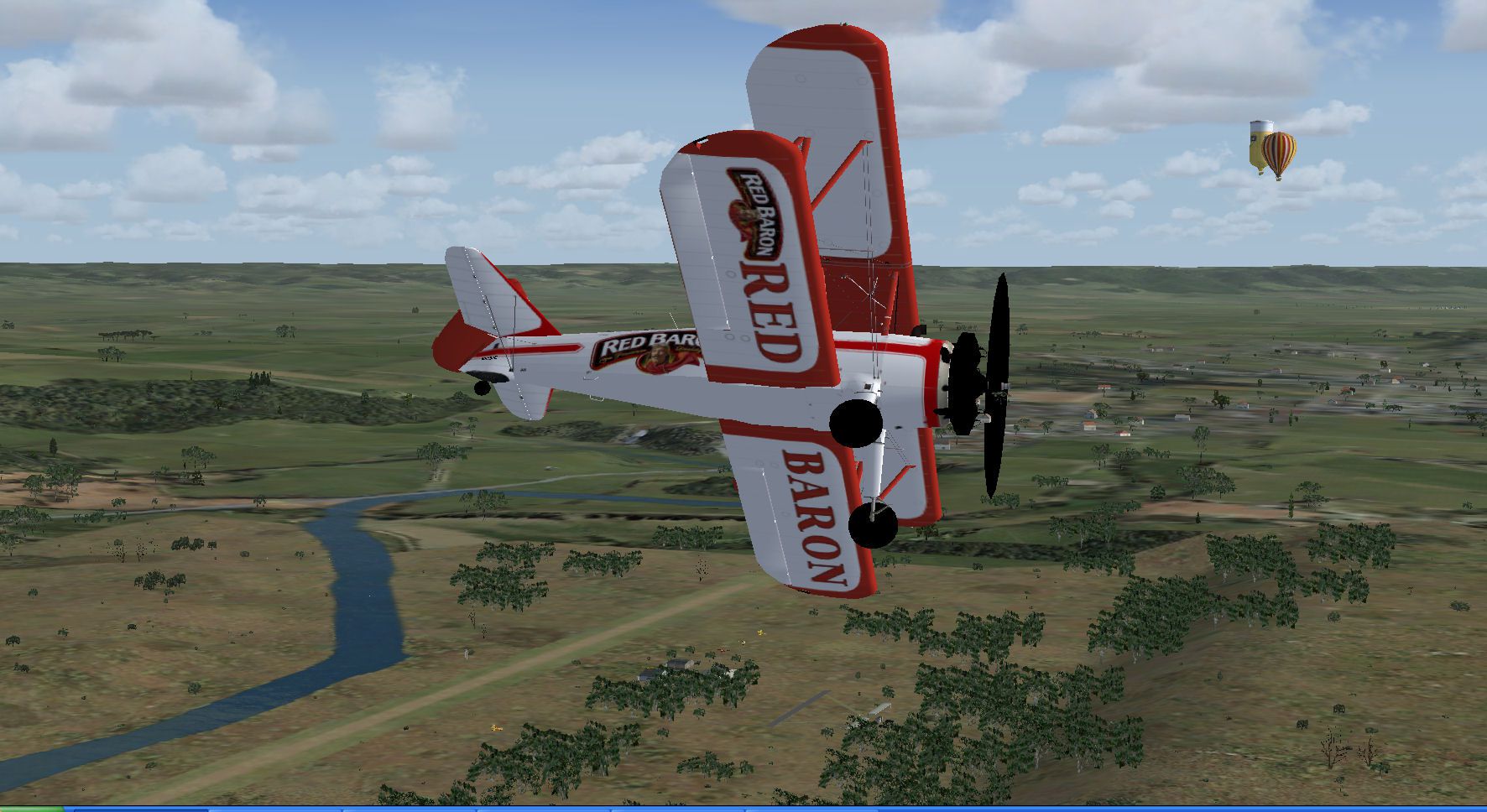
Experience a carefully crafted rendition of Noarlunga Private Airport, a small airfield nestled in South Australia, created by Roger Leupold and released as freeware. This enhanced scenery package brings the area to life in Microsoft Flight Simulator X while acknowledging that some buildings and hangar arrangements may deviate slightly from real-world counterparts. It incorporates near-accurate runway alignment, 3D objects, and layout details for a more immersive virtual flying environment. Frequent updates ensure ongoing refinement, and both leisurely virtual aviators and technical enthusiasts will find plenty to explore.
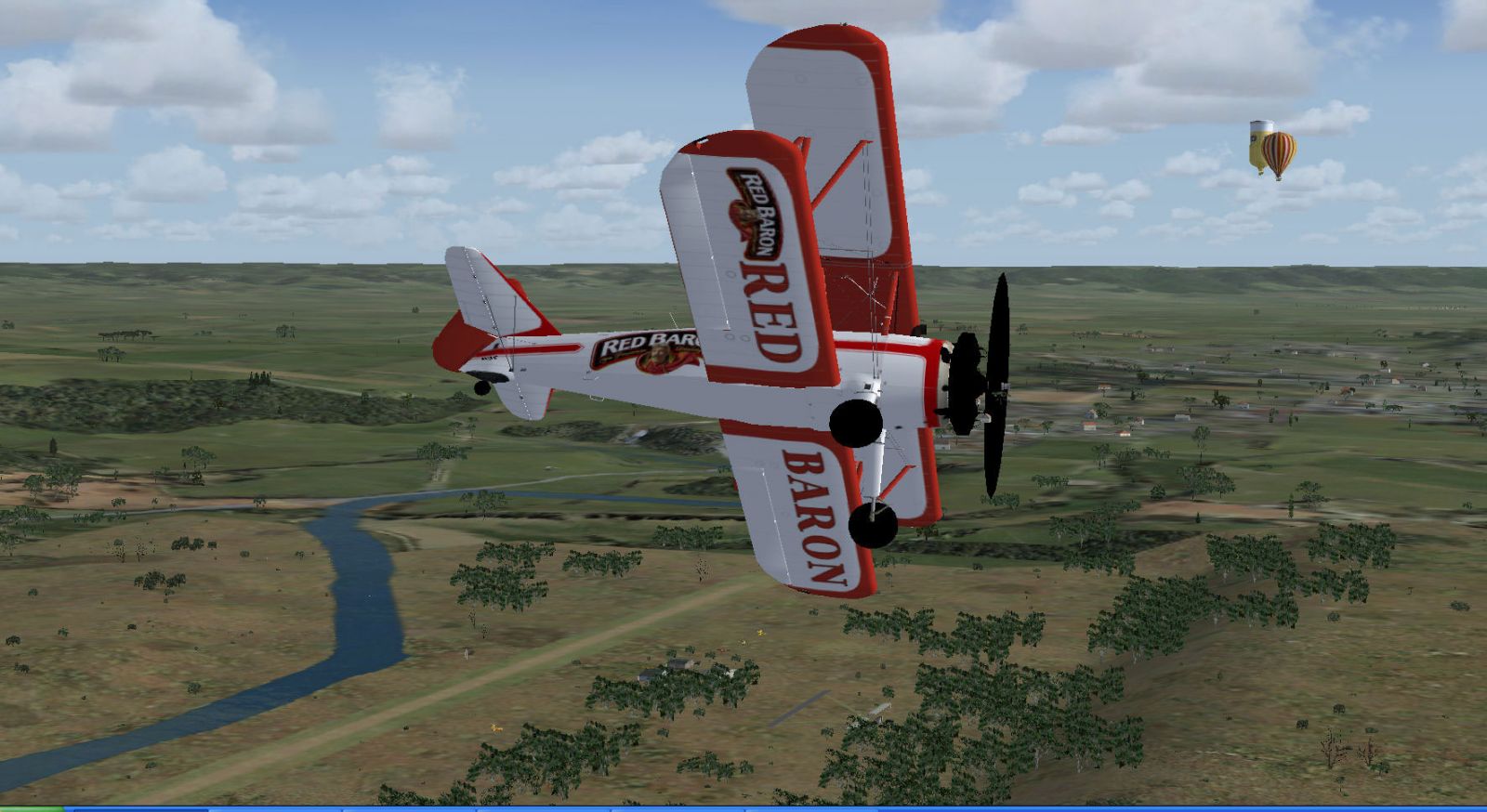
Screenshot of Noarlunga Private Airport Scenery.
This private aerodrome is located south of Adelaide, where mild coastal weather patterns can influence flight conditions. In order to capture a realistic feel, Google Earth data was employed to match runway geometry and surrounding landmarks with considerable precision. Although the 3D hangars and other objects do not fully replicate every real-world structure, they are placed thoughtfully to preserve authenticity.
Created for FSX Acceleration, this version was last refined in December 2010. It has been tested under Windows XP and optimally configured for Microsoft Flight Simulator X, though other operating systems may also function well. The developer, Roger Leupold, welcomes feedback should any graphical inconsistencies or performance issues arise.
Many pilots find that temporarily disabling antivirus software before starting the simulator can boost system performance. This step is not mandatory, but some have observed smoother frame rates, especially when running detailed add-ons like this one.
Because this is a private airport, flight operations typically require prior clearance. Pilots seeking to land here in the real world must adhere to local aviation regulations and obtain proper approval. The fictional adaptation for the simulator replicates the ambience while encouraging virtual flyers to exercise the same respect for private airstrips.
The developer maintains that this scenery is part of Roger’s Aussie Scenery series and is always open to constructive suggestions for future enhancements. Testing has indicated no significant conflicts in the current build, though any unreported anomalies can be directed back to Roger Leupold for potential fixes or new updates.
Free for all simmers · 2.1 MB · Scanned clean Oct 2026
Download speed: Free tier is capped at 0.5 Mbps. PRO members download at full line speed.
FSX\Addon Scenery\ containing scenery and texture sub-folders.readme.txt or README file. It tells you exactly where files go, what dependencies are needed, and any quirks specific to this add-on.Use these coordinates to fly directly to this location once the mod is installed.
-35.15000000,138.49000000
Launch FSX or Prepar3D and use Flights → Load to open the downloaded .pln file. Your aircraft will be positioned at this location.
The archive noarlunga.zip has 34 files and directories contained within it.
This list displays the first 500 files in the package. If the package has more, you will need to download it to view them.
| Filename/Directory | File Date | File Size |
|---|---|---|
| Noarlunga | 03.07.12 | 0 B |
| Docs | 03.07.12 | 0 B |
| Noarlunga Thumb.jpg | 10.28.10 | 275.78 kB |
| Readme.txt | 03.07.12 | 1.76 kB |
| Scenery | 03.07.12 | 0 B |
| Stearman Library.bgl | 11.03.09 | 1.37 MB |
| Tigermoth library.bgl | 10.22.09 | 671.82 kB |
| YNOA_ADEX_RDL.BGL | 10.20.10 | 637 B |
| YNOA_ADEX_RDL_CVX.bgl | 10.20.10 | 3.42 kB |
| YNOA_ADEX_RDL_OBJ.BGL | 10.20.10 | 6.65 kB |
| YNOA_ADEX_RED.BGL | 07.11.11 | 637 B |
| YNOA_ADEX_RED_CVX.bgl | 07.11.11 | 3.55 kB |
| YNOA_ADEX_RED_OBJ.BGL | 07.11.11 | 4.03 kB |
| Texture | 03.07.12 | 0 B |
| sk_balloons_1.bmp | 02.07.05 | 170.74 kB |
| sk_balloons_1_lm.bmp | 02.07.05 | 170.74 kB |
| sk_balloons_2.bmp | 02.07.05 | 170.74 kB |
| sk_balloons_2_lm.bmp | 02.07.05 | 170.74 kB |
| sk_balloons_3.bmp | 02.08.05 | 170.74 kB |
| sk_balloons_3_lm.bmp | 02.08.05 | 170.74 kB |
| sk_balloons_4.bmp | 02.10.05 | 170.74 kB |
| sk_balloons_4_lm.bmp | 02.10.05 | 170.74 kB |
| sk_balloons_5.bmp | 02.10.05 | 170.74 kB |
| sk_balloons_5_lm.bmp | 02.11.05 | 170.74 kB |
| sk_balloons_basket.bmp | 02.05.05 | 42.74 kB |
| sk_balloons_basket_lm.bmp | 02.07.05 | 42.74 kB |
| sk_balloons_crew_1.bmp | 02.03.05 | 42.75 kB |
| Stearman Texture yellow 2.bmp | 11.03.09 | 512.07 kB |
| Stearman Texture.bmp | 11.03.09 | 512.07 kB |
| Thumbs.db | 04.12.05 | 290.00 kB |
| TigerMoth Texture Britain Camouflage.bmp | 10.22.09 | 512.07 kB |
| TigerMoth Texture Yellow canadian.bmp | 10.22.09 | 512.07 kB |
| flyawaysimulation.txt | 10.29.13 | 959 B |
| Go to Fly Away Simulation.url | 01.22.16 | 52 B |
Only PRO members can place votes.
More FSX & P3D add-ons hand-picked based on this download.
FSX Scenery
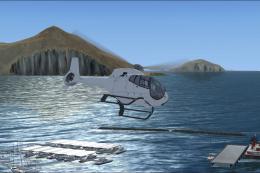
Private Island Scenery. The private island is located off the coast of St. Ma…
 FSX Scenery
Scenery Private Base Leignel in Norway. Includes an asphalt track, grass trac…
 FSX Scenery
Lumb In Rossendale Private Airstrip UK. A small bumpy grass strip in a farmer…
 FSX Scenery
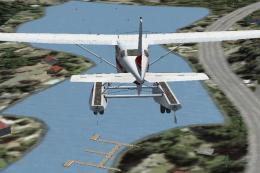
Private Water Runway, Hawaii (HI). A private water runway near Honolulu Int'l…
 FSX Scenery
Princess Juliana International Airport (TNCM) in Saint Marteen, Netherlands A…
 FSX Scenery
Los Angeles Airport Scenery v3, California (CA). This photoreal scenery is a …
 FSX Scenery
Barbados International Airport (TBPB). Grantley Adams International Airport f…
 FSX Scenery
Paris Charles de Gaulle Airport (CDG, LFPG), France. The entire airport has b…
Be the first to leave a comment on this download.
Be the first to share your thoughts on this download.