

 FSX Historic & Vintage Aircraft
P-51D Sweet Arlene
This complete freeware package presents an authentic rendition of the P-51D "…
P-51D Mustang “Sweet Arlene” brings a polished World War II fighter to Microsoft Flight Simulator X with Roger Dial’s classic model, Robert Hawk’s historically inspired textures, and Mark Rooks’ updates for reliable modern compatibility. Expect crisp exterior detailing, subtle weathering, and a convincing virtual cockpit feel suited to aerobatics, escort sorties, and long-range flights.
 Rate
Rate
Experience a carefully refined rendition of the North American P-51 Mustang D, lovingly titled “Sweet Arlene”, designed specifically for Microsoft Flight Simulator X. Created using Roger Dial’s base model, this complete freeware package incorporates Robert Hawk’s custom textures and has been comprehensively updated by Mark Rooks to function reliably in modern FSX environments. Pilots who appreciate historic World War II fighters will enjoy the robust look and agility of this legendary single-seat aircraft, especially when recreating authentic operations in the virtual skies.
The North American P-51 Mustang was an iconic high-performance fighter produced in large numbers during the Second World War. It featured remarkable range capabilities, in part due to its innovative fuselage design. This particular variation—an emulation of the D model—emphasizes aerodynamic refinements and a Packard V-1650 Merlin powerplant (licensed version of the Rolls-Royce Merlin) for a realistic in-simulator representation.
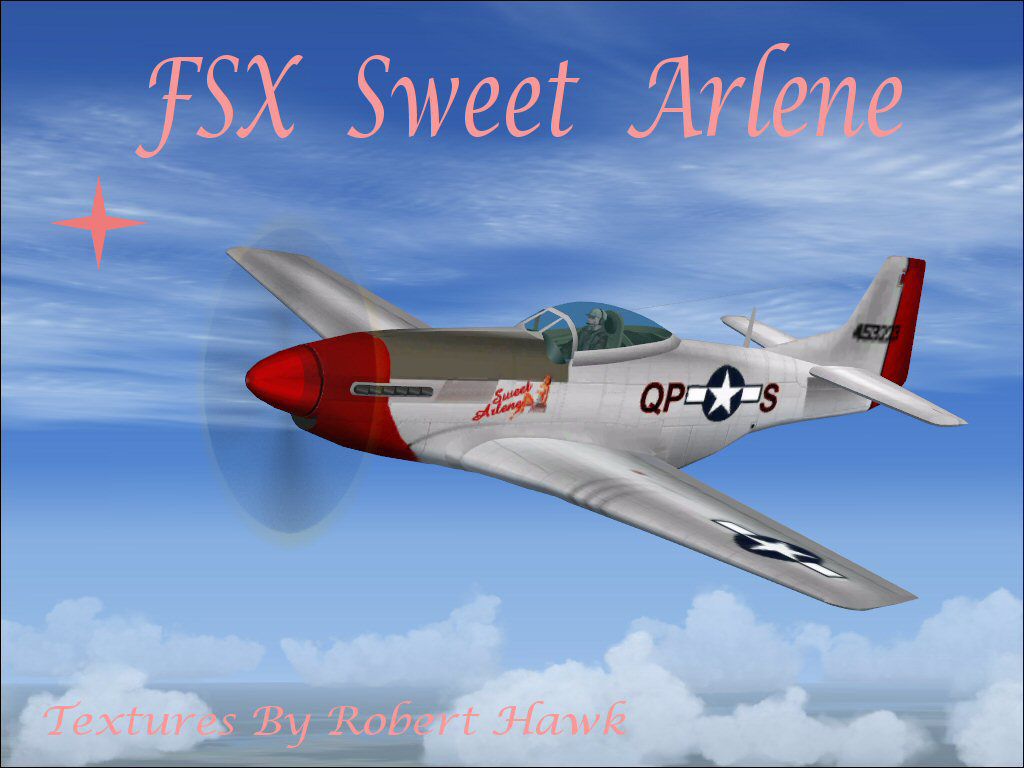
Robert Hawk’s repaint, marked as “Sweet Arlene”, showcases historical-inspired markings that pay homage to the classic era of piston-engine aviation. Rivet details and subtle weathering effects feature prominently along the aircraft’s airframe, bringing authenticity to virtual flight decks. Pilots can observe these visual details both externally and within customized cockpit views when exploring maneuvers or long-range missions.

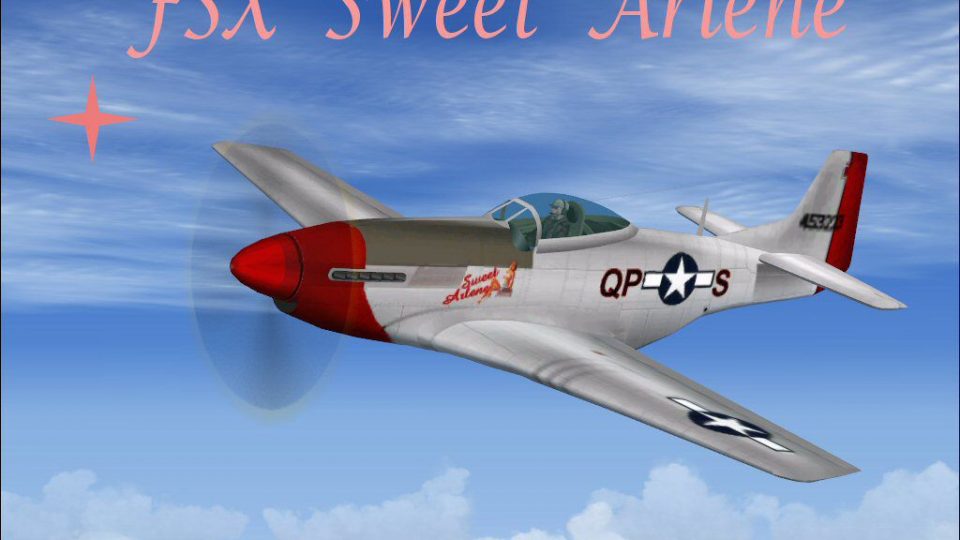
Screenshot of P-51 Sweet Arlene in flight.
The structural modeling originates from Roger Dial, the repaint comes from Robert Hawk, and the entire package has been thoroughly updated for modern FSX compatibility by Mark Rooks. Each contributor brings expertise that enhances this freeware release, ensuring that flight simulation enthusiasts can harness the full capabilities of a historically significant airframe.
Have a rewarding flight with “Sweet Arlene”—a noteworthy nod to vintage military aviation now accessible within Microsoft Flight Simulator X. Enjoy smooth performance, crisp detailing, and a nostalgic immersion that honors the Mustang’s enduring legacy.
Free for all simmers · 6.64 MB · Scanned clean Oct 2026
Download speed: Free tier is capped at 0.5 Mbps (this file takes approximately 2 mins at the cap). PRO members download at full line speed.
SimObjects\Airplanes\, Addon Scenery\, Effects\, or Gauges\.readme.txt or README file. It tells you exactly where files go, what dependencies are needed, and any quirks specific to this add-on.The archive fsxsar.zip has 9 files and directories contained within it.
This list displays the first 500 files in the package. If the package has more, you will need to download it to view them.
| Filename/Directory | File Date | File Size |
|---|---|---|
| gauges.zip | 03.04.07 | 711.29 kB |
| P-51D Sweet Arlene.zip | 03.09.07 | 1.85 MB |
| Pictures.zip | 03.04.07 | 2.42 MB |
| Read Me First.txt | 03.09.07 | 910 B |
| sound.zip | 03.09.07 | 1.58 MB |
| Sweet Arlene Screen.jpg | 03.10.07 | 95.75 kB |
| Text.txt | 03.09.07 | 302 B |
| flyawaysimulation.txt | 10.29.13 | 959 B |
| Go to Fly Away Simulation.url | 01.22.16 | 52 B |
Only PRO members can place votes.
More FSX & P3D add-ons hand-picked based on this download.
FSX Historic & Vintage Aircraft
This complete freeware package presents an authentic rendition of the P-51D "…
 FSX Historic & Vintage Aircraft
This custom package brings a unique take on the classic Vought F4U1A Corsair …
 FSX Historic & Vintage Aircraft
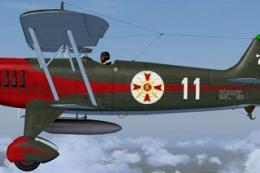
The Heinkel He51 was a German single-seat biplane which was produced in a num…
 FSX Historic & Vintage Aircraft
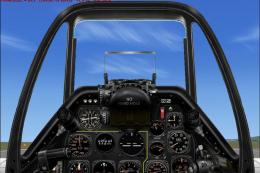
An update of the P-51D Mustang by J.E. Narcizo. The flight dynamics have been…
 FSX Historic & Vintage Aircraft
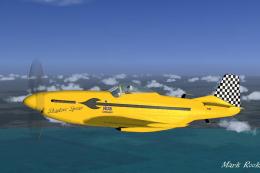
This is the Microsoft default North American P51 Mustang model with new high …
 FSX Historic & Vintage Aircraft
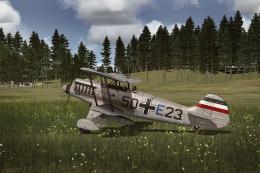
This repaint package adds a speculative German Air Force livery to the classi…
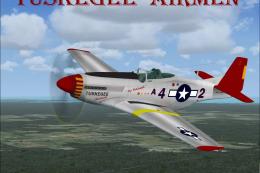 FSX Historic & Vintage Aircraft
This fully freeware release introduces the North American P-51 Mustang into M…
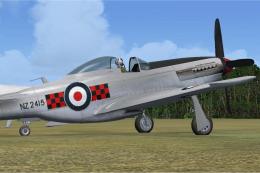 FSX Historic & Vintage Aircraft
New Zealand Territorial Squadron (TAF) P-51 Mustang. Must have FSX Accelerati…
Be the first to leave a comment on this download.
Be the first to share your thoughts on this download.