

 FSX Historic & Vintage Aircraft
RAF VIP Transport Douglas DC-3
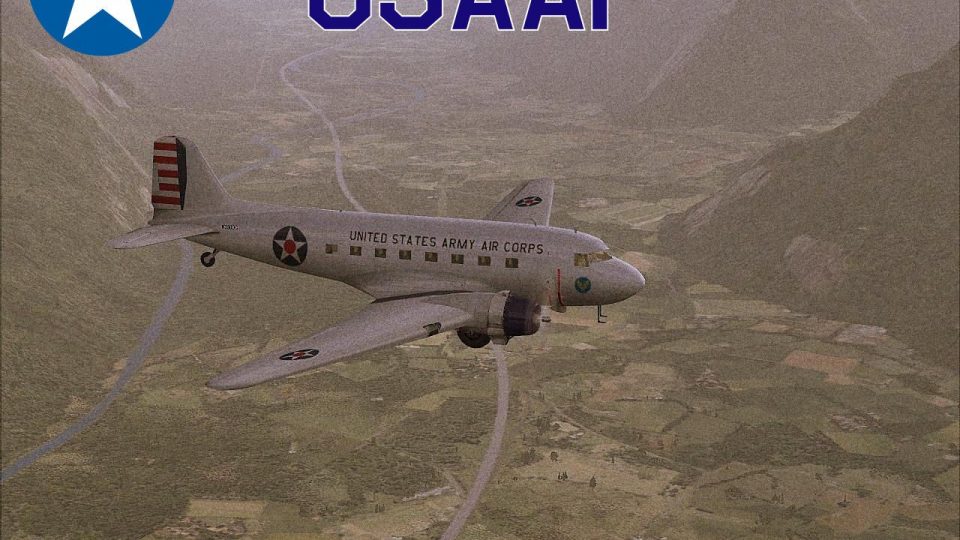
A fictional livery for the default DC3. By Todd Schlappi. Screenshot of RAF V…
USAAF VIP transport livery brings a mid-1940s C-47 “Skytrain” look to the default Douglas DC-3, with era-correct markings and a clean military finish that stands out on ramps and in the virtual cockpit. Designed for FSX, it requires the default DC-3 model and integrates as an additional aircraft variation.
 Rate
Rate
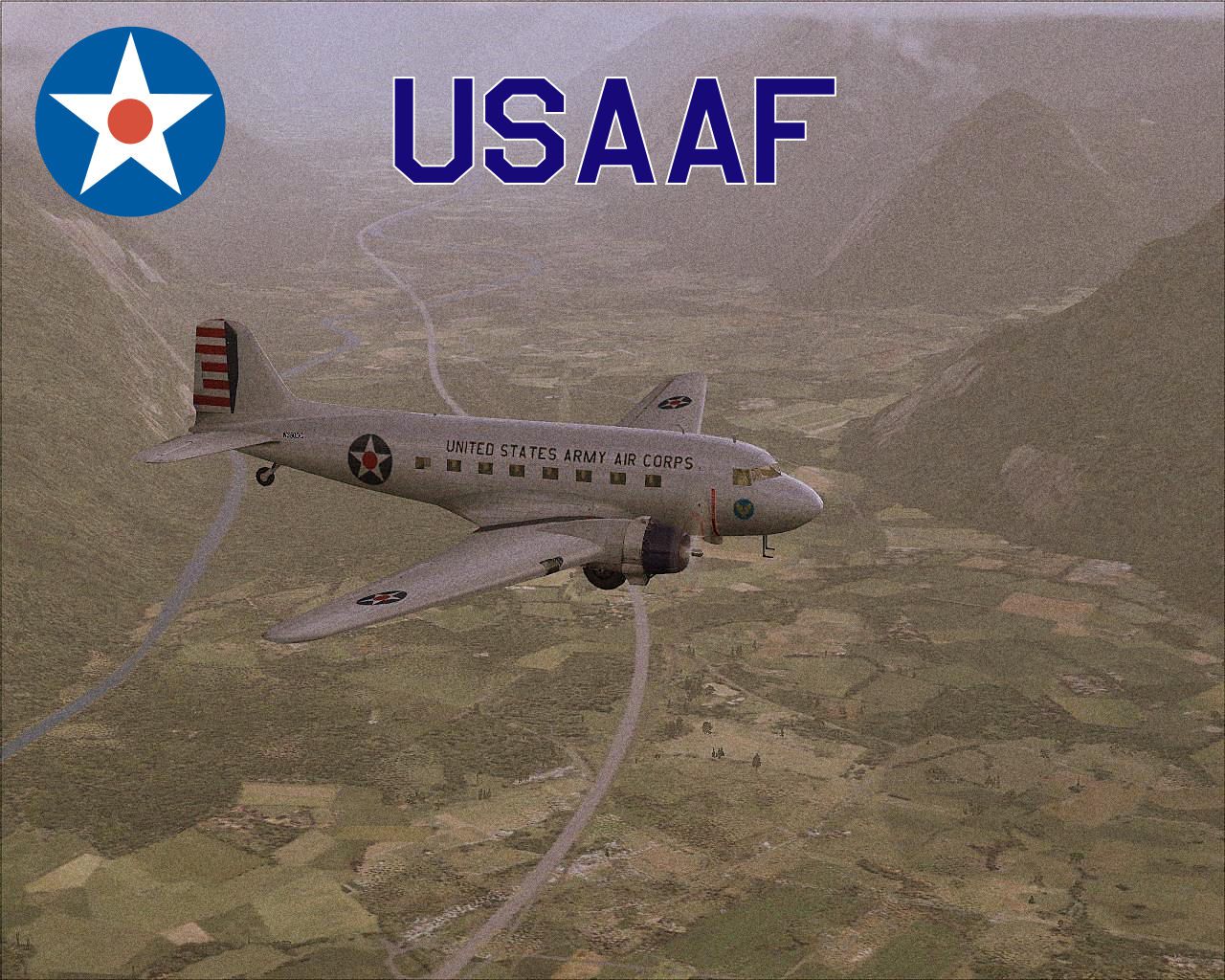
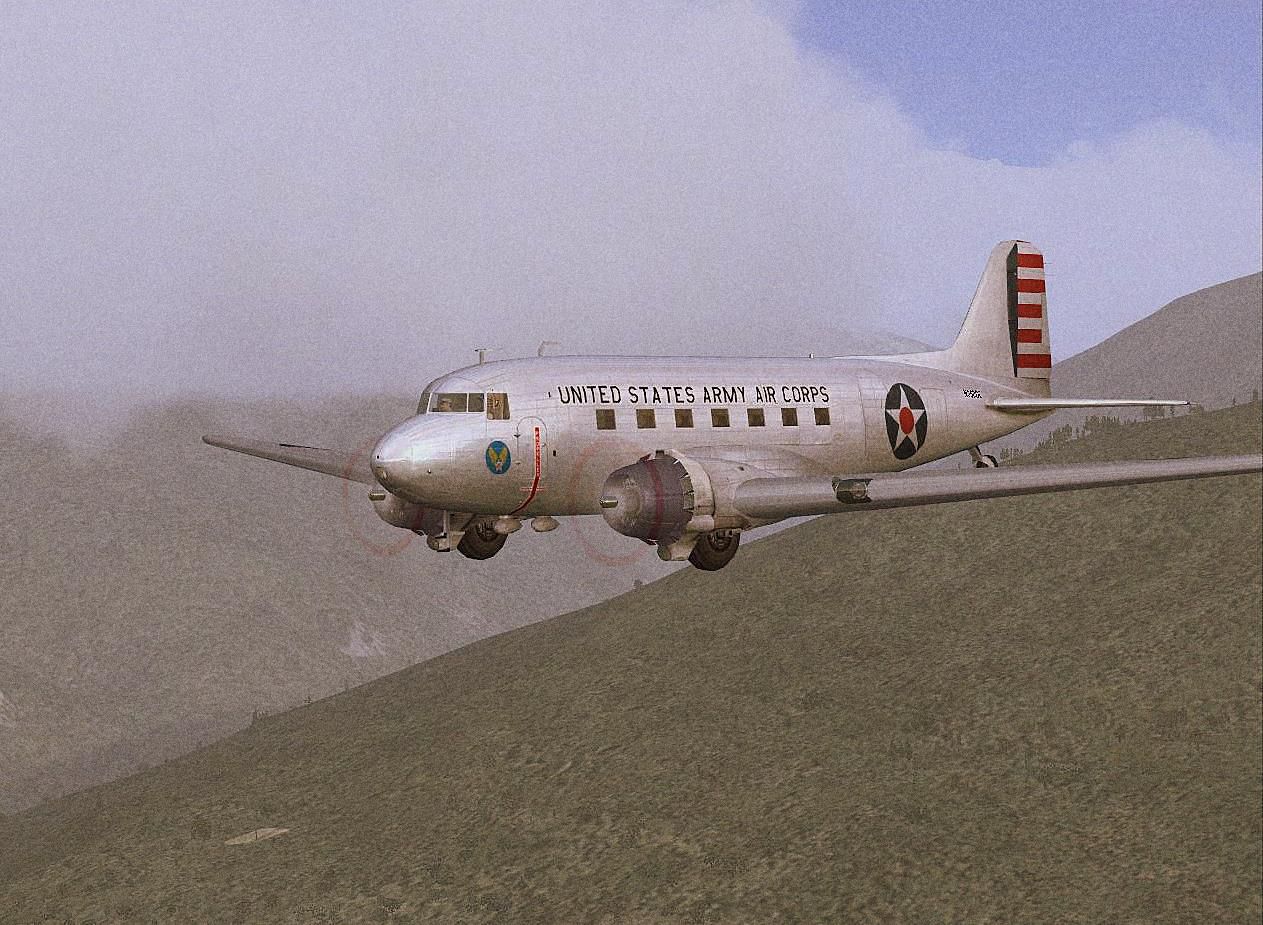
A repaint of the default DC3 (C-47) in a USAAF VIP transport livery. By Todd Schlappi.
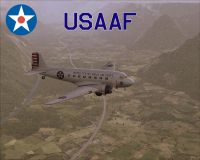
Screenshot of USAAF Douglas DC-3 VIP Transport in flight.
This is a Repaint of the Default DC-3 in a C-47 USAAF VIP transport.
Installation: unzip the texture folder named, dc3_usaaf.zip, and put it into the Default DC-3 folder, then just copy the config entry into the DC-3 aircraft.cfg and number accordingly. Thats all, hope you enjoy the Livery. More to come!
[fltsim.xx]

title=Douglas DC-3 USAAF

sim=Douglas_DC3

model=

panel=

sound=

texture=usaaf

kb_checklists=Douglas_DC3_check

kb_reference=Douglas_DC3_ref

atc_id=N350DC

atc_id_color=0xffffffff

ui_manufacturer="Douglas"

ui_type="DC-3"

ui_variation="USAAF"

ui_typerole="Twin Engine Prop"

ui_createdby="Microsoft Corporation"

description="Known as the "Skytrain", the C-47 was the workhorse of the Army Air Corps transport units. Carried 82D troopers into battle at Sicily, Salerno, Normandy, and Holland. This is a repaint of the DC-3 to mimic the C-47's appearance in the mid 40's. Repaint by B100D."
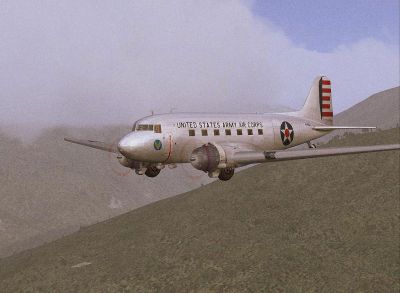
Screenshot of USAAF Douglas DC-3 VIP Transport in flight.
Free for all simmers · 2.77 MB · Scanned clean Oct 2026
Download speed: Free tier is capped at 0.5 Mbps. PRO members download at full line speed.
texture.{airline}) inside FSX\SimObjects\Airplanes\{base-aircraft}\.aircraft.cfg in Notepad. Add a new [fltsim.X] section per the readme.readme.txt or README file. It tells you exactly where files go, what dependencies are needed, and any quirks specific to this add-on.The archive dc3_usaaf.zip has 14 files and directories contained within it.
This list displays the first 500 files in the package. If the package has more, you will need to download it to view them.
| Filename/Directory | File Date | File Size |
|---|---|---|
| README.txt | 01.12.10 | 1012 B |
| screenshot.jpg | 01.12.10 | 199.62 kB |
| screenshot_2.jpg | 01.12.10 | 307.59 kB |
| texture.usaaf | 01.12.10 | 0 B |
| Douglas_DC3_1_T.dds | 01.11.10 | 1.33 MB |
| Douglas_DC3_1_t_spec.dds | 09.04.06 | 1.33 MB |
| Douglas_DC3_2_C.dds | 09.04.06 | 170.79 kB |
| Douglas_DC3_2_T.dds | 09.04.06 | 341.45 kB |
| Fresnel_Ramp.dds | 09.04.06 | 640 B |
| Prop_DC3.dds | 09.04.06 | 341.46 kB |
| texture.cfg | 08.14.06 | 137 B |
| thumbnail.jpg | 01.12.10 | 307.59 kB |
| flyawaysimulation.txt | 10.29.13 | 959 B |
| Go to Fly Away Simulation.url | 01.22.16 | 52 B |
Only PRO members can place votes.
More FSX & P3D add-ons hand-picked based on this download.
FSX Historic & Vintage Aircraft
A fictional livery for the default DC3. By Todd Schlappi. Screenshot of RAF V…
 FSX Historic & Vintage Aircraft
Fly "THE HUMP" with the "Commando". Textures set only in U.S.A.A.F. 'The Tink…
 FSX Historic & Vintage Aircraft
Textures only for the Dave Garwood B.IV Mosquito. This paint depicts a PR Mos…
 FSX Historic & Vintage Aircraft
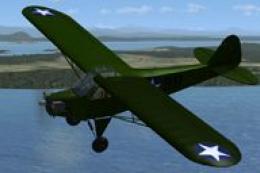
USAAF Piper J-3 Cub. USAAF Grasshopper texture for A2A's Cub. A United States…
 FSX Historic & Vintage Aircraft
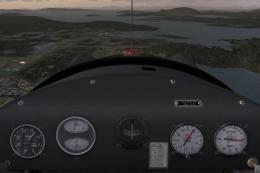
USAAF Piper J-3 Cub Cockpit Fix for A2ACUB.ZIP">USAAFGHA2ACUB.ZIP. By Dean P.…
 FSX Historic & Vintage Aircraft
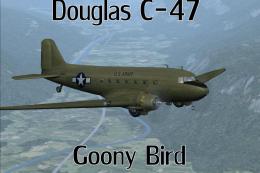
Now version 3.14 (V3.1406). This package includes the latest Douglas C-47 Sky…
 FSX Historic & Vintage Aircraft
The Douglas DC2 was a 14-seat, twin-propeller airliner produced by the Dougla…
 FSX Historic & Vintage Aircraft
A repaint of the default DC3 in WW2 olive drab livery. By Todd Schlappi. Scre…
Be the first to leave a comment on this download.
Be the first to share your thoughts on this download.