

 FSX Historic & Vintage Aircraft
Ira Kepford's VF-17 Corsair
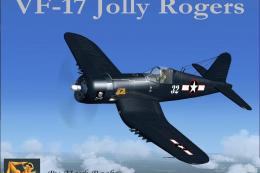
This is a Repaint of the Guy Hulin Corsair model updated for Flight Simulator…
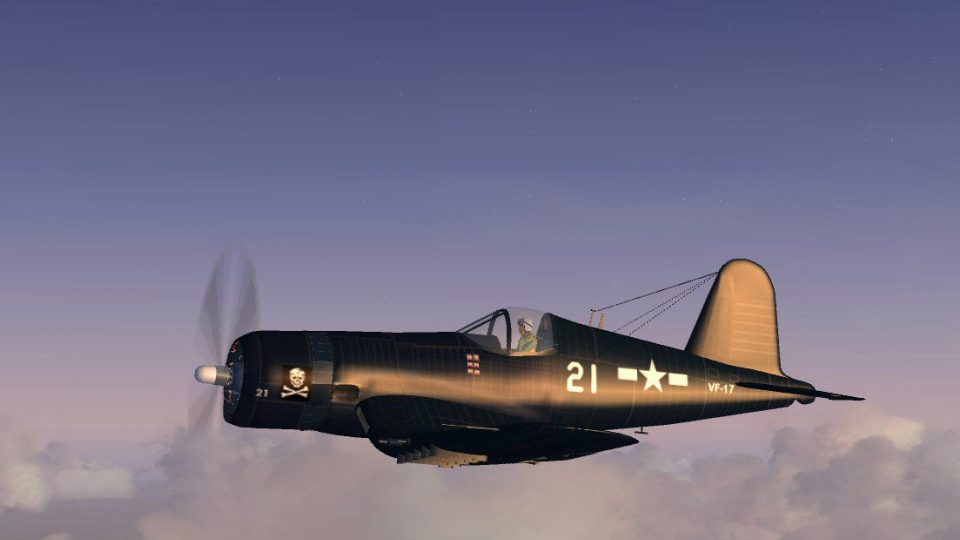
Goodyear FG-1D Corsair BuNo 88368 arrives in VF-17 Jolly Rogers markings, modeled after the Patriots Point aircraft on USS Yorktown and its Lake Washington recovery story. Updated for Microsoft Flight Simulator X, the package includes the full aircraft with fresh textures plus both 2D panel and virtual cockpit, with reference screenshots.
 Rate
Rate
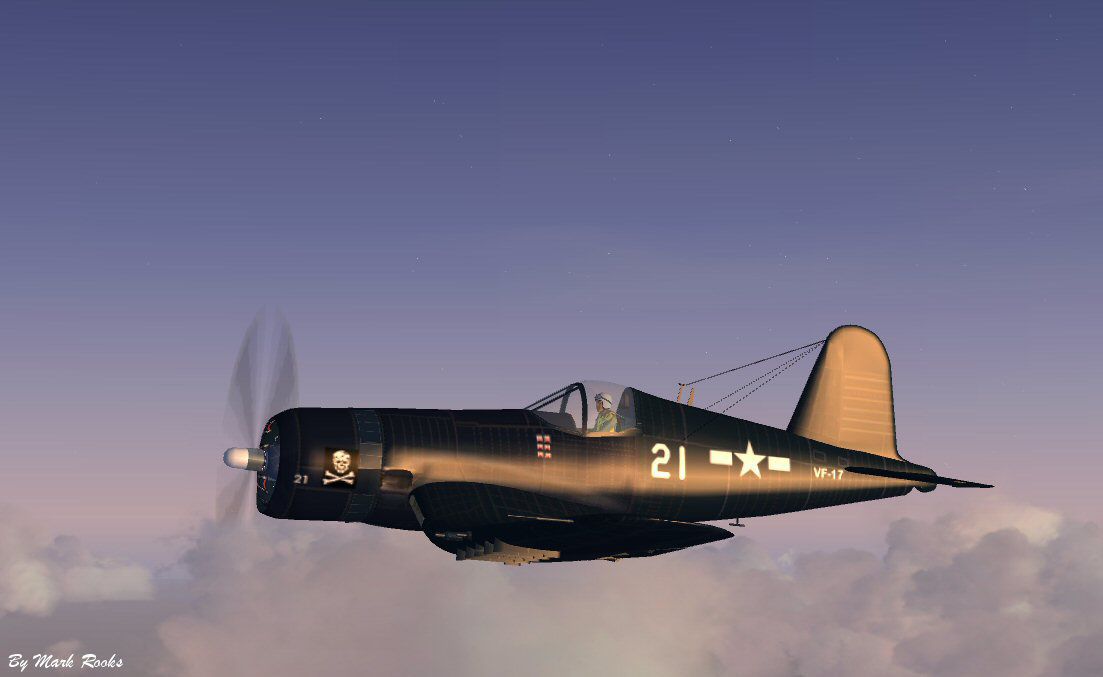
A repaint of Guy Hulin's Corsair updated for Flight Simulator X. This aircraft is a Goodyear FG-1D Corsair Bu# 88368, currently displayed on the USS Yorktown CV-10 museum. She was recovered from Lake Washington in Washington state. The Skull and Crossbones on the Patriots Point Corsair is tribute to VF-17 Better known as The Jolly Rogers, the first US Navy squadron to fly Corsairs. Includes a 2D and 3D panel. Textures and FSX updates by Mark Rooks of RDG Aircraft History and pictures included in this package. By Mark Rooks.
Screenshot of US Navy VF-17 Yorky Corsair in flight.
To install this aircraft:
As always back up any original files.
1. Unzip downloaded folders to your desktop or temporary directory of your choice.
2. Copy the " Corsair VF-17 Yorky " and paste it in the main aircraft folder. By default the main aircraft folder is located at: "C:Program FilesMicrosoft GamesFSXSIM Objects /Aircraft".
3. Be sure to completely unzip all files the aircraft file when complete will Cotain 6 files the Following 6 files goes in the aircraft folder CFG Airfile Model Sound Panel Textures.
4. Unzip the gauges folder and put the gauges in the FSX gauges folder located at "C:Program FilesMicrosoft GamesFSXGauges".
Made Simpler:
Make sure all files are unzipped the New Plane folder should contain 6 files unzipped they are CFG Airfile Sound Model Texture Panel the New Plane folder with the 6 files goes in the game aircraft folder found at C:Program FilesMicrosoft GamesMicrosoft Flight Simulator XSimObjectsAirplanes follow the path ie open the c drive then open program files then open Microsoft Games then open Microsoft Flight Simulator X then open SimObjects then open Airplanes folder the New Plane goes in that folder.
Textures and FSX updates created by Mark "Fire Ball" Rooks.
Enjoy your new repaint.
Thanks for downloading.
"Fire Ball"
Free for all simmers · 15.86 MB · Scanned clean Oct 2026
Download speed: Free tier is capped at 0.5 Mbps (this file takes approximately 4 mins at the cap). PRO members download at full line speed.
SimObjects\Airplanes\, Addon Scenery\, Effects\, or Gauges\.readme.txt or README file. It tells you exactly where files go, what dependencies are needed, and any quirks specific to this add-on.The archive vf-17yorkycorsair.zip has 9 files and directories contained within it.
This list displays the first 500 files in the package. If the package has more, you will need to download it to view them.
| Filename/Directory | File Date | File Size |
|---|---|---|
| Corsair VF-17 Yorky.zip | 03.28.10 | 8.64 MB |
| gauges.zip | 03.28.10 | 1.26 MB |
| Read Me First.txt | 03.28.10 | 3.06 kB |
| ScreenShot VF-17.jpg | 03.28.10 | 53.33 kB |
| Text.txt | 03.28.10 | 560 B |
| Thumbs.db | 03.28.10 | 4.50 kB |
| VF-17 Yorky Pictures and History.zip | 03.28.10 | 5.91 MB |
| flyawaysimulation.txt | 10.29.13 | 959 B |
| Go to Fly Away Simulation.url | 01.22.16 | 52 B |
Only PRO members can place votes.
More FSX & P3D add-ons hand-picked based on this download.
FSX Historic & Vintage Aircraft
This is a Repaint of the Guy Hulin Corsair model updated for Flight Simulator…
 FSX Historic & Vintage Aircraft
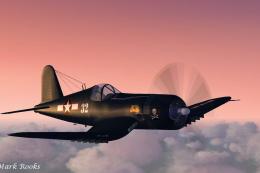
VF-17 Jolly Rogers Vought F4U-7 Corsair "First Mate". A repaint of Guy Hulin'…
 FSX Historic & Vintage Aircraft
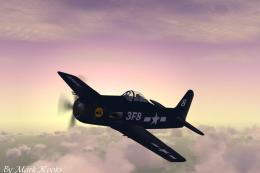
A repaint of Guy Hulin's FU1A Corsair updated for Flight Simulator X. This ai…
 FSX Historic & Vintage Aircraft
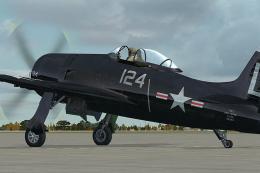
This is Alpha Bleu Ciel's Grumman F8 Bearcat updated for Flight Simulator X. …
 FSX Historic & Vintage Aircraft
This repaint of the Vertigo Studios Grumman F8F "Bearcat" represents a Bearca…
 FSX Historic & Vintage Aircraft
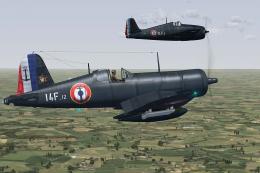
The Aircraft Factory F-4U Corsair in 14 Flottille Aeronavale French Navy live…
 FSX Historic & Vintage Aircraft
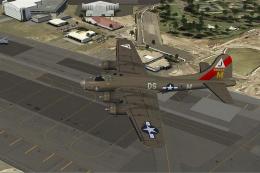
Repaint for FS-Cast Boeing B-17G, version 1.0, 2008.05.16, created by Francis…
 FSX Historic & Vintage Aircraft
Dornier Do 17 with accurate bombing from 12000 feet or 100 feet. Simulating t…
Read what other simmers think, or add your own.

I'm having a hard time getting not only this plane, but many planes to have textures, half my plane mods are blank white, anyone have a solution?