


X-Plane 11/10 XPFW B787-8 AI Pack 1.0
XPFW’s Boeing 787-8 AI Pack adds efficient Dreamliner traffic that stays light on frame rates while looking and moving convincingly around the airport environment. Built for X-Plane 10 only, it includes four liveries—Dreamliner, Continental, Primaris, and Qantas—with repaint-friendly models for expanding airline variety.
 X-Plane 10
- Type:Patch
- File: XPFW B787-8 AI.zip
- Size:6.03 MB
- Scan:
Clean (16d)
- Access:Freeware
- Content:Everyone

 Description
 2 comments
 Another in the series of AI aircraft.
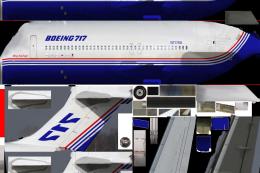
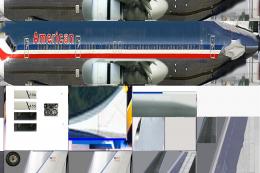
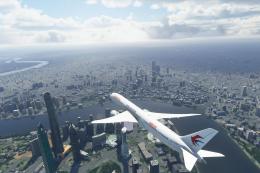
Screenshot of B787-8's on the ground.
These AI aircraft are designed to give as little FPS loss as possible while at the same time
look and perform realistically. They only work in v10!
Like the A380, we built this aircraft a few years before the real one saw daylight.
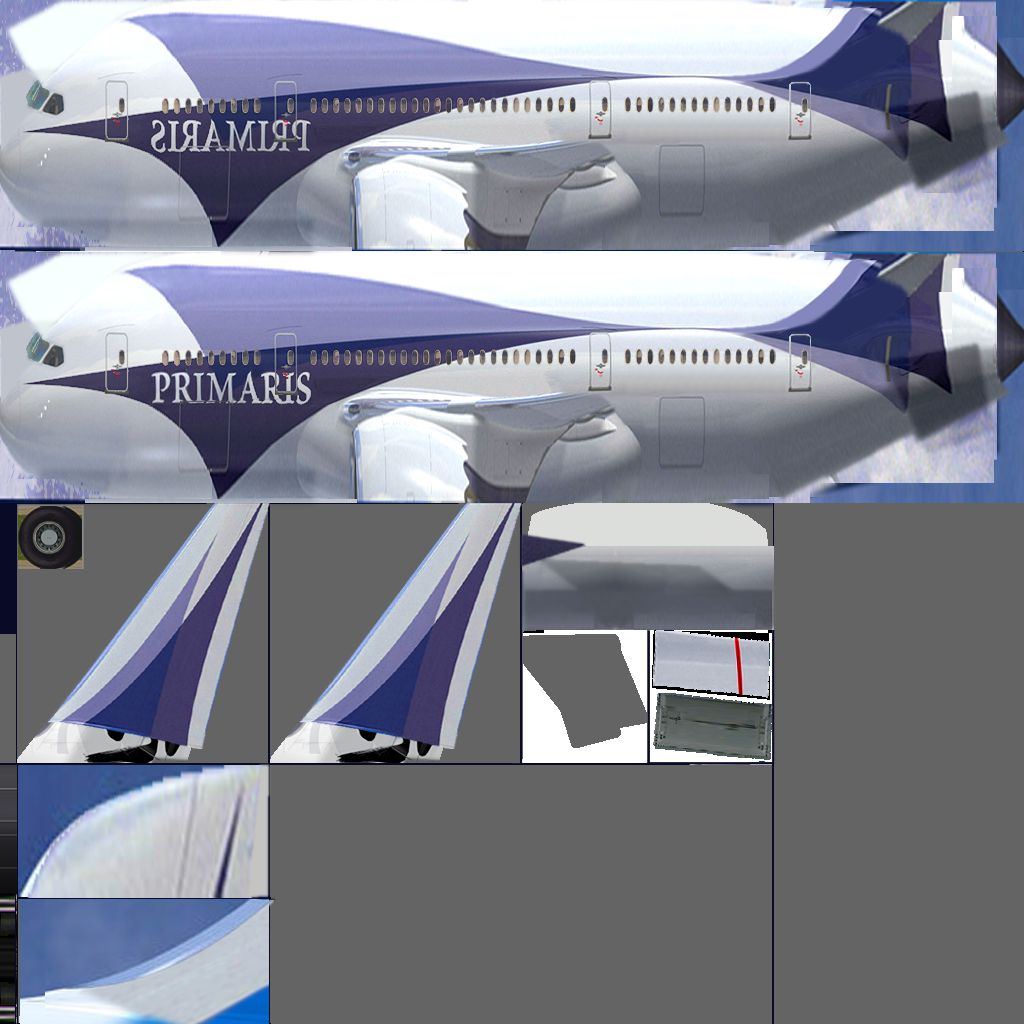
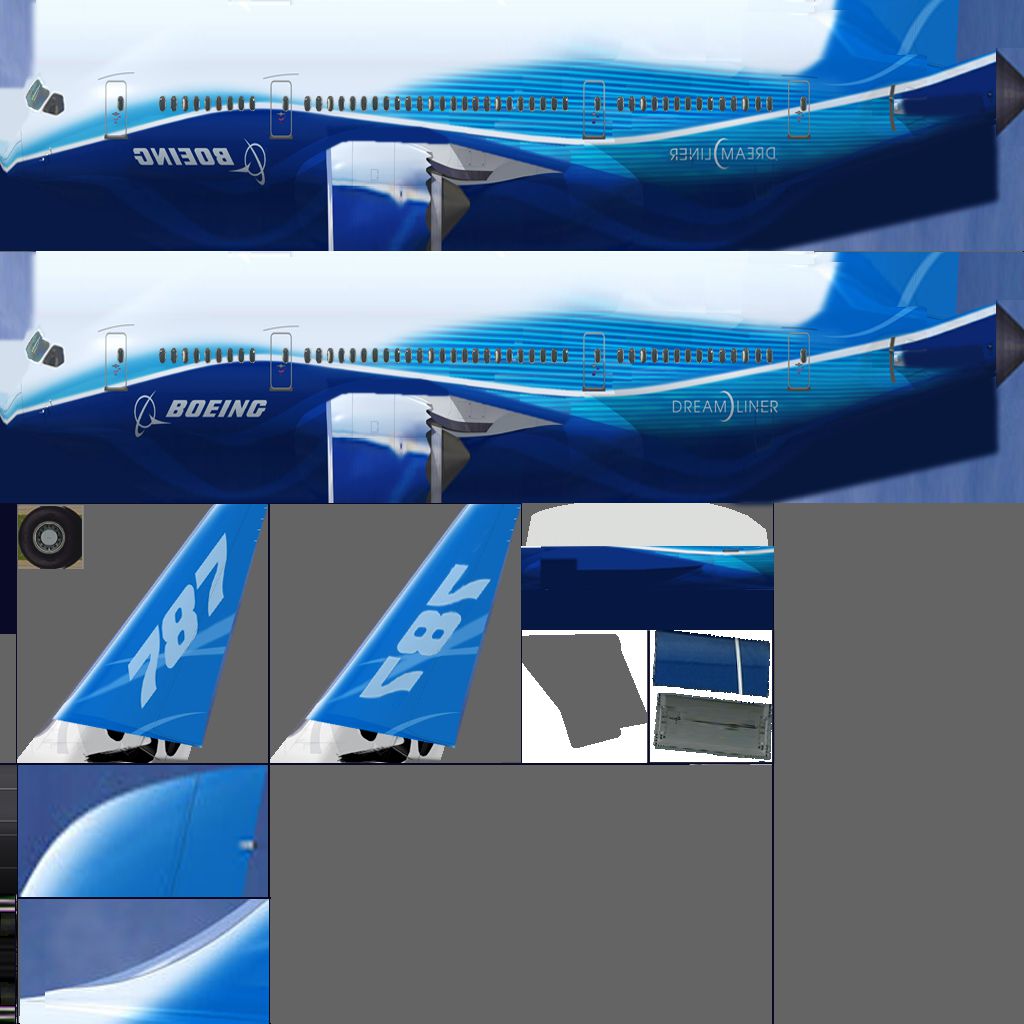
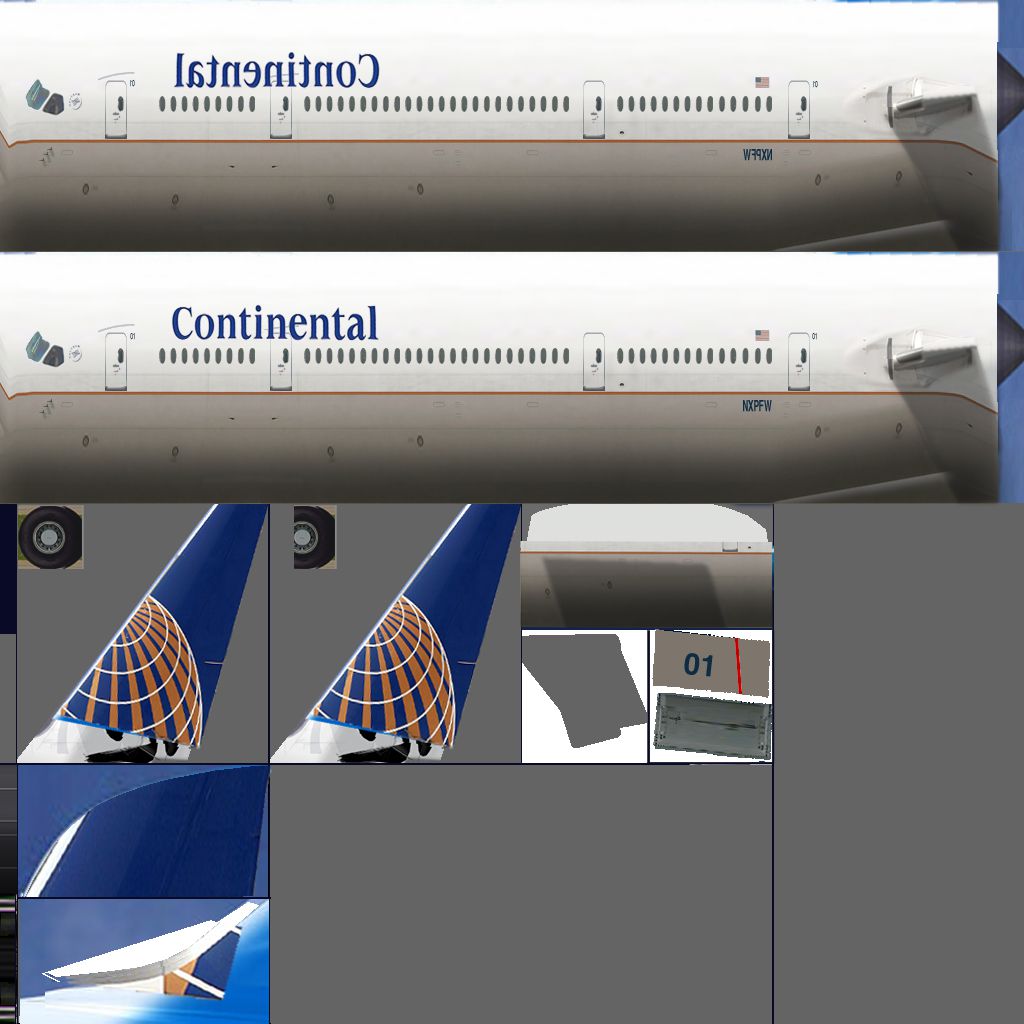
4 livery's on this one:
- Dreamliner
- Continental
- Primaris
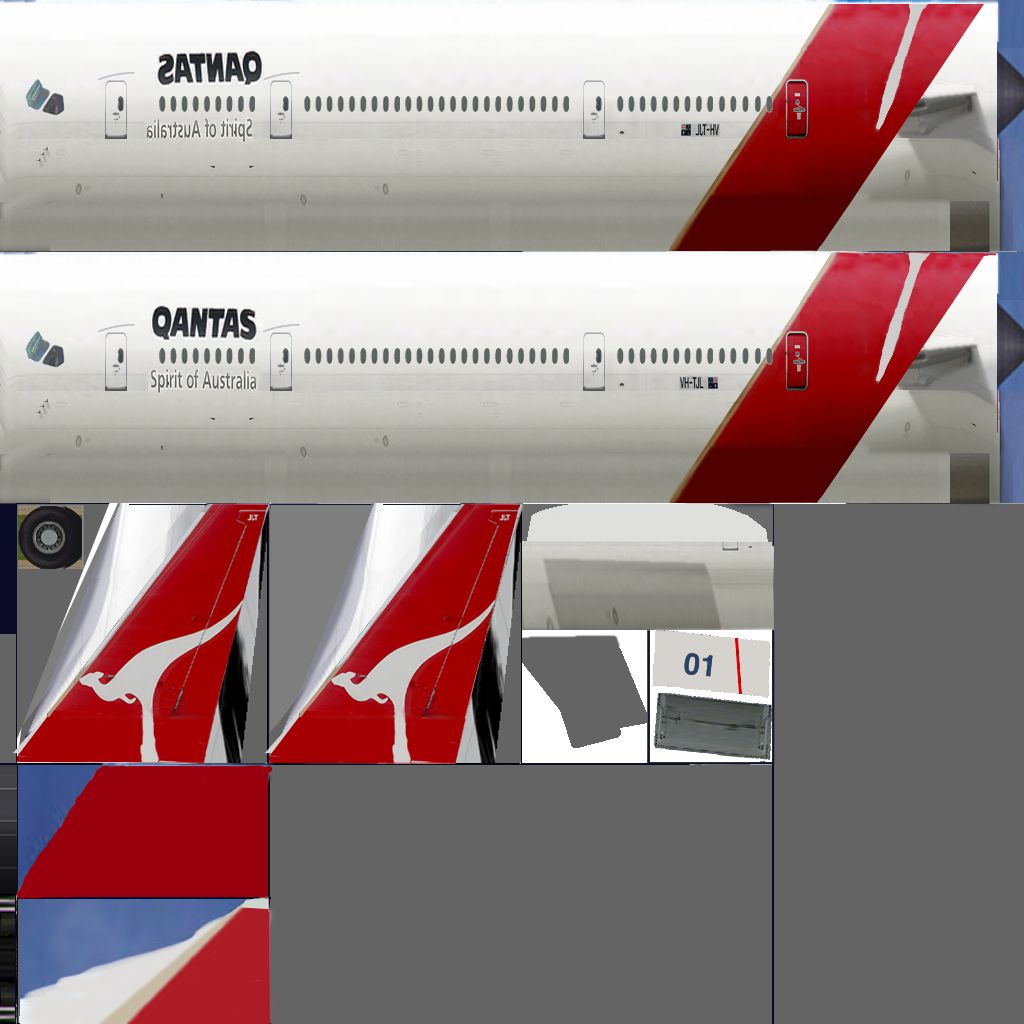
- Qantas
However, everyone are offcourse free to repaint these AI aircraft. If you do send it over and I'll include it in these packs!
Special thanks to all designers and repainters that have contributed at XPFW over the years.
To many to mention, but you will find their names and original livery's and aircraft in the XPFW registry's.
They all deserve credit for this and I hope this will result in these aircraft will get an extended life.
More types will follow.
INSTRUCTIONS
Basically you treat these aircraft as you would any other aircraft:
- Unzip the file.
- Place the folder containing the AI aircraft anywhere you like inside the "Aircraft" folder.
- Start the v10 sim
- Goto Aircraft/Aircraft & Situations
- Click on the tab "Other aircraft"
- Add/replace the default aircraft with these - as many as you like...
- Done
Images & Screenshots
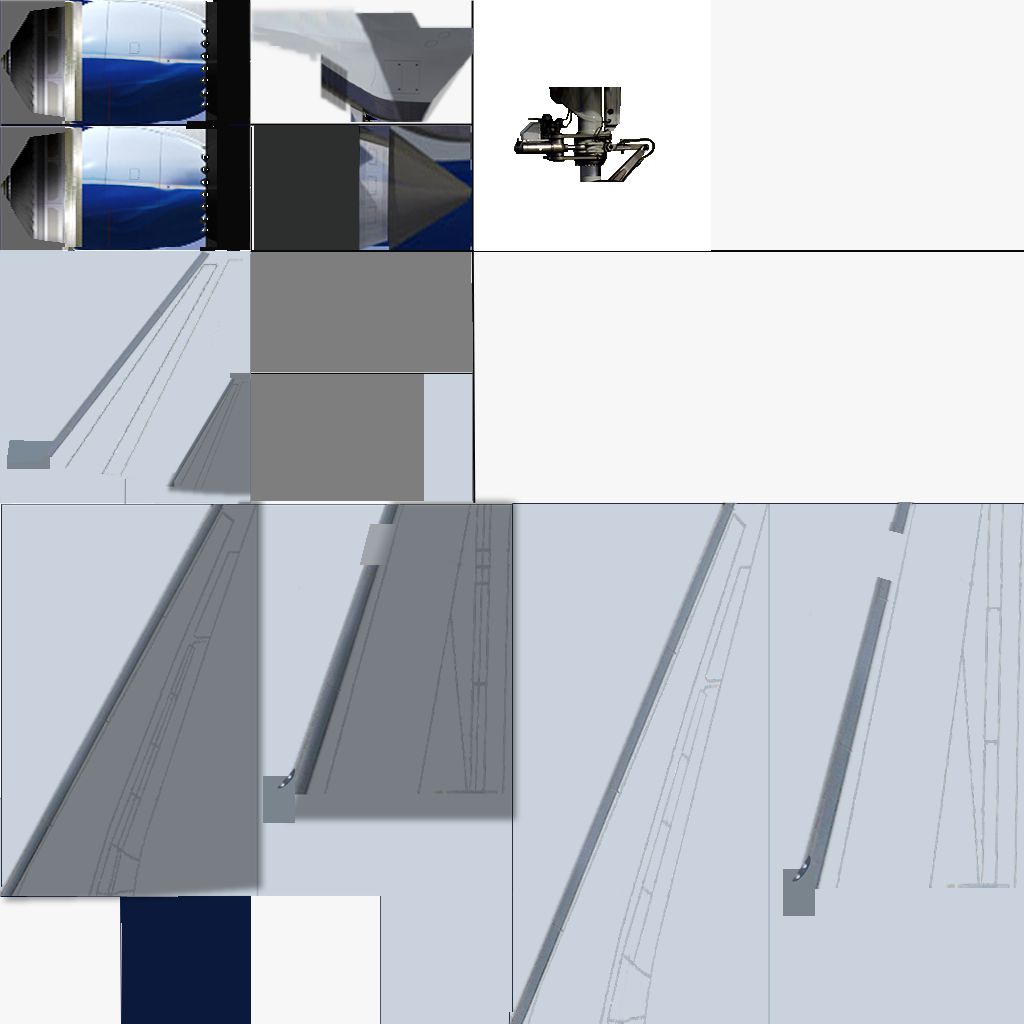
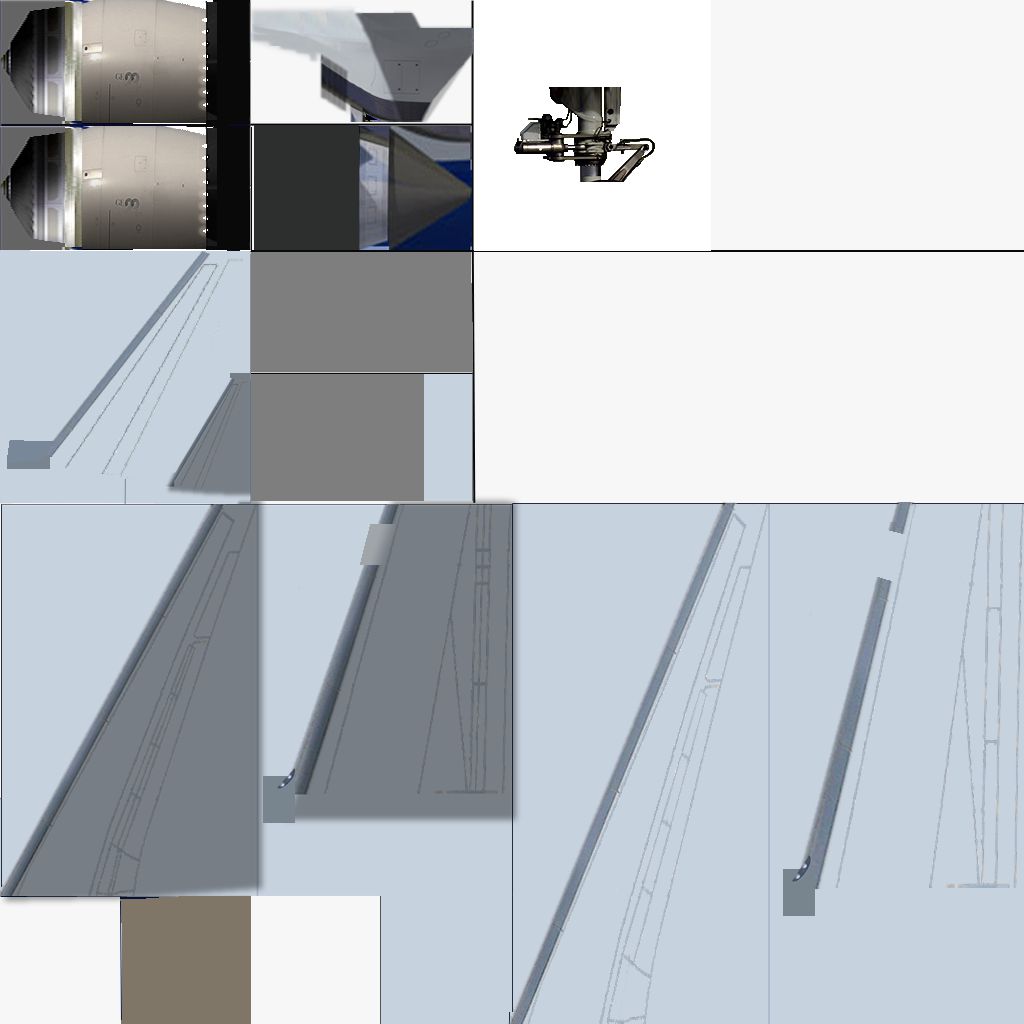
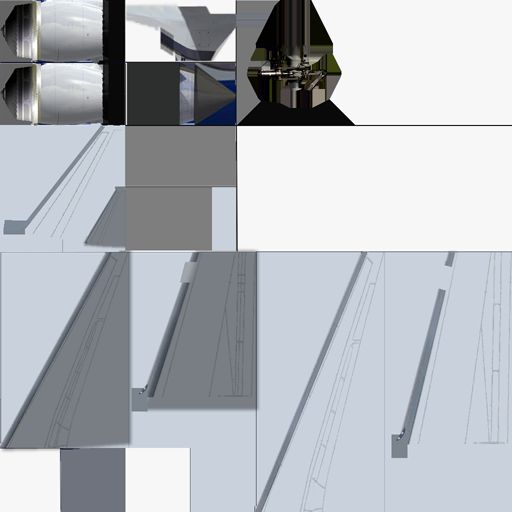
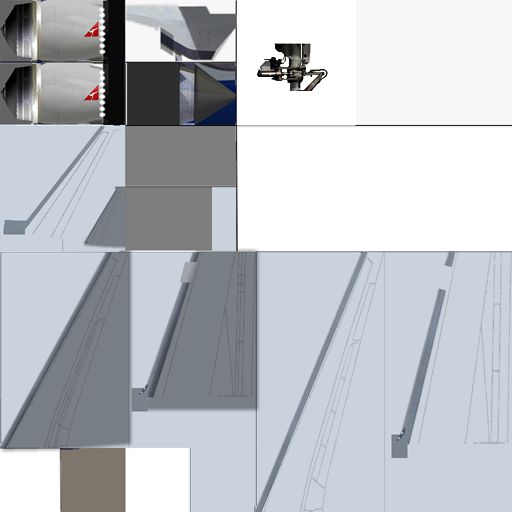
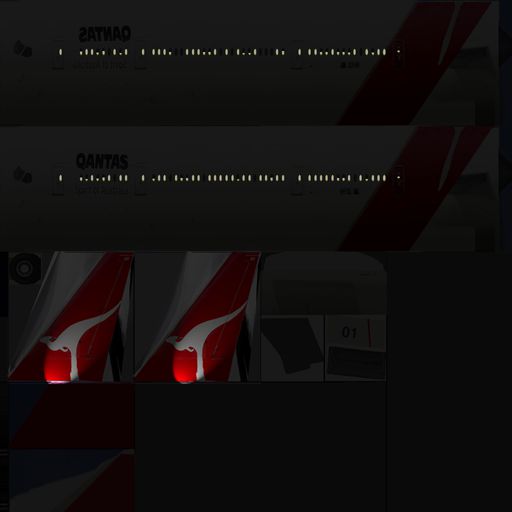

The archive XPFW B787-8 AI.zip has 158 files and directories contained within it.
File Contents
This list displays the first 500 files in the package. If the package has more, you will need to download it to view them.
| Filename/Directory | File Date | File Size |
|---|---|---|
| XPFW B787-8 AI | 01.22.12 | 0 B |
| __MACOSX | 01.22.12 | 0 B |
| XPFW B787-8 AI | 01.22.12 | 0 B |
| B787-8 Boeing | 01.20.12 | 0 B |
| B787-8 Boeing | 01.22.12 | 0 B |
| airfoils | 12.29.05 | 0 B |
| airfoils | 01.22.12 | 0 B |
| B757 Hi_Mid.afl | 12.29.05 | 24.23 kB |
| B757 Hi_Root.afl | 12.29.05 | 24.23 kB |
| B757 Hi_Tip.afl | 12.29.05 | 24.23 kB |
| B757 Lo_Mid.afl | 12.29.05 | 24.23 kB |
| B757 Lo_Root.afl | 12.29.05 | 24.23 kB |
| B757 Lo_Tip.afl | 12.29.05 | 24.23 kB |
| B767midalt.afl | 08.16.05 | 24.26 kB |
| B767rootalt.afl | 08.15.05 | 24.23 kB |
| B767tipalt.afl | 08.15.05 | 24.23 kB |
| NACA 0009 (symmetrical).afl | 04.17.04 | 24.23 kB |
| NACA 0012 (symmetrical).afl | 04.17.04 | 24.23 kB |
| B788.acf | 01.20.12 | 3.19 MB |
| B788_paint.png | 12.29.05 | 704.18 kB |
| B788_paint2.png | 01.20.12 | 326.32 kB |
| B787-8 Continental | 01.20.12 | 0 B |
| B787-8 Continental | 01.22.12 | 0 B |
| airfoils | 12.29.05 | 0 B |
| airfoils | 01.22.12 | 0 B |
| B757 Hi_Mid.afl | 12.29.05 | 24.23 kB |
| B757 Hi_Root.afl | 12.29.05 | 24.23 kB |
| B757 Hi_Tip.afl | 12.29.05 | 24.23 kB |
| B757 Lo_Mid.afl | 12.29.05 | 24.23 kB |
| B757 Lo_Root.afl | 12.29.05 | 24.23 kB |
| B757 Lo_Tip.afl | 12.29.05 | 24.23 kB |
| B767midalt.afl | 08.16.05 | 24.26 kB |
| B767rootalt.afl | 08.15.05 | 24.23 kB |
| B767tipalt.afl | 08.15.05 | 24.23 kB |
| NACA 0009 (symmetrical).afl | 04.17.04 | 24.23 kB |
| NACA 0012 (symmetrical).afl | 04.17.04 | 24.23 kB |
| B788.acf | 01.20.12 | 3.19 MB |
| B788_paint.png | 01.18.06 | 617.95 kB |
| B788_paint2.png | 01.04.06 | 382.58 kB |
| B787-8 Primaris | 01.20.12 | 0 B |
| B787-8 Primaris | 01.22.12 | 0 B |
| airfoils | 12.29.05 | 0 B |
| airfoils | 01.22.12 | 0 B |
| B757 Hi_Mid.afl | 12.29.05 | 24.23 kB |
| B757 Hi_Root.afl | 12.29.05 | 24.23 kB |
| B757 Hi_Tip.afl | 12.29.05 | 24.23 kB |
| B757 Lo_Mid.afl | 12.29.05 | 24.23 kB |
| B757 Lo_Root.afl | 12.29.05 | 24.23 kB |
| B757 Lo_Tip.afl | 12.29.05 | 24.23 kB |
| B767midalt.afl | 08.16.05 | 24.26 kB |
| B767rootalt.afl | 08.15.05 | 24.23 kB |
| B767tipalt.afl | 08.15.05 | 24.23 kB |
| NACA 0009 (symmetrical).afl | 04.17.04 | 24.23 kB |
| NACA 0012 (symmetrical).afl | 04.17.04 | 24.23 kB |
| B788.acf | 01.20.12 | 3.19 MB |
| B788_paint.png | 01.20.06 | 946.87 kB |
| B788_paint2.png | 01.20.12 | 118.91 kB |
| B787-8 Qantas | 01.20.12 | 0 B |
| B787-8 Qantas | 01.22.12 | 0 B |
| airfoils | 12.29.05 | 0 B |
| airfoils | 01.22.12 | 0 B |
| B757 Hi_Mid.afl | 12.29.05 | 24.23 kB |
| B757 Hi_Root.afl | 12.29.05 | 24.23 kB |
| B757 Hi_Tip.afl | 12.29.05 | 24.23 kB |
| B757 Lo_Mid.afl | 12.29.05 | 24.23 kB |
| B757 Lo_Root.afl | 12.29.05 | 24.23 kB |
| B757 Lo_Tip.afl | 12.29.05 | 24.23 kB |
| B767midalt.afl | 08.16.05 | 24.26 kB |
| B767rootalt.afl | 08.15.05 | 24.23 kB |
| B767tipalt.afl | 08.15.05 | 24.23 kB |
| NACA 0009 (symmetrical).afl | 04.17.04 | 24.23 kB |
| NACA 0012 (symmetrical).afl | 04.17.04 | 24.23 kB |
| B788.acf | 01.20.12 | 3.19 MB |
| B788_paint.png | 01.20.12 | 557.33 kB |
| B788_paint2.png | 01.20.12 | 115.52 kB |
| B788_paint_LIT.png | 01.20.12 | 78.74 kB |
| Copyright.rtf | 12.23.11 | 4.37 kB |
| flyawaysimulation.txt | 10.29.13 | 959 B |
| Go to Fly Away Simulation.url | 01.22.16 | 52 B |

Installation Instructions
Most of the freeware add-on aircraft and scenery packages in our file library come with easy installation instructions which you can read above in the file description. For further installation help, please see our Flight School for our full range of tutorials or view the README file contained within the download. If in doubt, you may also ask a question or view existing answers in our dedicated Q&A forum.
2 comments
Leave a ResponseThe content of the comments below are entirely the opinions of the individual posting the comment and do not always reflect the views of Fly Away Simulation. We moderate all comments manually before they are approved.
They are AI aircraft, designed to not be flown but seen. I understand too though.
there are no instruments in this aircraft and when i tried to edit it on plane maker it wouldn't let me add anything. Can someone help me