

 FS2004 Civil Jet Aircraft
Swiss Airbus A320-214 HB-IJP
"Nollen". An add-on for Just Flight Traffic 2004. Repaint and flight model by…
Swiss Airbus A320-214 HB-IJL “Pizol” brings a faithful 2004-era airline look to Microsoft Flight Simulator 2004, with a refined Swiss repaint, corrected window alignment, accurate baggage doors, and realistic lighting. Tailored CFM56-5B4 flight dynamics and an included 48-route schedule support authentic AI operations and traffic flow, requires Just Flight Traffic 2004.
 Rate
Rate
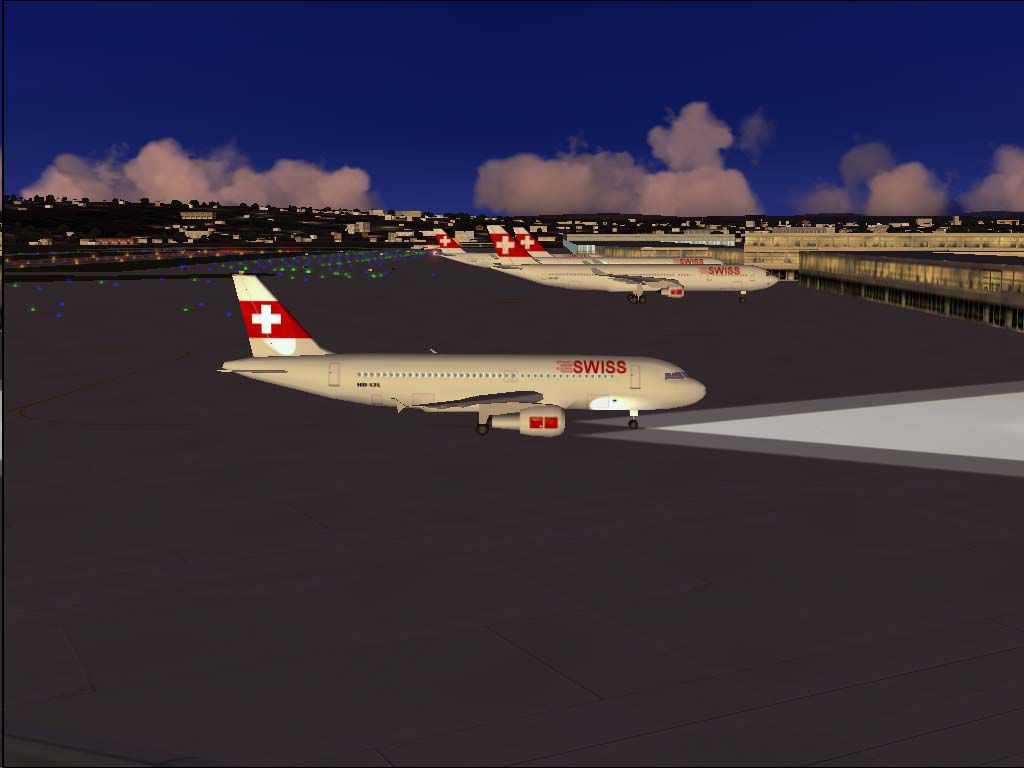
This complete freeware package features a detailed Swiss Airbus A320-214 registration HB-IJL, nicknamed “Pizol,” specifically crafted for Just Flight Traffic 2004 by developer Daniel Nole. It incorporates a refined repaint, aligned windows, and accurate baggage compartment layouts. Additionally, this version includes flight dynamics tailored to the CFM56-5B4 engine series for realistic performance within Microsoft Flight Simulator 2004. Each detail, from the custom livery to the meticulously aligned lighting, ensures a faithful representation of one of the 17 A320-214 jets operated by Swiss, many of which are named after Swiss mountain peaks.
In real-world operations, Swiss International Air Lines has a tradition of naming some of its aircraft after prominent Swiss mountains. This particular A320-214, labeled “Pizol,” reflects the carrier’s homage to the famed summits of Switzerland. The actual mid-fuselage registration, HB-IJL, links to its historical registration of C/N 603 ex F-WWBK. With this repaint, you will notice meticulous adjustments to ensure correct window placement and overall authenticity.
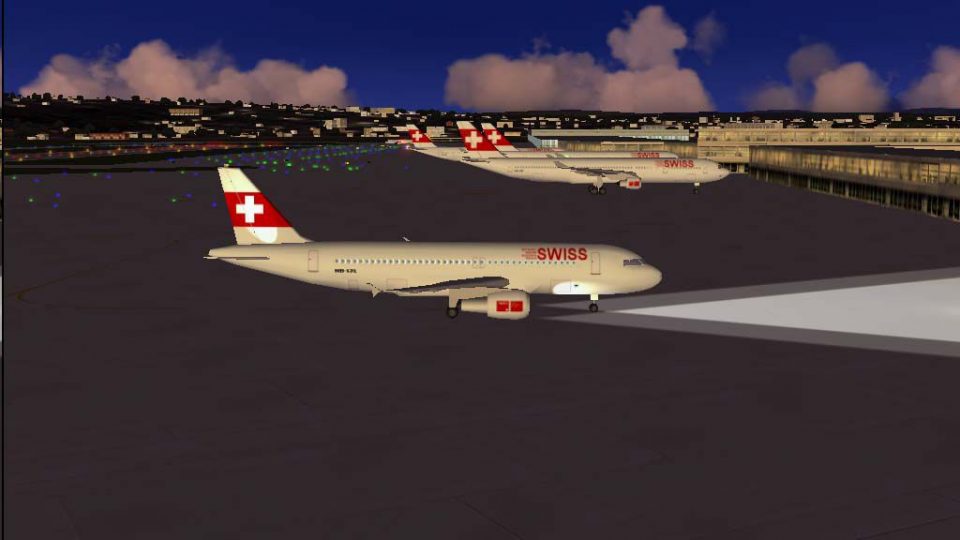
Swiss Airbus A320-214 “HB-IJL” parked on the apron.
This freeware add-on does more than upgrade the exterior: it also features a revised flight model developed by Daniel Nole, replicating the performance envelope of the A320 fitted with CFM56-5B4 engines. The included configuration repositions lights to approximate the real jet’s system. Furthermore, a flight schedule with 48 routes has been integrated, reflecting authentic 2004 timetables. These destinations offer a genuine airline operation feel across European skies.
In your main FS2004 directory, locate the “JFAIA320” folder within the “Aircraft” directory. Copy the new texture=swiss4 folder into this location. Your previously existing aircraft entry in the aircraft.cfg could look like this:
[fltsim.29]
title=JFAi_A320_MPH
sim=JFAIA320
model=2
panel=
sound=
texture=martinair
kb_checklists=
kb_reference=
atc_id=PH-MPD
atc_airline=MARTINAIR
atc_flight_number=123
atc_parking_codes=MPH
atc_parking_types=GATE
ui_manufacturer=Airbus A320
ui_type=Martinair
ui_variation=
description=AI New
Right beneath that entry, add the new Swiss section. Replace [fltsim.30] with the next appropriate sequence number if necessary:
[fltsim.30]
title=JFAi_A320_LX4
sim=JFAIA320
model=2
panel=
sound=
texture=swiss4
kb_checklists=
kb_reference=
atc_id=HB-IJL
atc_airline=SWISS
atc_flight_number=LX1324
atc_parking_codes=CRX
atc_parking_types=GATE
ui_manufacturer=Airbus A320
ui_type=Swiss International
ui_variation=Swiss HB-IJL
description=Swiss A320-214 HB-IJL"Pizol"C/N 603 ex F-WWBK by Daniel Nole
Ensure the line “[fltsim.X]” remains consistent with the current numbering of your aircraft.cfg. Managing these entries properly prevents conflicts and guarantees a smooth addition of this Swiss A320-214 to your virtual fleet.
Free for all simmers · 500.01 KB · Scanned clean Oct 2026
Download speed: Free tier is capped at 0.5 Mbps. PRO members download at full line speed.
FS9\Aircraft\, FS9\Addon Scenery\, FS9\Gauges\, or FS9\Effects\.readme.txt or README file. It tells you exactly where files go, what dependencies are needed, and any quirks specific to this add-on.The archive tr320lx4.zip has 14 files and directories contained within it.
This list displays the first 500 files in the package. If the package has more, you will need to download it to view them.
| Filename/Directory | File Date | File Size |
|---|---|---|
| Flight Plans | 04.04.04 | 0 B |
| Swiss.txt | 04.03.04 | 1.39 kB |
| HB-IJL.jpg | 04.03.04 | 52.89 kB |
| JFAIA320 | 04.04.04 | 0 B |
| aircraft.cfg | 04.03.04 | 21.27 kB |
| JFAIA320.air | 04.03.04 | 8.26 kB |
| texture.swiss4.zip | 04.04.04 | 216.92 kB |
| JFTFA320 | 04.04.04 | 0 B |
| aircraft.cfg | 04.03.04 | 21.68 kB |
| JFTFA320.air | 04.03.04 | 8.26 kB |
| texture.swiss4.zip | 04.04.04 | 216.92 kB |
| readme.txt | 04.04.04 | 3.96 kB |
| flyawaysimulation.txt | 10.29.13 | 959 B |
| Go to Fly Away Simulation.url | 01.22.16 | 52 B |
Only PRO members can place votes.
More FS2004 add-ons hand-picked based on this download.
FS2004 Civil Jet Aircraft
"Nollen". An add-on for Just Flight Traffic 2004. Repaint and flight model by…
 FS2004 Civil Jet Aircraft
This complete freeware package features the Swiss Airbus A320-214 known as “R…
 FS2004 Civil Jet Aircraft
"Cruex du Van". An add-on for Just Flight Traffic 2004. Repaint and flight mo…
 FS2004 Civil Jet Aircraft
"Upali". An add-on for Just Flight Traffic 2004. Repaint and flight model by …
 FS2004 Civil Jet Aircraft
"Calvaro". An add-on for Just Flight Traffic 2004. Repaint and flight model b…
 FS2004 Civil Jet Aircraft
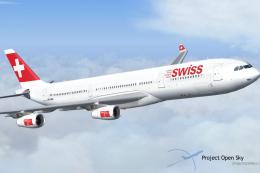
This freeware release features the Swiss Airbus A340-313X (registration HB-JM…
 FS2004 Civil Jet Aircraft
"Monch". An add-on for Just Flight Traffic 2004. Repaint and flight model by …
 FS2004 Civil Jet Aircraft
"Jungfrau". An add-on for Just Flight Traffic 2004. Repaint and flight model …
Be the first to leave a comment on this download.
Be the first to share your thoughts on this download.