

 FS2004 Civil Jet Aircraft
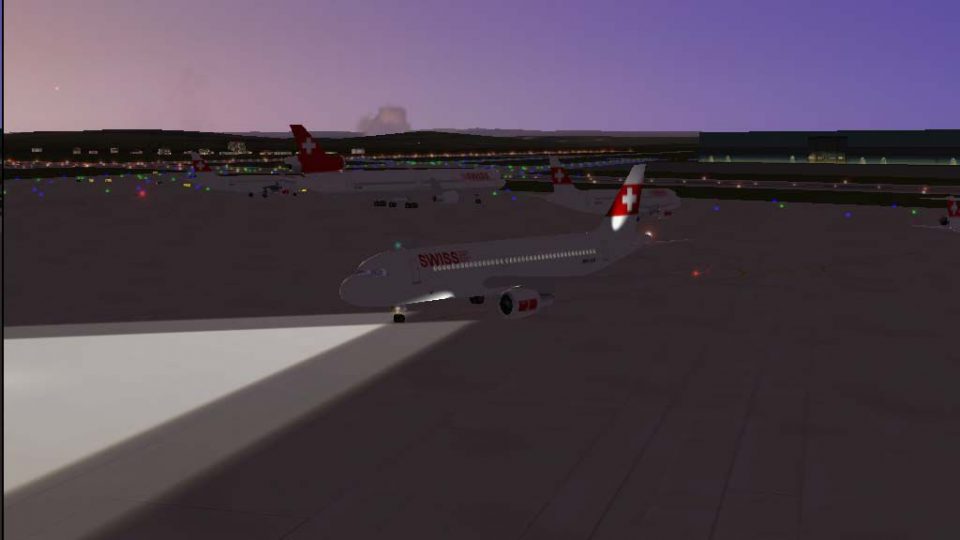
Swiss Airbus A320-214 HB-IJL
This complete freeware package features a detailed Swiss Airbus A320-214 regi…
Swiss Airbus A320-214 HB-IJJ “Ruchstock” brings authentic 2004-era Swiss AI operations with a refined Daniel Nole repaint, corrected window and baggage details, improved navigation and beacon lighting, and flight dynamics tuned for CFM56-5B4 performance in Microsoft Flight Simulator 2004. Requires Just Flight Traffic 2004 and includes a 48-route schedule based on real timetables.
 Rate
Rate
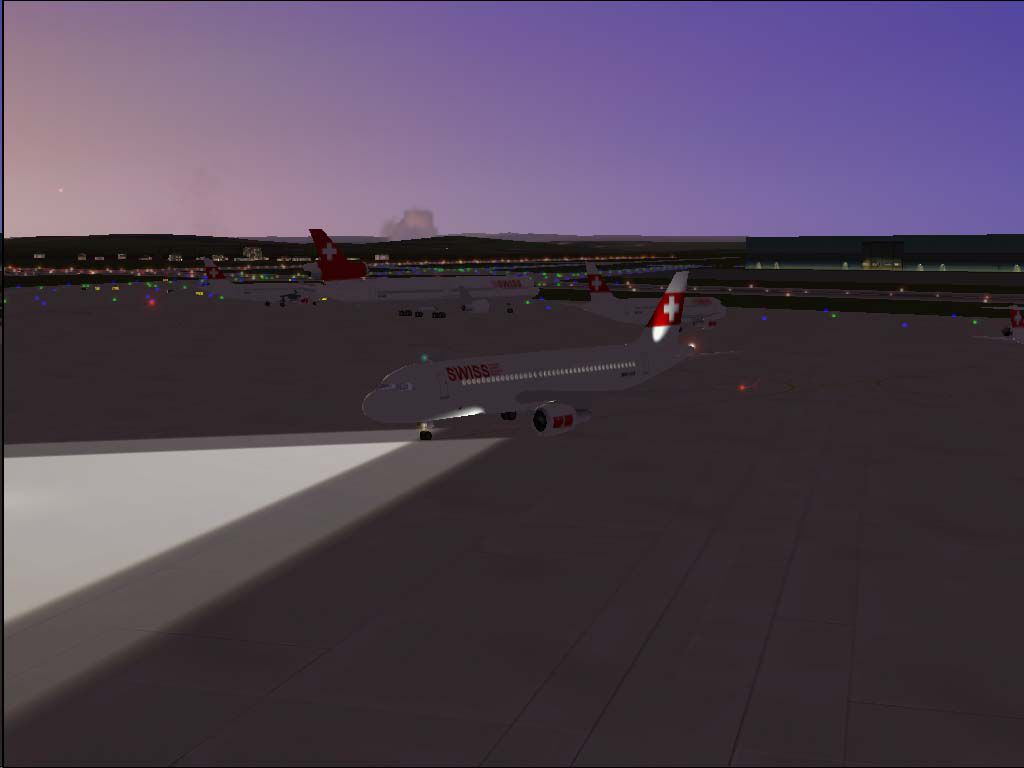
This complete freeware package features the Swiss Airbus A320-214 known as “Ruchstock,” distinguished by its unique naming tradition honoring Swiss mountains. Crafted for Just Flight Traffic 2004 and tailored to operate seamlessly in Microsoft Flight Simulator 2004, this add-on showcases a carefully refined repaint by Daniel Nole, alongside an updated flight model optimized for CFM56-5B4 engines. The included schedule aligns with actual 2004 timetables, featuring 48 real-world destinations to enhance AI traffic realism.
Swiss International Air Lines often designates its Airbus A320-214 fleet after notable Swiss peaks, and registration HB-IJJ bears the name “Ruchstock” (C/N 585 ex F-WWIV). This naming convention celebrates national landmarks while reflecting the A320’s capability for short- to medium-haul services across Europe. Additionally, the airframe’s balanced performance has made it a mainstay of Swiss operations, offering reliable handling and efficiency.
Screenshot of Swiss Airbus A320-214 on the ground.
Locate the “JFAIA320” folder within the aircraft directory of FS2004. Insert the new “swiss3” texture folder into that location. Your existing aircraft entries typically end with a sequence number; for instance:
[fltsim.29]
title=JFAi_A320_MPH
sim=JFAIA320
model=2
panel=
sound=
texture=martinair
kb_checklists=
kb_reference=
atc_id=PH-MPD
atc_airline=MARTINAIR
atc_flight_number=123
atc_parking_codes=MPH
atc_parking_types=GATE
ui_manufacturer=Airbus A320
ui_type=Martinair
ui_variation=
description=AI New
Right after that record, add the following new entry:
[fltsim.30]
title=JFAi_A320_LX3
sim=JFAIA320
model=2
panel=
sound=
texture=swiss3
kb_checklists=
kb_reference=
atc_id=HB-IJJ
atc_airline=SWISS
atc_flight_number=LX789
atc_parking_codes=CRX
atc_parking_types=GATE
ui_manufacturer=Airbus A320
ui_type=Swiss International
ui_variation=Swiss HB-IJJ
description=Swiss A320-214 HB-IJJ"Ruchstock"C/N 585 ex F-WWIV by Daniel Nole
Be sure to adjust the bracket numbering if the last entry was already [fltsim.30], by incrementing to [fltsim.31] or beyond. This ensures each aircraft entry remains unique. Once completed, you will have a comprehensive AI-traffic-ready Swiss Airbus A320-214, faithfully representing “Ruchstock” in your virtual skies.
Free for all simmers · 481.79 KB · Scanned clean Oct 2026
Download speed: Free tier is capped at 0.5 Mbps. PRO members download at full line speed.
FS9\Aircraft\, FS9\Addon Scenery\, FS9\Gauges\, or FS9\Effects\.readme.txt or README file. It tells you exactly where files go, what dependencies are needed, and any quirks specific to this add-on.The archive tr320lx3.zip has 14 files and directories contained within it.
This list displays the first 500 files in the package. If the package has more, you will need to download it to view them.
| Filename/Directory | File Date | File Size |
|---|---|---|
| Flight Plans | 04.04.04 | 0 B |
| Swiss.txt | 04.03.04 | 1.39 kB |
| HB-IJJ.jpg | 04.03.04 | 35.54 kB |
| JFAIA320 | 04.04.04 | 0 B |
| aircraft.cfg | 04.03.04 | 21.27 kB |
| JFAIA320.air | 04.03.04 | 8.26 kB |
| texture.swiss3.zip | 04.04.04 | 216.94 kB |
| JFTFA320 | 04.04.04 | 0 B |
| aircraft.cfg | 04.03.04 | 21.68 kB |
| JFTFA320.air | 04.03.04 | 8.26 kB |
| texture.swiss3.zip | 04.04.04 | 216.94 kB |
| readme.txt | 04.04.04 | 3.97 kB |
| flyawaysimulation.txt | 10.29.13 | 959 B |
| Go to Fly Away Simulation.url | 01.22.16 | 52 B |
Only PRO members can place votes.
More FS2004 add-ons hand-picked based on this download.
FS2004 Civil Jet Aircraft
This complete freeware package features a detailed Swiss Airbus A320-214 regi…
 FS2004 Civil Jet Aircraft
"Nollen". An add-on for Just Flight Traffic 2004. Repaint and flight model by…
 FS2004 Civil Jet Aircraft
"Cruex du Van". An add-on for Just Flight Traffic 2004. Repaint and flight mo…
 FS2004 Civil Jet Aircraft
"Upali". An add-on for Just Flight Traffic 2004. Repaint and flight model by …
 FS2004 Civil Jet Aircraft
"Calvaro". An add-on for Just Flight Traffic 2004. Repaint and flight model b…
 FS2004 Civil Jet Aircraft
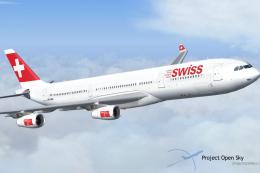
This freeware release features the Swiss Airbus A340-313X (registration HB-JM…
 FS2004 Civil Jet Aircraft
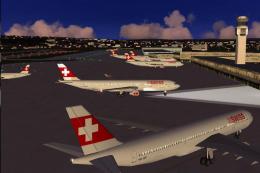
"Monch". An add-on for Just Flight Traffic 2004. Repaint and flight model by …
 FS2004 Civil Jet Aircraft
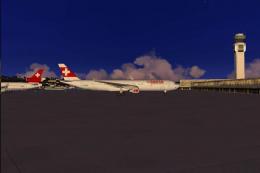
"Jungfrau". An add-on for Just Flight Traffic 2004. Repaint and flight model …
Be the first to leave a comment on this download.
Be the first to share your thoughts on this download.