

 FS2004 Civil Jet Aircraft
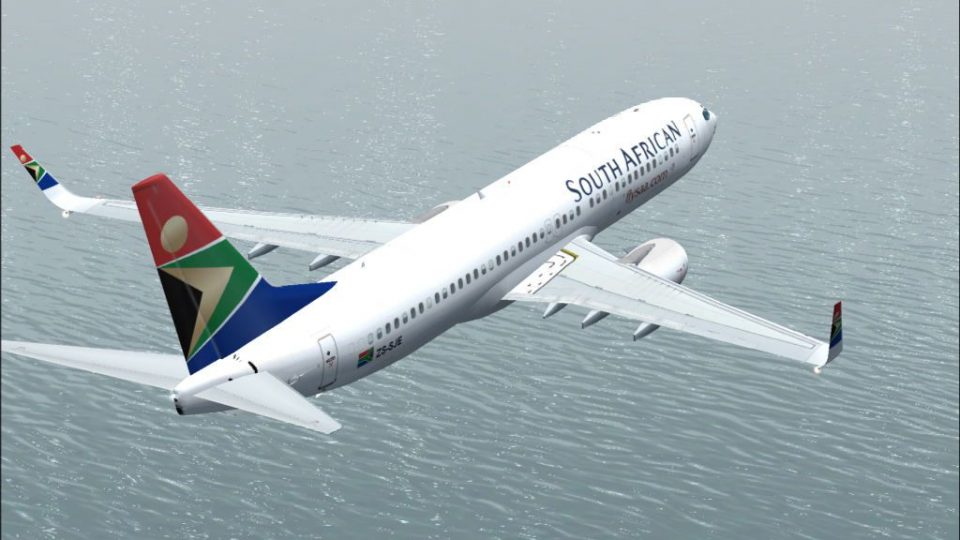
South African Airways Boeing 737-800 ZS-SBV
Textures for the Kittyhawk Productions B737-800 (requires KH737800.IZP) by Lo…
South African Airways Boeing 737-800 ZS-SJE gets a crisp, hand-drawn 32-bit repaint that matches the real-world aircraft, with an optional winglet look for added flexibility in your fleet. Built for FS2004, it requires Erick Cantu’s Kittyhawk Productions 737-800 model and delivers authentic markings and clean texture detail throughout.
 Rate
Rate
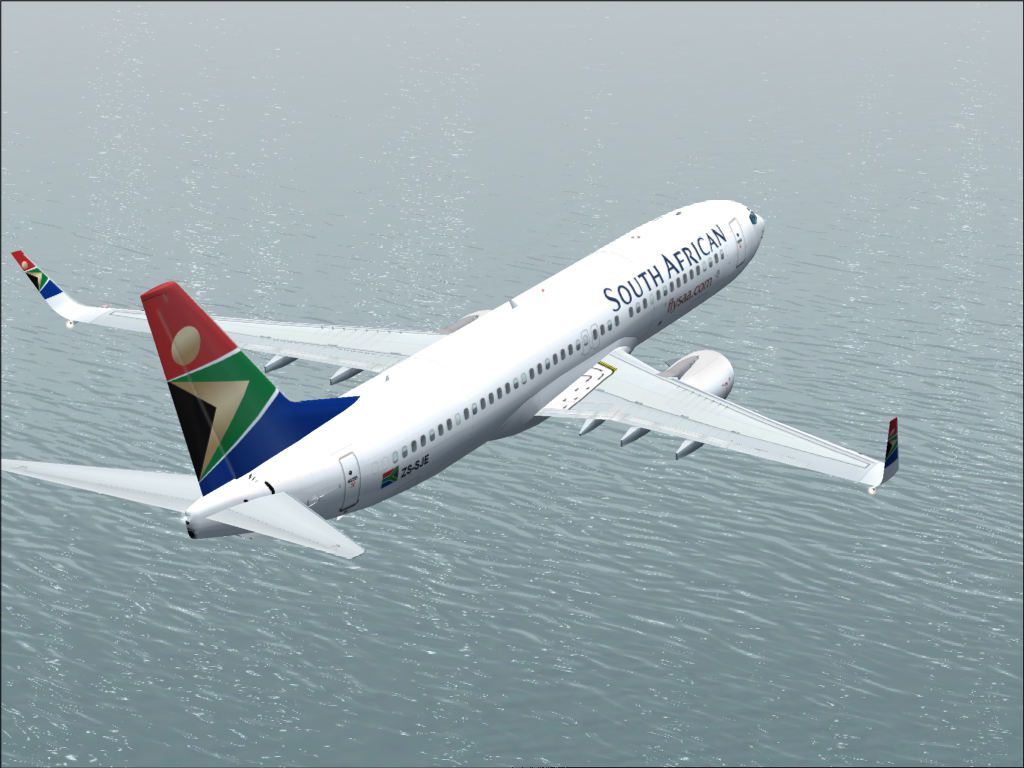
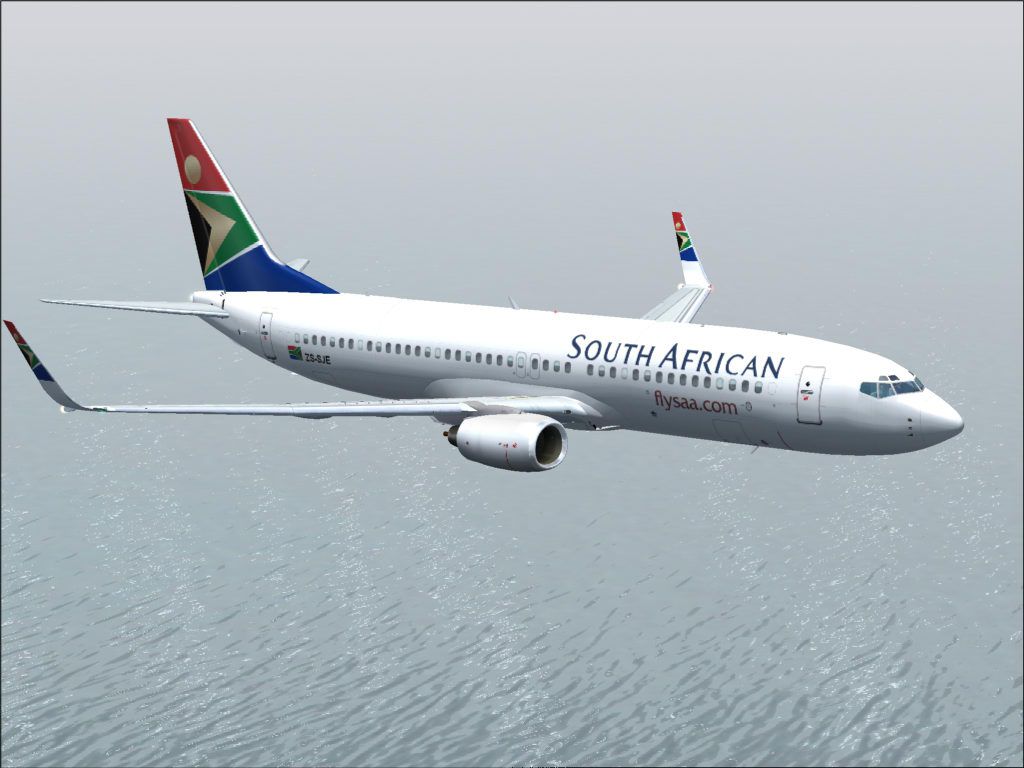
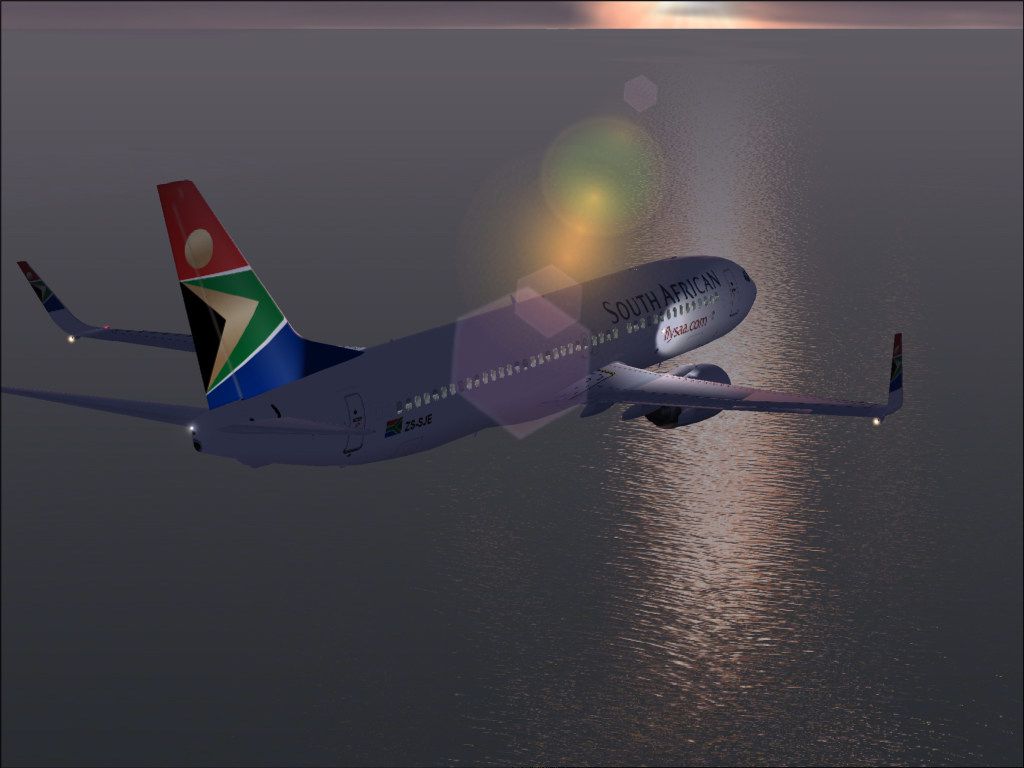
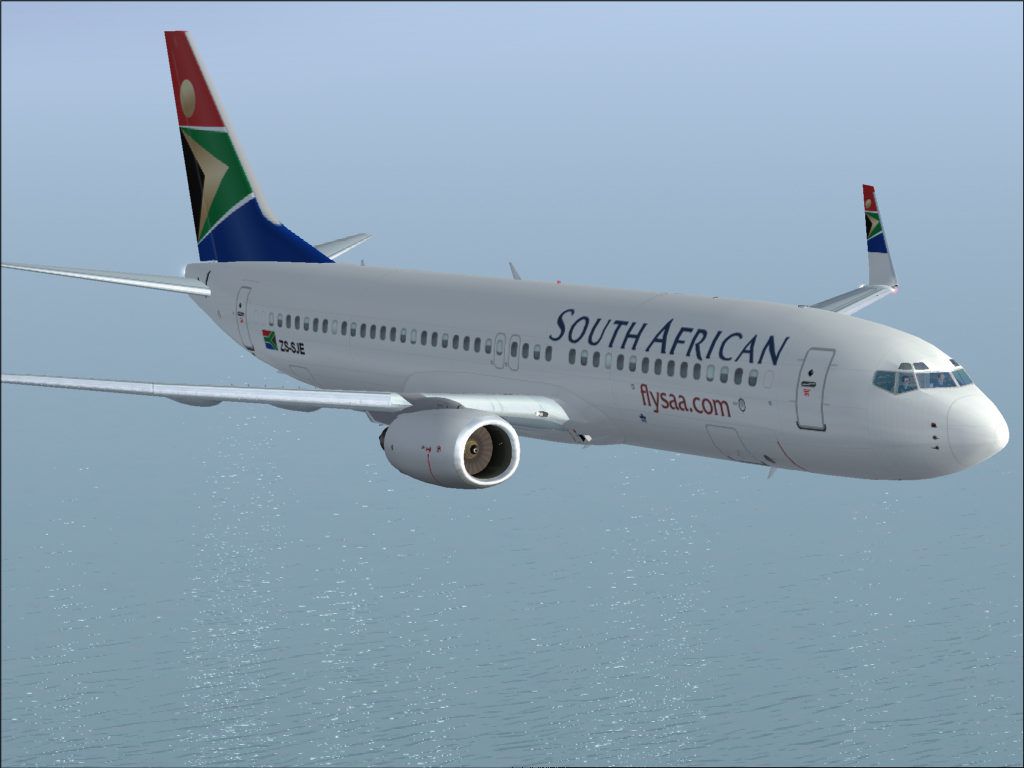
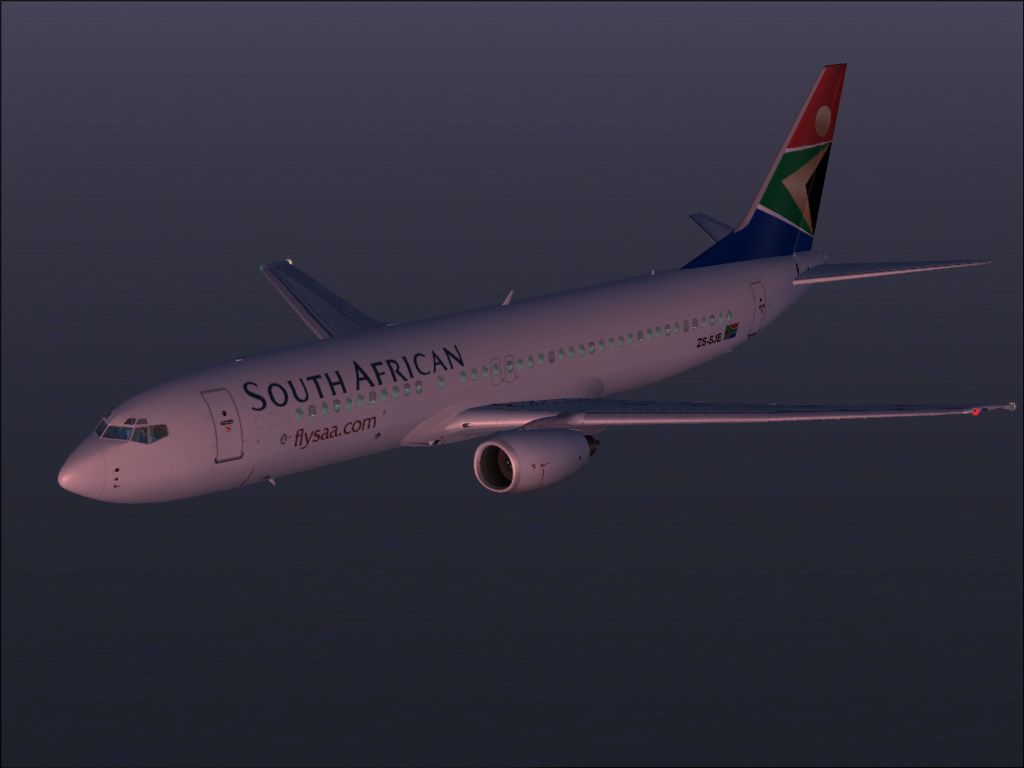
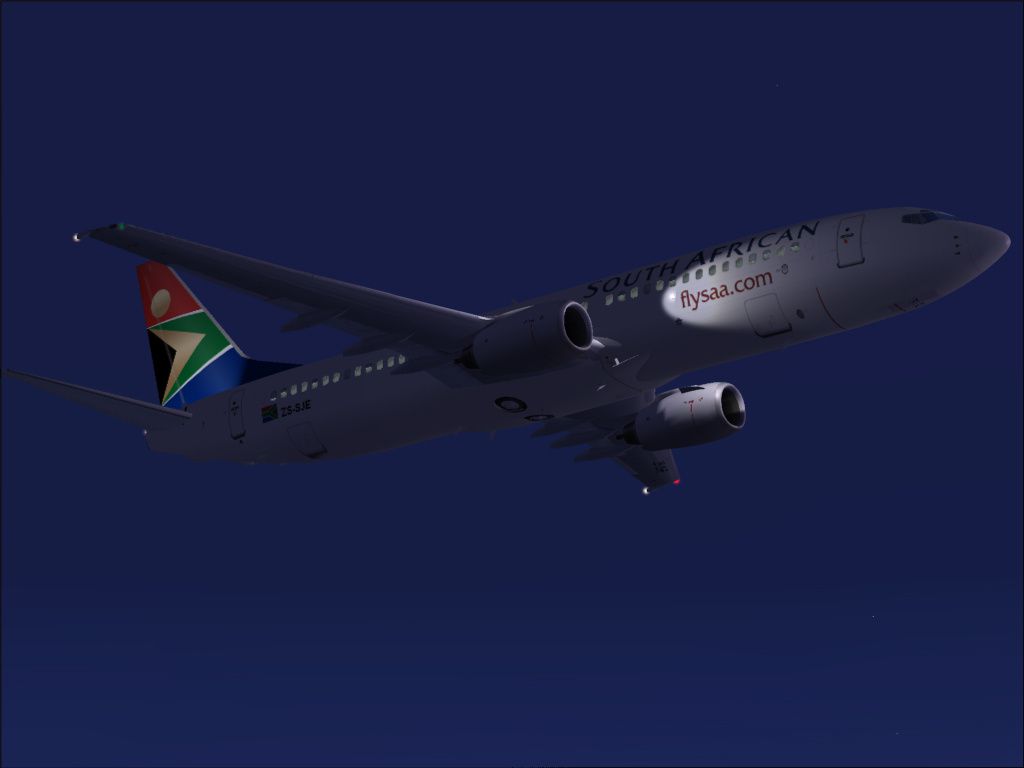
Textures only for Erick Cantu's Kittyhawk Productions model (KH737800.ZIP). This is a 32-bit hand drawn repaint of ZS-SJE and is accurately painted to represent the plane as it appears in the world today. Repainted by Philip Foglar.
Screenshot of South African Airways Boeing 737-800 in flight.
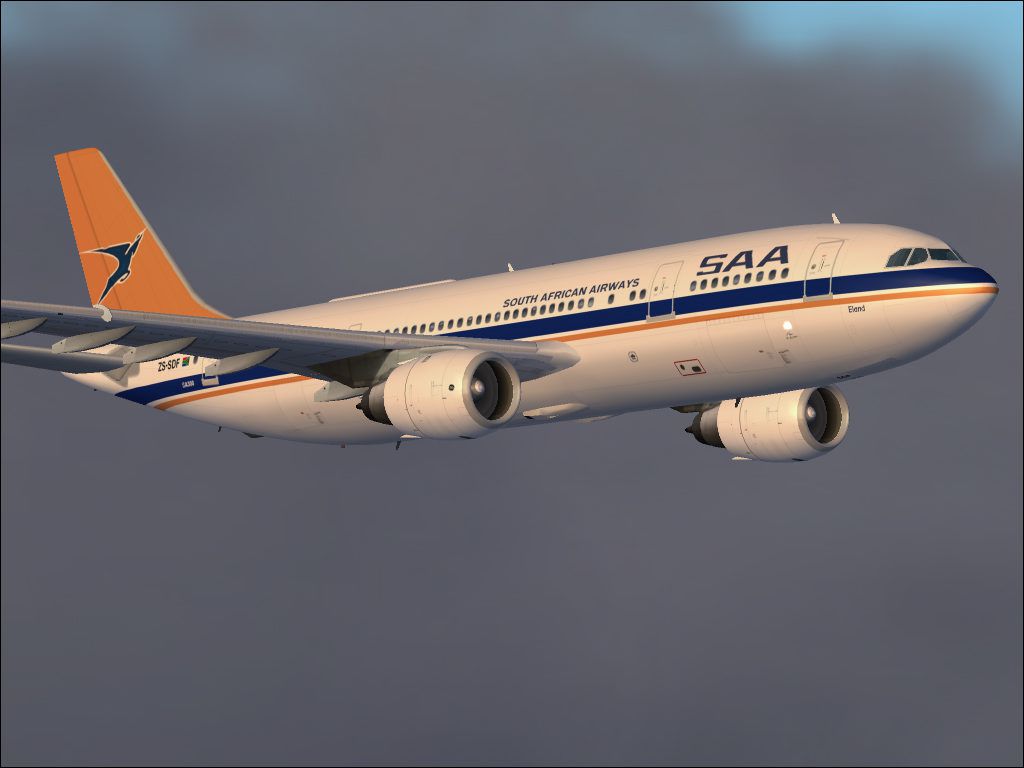
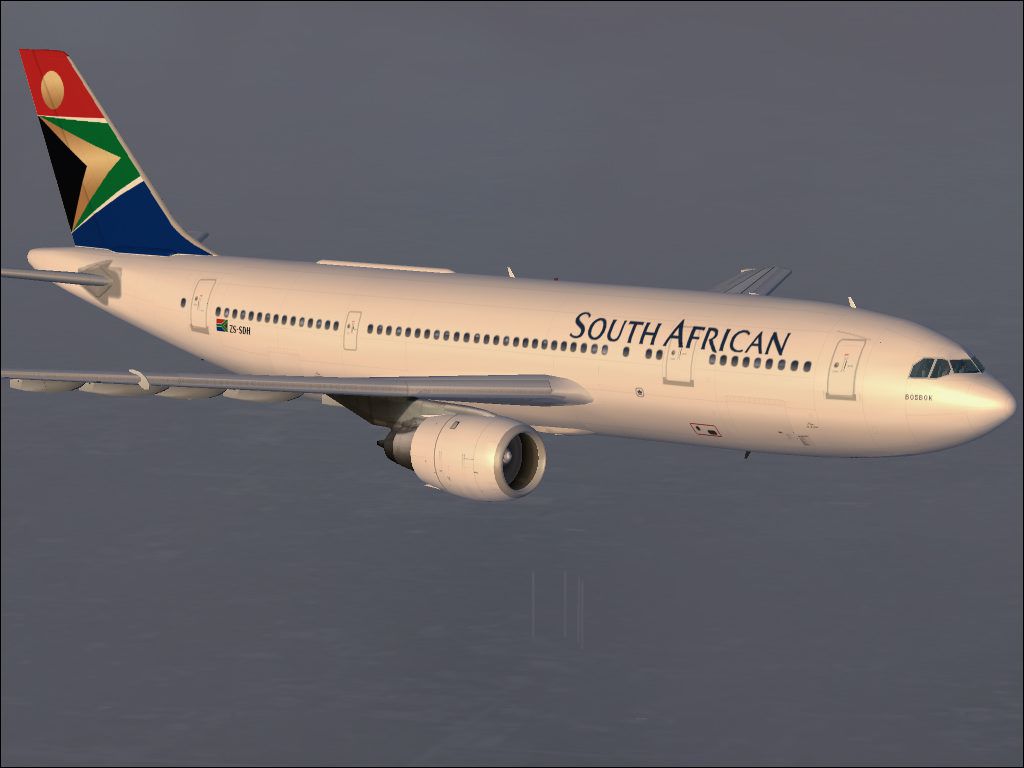
After releasing my repaints of South African Airways ZS-SDH "Bosbok" and ZS-SDF "Eland", Erick Cantu of Kittyhawk released his wonderful new Boeing 737-800 model as well as an update to his new Boeing 737-700 model. These models are really good and I could not pass up the chance to paint my second version of South African Airways Boeing 737-800 ZS-SJE. My original version "SAA ZS-SJE.zip" and winglet upgrade "SAA ZS-SJE Winglet Upgrade.zip" was painted on Erick's old model that was released under SGA and is still available at Avsim Online was a great success. And is still enjoyed by many users.
This model is far more refined than the old one and so I decided to redo the repaint from scratch. For the best results I have also decided to release these textures in high quality 32-bit format - I might release a DXT3 format version after this release.
This repaint is based on ZS-SJE and is accurately painted to represent the plane as it appears in the world today and therefore has winglets. Originally South African Airways fleet of Boeing 737-800 aircraft were supplied without winglets. So I have made the option available to use this repaint with or without the winglets.
The model(s) that I used for this repaint is "kittyhawk_737-800.zip".
I hope that you enjoy flying her. Enjoy!
Thanks to the Kittyhawk team for making this superb plane. And thanks to Erick Cantu for these awesome models. I would also like to thank the freeware developers out there for all their awesome goodies, thanks guys. Keep up the good work.
Model By: Erick Cantu
Model Assistance By: Fraser Turner
Textures By: Erick Cantu
Flight Dynamics By: Shawn Anderson
Technical Support Provided By: Adam Stanger
"Read Me" By: Adam Stanger
Installation is simple:
[fltsim.X]

	title=Boeing 737-800 South African Airways ZS-SJE

	sim=737800

	model=

	panel=

	sound=

	texture=SAA_ZS-SJE

	kb_checklists=Boeing737-400_check

	kb_reference=Boeing737-400_ref

	atc_id=ZS_SJE

	atc_airline=springbok

	atc_flight_number=219

	ui_manufacturer=Boeing

	ui_type=737-800

	ui_variation=South African Airways ZS-SJE

	description=One should hardly be surprised that the world's most prolific manufacturer of commercial aircraft is also the producer of the world's most popular jetliner. The 737 became the best-selling commercial jetliner worldwide when orders for it hit 1,831 in June 1987 (surpassing Boeing's own 727 as the previous champ). However, it wasn't always that way\s in the first few years of production, there were so few orders that Boeing considered cancelling the program. They didn't, and the airplane has more than proven itself in over three decades of service. The 737-800 is one of the latest in the 737 family, and the second longest of the NG series. The 737-800 is powered by twin CFM56-7B turbofans and has the option of winglets. Painted by Philip Foglar.

	atc_heavy=1

	visual_damage=1
[fltsim.X]

	title=Boeing 737-800 South African Airways ZS-SJE with Winglets

	sim=737800

	model=winglet

	panel=

	sound=

	texture=SAA_ZS-SJE

	kb_checklists=Boeing737-400_check

	kb_reference=Boeing737-400_ref

	atc_id=ZS_SJE

	atc_airline=springbok

	atc_flight_number=218

	ui_manufacturer=Boeing

	ui_type=737-800

	ui_variation=South African Airways ZS-SJE with Winglets

	description=One should hardly be surprised that the world's most prolific manufacturer of commercial aircraft is also the producer of the world's most popular jetliner. The 737 became the best-selling commercial jetliner worldwide when orders for it hit 1,831 in June 1987 (surpassing Boeing's own 727 as the previous champ). However, it wasn't always that way\s in the first few years of production, there were so few orders that Boeing considered cancelling the program. They didn't, and the airplane has more than proven itself in over three decades of service. The 737-800 is one of the latest in the 737 family, and the second longest of the NG series. The 737-800 is powered by twin CFM56-7B turbofans and has the option of winglets. Painted by Philip Foglar.

	atc_heavy=1

	visual_damage=1
You are now ready to fly.
Free for all simmers · 2.21 MB · Scanned clean Oct 2026
Download speed: Free tier is capped at 0.5 Mbps. PRO members download at full line speed.
This add-on may require the following files to function properly. If this is a repaint, the dependency below is likely the base aircraft package.
FS9\Aircraft\, FS9\Addon Scenery\, FS9\Gauges\, or FS9\Effects\.readme.txt or README file. It tells you exactly where files go, what dependencies are needed, and any quirks specific to this add-on.The archive zs-sje_2.zip has 30 files and directories contained within it.
This list displays the first 500 files in the package. If the package has more, you will need to download it to view them.
| Filename/Directory | File Date | File Size |
|---|---|---|
| SAA_ZS_SJE.gif | 05.19.04 | 14.96 kB |
| FileID.diz | 05.05.04 | 534 B |
| Readme.doc | 05.05.04 | 28.50 kB |
| Kittyhawk 737-800 Docs | 05.19.04 | 0 B |
| Banner.jpg | 02.16.04 | 27.50 kB |
| Bosbok.jpg | 02.29.04 | 83.55 kB |
| Eland.jpg | 04.22.04 | 95.17 kB |
| Other Recent Repaint's Screenshots | 05.19.04 | 0 B |
| 737INTERIOR_L.bmp | 03.18.04 | 256.07 kB |
| 737INTERIOR_T.BMP | 12.31.03 | 1.00 MB |
| 737_B_L.BMP | 05.18.04 | 4.00 MB |
| 737_B_T.BMP | 05.18.04 | 4.00 MB |
| 738_FUSE_L.BMP | 05.18.04 | 4.00 MB |
| 738_FUSE_T.BMP | 05.18.04 | 4.00 MB |
| ENGINES_L.BMP | 03.18.04 | 256.07 kB |
| ENGINES_T.BMP | 05.18.04 | 4.00 MB |
| WINGLET_T.BMP | 05.18.04 | 1.00 MB |
| WINGS_L.bmp | 03.18.04 | 256.07 kB |
| WINGS_T.BMP | 05.18.04 | 1.00 MB |
| texture.SAA_ZS-SJE | 05.19.04 | 0 B |
| Kittyhawk_SAA_ZS_SJE01.jpg | 05.19.04 | 83.26 kB |
| Kittyhawk_SAA_ZS_SJE02.jpg | 05.19.04 | 99.73 kB |
| Kittyhawk_SAA_ZS_SJE03.jpg | 05.19.04 | 97.76 kB |
| Kittyhawk_SAA_ZS_SJE05.jpg | 05.19.04 | 97.04 kB |
| Kittyhawk_SAA_ZS_SJE06.jpg | 05.19.04 | 72.71 kB |
| Kittyhawk_SAA_ZS_SJE07.jpg | 05.19.04 | 64.40 kB |
| File_ID.DIZ | 05.19.04 | 320 B |
| readme.txt | 05.19.04 | 5.06 kB |
| flyawaysimulation.txt | 10.29.13 | 959 B |
| Go to Fly Away Simulation.url | 01.22.16 | 52 B |
Only PRO members can place votes.
More FS2004 add-ons hand-picked based on this download.
FS2004 Civil Jet Aircraft
Textures for the Kittyhawk Productions B737-800 (requires KH737800.IZP) by Lo…
 FS2004 Civil Jet Aircraft
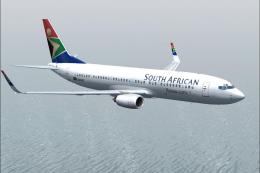
ZS-SJJ repaint for Erick Cantu's Kittyhawk KH737800.ZIP model. This is a 32-b…
 FS2004 Civil Jet Aircraft
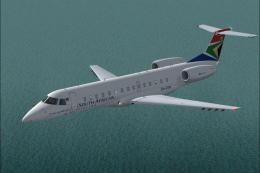
A repaint of the Dreamwings ERJ135. This is a 32-bit hand drawn repaint of ZS…
 FS2004 Civil Jet Aircraft
A repaint of the Vistaliners B727. Textures only; requires B72720VL.ZIP. Repa…
 FS2004 Civil Jet Aircraft
Features new photoreal windows, hand painted 32 bit textures, alpha shine, ph…
 FS2004 Civil Jet Aircraft
This freeware repaint brings a fresh South African Airways (SAA) livery to th…
 FS2004 Civil Jet Aircraft
This is a repaint of Erick Cantu's new Boeing 737-200 in the colors of South …
 FS2004 Civil Jet Aircraft
This freeware texture set brings the classic South African Airways (SAA) live…
Be the first to leave a comment on this download.
Be the first to share your thoughts on this download.