

 FSX General Aviation Aircraft
Carenado Beechcraft V35B Bonanza Damage Mod V1.0
Features include: engine wear, engine damage with fire and sound effect, engi…
Cessna 172SP damage and wear simulation brings long-term consequences to the default trainer in Microsoft Flight Simulator X, tracking engine health, oil consumption, flaps and brake degradation, flight-control failures, and AFCS servo wear. Fire and mechanical sound effects, pitot overheat logic, maintenance reminders, plus persistent logs support both analog and Garmin 1000 variants.
 Rate
Rate
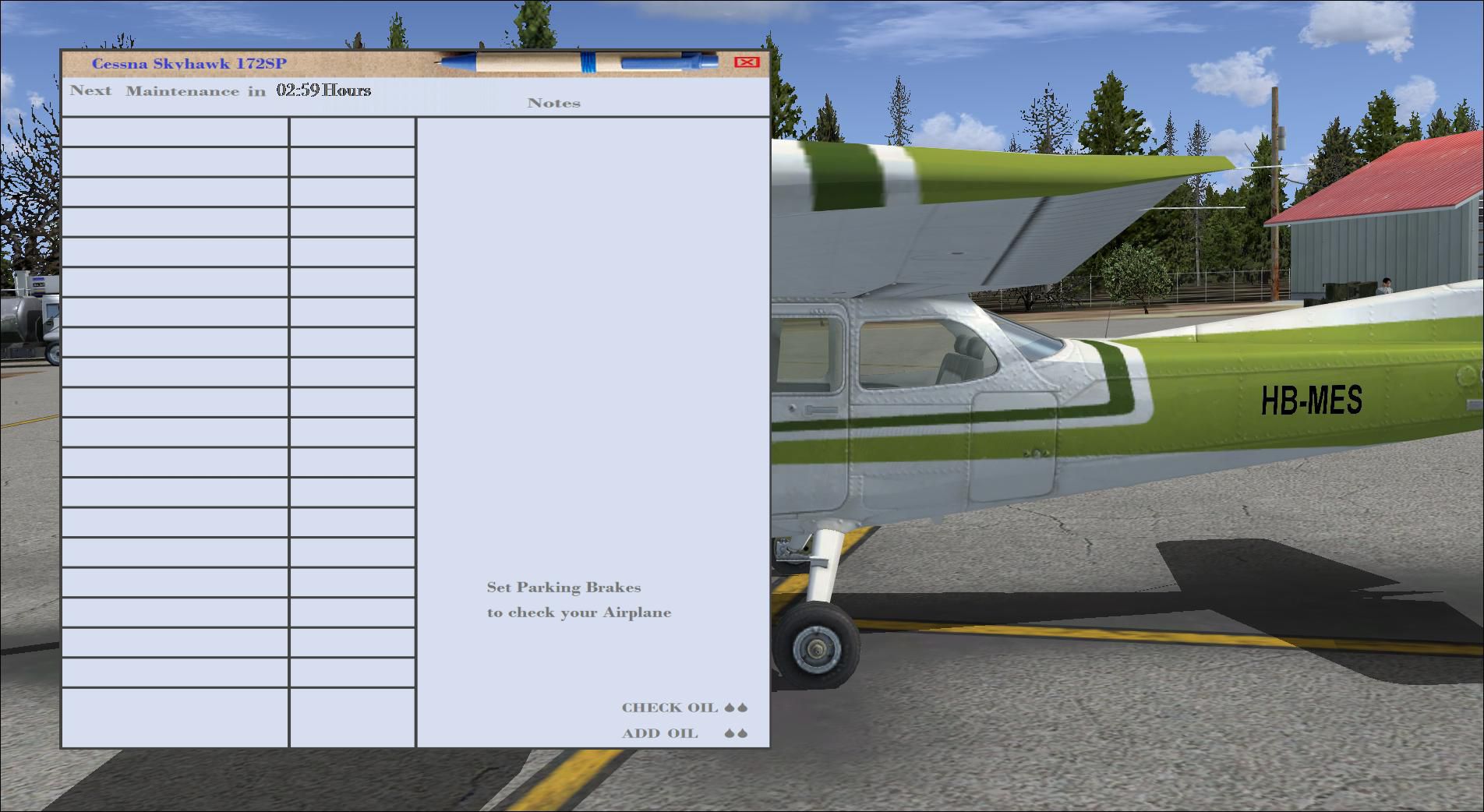
Damage mod for the default Cessna 172 SP.
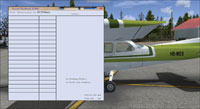
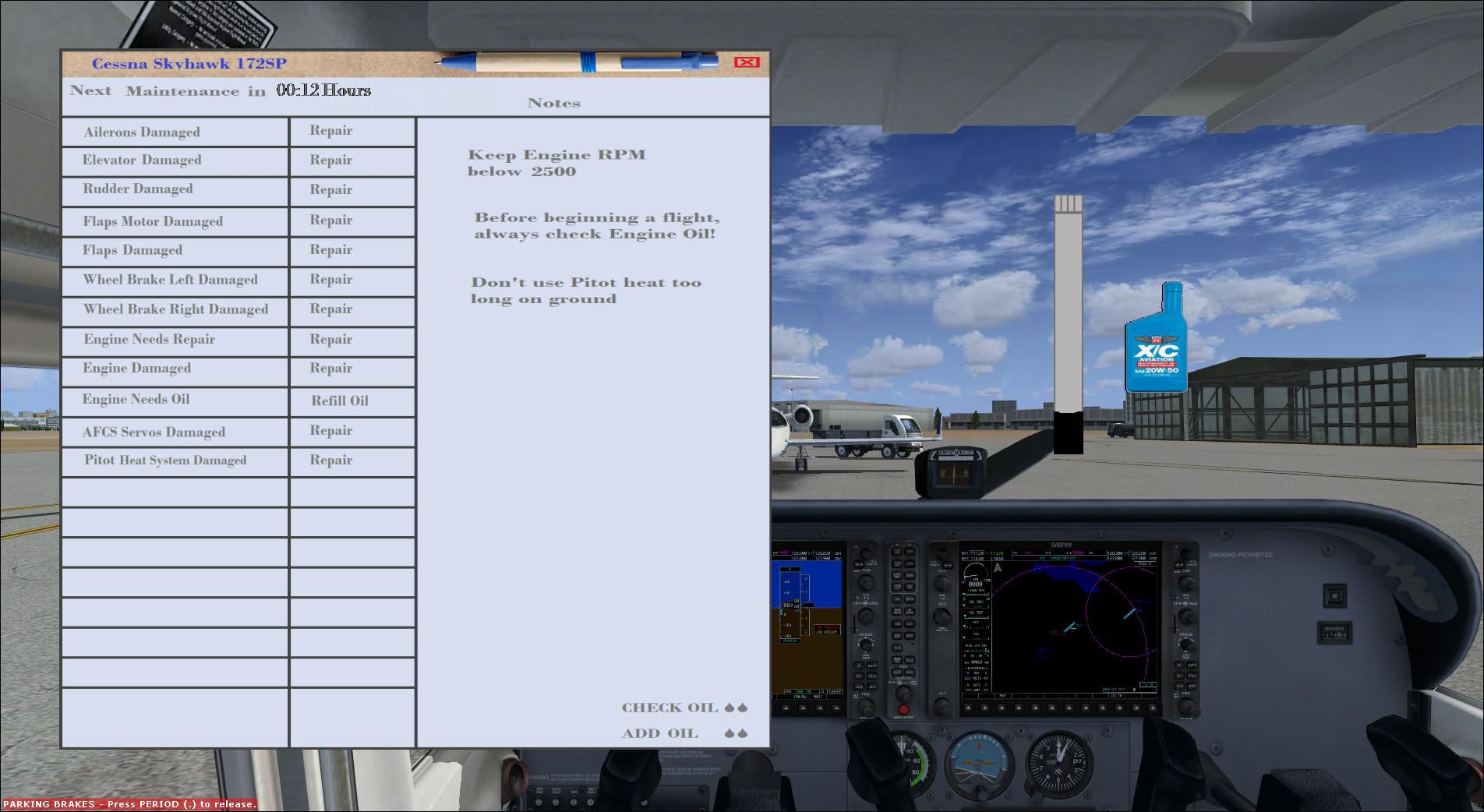
Screenshot of Cessna 172SP and mod window.
Features include: engine wear, engine damage with fire and sound effect, engine oil use, adding oil, flaps motor wear, flaps motor damage with sound effect, flaps wear with sound effect, flaps damage with sound effect, wheel brake right and wheel brake left damage with sound effect, flight controls damage (aileron, elevator, rudder) with sound effect, AFCS (Automatic Flight Control System) servos wear with sound effect, AFCS (Automatic Flight Control System) servos damage, pitot overheat (if you use pitot heat too long on ground), reminder to next maintenance, all damage situations will be logged and saved for C172 analog, all damage situations will be logged and saved for C172 Garmin 1000. By Ismail Hakki Guzel.
Before you install, make a backup of "C172" folder!
Installation is easy, just copy the folders "Effects" "Gauges" "SimObjects" "Sound" and paste it in to "Microsoft Games\Microsoft Flight Simulator X" folder, when it ask's for overwrite, click yes.
Free for all simmers · 5.68 MB · Scanned clean Oct 2026
Download speed: Free tier is capped at 0.5 Mbps (this file takes approximately 2 mins at the cap). PRO members download at full line speed.
FSX\SimObjects\Airplanes\. The folder must contain an aircraft.cfg file. Effects go into FSX\Effects\; gauges go into FSX\Gauges\.readme.txt or README file. It tells you exactly where files go, what dependencies are needed, and any quirks specific to this add-on.The archive cessna_172sp_damage_mod_v1.zip has 55 files and directories contained within it.
This list displays the first 500 files in the package. If the package has more, you will need to download it to view them.
| Filename/Directory | File Date | File Size |
|---|---|---|
| Cessna_172SP_Damage_Mod_V1 | 02.19.12 | 0 B |
| Effects | 02.18.12 | 0 B |
| fx_DamageEngineFire1.fx | 11.26.08 | 4.98 kB |
| fx_pistonFailure2.fx | 12.13.11 | 6.08 kB |
| fsx 2012-02-19 01-21-47-84.jpg | 02.19.12 | 217.35 kB |
| fsx 2012-02-19 01-50-33-39.jpg | 02.19.12 | 199.12 kB |
| Gauges | 02.19.12 | 0 B |
| Damage_Mod_C172SP.CAB | 02.19.12 | 117.88 kB |
| dsd_fsx_xml_sound.gau | 05.01.11 | 127.83 kB |
| readme.txt | 02.19.12 | 2.25 kB |
| SimObjects | 02.18.12 | 0 B |
| Airplanes | 02.18.12 | 0 B |
| C172 | 02.19.12 | 0 B |
| Copy_Paste_to_aircraft.cfg | 02.19.12 | 21.51 kB |
| data | 02.18.12 | 0 B |
| c172sp_config.ini | 02.18.12 | 1.89 kB |
| c172sp_G1000_config.ini | 02.18.12 | 1.89 kB |
| panel | 02.18.12 | 0 B |
| panel.G1000 | 02.18.12 | 0 B |
| c172sp_G1000_config.gau | 10.24.06 | 60.81 kB |
| chkmain.bmp | 02.13.12 | 1.68 MB |
| oiladd.bmp | 02.04.12 | 49.27 kB |
| OILST.bmp | 01.09.12 | 7.89 kB |
| panel.cfg | 02.19.12 | 10.25 kB |
| c172sp_config.gau | 10.24.06 | 60.81 kB |
| chkmain.bmp | 02.13.12 | 1.68 MB |
| oiladd.bmp | 02.04.12 | 49.27 kB |
| OILST.bmp | 01.09.12 | 7.89 kB |
| panel.cfg | 02.18.12 | 16.16 kB |
| Sound | 02.18.12 | 0 B |
| DM_c172sp | 02.18.12 | 0 B |
| SB01_Brakes.wav | 11.06.03 | 29.74 kB |
| SB02_airframe_stress.wav | 05.12.06 | 742.13 kB |
| SB03_airframe_wind.wav | 05.12.06 | 558.41 kB |
| SB04_eng_damageus.wav | 05.12.06 | 419.17 kB |
| SB05_propdamage.wav | 02.10.12 | 214.89 kB |
| SB06_smwngscr.wav | 05.12.06 | 263.85 kB |
| SB07_Brakes.wav | 11.06.03 | 29.74 kB |
| SB08_FlapsD.wav | 05.12.06 | 42.46 kB |
| SB09_GearD.wav | 05.12.06 | 82.87 kB |
| SB10_F33Geardown.wav | 04.21.10 | 321.15 kB |
| SB11_F33Gearup.wav | 04.26.10 | 622.34 kB |
| SB12_pedal_1.wav | 02.09.12 | 219.62 kB |
| SB13_ail_1.wav | 02.09.12 | 47.56 kB |
| SB14_ail_2.wav | 02.09.12 | 47.56 kB |
| SB15_elev_1.wav | 02.09.12 | 47.56 kB |
| SB16_elev_2.wav | 02.09.12 | 47.56 kB |
| SB17_electric-motor.wav | 02.09.12 | 864.07 kB |
| SB18_electric-motor2.wav | 02.09.12 | 864.07 kB |
| SB19_flapwear.wav | 02.10.12 | 171.52 kB |
| SB20_flapdamaged.wav | 02.09.12 | 180.07 kB |
| SB21_gearmotorwear.wav | 02.11.12 | 96.93 kB |
| Sound.ini | 02.17.12 | 1.44 kB |
| flyawaysimulation.txt | 10.29.13 | 959 B |
| Go to Fly Away Simulation.url | 01.22.16 | 52 B |
Only PRO members can place votes.
More FSX & P3D add-ons hand-picked based on this download.
FSX General Aviation Aircraft
Features include: engine wear, engine damage with fire and sound effect, engi…
 FSX General Aviation Aircraft
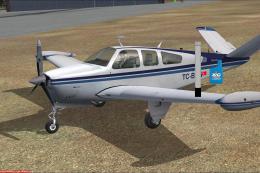
This is a freeware project for the Carenado FSX Beech V35. This mod adds to y…
 FSX General Aviation Aircraft
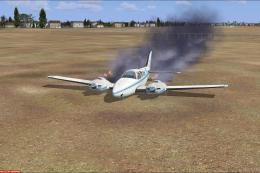
This mod adds to your default Beechcraft Baron a little realism. Features inc…
 FSX General Aviation Aircraft
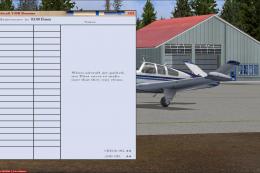
Update for the FSX Carenado V35B Damage Mod V1 - This small update corrects: …
 FSX General Aviation Aircraft
Replacement .air file for the payware Carenado C182RG to correct reversed pro…
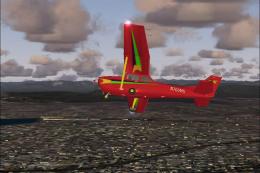 FSX General Aviation Aircraft
Experience a refined rendition of this popular four-seat light aircraft with …
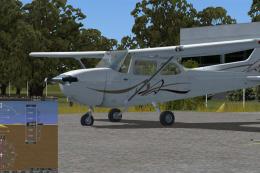 FSX General Aviation Aircraft
Cessna 172SP Skyhawk HD. The default C172 repainted in high definition 2008 e…
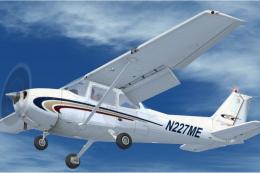 FSX General Aviation Aircraft
Cessna 172SP Millennium Edition. At the turn of the century, Cessna offered t…
Read what other simmers think, or add your own.

Unfortunately this mod fails a lot...I got glitching fuel valve after engine failure in flight and after repair on ground it still glitched. No go for me. An update would be nice, but I will keep an eye on this one.