
 FSX General Aviation Aircraft
Socata TB-10 Tobago C-HFTD/C-JYFW
Two-pack, teal and white C-HFTD and C-JYFW. Two fictional TB-10's in the flee…
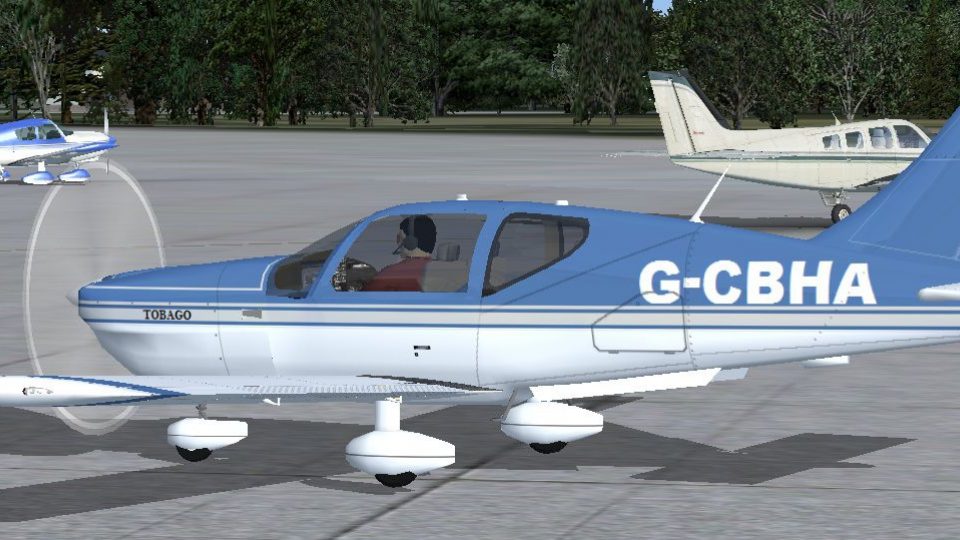
Socata TB-10 Tobago G-CBHA brings a faithful blue-and-white real-world repaint to Microsoft Flight Simulator X, capturing the privately owned aircraft’s crisp markings and touring character. The livery complements the TB-10’s roomy cabin, strong visibility, and stable handling for instruction or cross-country flying, and requires the Premier Aircraft Design TB-10 base model.
 Rate
Rate
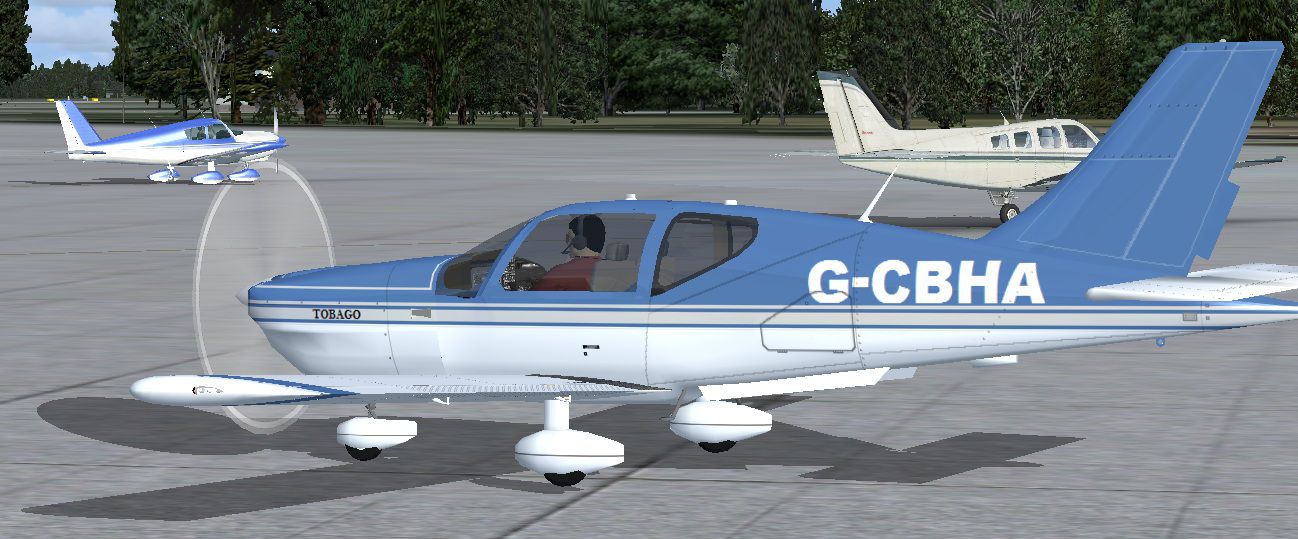
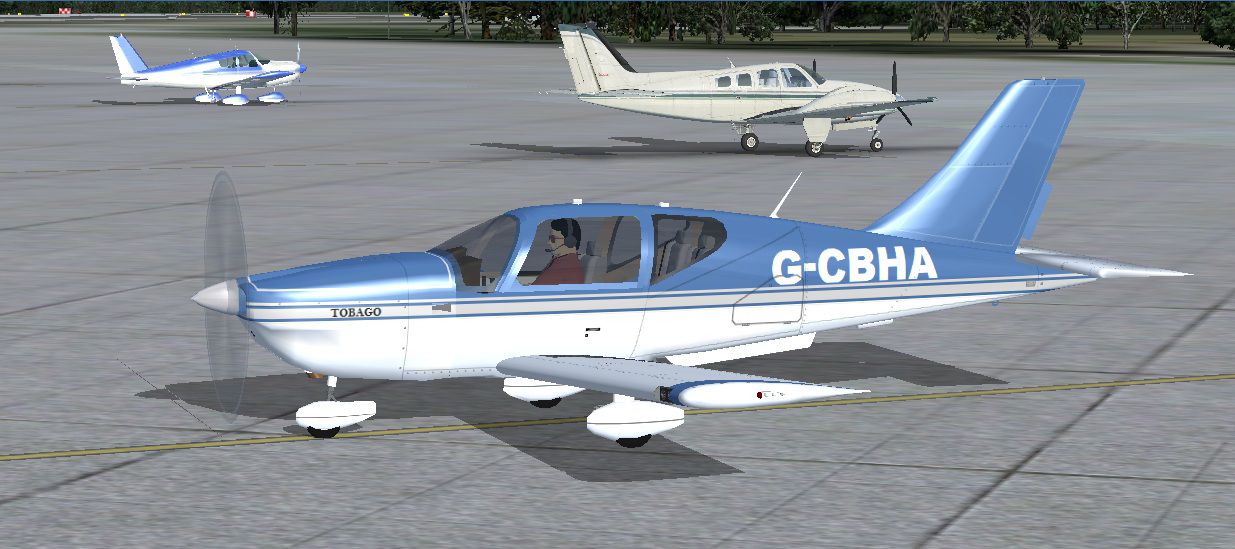

This freeware repaint recreates the authentic markings of G-CBHA, a privately owned Socata TB-10 Tobago, designed for Microsoft Flight Simulator X. It pays tribute to the real-world aircraft’s crisp blue-and-white exterior and highlights the TB-10’s reputation for comfortable touring, reliable flight instruction, and versatile cross-country cruising.
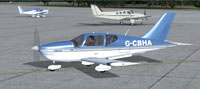
This striking repaint accurately reproduces the real G-CBHA’s color scheme. The TB-10, produced by Socata since the late 1970s, features a variable pitch prop and comfortable interior space, which has made it a popular choice for flight schools and private owners seeking an efficient single-engine platform. The modern styling stands out among general aviation aircraft of the same era, and its wide cockpit dimensions allow for extra elbow room on extended flights.
[fltsim.X] title=TB10G1X Blue-White G-CBHA real world privately owned sim=TB10 model= panel=TB10X sound= texture=Blue-White G-CBHA kb_checklists=TB10_check kb_reference=TB10_ref ui_manufacturer=Socata ui_type=TB10 Tobago ui_variation=Real World G-CBHA atc_id=G-CBHA atc_heavy=0 atc_airline= atc_flight_number= prop_anim_ratio=0.95 description=The Socata TB10 is a light single engine piston aircraft manufactured by Socata and designed in the late 1970s. All TB 10 aircraft have a variable pitch propeller. The TB series have become widely used instruction and touring aircraft and are often used for instrument training. The TB series planes are commonly referred to by their Caribbean island names. They are recognized for their roomy cabin layout, with approximately 49-inch shoulder width and large side windows that provide excellent visibility. Repaint by Tom Tiedman 4-4-2012.
This repaint is the work of Tom Tiedman. Special credit goes to the Premier Aircraft Design (P.A.D.) team for developing the original TB-10 Tobago model, which forms the foundation for this texture set.
Free for all simmers · 1.54 MB · Scanned clean Oct 2026
Download speed: Free tier is capped at 0.5 Mbps. PRO members download at full line speed.
This file is a repaint — the package below is the base model it paints onto. Install it first, or the textures will have nothing to load onto.
texture.{airline}) inside FSX\SimObjects\Airplanes\{base-aircraft}\.aircraft.cfg in Notepad. Add a new [fltsim.X] section per the readme.readme.txt or README file. It tells you exactly where files go, what dependencies are needed, and any quirks specific to this add-on.The archive fsx_tobago_real_world_g-cbha.zip has 32 files and directories contained within it.
This list displays the first 500 files in the package. If the package has more, you will need to download it to view them.
| Filename/Directory | File Date | File Size |
|---|---|---|
| file_id.diz | 04.05.12 | 276 B |
| Original Read Me.txt | 04.02.12 | 5.18 kB |
| READ ME and INSTALLATION.txt | 04.05.12 | 2.09 kB |
| Screenshot 1.jpg | 04.05.12 | 236.30 kB |
| Screenshot 2.jpg | 04.05.12 | 203.38 kB |
| texture.Blue-White G-CBHA | 04.05.12 | 0 B |
| chrome_brown.bmp | 03.28.12 | 64.07 kB |
| chrome_brownN.bmp | 03.28.12 | 192.05 kB |
| filler.bmp | 03.29.12 | 256.07 kB |
| floor.bmp | 03.29.12 | 256.07 kB |
| glass.bmp | 03.28.12 | 65.05 kB |
| NWL.bmp | 04.05.12 | 1.00 MB |
| NWR.bmp | 04.05.12 | 1.00 MB |
| pale.bmp | 03.28.12 | 128.07 kB |
| panels.bmp | 03.28.12 | 1.00 MB |
| pilot.bmp | 03.28.12 | 64.07 kB |
| prop_TBX.bmp | 03.28.12 | 1.00 MB |
| pspbrwse.jbf | 03.28.12 | 48.86 kB |
| roue3trin.bmp | 03.28.12 | 64.07 kB |
| roue3trinose.bmp | 03.28.12 | 64.07 kB |
| SavB041.tmp | 03.28.12 | 0 B |
| seat.bmp | 03.28.12 | 257.05 kB |
| thumbnail.jpg | 04.05.12 | 100.80 kB |
| toba2int.bmp | 03.28.12 | 128.07 kB |
| tobatab.bmp | 03.28.12 | 1.00 MB |
| trinfus.bmp | 04.05.12 | 4.00 MB |
| vcdetails.bmp | 04.01.12 | 1.00 MB |
| vcdetails_L.bmp | 03.28.12 | 1.00 MB |
| vcshell.bmp | 03.28.12 | 1.00 MB |
| thumbnail.jpg | 04.05.12 | 100.80 kB |
| flyawaysimulation.txt | 10.29.13 | 959 B |
| Go to Fly Away Simulation.url | 01.22.16 | 52 B |
Only PRO members can place votes.
More FSX & P3D add-ons hand-picked based on this download.
FSX General Aviation Aircraft
Two-pack, teal and white C-HFTD and C-JYFW. Two fictional TB-10's in the flee…
 FSX General Aviation Aircraft
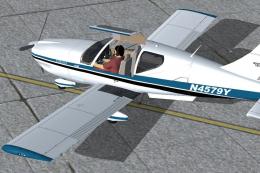
Elevate your Microsoft Flight Simulator X experience with this meticulously c…
 FSX General Aviation Aircraft
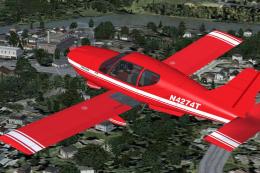
This freeware repaint adds a fictional red-and-white N4274T livery to the Pre…
 FSX General Aviation Aircraft
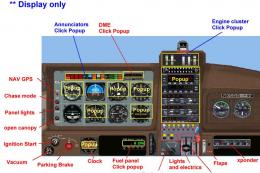
A 4/5 seat high performance touring and training airplane. Full package for F…
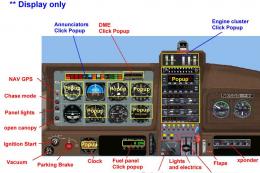 FSX General Aviation Aircraft
Socata TB10 Tobago. A 4/5 seat touring and training airplane. Full package fo…
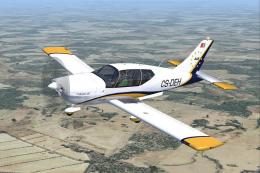 FSX General Aviation Aircraft
Socata TB200GTXL Tobago, registration CS-DEH, of Evora Aero Academy. The TB20…
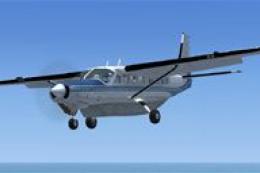 FSX General Aviation Aircraft
After publishing my FSX AI Carrier package, I had several people contact me a…
 FSX General Aviation Aircraft
Christen Eagle Gauge Fix For FSX SP2. This is one small file to improve the w…
Be the first to leave a comment on this download.
Be the first to share your thoughts on this download.