

 FSX Military Aircraft
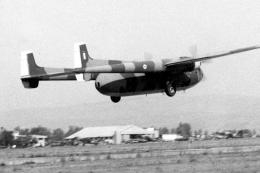
HAF Noratlas
In 1970, the Hellenic Air Force (HAF) received 50 surplus Noratlases from Ger…
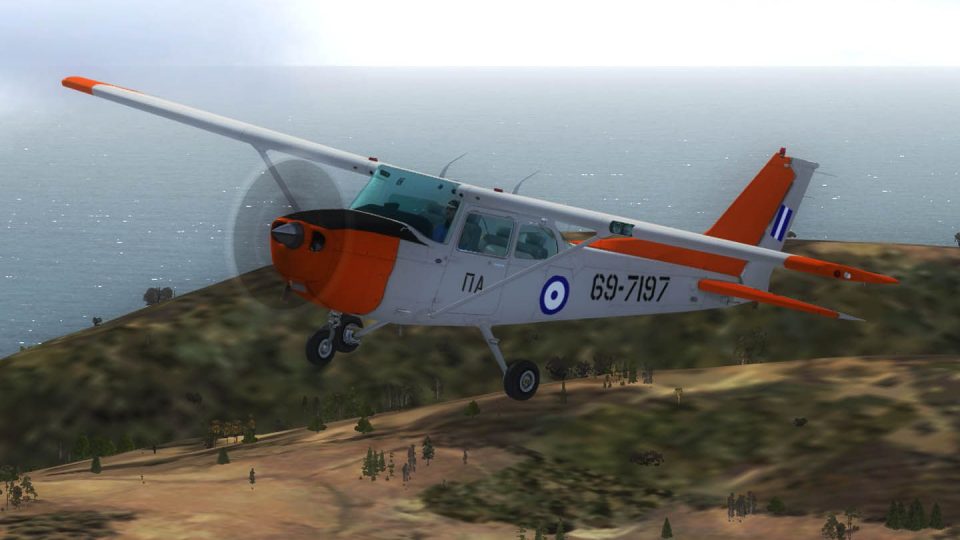
Hellenic Air Force T-41 training colors bring the default Cessna 172 to life with a crisp repaint depicting aircraft 697197, reflecting Greece’s long-running pilot training role since 1969. Designed for FSX, it enhances exterior textures and markings while retaining the familiar handling and virtual cockpit of the stock Skyhawk.
 Rate
Rate

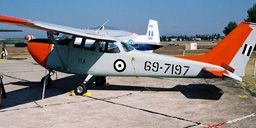
These is a repaint, textures only, for the default FSX C172 as a T41 (military version of the Cessna 172) that represents the 697197 of Hellenic Air Force. Greece uses that type of aircraft for training Greek pilots since 1969. By Astrios Tso.
Screenshot of HAF Cessna 172 T-41 in flight.
INSTALLATION INSTRUCTIONS:
Unzip the folder to a temporary location, then copy and paste the texture folders to ...\SimObjects\Airplanes\C172. Now, open the main aircraft.cfg file with notepad, and copy and paste these lines after the last paragraph groups that start with [fltsim].
(Change "XX" with the right consecutive number.)
[fltsim.XX]

title=Cessna Skyhawk 172SP HAF

sim=Cessna172SP

model=

panel=

sound=

texture=haf

kb_checklists=Cessna172SP_check

kb_reference=Cessna172SP_ref

atc_id=

atc_airline=AIR FORCE

atc_id_color=

ui_manufacturer="Cessna"

ui_type="T-41"

ui_variation=HAF

ui_typerole="Single Engine Prop"

ui_createdby="Microsoft Corporation"

description=
FREEWARE USE ONLY.
Free for all simmers · 1.24 MB · Scanned clean Oct 2026
Download speed: Free tier is capped at 0.5 Mbps. PRO members download at full line speed.
texture.{airline}) inside FSX\SimObjects\Airplanes\{base-aircraft}\.aircraft.cfg in Notepad. Add a new [fltsim.X] section per the readme.readme.txt or README file. It tells you exactly where files go, what dependencies are needed, and any quirks specific to this add-on.The archive c172_t41_haf.zip has 9 files and directories contained within it.
This list displays the first 500 files in the package. If the package has more, you will need to download it to view them.
| Filename/Directory | File Date | File Size |
|---|---|---|
| Texture.haf | 02.03.12 | 0 B |
| C172_T.dds | 02.02.12 | 5.33 MB |
| texture.cfg | 08.14.06 | 137 B |
| thumbnail.jpg | 02.02.12 | 36.90 kB |
| ReadMe.txt | 02.03.12 | 1.23 kB |
| Screen.jpg | 02.03.12 | 112.66 kB |
| Thumb.gif | 02.03.12 | 12.13 kB |
| flyawaysimulation.txt | 10.29.13 | 959 B |
| Go to Fly Away Simulation.url | 01.22.16 | 52 B |
Only PRO members can place votes.
More FSX & P3D add-ons hand-picked based on this download.
FSX Military Aircraft
In 1970, the Hellenic Air Force (HAF) received 50 surplus Noratlases from Ger…
 FSX Military Aircraft
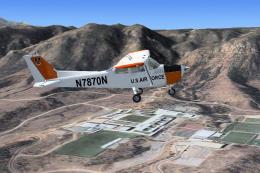
FSX USAFT-41 Mescalero. Military version of the Cessna 172 Skyhawk used prima…
 FSX Military Aircraft
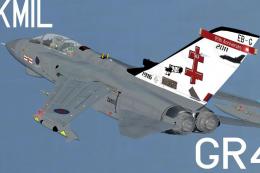
Tornado GR4, 41 Sqn, Olympics 2012 textures. This pack includes textures for …
 FSX Military Aircraft
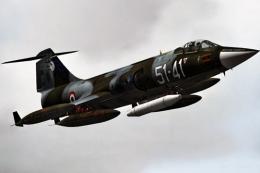
This high-fidelity repaint offers the “51-41” markings of 155 Gruppo, 51 Stor…
 FSX Military Aircraft
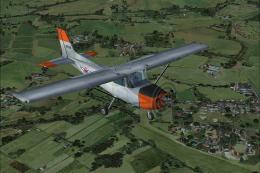
This repaint brings the Philippine Air Force T-41 scheme to the default Cessn…
 FSX Military Aircraft
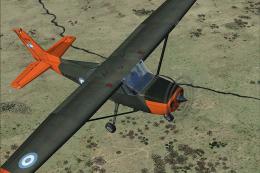
This freeware repaint showcases the Argentinian Army’s T-41 Mescalero, meticu…
 FSX Military Aircraft
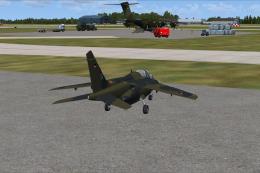
Requires ALPHAJET_GERMAN_LUFTWAFFE_FSX.ZIP. Repaint by Randolph Windler. Scre…
 FSX Military Aircraft
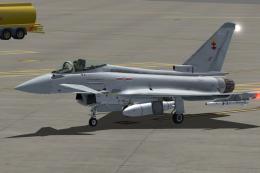
For the payware Just Flight Typhoon, a repaint for 41 (R) Sqn Typhoon FGR4 ZJ…
Be the first to leave a comment on this download.
Be the first to share your thoughts on this download.