

 FSX Military Aircraft
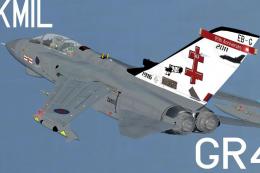
Royal Air Force Tornado GR4 41 Sqn
Tornado GR4, 41 Sqn, Olympics 2012 textures. This pack includes textures for …
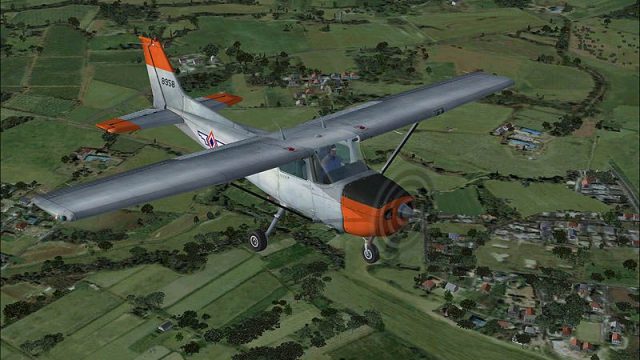
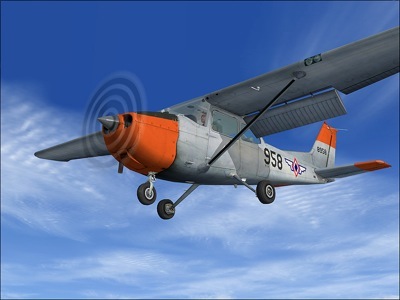
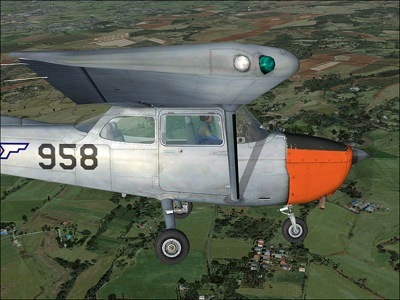
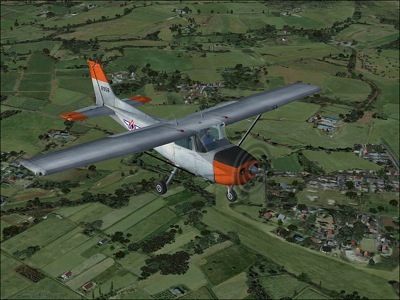
Philippine Air Force T-41 livery transforms the default Cessna 172 into a convincing military trainer, with accurate service markings, crisp exterior textures, and subtle weathering that suits basic flight instruction missions. Designed for Microsoft Flight Simulator X SP2 or Acceleration, it requires the stock C172 model and includes a matching virtual cockpit feel.
 Rate
Rate

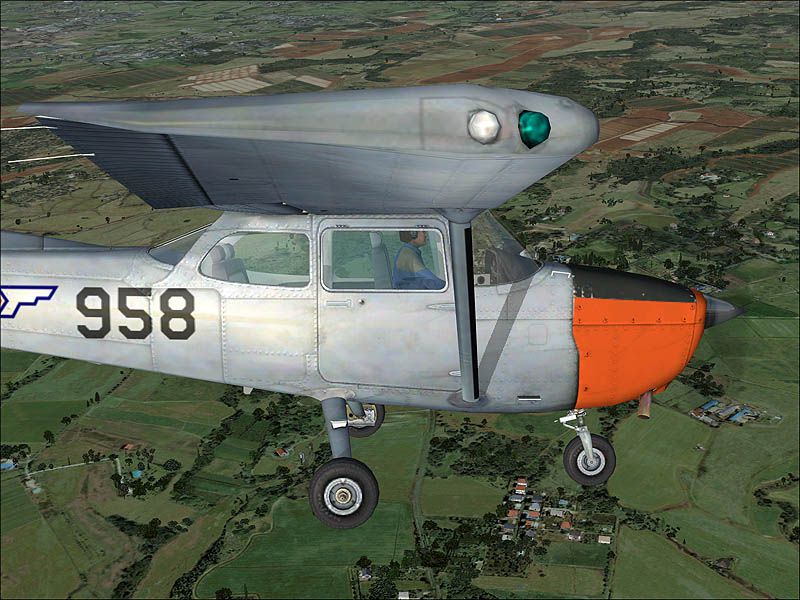
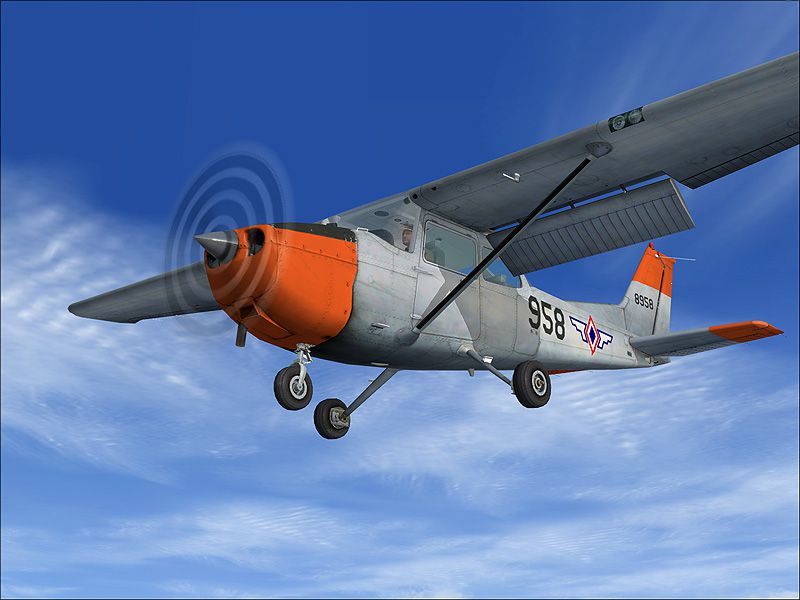
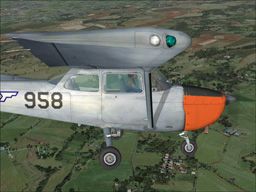
This repaint brings the Philippine Air Force T-41 scheme to the default Cessna 172 in Microsoft Flight Simulator X (SP2/Acceleration). It was produced by the original developer of this add-on, and credit for the paint kit goes to Tyler Miller (Millertime). Enthusiasts who want to explore a Philippine Air Force trainer can enjoy this custom livery, which reflects the T-41’s role in basic flight instruction duties.
The T-41 is essentially a military trainer adaptation of the Cessna 172 platform. In the Philippine Air Force, it has been utilized for foundational flight training due to its predictably stable handling characteristics and relatively simple cockpit layout. This lineage stems from the standard Cessna 172, a popular single-engine piston design originally introduced in the mid-1950s. Over time, many air arms worldwide adopted the T-41 for its reliability and low operating costs.
C:\Program Files\Microsoft Games\Microsoft Flight Simulator X\SimObjects\Airplanes\C172[fltsim.X] sections. Replace “XX” with the next number in sequence. An example template is included below:[fltsim.XX] title=Cessna Skyhawk philippine sim=Cessna172SP model= panel= sound= texture=phaf kb_checklists=Cessna172SP_check kb_reference=Cessna172SP_ref atc_id=N760PL ui_manufacturer="Cessna" ui_type="C172SP Skyhawk" ui_variation=PHAF ui_typerole="Single Engine Prop" ui_createdby="Microsoft Corporation" description="A stable and trustworthy plane, most pilots have logged at least a few hours in a Cessna 172, since it's the most widely available aircraft in the rental fleet, and is used by most flight schools. Since the first prototype was completed in 1955, more than 35,000 C172s have been produced, making it the world's most popular single-engine plane. One of Cessna's first tricycle-gear airplanes, the 172 quickly became the favorite of a growing class of business pilots. Its reliability and easy handling (along with thoughtful engineering and structural updates) have ensured its continued popularity for decades."
Tip: To remove the default tail number, select “Details” when choosing the aircraft in FSX and uncheck the “Show tail number” option.
This package is a freeware repaint only and does not include the default Cessna 172 model. The required base model can be obtained from the Fly Away Simulation library if you do not already have it. Once installed, you can load this T-41 repaint for an immersive Philippine Air Force training flight experience.
Free for all simmers · 3.62 MB · Scanned clean Oct 2026
Download speed: Free tier is capped at 0.5 Mbps (this file takes approximately 1 min at the cap). PRO members download at full line speed.
texture.{airline}) inside FSX\SimObjects\Airplanes\{base-aircraft}\.aircraft.cfg in Notepad. Add a new [fltsim.X] section per the readme.readme.txt or README file. It tells you exactly where files go, what dependencies are needed, and any quirks specific to this add-on.The archive t-41_phi.zip has 18 files and directories contained within it.
This list displays the first 500 files in the package. If the package has more, you will need to download it to view them.
| Filename/Directory | File Date | File Size |
|---|---|---|
| 1.jpg | 03.21.09 | 145.34 kB |
| 2.jpg | 03.21.09 | 124.53 kB |
| 3.jpg | 03.21.09 | 129.78 kB |
| PLEASE Readme!.txt | 10.28.06 | 6.93 kB |
| ReadMe.txt | 03.21.09 | 1.80 kB |
| small.gif | 03.21.09 | 8.95 kB |
| texture.phaf | 03.21.09 | 0 B |
| C172_T.dds | 03.21.09 | 4.00 MB |
| C172_T_Spec.dds | 09.04.06 | 1.33 MB |
| Fresnel_Ramp.dds | 09.04.06 | 640 B |
| Prop_C172.dds | 09.04.06 | 85.46 kB |
| texture.cfg | 08.14.06 | 137 B |
| thumbnail.jpg | 03.21.09 | 46.71 kB |
| Thumbs.db | 03.21.09 | 5.00 kB |
| Thumbs.db | 03.21.09 | 34.50 kB |
| T-41_Phil | 03.21.09 | 0 B |
| flyawaysimulation.txt | 10.29.13 | 959 B |
| Go to Fly Away Simulation.url | 01.22.16 | 52 B |
Only PRO members can place votes.
More FSX & P3D add-ons hand-picked based on this download.
FSX Military Aircraft
Tornado GR4, 41 Sqn, Olympics 2012 textures. This pack includes textures for …
 FSX Military Aircraft
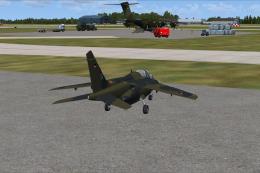
Requires ALPHAJET_GERMAN_LUFTWAFFE_FSX.ZIP. Repaint by Randolph Windler. Scre…
 FSX Military Aircraft
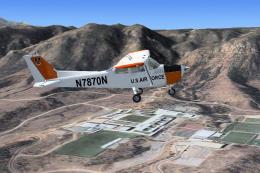
FSX USAFT-41 Mescalero. Military version of the Cessna 172 Skyhawk used prima…
 FSX Military Aircraft
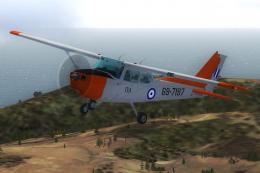
These is a repaint, textures only, for the default FSX C172 as a T41 (militar…
 FSX Military Aircraft
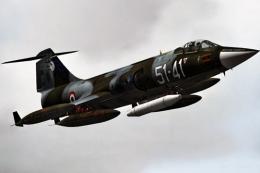
This high-fidelity repaint offers the “51-41” markings of 155 Gruppo, 51 Stor…
 FSX Military Aircraft
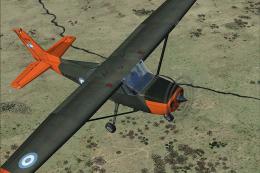
This freeware repaint showcases the Argentinian Army’s T-41 Mescalero, meticu…
 FSX Military Aircraft
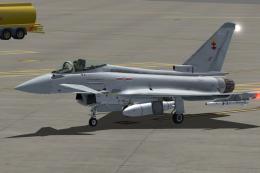
For the payware Just Flight Typhoon, a repaint for 41 (R) Sqn Typhoon FGR4 ZJ…
 FSX Military Aircraft
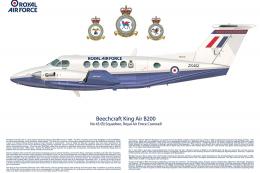
Royal Air Force Beechcraft King Air. A RAF texture for the default King Air. …
Be the first to leave a comment on this download.
Be the first to share your thoughts on this download.