

 FSX Military Aircraft
Aero L-39ZA
Aero L-39ZA. Attack variant of L39, significantly upgraded L-39 ZO with GSh-2…
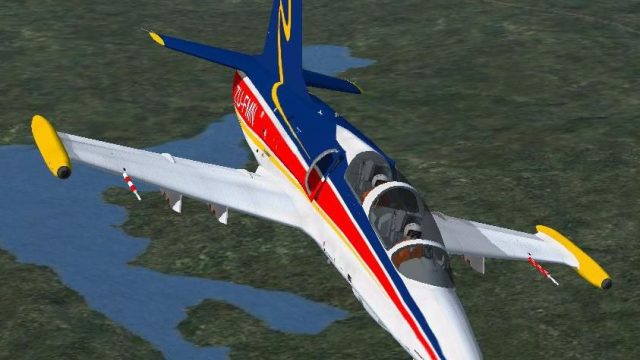
Aero L-39ZA ZU-FMN brings a crisp South African-style repaint to the Albatros attack variant for FSX, complementing the upgraded ZA airframe with its under-fuselage GSh-23L cannon model. Designed as textures only, it requires the HT_L39ZA-011.ZIP base aircraft and integrates cleanly into existing flight plans and the virtual cockpit.
 Rate
Rate
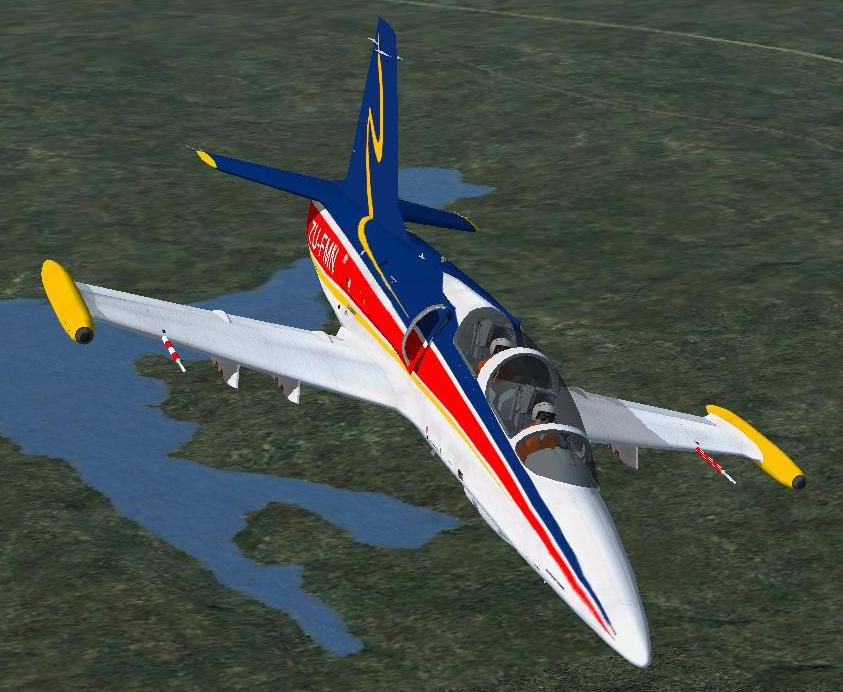
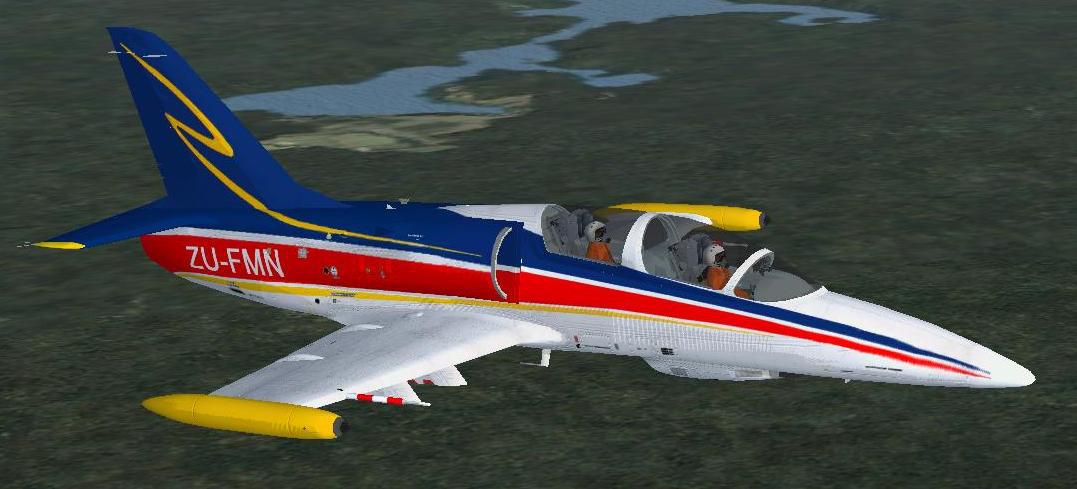
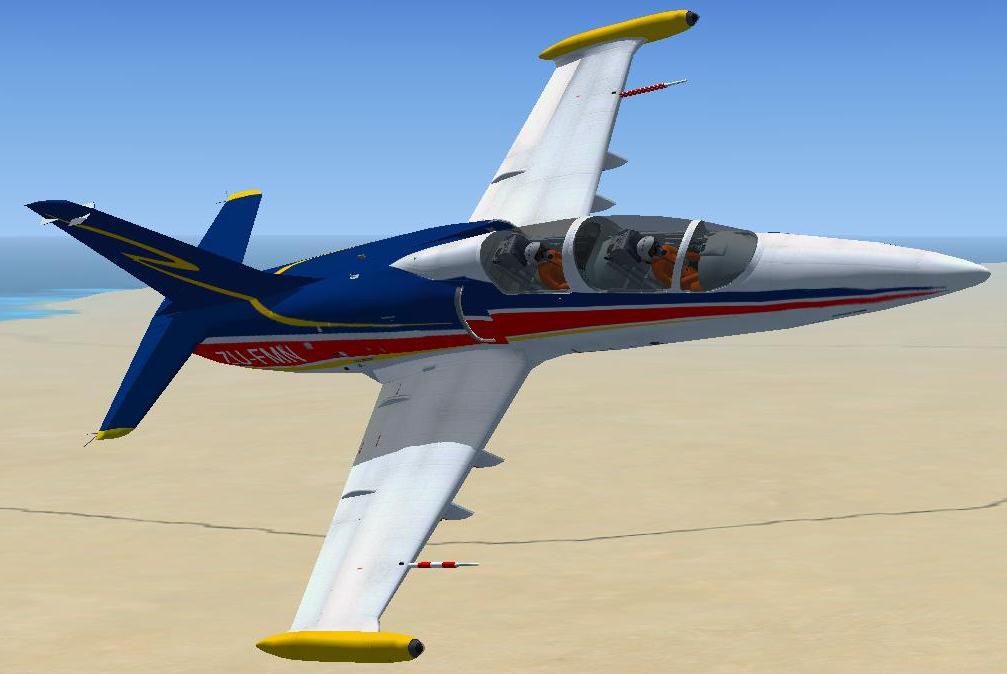
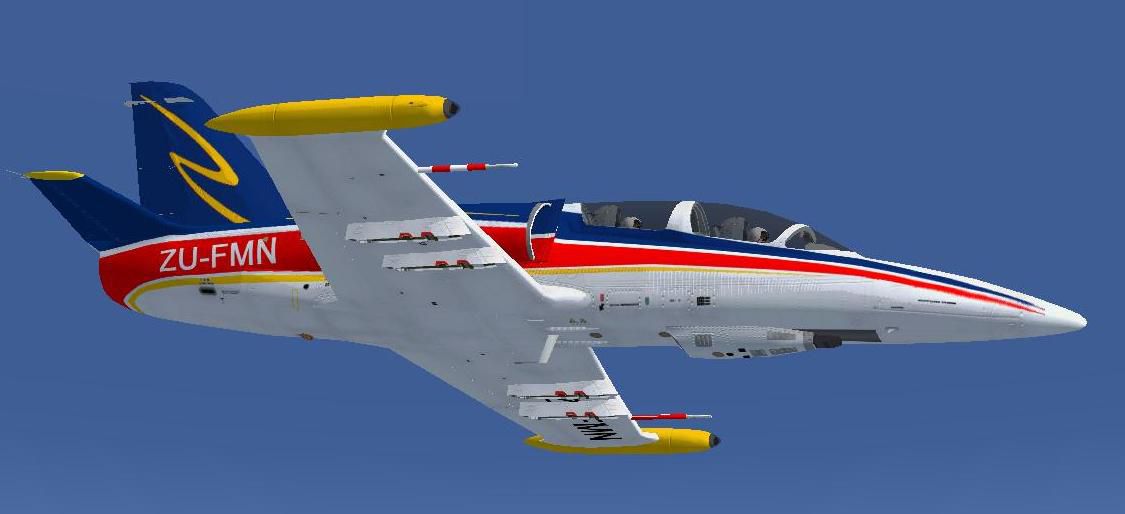
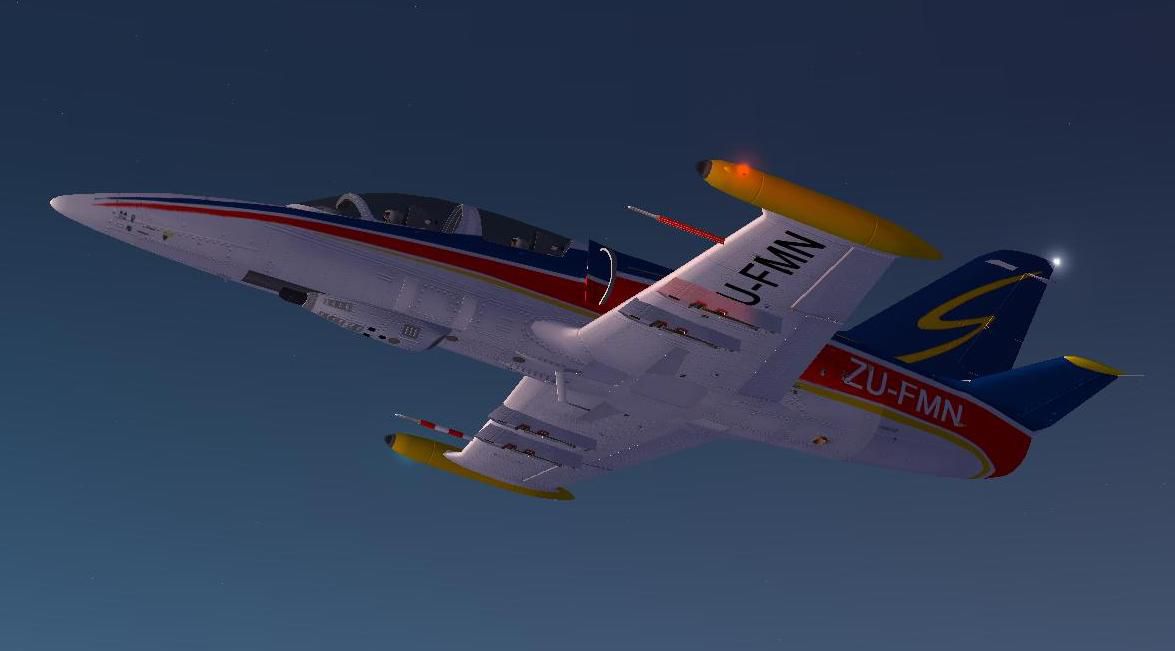
Textures only for Aero Albatros L-39 ZA attack variant of L39, significantly upgraded L-39ZO with GSh-23L 23mm twin-barreled cannon attached under the pilots compartment by Harri Thaha and Hadi Tahir (original aircraft needed: HT_L39ZA-011.ZIP). By Enrique Medal.
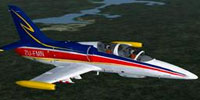
Screenshot of Aero L-39ZA ZU-FMN in flight.
Installation:
Extract this archive to your ...\Simobjects\Airplanes\ folder. Open the aircraft.cfg in L-39 with MS Notepad (for example) and add this rows (where the 'x+1' means the next appropriate number).
[fltsim.X+1]

title=L-39 ZA ZU-FMN

sim=l-39

model =

panel =

sound =

texture = ZU-FMN

kb_checklists=

kb_reference=

atc_id=

atc_id_color = 0xffffffff

atc_parking_types atc_parking_code = 1

atc_airline=

atc_flight_number=1959

ui_manufacturer = Aero

ui_typerole="Military"

ui_type = L-39 ZA

ui_variation =ZU-FMN

ui_createdby= Harri Thaha

description =
Save it, and you're done!
Have fun!
Free for all simmers · 2.07 MB · Scanned clean Oct 2026
Download speed: Free tier is capped at 0.5 Mbps. PRO members download at full line speed.
This file is a repaint — the package below is the base model it paints onto. Install it first, or the textures will have nothing to load onto.
texture.{airline}) inside FSX\SimObjects\Airplanes\{base-aircraft}\.aircraft.cfg in Notepad. Add a new [fltsim.X] section per the readme.readme.txt or README file. It tells you exactly where files go, what dependencies are needed, and any quirks specific to this add-on.The archive txtr_l-39_zu-fmn.zip has 21 files and directories contained within it.
This list displays the first 500 files in the package. If the package has more, you will need to download it to view them.
| Filename/Directory | File Date | File Size |
|---|---|---|
| texture.ZU-FMN | 08.10.12 | 0 B |
| L39ZA_1_t.dds | 08.10.12 | 1.00 MB |
| L39ZA_1_t_spec.dds | 02.11.10 | 1.00 MB |
| L39ZA_2_t.dds | 08.10.12 | 1.00 MB |
| L39ZA_2_t_spec.dds | 08.05.12 | 1.00 MB |
| L39ZA_3_t.dds | 08.10.12 | 1.00 MB |
| L39ZA_3_t_spec.dds | 02.11.10 | 1.00 MB |
| L39ZA_4_t.dds | 08.10.12 | 1.00 MB |
| L39ZA_4_t_spec.dds | 02.11.10 | 1.00 MB |
| L39ZA_5_t.dds | 08.10.12 | 1.00 MB |
| L39ZA_5_t_spec.dds | 02.11.10 | 1.00 MB |
| texture.cfg | 08.14.06 | 137 B |
| thumbnail.jpg | 08.10.12 | 10.48 kB |
| README.txt | 08.10.12 | 1.55 kB |
| Aero L-39_06.jpg | 08.10.12 | 55.58 kB |
| Aero L-39_05.jpg | 08.10.12 | 86.42 kB |
| Aero L-39_04.jpg | 08.10.12 | 71.71 kB |
| Aero L-39_03.jpg | 08.10.12 | 43.39 kB |
| Aero L-39_01.jpg | 08.10.12 | 42.80 kB |
| flyawaysimulation.txt | 10.29.13 | 959 B |
| Go to Fly Away Simulation.url | 01.22.16 | 52 B |
Only PRO members can place votes.
More FSX & P3D add-ons hand-picked based on this download.
FSX Military Aircraft
Aero L-39ZA. Attack variant of L39, significantly upgraded L-39 ZO with GSh-2…
 FSX Military Aircraft
The L-159A is a single-seat light multi-role combat aircraft designed for a v…
 FSX Military Aircraft
This aircraft is a real world jet fighter and is owned and operated by Gareth…
 FSX Military Aircraft
This comprehensive package updates Tim Conrad’s original Aero L-29 jet traine…
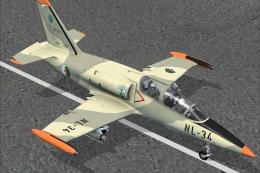 FSX Military Aircraft
Algerian Aero L-39 Albatros. The Lotus Sim L39 Albatros - Algerian Air Force …
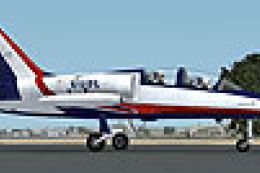 FSX Military Aircraft
Aero Vodochody L-39 Albatros N101PX. The Lotussim L39 in N101PX scheme. By Ma…
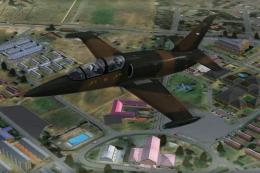 FSX Military Aircraft
Fictional repaint for Lotus Simulation L-39C Albatros. Screenshot of Aero L-3…
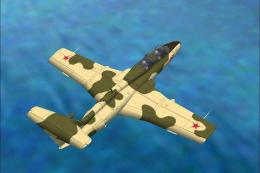 FSX Military Aircraft
Aero L-29 Delfin. Tim Conrad's L29 Delfin updated to FSX. Includes an install…
Be the first to leave a comment on this download.
Be the first to share your thoughts on this download.