

 FSX Helicopters
German Army Sikorsky CH-53E
German Army Sikorsky CH-53E. Repaint for a CH-53 in service from the German B…
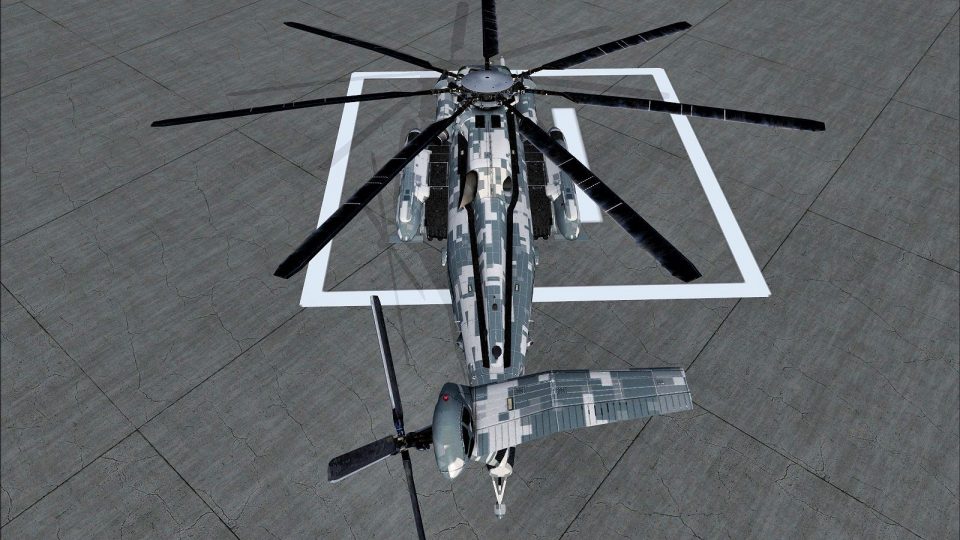
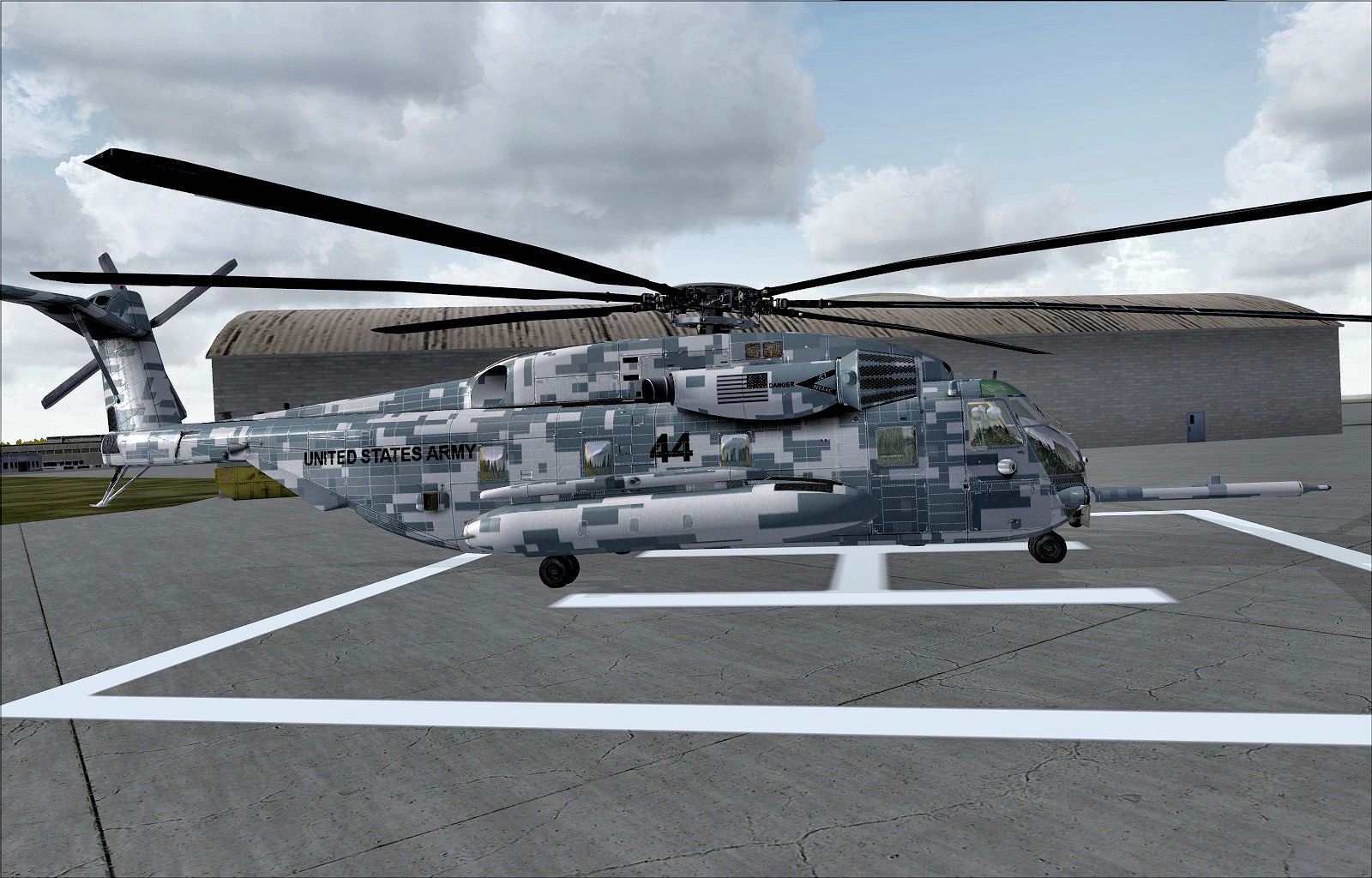
US Army 1st Cavalry Division livery for the Sikorsky CH-53E Super Stallion brings an Army ACU look to heavy-lift operations in FSX, complete with refueling probe and radar and FLIR sensor details. Includes crewed and no-crew model variants, and requires the Nemeth Designs CH-53E base aircraft.
 Rate
Rate
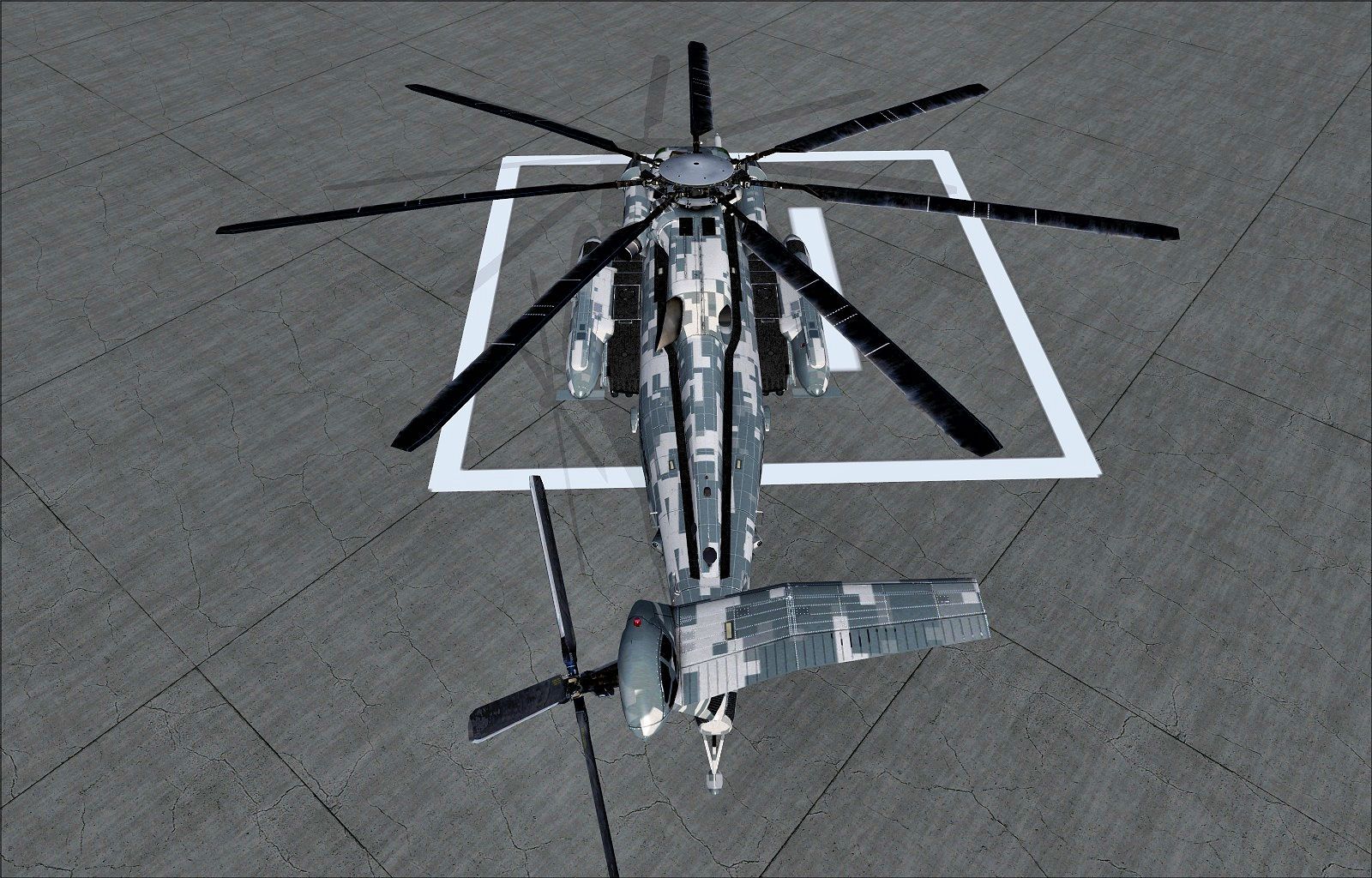
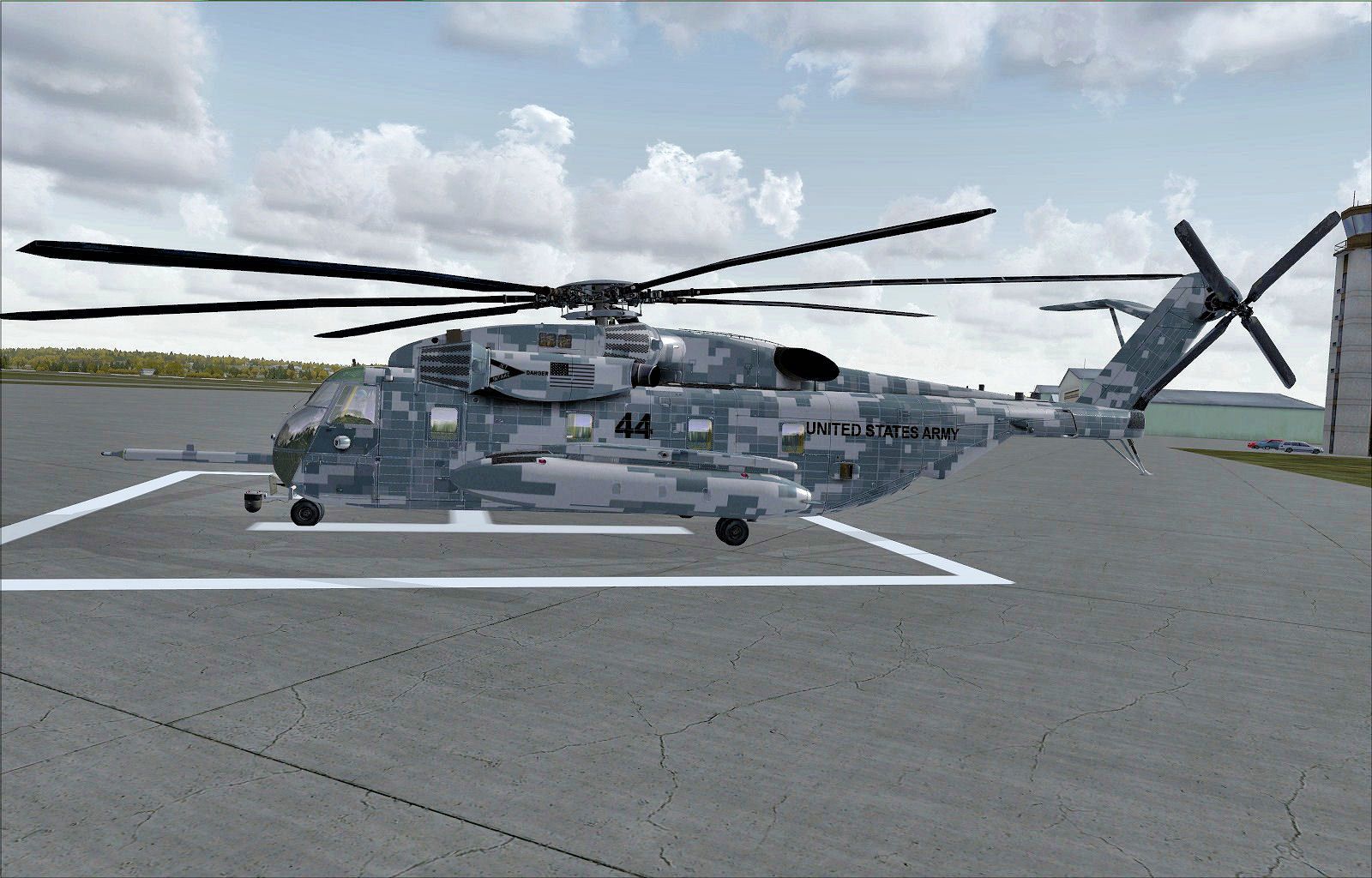
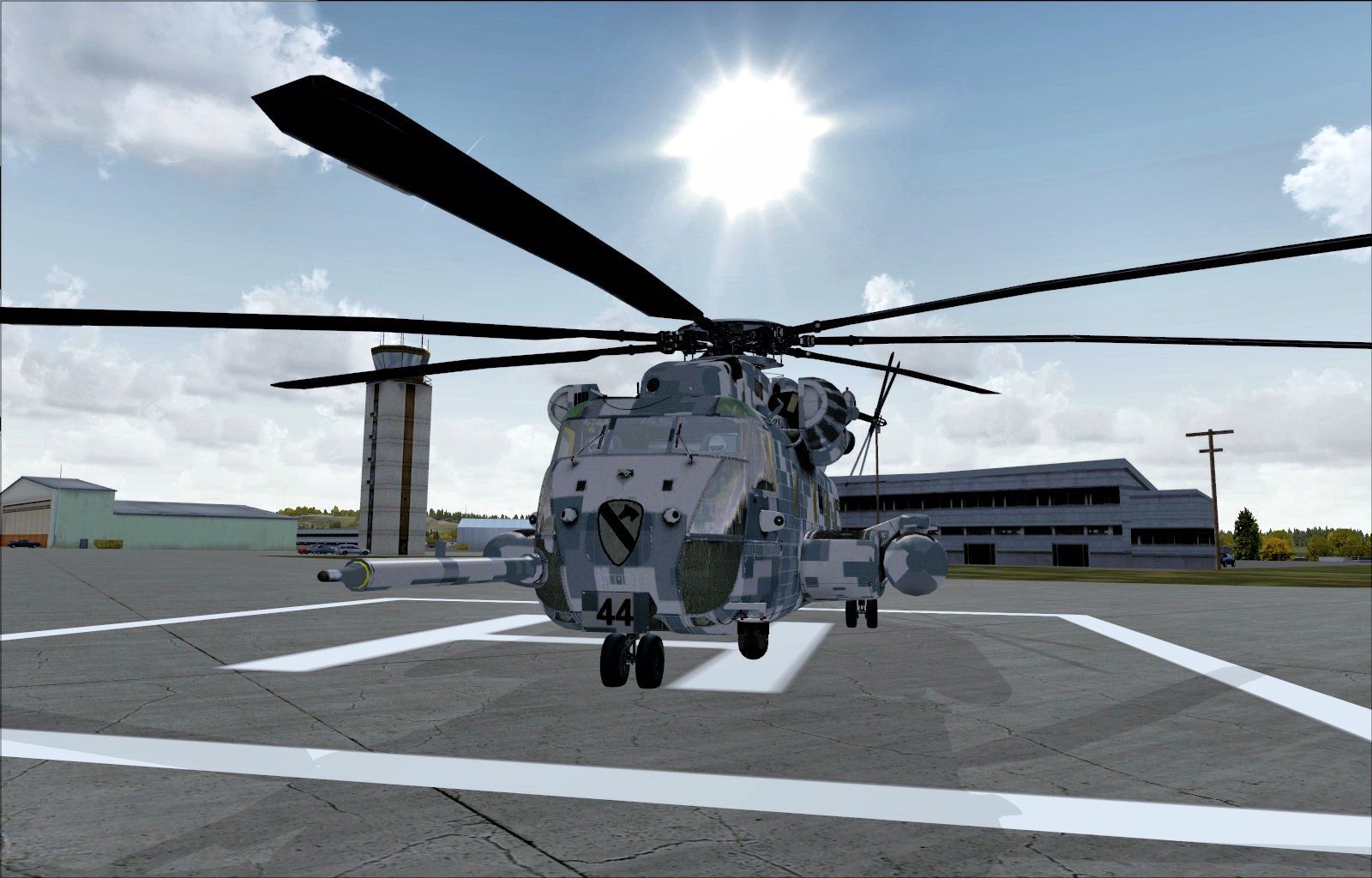
In the US, only the Marines and the Navy uses the Sikorsky CH-53E Super Stallion to transport their troops. However, since this is FSX it would be cool to make a version for the United States Army 1st Cavalry Division too. With a name like Super Stallion, it only fitting that the 1st Cav gets to ride this beast! By Johnny Rosario.
Screenshot of US Army Sikorsky CH-53e on the ground.
You can change the model and panel combinations if you like, but here you have both the crew and non crew version with the refueling probe and radar/flir sensor.
To install just move the "texture.ACU" folder into your "nd_ch53e" folder, and copy the text below to your aircraft.cfg file. Just don't forget to change the "x" in "[fltsim.x]", then have a nice flight!
[fltsim.x]

title=Super Stallion ACU

sim=ch-53e

model=

panel=

sound=

texture=ACU

kb_checklists=MH-53_Checklist

kb_reference=

atc_id=

ui_manufacturer="Sikorsky"

ui_type="CH-53E"

ui_variation="US Army ACU"

ui_typerole="Rotorcraft"

ui_createdby="Nemeth Designs"

description="Repaint of the CH-53E by Johnny Rosario
[fltsim.x]

title=Super Stallion ACU nocrew

sim=ch-53e

model=2

panel=

sound=

texture=ACU

kb_checklists=MH-53_Checklist

kb_reference=

atc_id=

ui_manufacturer="Sikorsky"

ui_type="CH-53E"

ui_variation="US Army ACU (nocrew)"

ui_typerole="Rotorcraft"

ui_createdby="Nemeth Designs"

description="Repaint of the CH-53E by Johnny Rosario
Free for all simmers · 3.42 MB · Scanned clean Oct 2026
Download speed: Free tier is capped at 0.5 Mbps. PRO members download at full line speed.
texture.{airline}) inside FSX\SimObjects\Airplanes\{base-aircraft}\.aircraft.cfg in Notepad. Add a new [fltsim.X] section per the readme.readme.txt or README file. It tells you exactly where files go, what dependencies are needed, and any quirks specific to this add-on.The archive acu.zip has 13 files and directories contained within it.
This list displays the first 500 files in the package. If the package has more, you will need to download it to view them.
| Filename/Directory | File Date | File Size |
|---|---|---|
| 1.jpg | 11.05.11 | 220.13 kB |
| 2.jpg | 11.05.11 | 313.02 kB |
| 3.jpg | 11.05.11 | 399.18 kB |
| 4.jpg | 11.05.11 | 266.29 kB |
| ch53_1_t.dds | 11.02.11 | 1.33 MB |
| ch53_2_t.dds | 11.03.11 | 1.33 MB |
| ch53_3_t.dds | 11.03.11 | 1.33 MB |
| ch53_4_t.dds | 11.03.11 | 1.33 MB |
| texture.cfg | 11.01.11 | 137 B |
| thumbnail.jpg | 11.05.11 | 17.55 kB |
| readme.txt | 11.05.11 | 1.58 kB |
| flyawaysimulation.txt | 10.29.13 | 959 B |
| Go to Fly Away Simulation.url | 01.22.16 | 52 B |
Only PRO members can place votes.
More FSX & P3D add-ons hand-picked based on this download.
FSX Helicopters
German Army Sikorsky CH-53E. Repaint for a CH-53 in service from the German B…
 FSX Helicopters
United Nations Sikorsky CH-53. Repaint for a CH-53 in service from United Nat…
 FSX Helicopters
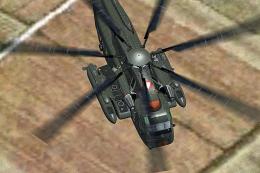
Austrian Air Force Sikorsky CH-53. Repaint for a CH53 in service from Austria…
 FSX Helicopters
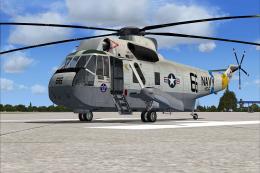
Circa 1983, USS Enterprise. Textures only for the model by Virtavia. Repaint …
 FSX Helicopters
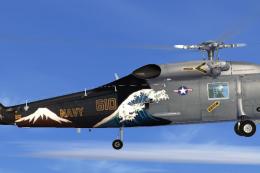
US Navy Sikorsky SH-60 Seahawk 610. It has been fully tested to work with DX1…
 FSX Helicopters
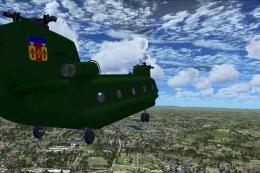
This comprehensive update brings newly refined repaint textures, plus the ori…
 FSX Helicopters
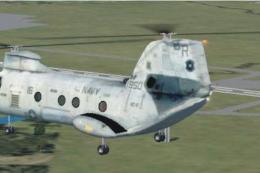
Boeing CH-46 Sea Knight Update. This is an update for FSX Acceleration of the…
 FSX Helicopters
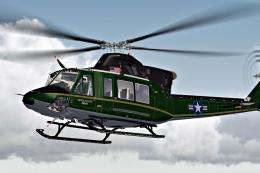
This fictional US Army repaint for the Bell 412 helicopter offers a distincti…
Read what other simmers think, or add your own.
