

 FSX Scenery
RAF Coningsby
RAF Coningsby UK. This scenery depicts RAF Coningsby, Lincolnshire, England a…
RAF Kenley scenery brings the historic former RAF base to life as it appears today, capturing its airfield layout and atmosphere while reflecting its current role as an Air Cadets gliding site. Built for FSX, it delivers a faithful UK location for VFR flying, circuit practice, and nostalgic wartime-era touring.
 Rate
Rate
 United Kingdom
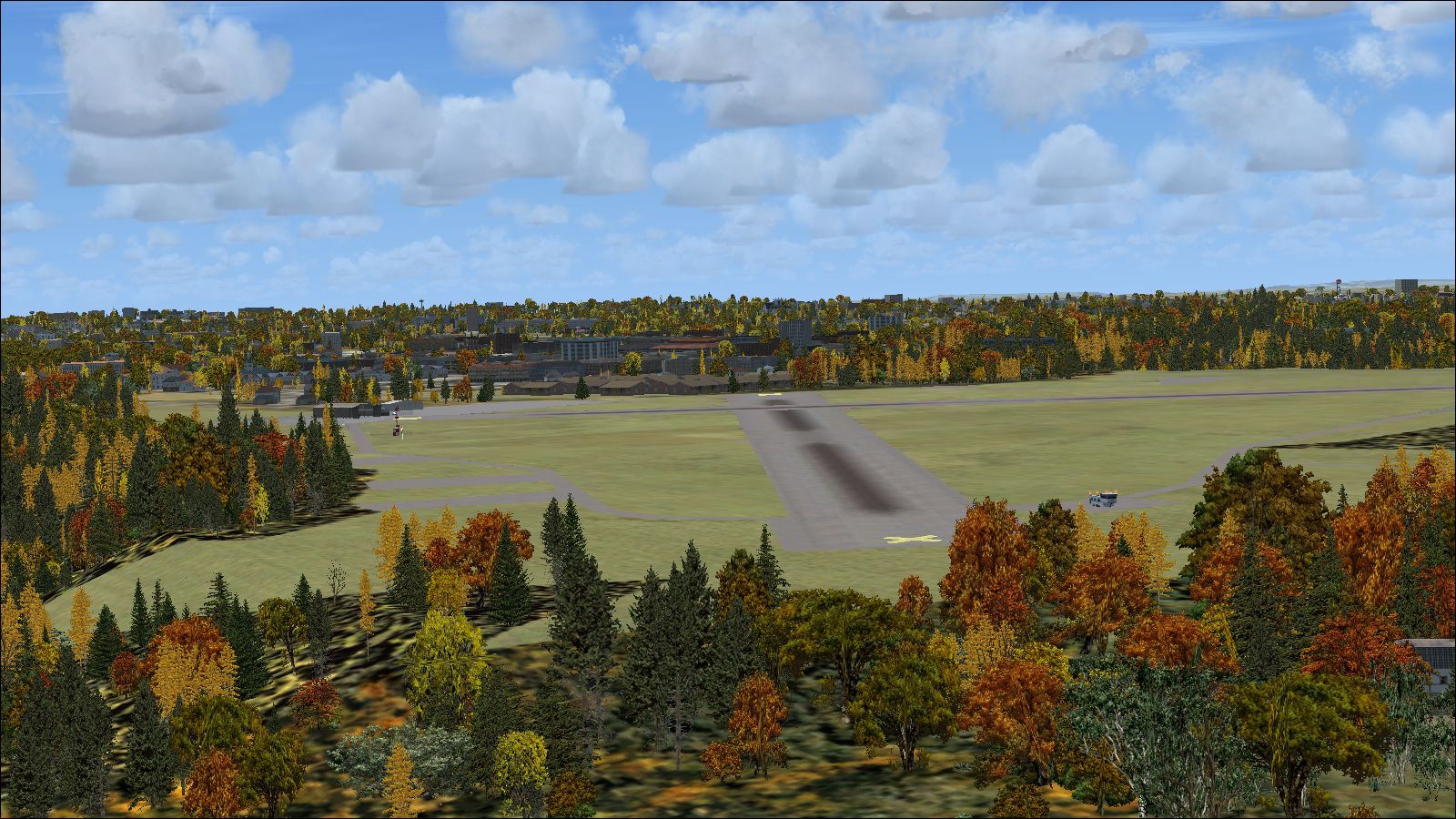

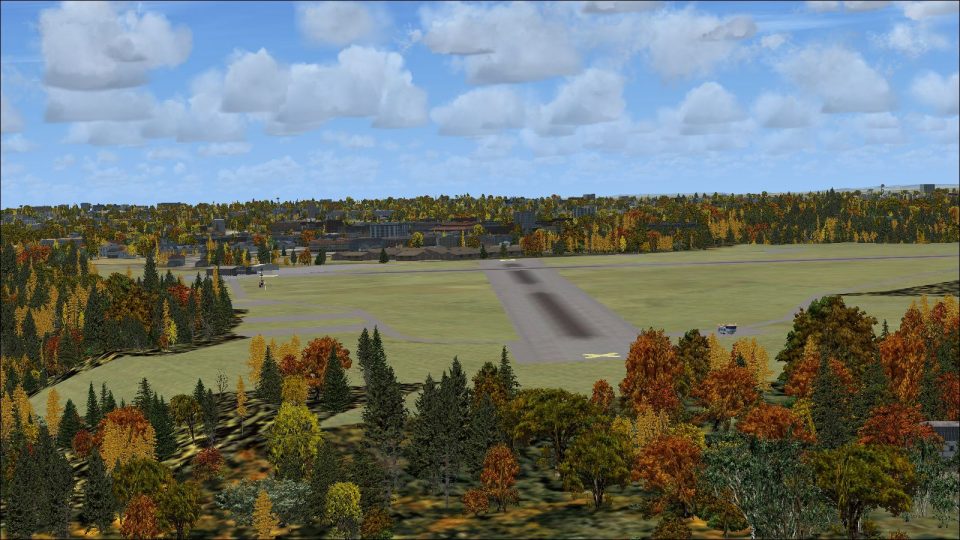
An accurate representation of this former RAF base as it is today. While the Spitfires and Hurricanes are long gone, it is still used by the Air Cadets as a gliding facility. By David Birch / DB FlightSim.
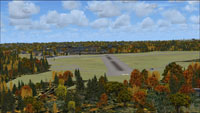
Screenshot of RAF Kenley scenery.
To install this package, please follow the instructions bellow.
NB: If you select 'RAF Kenley', press OK and just go into the RAF Kenley folder, click in the white space bellow the two folders. This should then take you back to the scenery library window.
Free for all simmers · 3.05 MB · Scanned clean Oct 2026
Download speed: Free tier is capped at 0.5 Mbps. PRO members download at full line speed.
FSX\Addon Scenery\ containing scenery and texture sub-folders.readme.txt or README file. It tells you exactly where files go, what dependencies are needed, and any quirks specific to this add-on.Use these coordinates to fly directly to this location once the mod is installed.
51.30400000,-0.08800000
Launch FSX or Prepar3D and use Flights → Load to open the downloaded .pln file. Your aircraft will be positioned at this location.
The archive raf_kenley_by_db_flightsim.zip has 7 files and directories contained within it.
This list displays the first 500 files in the package. If the package has more, you will need to download it to view them.
| Filename/Directory | File Date | File Size |
|---|---|---|
| RAF Kenley by DB FlightSim.exe | 08.31.12 | 199.44 kB |
| RAF Kenley manual.pdf | 08.31.12 | 527.33 kB |
| readme.txt | 08.31.12 | 6.21 kB |
| Kenley Preview 1.jpg | 08.31.12 | 1.18 MB |
| Kenley Preview 2.jpg | 08.31.12 | 1.28 MB |
| flyawaysimulation.txt | 10.29.13 | 959 B |
| Go to Fly Away Simulation.url | 01.22.16 | 52 B |
Only PRO members can place votes.
More FSX & P3D add-ons hand-picked based on this download.
FSX Scenery
RAF Coningsby UK. This scenery depicts RAF Coningsby, Lincolnshire, England a…
 FSX Scenery
RAF Mildenhall (EGUN), UK. Home to the 100th ARW, RAF Mildenhall is one of th…
 FSX Scenery
RAF Mount Pleasant (EGYP) in the Falkland Islands. It includes aircraft hanga…
 FSX Scenery
Situated on the dramatic Moray Firth coastline of northern Scotland, RAF Loss…
 FSX Scenery
RAF Marham in the UK for the period circa 1993. Designed for use with the Vic…
 FSX Scenery
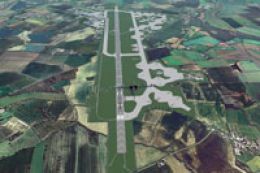
RAF Fairford 2009 (EGVA), UK. Built with SBuilderX, ADE and Whisplacer with r…
 FSX Scenery
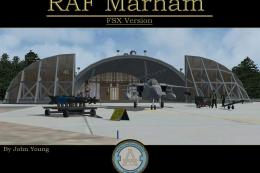
Scenery RAF Marham in the UK. A very detailed, but frame rate efficient scene…
 FSX Scenery
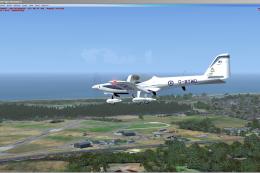
RAF Woodvale UK Scenery for FSX and GenX. EGOW RAF Woodvale for FSX and GenX …
Be the first to leave a comment on this download.
Be the first to share your thoughts on this download.