


 Venezuela (Bolivarian Republic of)
  FSX Scenery
SVMG ILS
SVMG ILS. Adds the new ILS to the default Aeropuerto International Del Caribe…
Margarita Airport (SVMG) scenery refreshes this Venezuelan gateway in FSX with a realistically textured terminal, satellite-based photo terrain, and runway placement corrected to real-world coordinates for more accurate arrivals and departures. Includes an easy auto-installer and requires FSX SP2 or FSX Acceleration for full compatibility.
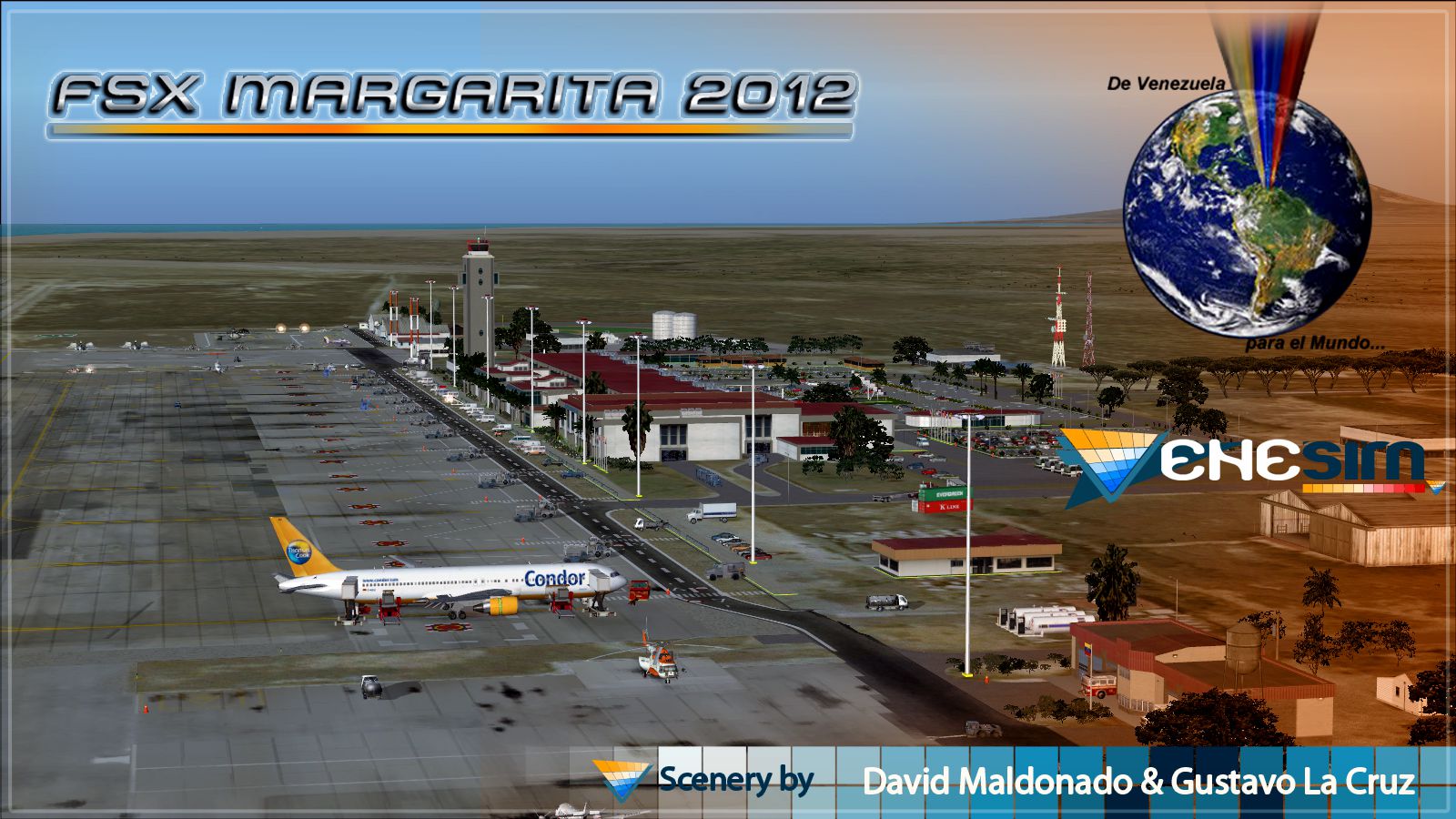
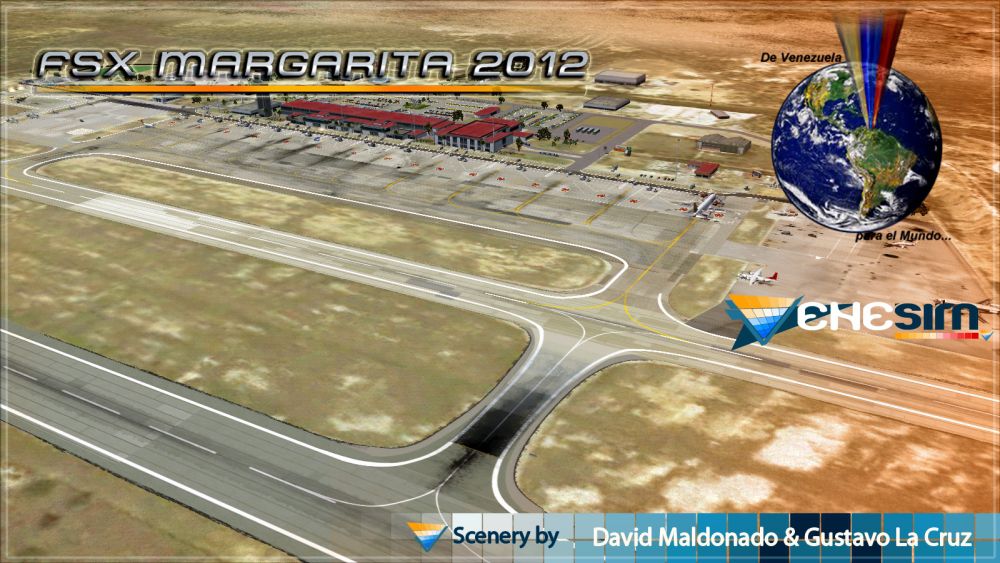
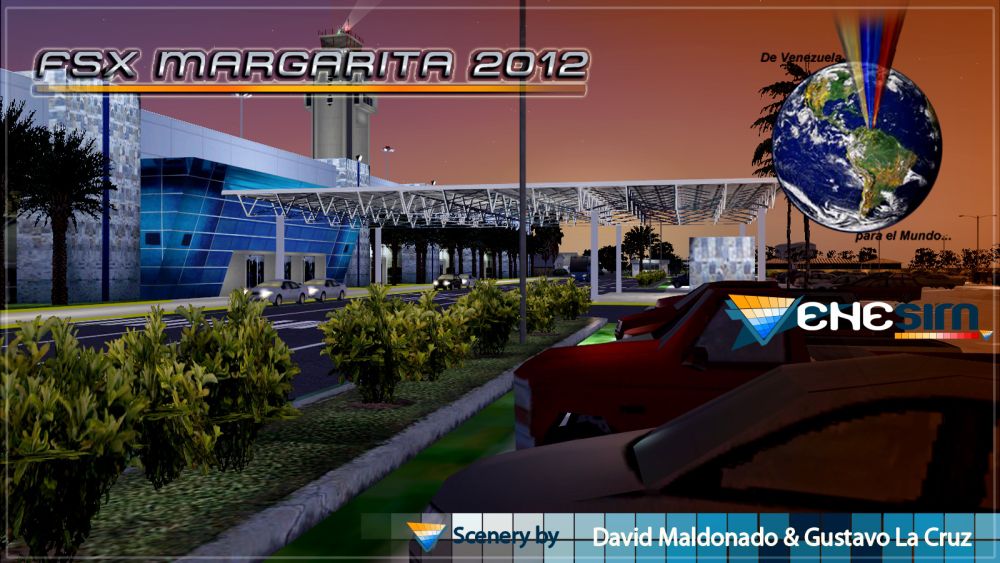
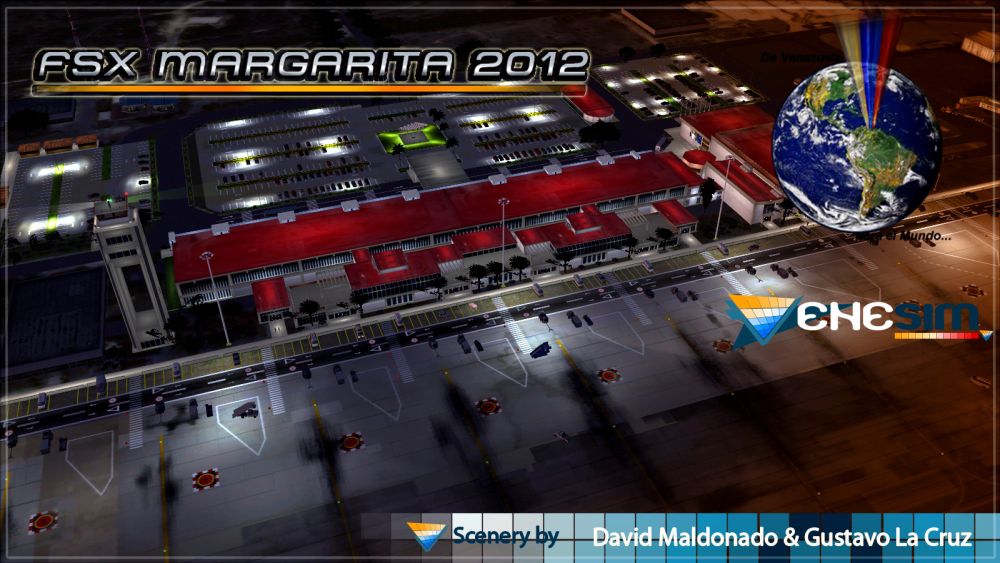

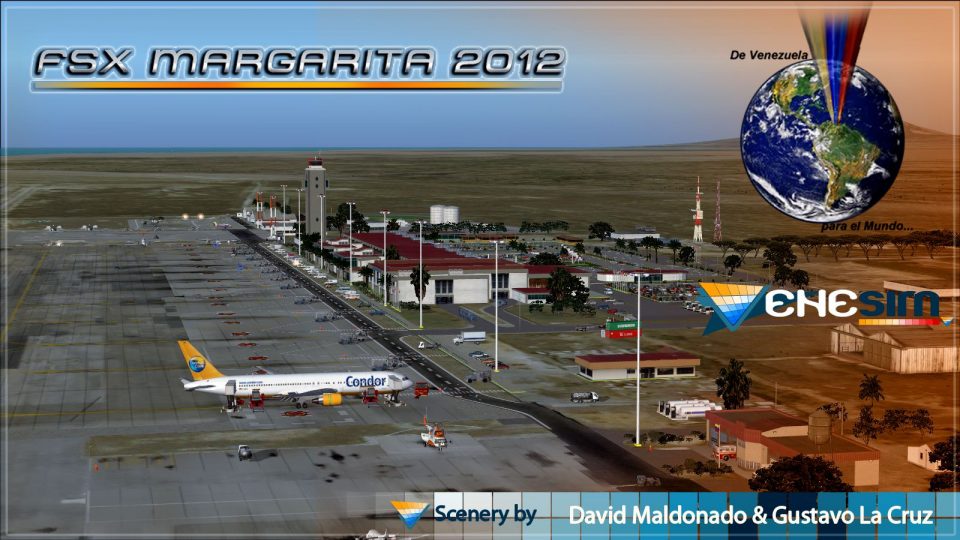
Venezuela. This scenery includes terminal building with realistic textures from images obtained from Internet. In addition, corrects the erroneous position of the runway to the real-life coordinates. With photo-terrain scenery from satellite imagery of Google Earth. Also includes a friendly auto-install. Requires installation of FSX-SP2 or FSX-Acceleration. By David Maldonado and Gustavo La Cruz.
Screenshot of Margarita Airport scenery.
This scenario has a friendly Auto-Install. Follow these steps for a successful installation:
Acknowledgements:
Free for all simmers · 80.6 MB · Scanned clean Oct 2026
Download speed: Free tier is capped at 0.5 Mbps (this file takes approximately 23 mins at the cap). PRO members download at full line speed.
FSX\Addon Scenery\ containing scenery and texture sub-folders.readme.txt or README file. It tells you exactly where files go, what dependencies are needed, and any quirks specific to this add-on.Use these coordinates to fly directly to this location once the mod is installed.
10.91262600,-63.96736300
Launch FSX or Prepar3D and use Flights → Load to open the downloaded .pln file. Your aircraft will be positioned at this location.
The archive svmg_fsx.zip has 12 files and directories contained within it.
This list displays the first 500 files in the package. If the package has more, you will need to download it to view them.
| Filename/Directory | File Date | File Size |
|---|---|---|
| SVMG - Readme.pdf | 11.25.12 | 697.15 kB |
| SVMG 0.jpg | 11.25.12 | 1.14 MB |
| SVMG_0.gif | 11.25.12 | 11.70 kB |
| Readme.txt | 12.02.12 | 2.65 kB |
| svmg 12.jpg | 11.25.12 | 440.80 kB |
| svmg 10.jpg | 11.25.12 | 464.41 kB |
| svmg 7.jpg | 11.25.12 | 504.79 kB |
| svmg 5.jpg | 11.25.12 | 381.42 kB |
| FILE_ID.diz | 12.02.12 | 488 B |
| SVMG_FSX.exe | 11.25.12 | 77.14 MB |
| flyawaysimulation.txt | 10.29.13 | 959 B |
| Go to Fly Away Simulation.url | 01.22.16 | 52 B |
Only PRO members can place votes.
More FSX & P3D add-ons hand-picked based on this download.
FSX Scenery
SVMG ILS. Adds the new ILS to the default Aeropuerto International Del Caribe…
 FSX Scenery
Scenery Margarita Airport (SVMG), Venezuela. The airport at Margarita Island …
 FSX Scenery
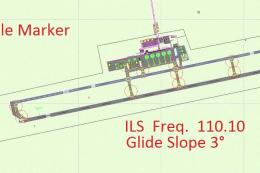
Margarita Airport. ILS-DME IMTA SVMG airport runway 09R, Margarita Airport, D…
 FSX Scenery
Margarita Island, an aviation resort. Requires several previous Caribbean Sea…
 FSX Scenery
Princess Juliana International Airport (TNCM) in Saint Marteen, Netherlands A…
 FSX Scenery
Los Angeles Airport Scenery v3, California (CA). This photoreal scenery is a …
 FSX Scenery
Barbados International Airport (TBPB). Grantley Adams International Airport f…
 FSX Scenery
Paris Charles de Gaulle Airport (CDG, LFPG), France. The entire airport has b…
Read what other simmers think, or add your own.


Hi, I converted the scenery for X Plane 11 and just might to ask if it's possible to share it with the community?
Thanks a lot!
Regards Chris