


 Japan
Japan  FSX Scenery
Bagram Air Force Base
Bagram Air Force Base v3. Bagram, Afghanistan (AF). Bagram AFB (OAIX) is for …
Misawa Air Base in Japan comes to life with expanded base coverage, corrected taxiways and road layouts, and custom models for hangars, terminals, the main gate, housing, and Security Hill. Built for Microsoft Flight Simulator X, it also includes the Misawa civil airport and aeronautical museum, with the FLR-9 “Elephant Cage” and Echelon radomes.
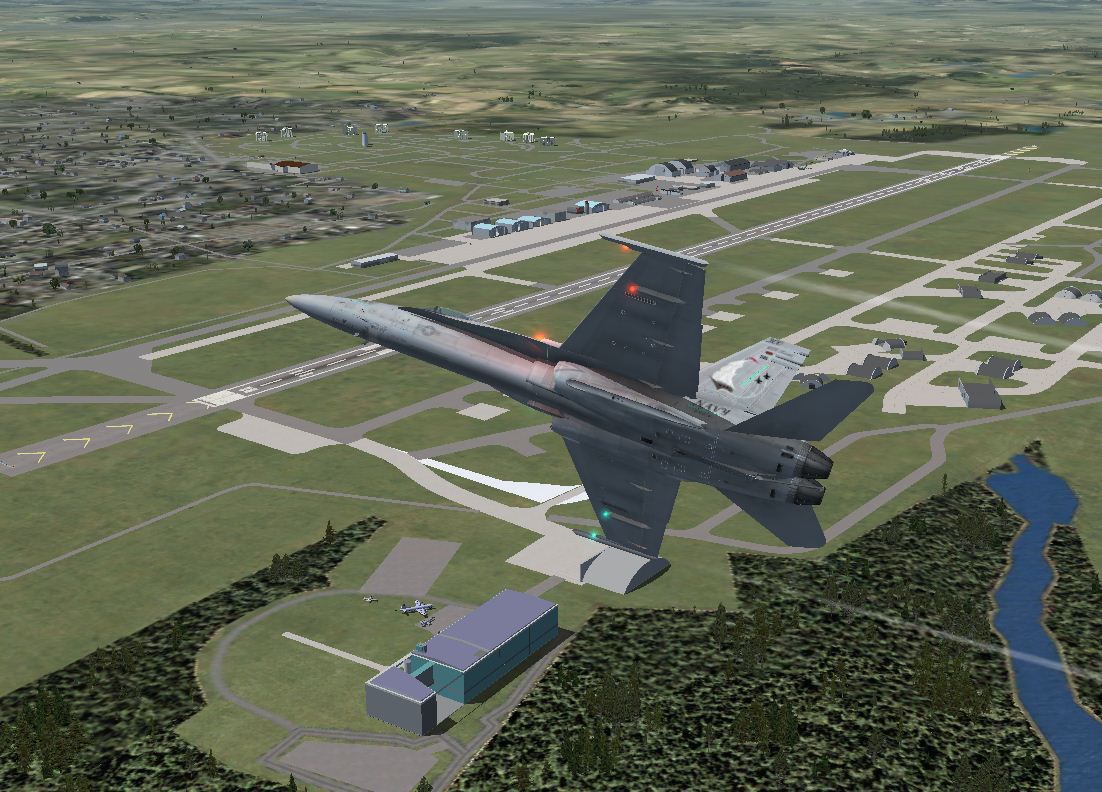
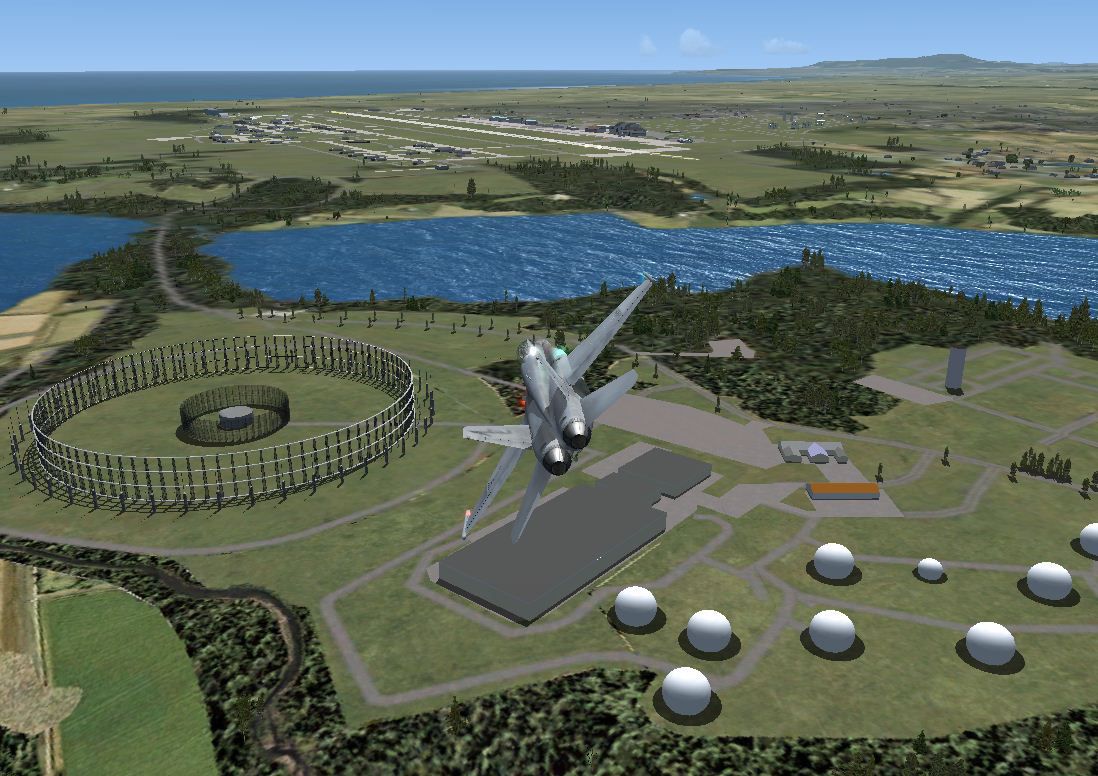
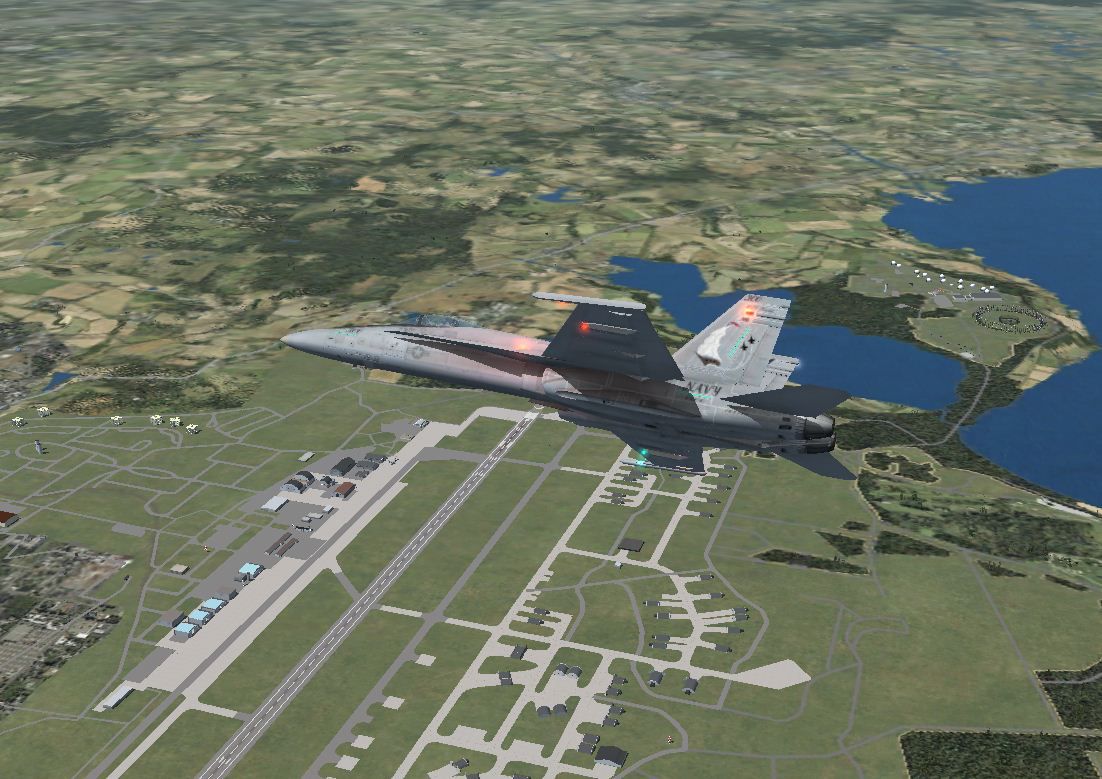
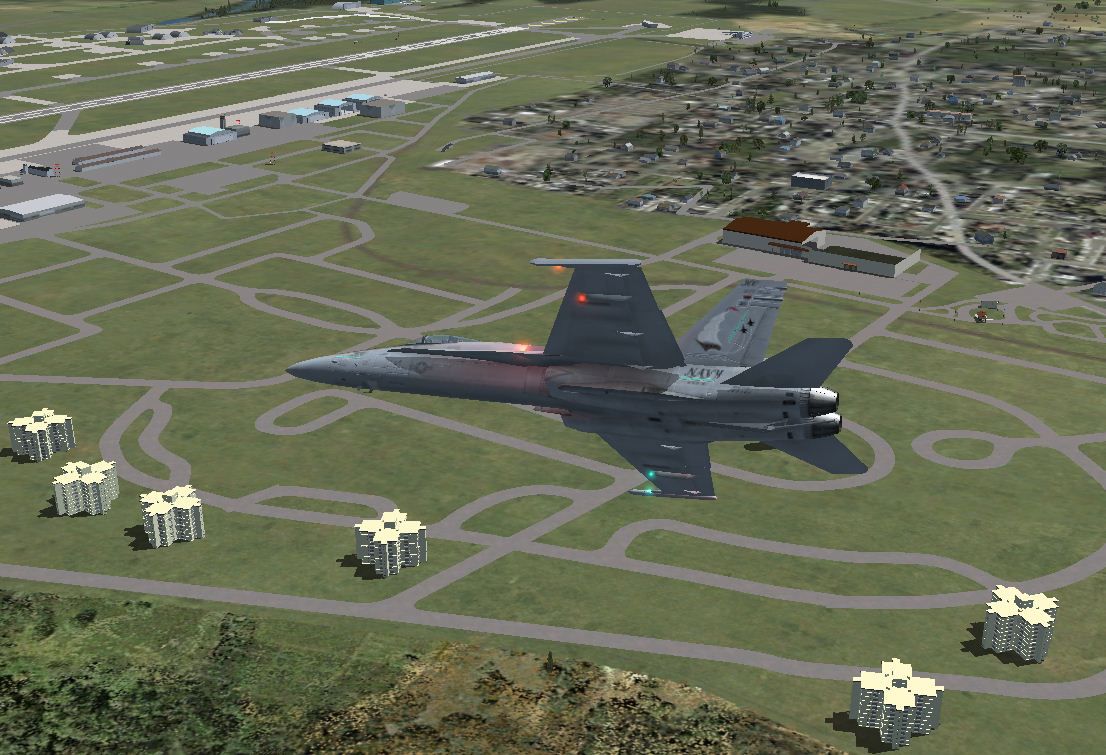
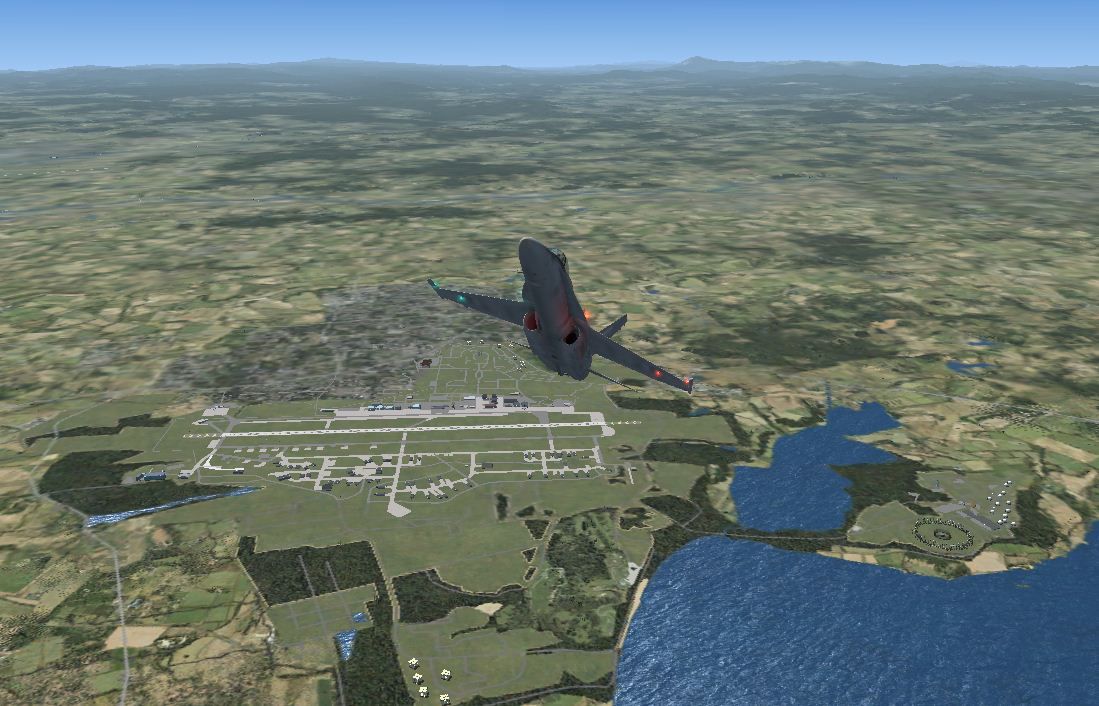
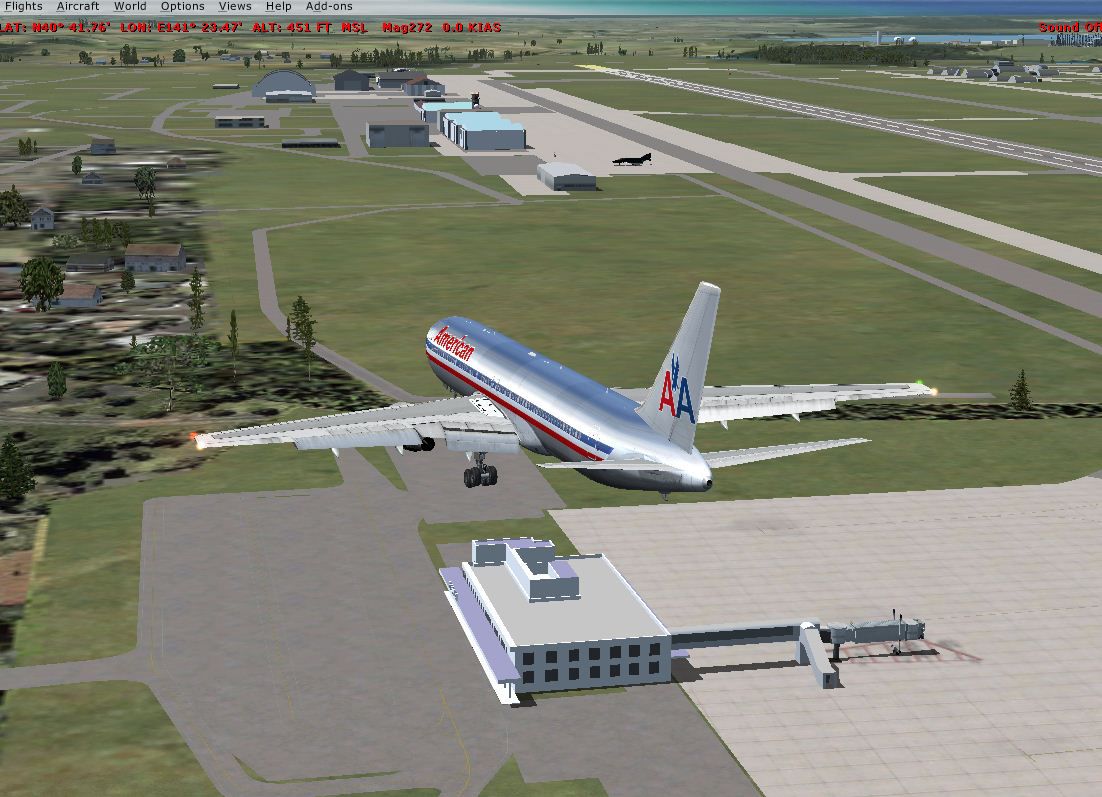
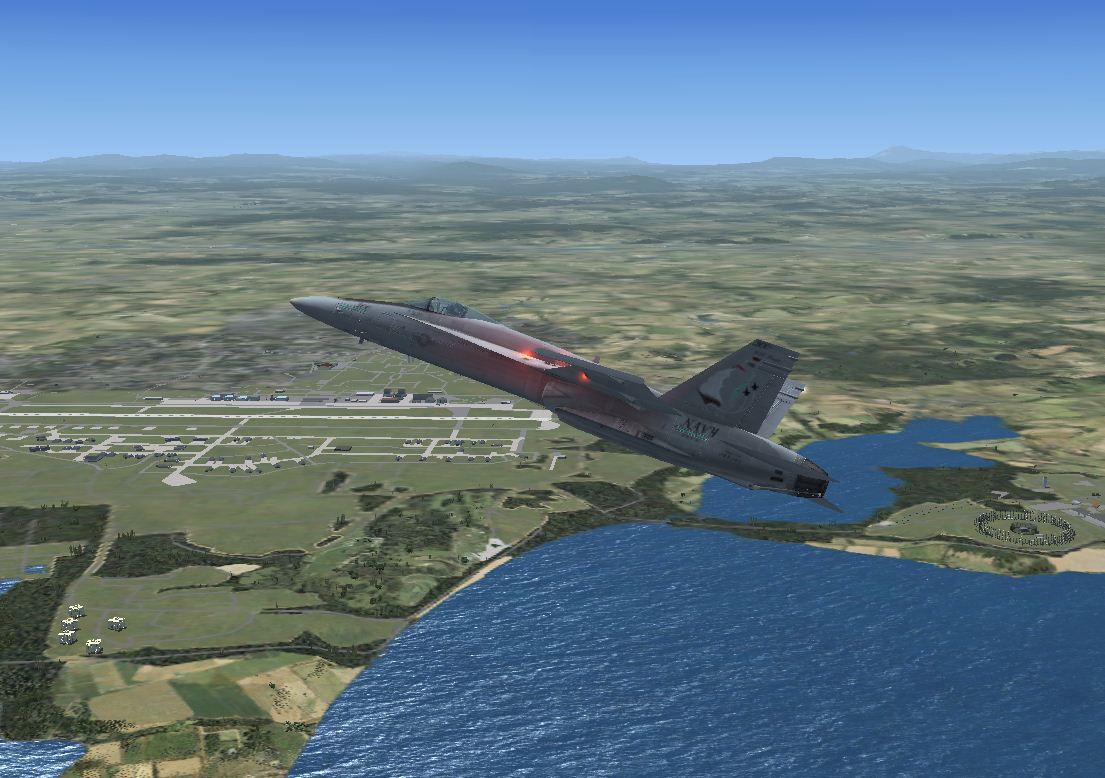
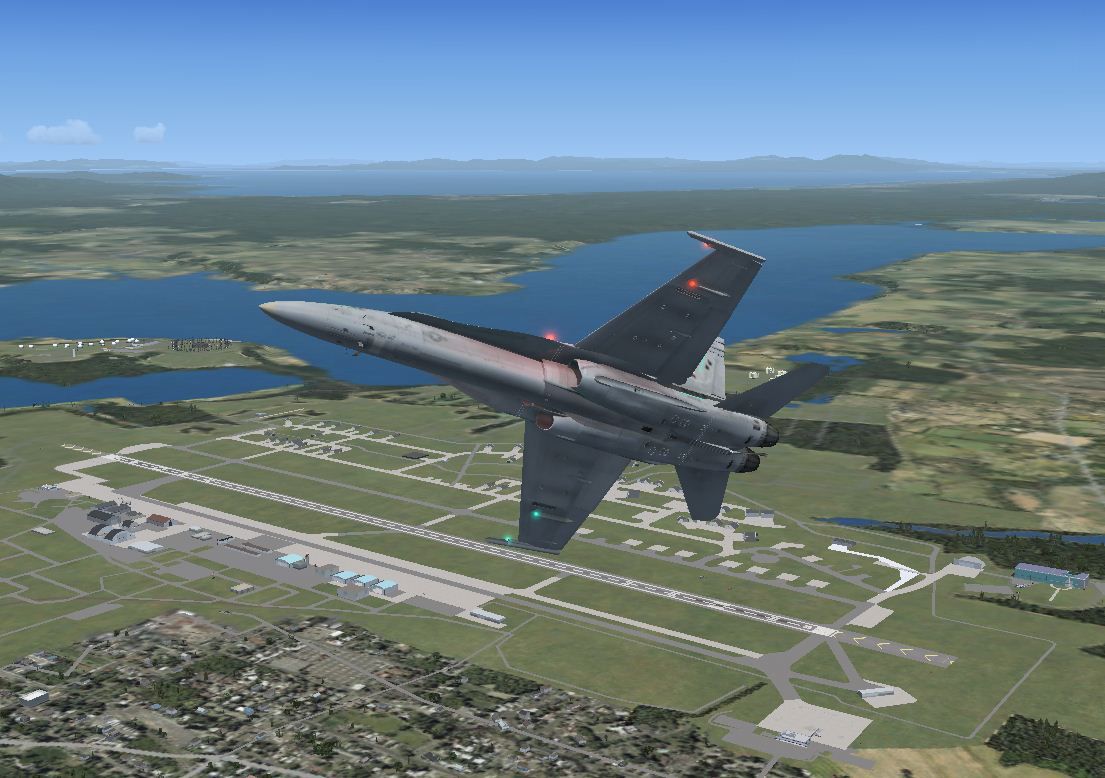
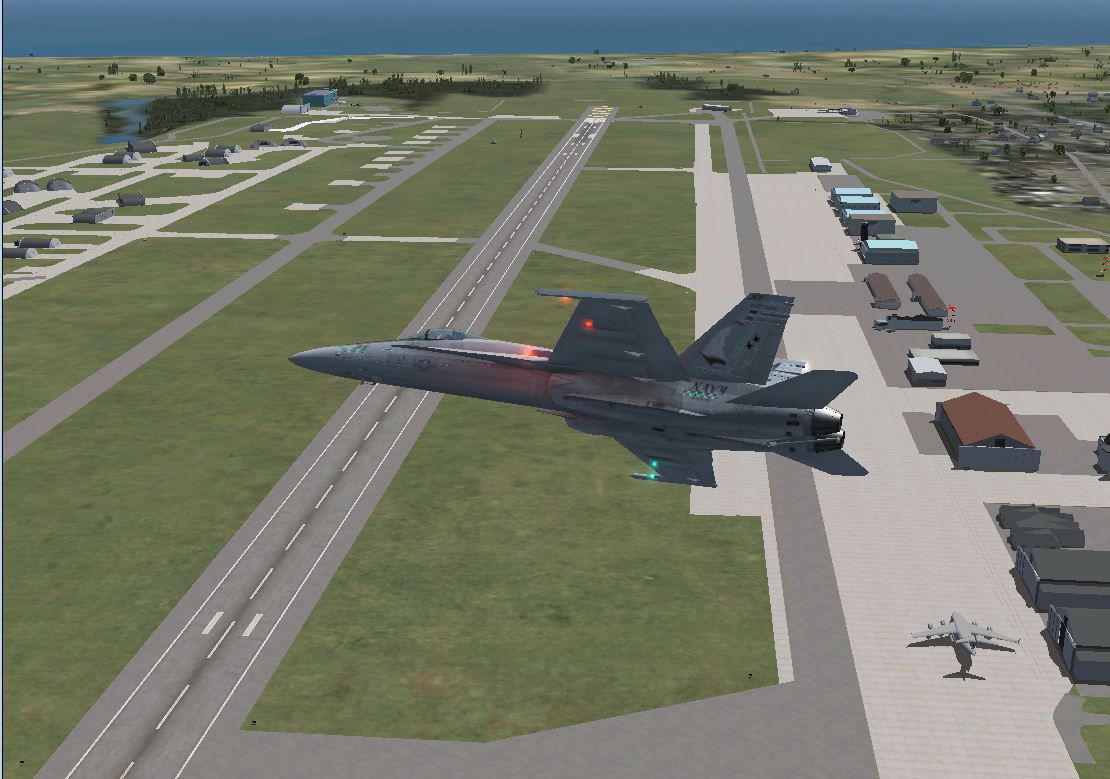
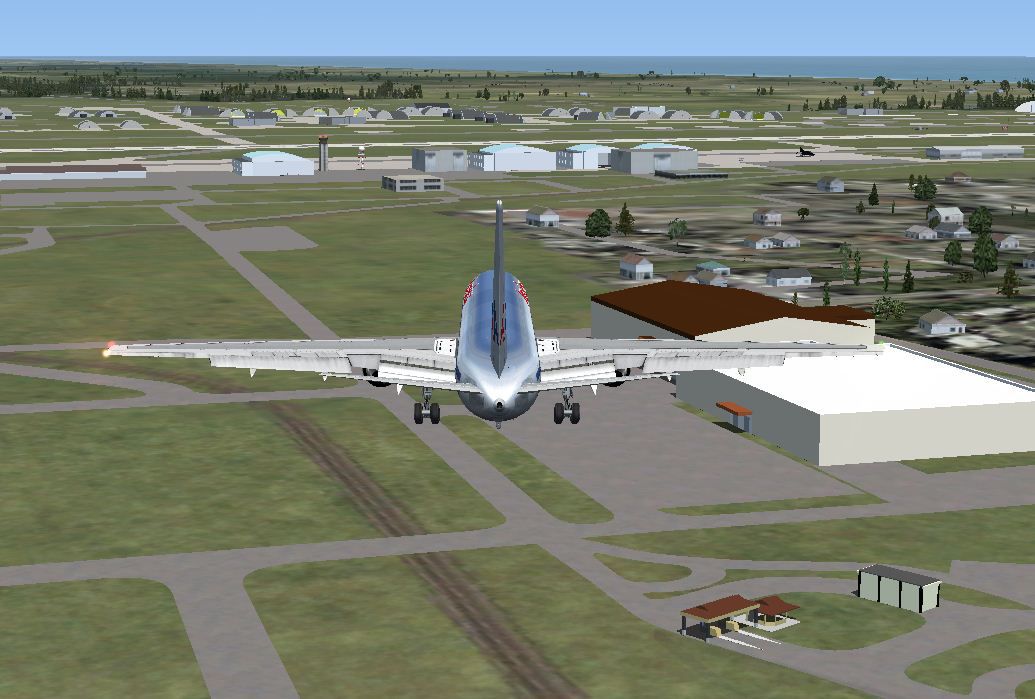
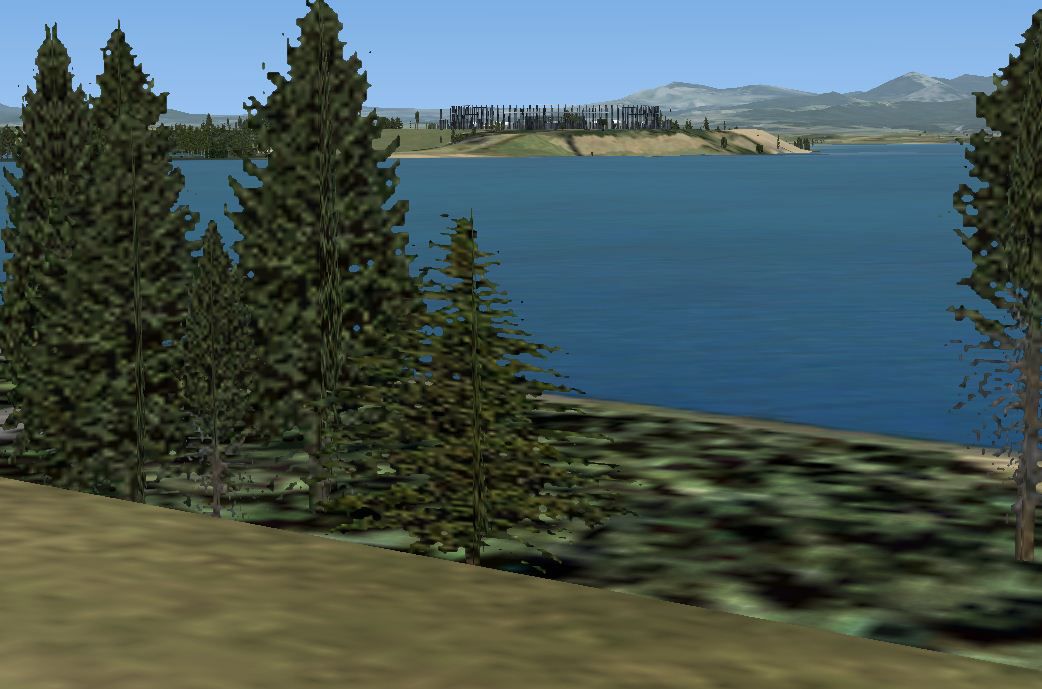
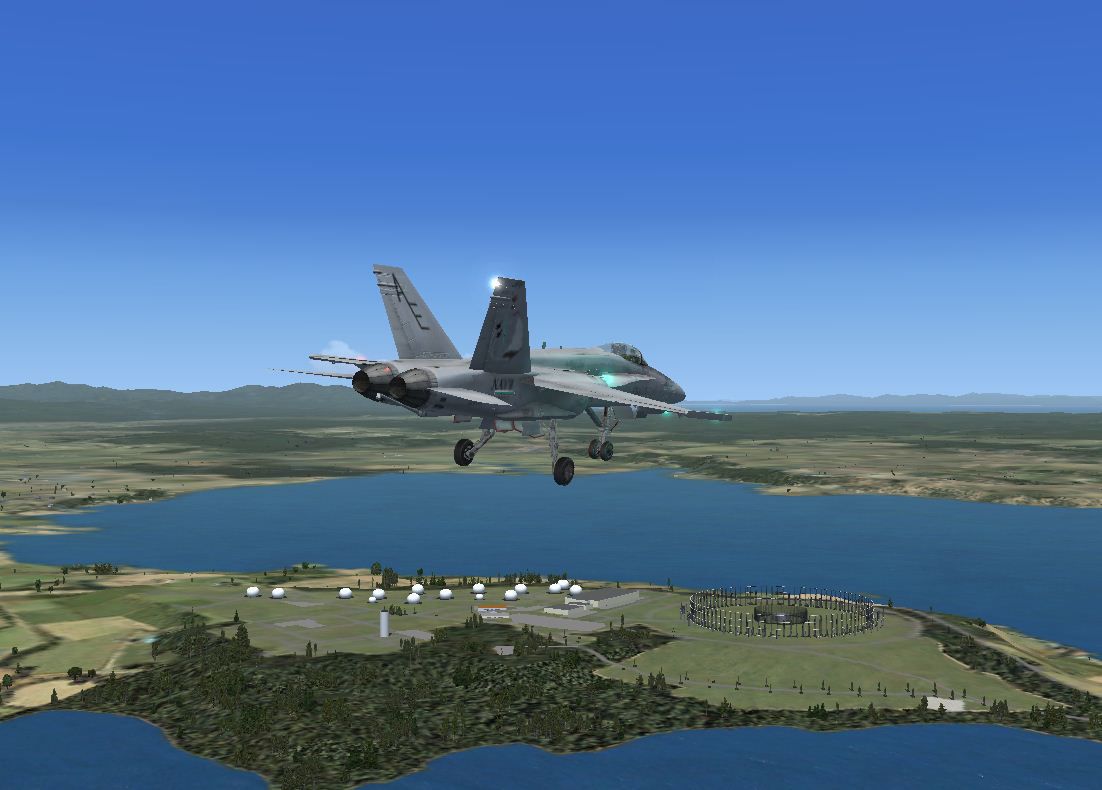
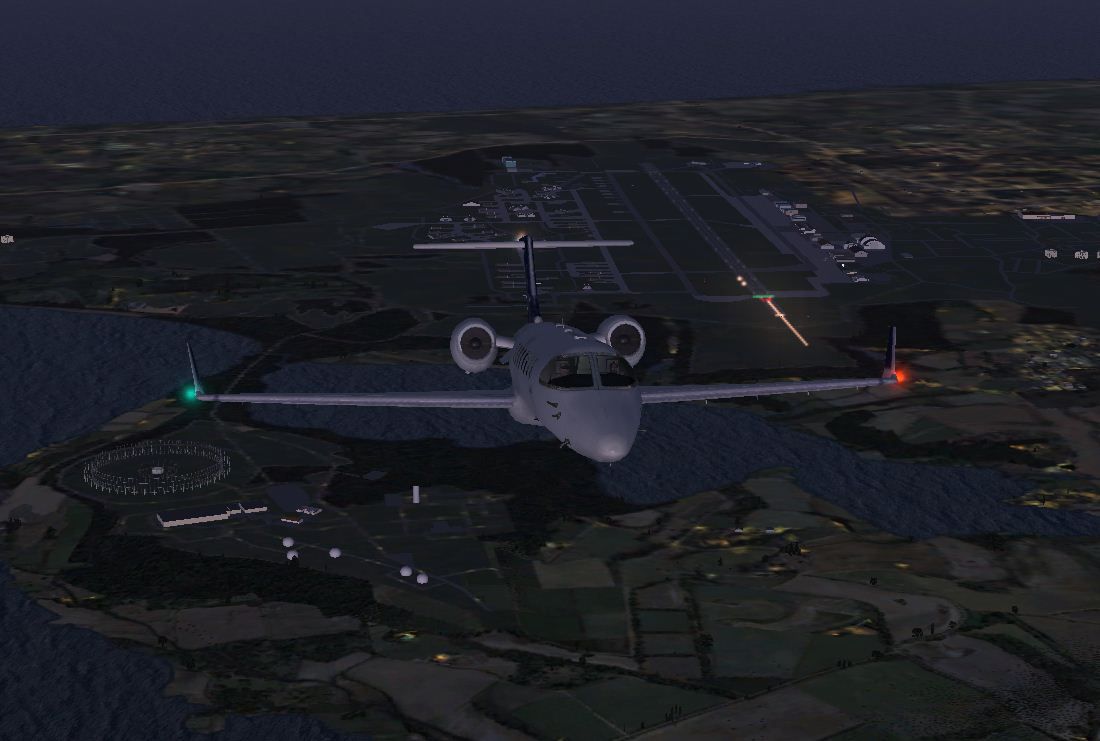
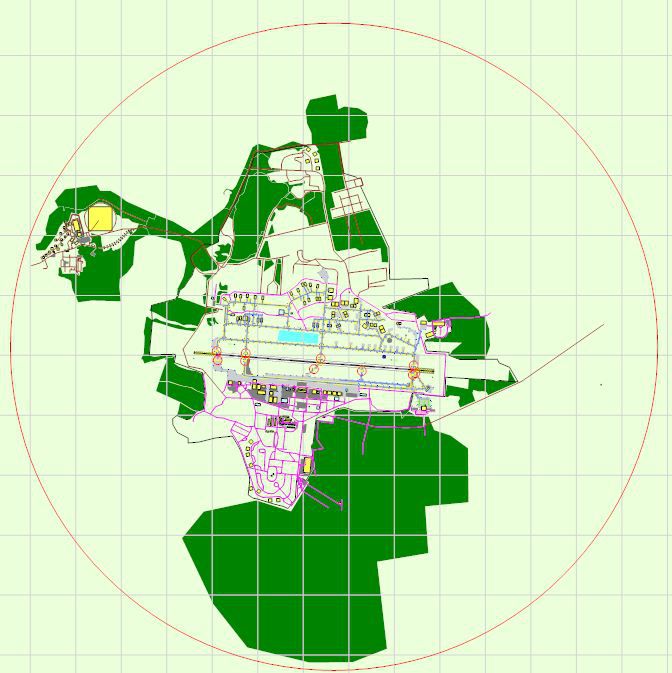
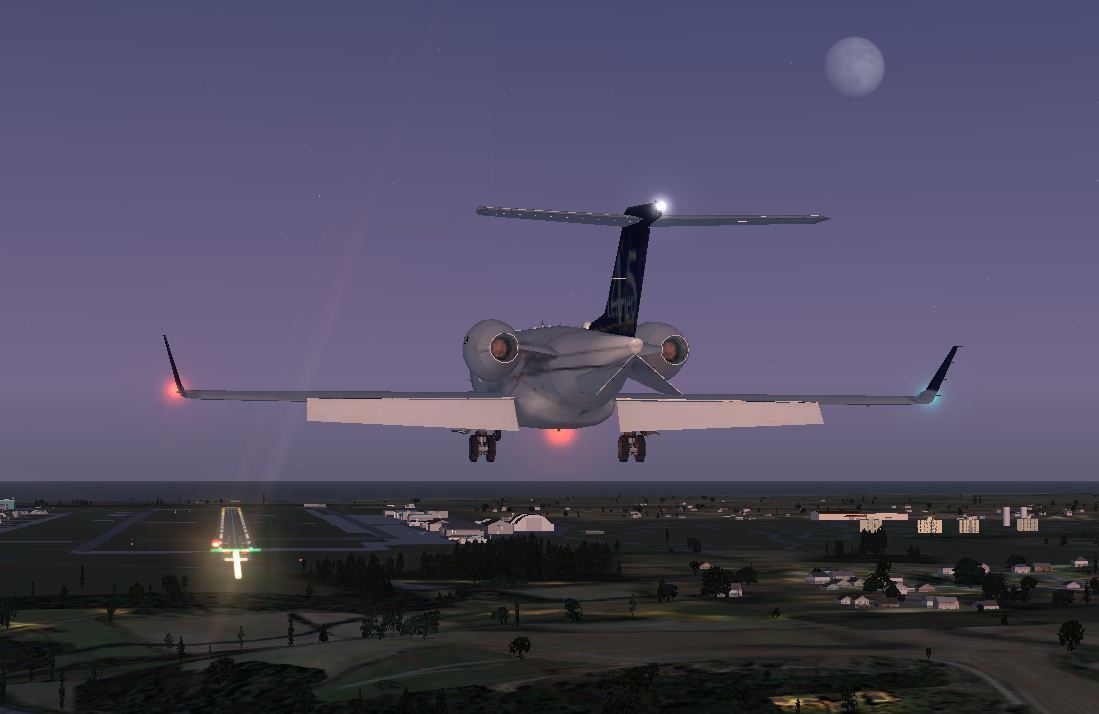
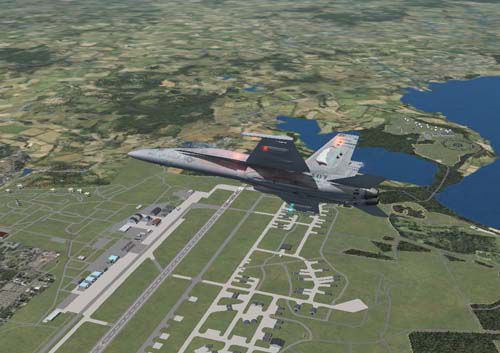
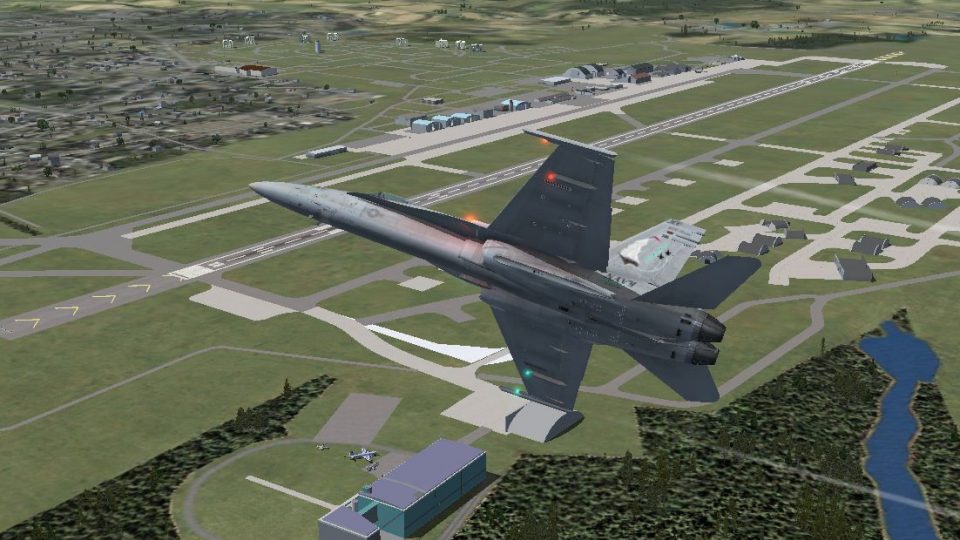
This the 2nd edition of Misawa Air Base, Japan scenery. Watch the air base transform into full property coverage that includes more life-like flightline and taxiways, new models for true-to-life hangars, terminals, and key buildings, including the main gate, exchange buildings, nine story apartment buildings, and key elements at the Security Hill antenna farm. See the gigantic FLR-9 (Elephant Cage) antenna and Echeleon radomes. The taxiways, polys, and roadways were corrected and updated via background image tracing in the ADE tool. The area of the air base tripled in size. See also attached civil installations of the Misawa Airport and the Misawa Aeronautical Museum on the east end of the runway. Also take note of the Misawa AMC Terminal and added forest polygons. The scenery looks best under the summer season. By Sam Sanders.
Screenshot of Jet flying over Misawa Air Base.
The 2nd edition adds these changes:
It is my attempt to release updated versions that include content and fixes. I am also welcoming any tips and comments from the public at large. This may even be content ideas and photos of the base. Many of the buildings were not as detailed as possible because the photo samples were limited. Many object designs were derived from Google/MSN maps, internet building photography, and from personal experience. I spent an US Air Force hitch at Misawa Air Base in 1975-76, and many things have changed overtime. I welcome input and photos from anyone who has been to the base.
Most of the models were created using Google Sketchup. As many know, the Sketchup tool does not know specific features of Flight Simulator, including day/night textures, light enhancements, and animation. Models created in Sketchup need to be exported to .dae files and then converted to FSX .mdl files.
Misawa Air Base, located in the northern prefecture of Aomori, is classified as a multi-branch air base, and a shared facility with Japan Air Defense and civil airport and museum projects. It's the home of over 5000 service persons and a total 12000 population. Misawa AB is a favorite destination/assignment of many service families with close proximity to popular seaside parks, Lake Towada and mountains, and the base's own lakeside, golf course, major Exchange, and short drives to local Japanese festivals.
Installation:
If you have problems not viewing the FLR-9 antenna or the T-33 at the museum, then make sure the .bmp files were copied to the texture
Free for all simmers · 7.65 MB · Scanned clean Oct 2026
Download speed: Free tier is capped at 0.5 Mbps (this file takes approximately 2 mins at the cap). PRO members download at full line speed.
SimObjects\Airplanes\, Addon Scenery\, Effects\, or Gauges\.readme.txt or README file. It tells you exactly where files go, what dependencies are needed, and any quirks specific to this add-on.Use these coordinates to fly directly to this location once the mod is installed.
40.70420000,141.42990000
Launch FSX or Prepar3D and use Flights → Load to open the downloaded .pln file. Your aircraft will be positioned at this location.
The archive misawajapan2.zip has 27 files and directories contained within it.
This list displays the first 500 files in the package. If the package has more, you will need to download it to view them.
| Filename/Directory | File Date | File Size |
|---|---|---|
| ADE airport layout.JPG | 12.04.12 | 77.23 kB |
| Farfy_468.bmp | 08.19.12 | 1.33 MB |
| Farfy_468_lm.bmp | 08.19.12 | 1.33 MB |
| Lear_Misawa.JPG | 08.30.12 | 64.42 kB |
| Misawa_RJSM.txt | 01.03.13 | 4.10 kB |
| MisawaAB | 12.04.12 | 0 B |
| scenery | 12.04.12 | 0 B |
| RJSM_ADEX_SLS.BGL | 12.04.12 | 14.36 MB |
| RJSM_ADEX_SLS_CVX.bgl | 12.04.12 | 13.80 kB |
| MisawaLear1.JPG | 08.30.12 | 88.16 kB |
| MisawaScenery4.JPG | 08.19.12 | 115.31 kB |
| MisawaScenery7.JPG | 08.19.12 | 145.69 kB |
| MisawaScreenshot1.JPG | 09.02.12 | 136.00 kB |
| MisawaScreenshot10.JPG | 09.02.12 | 99.11 kB |
| MisawaScreenshot2.JPG | 09.02.12 | 142.18 kB |
| MisawaScreenshot3.JPG | 09.02.12 | 164.18 kB |
| MisawaScreenshot4.JPG | 09.02.12 | 164.07 kB |
| MisawaScreenshot5.JPG | 09.02.12 | 126.42 kB |
| MisawaScreenshot6.JPG | 09.02.12 | 180.44 kB |
| MisawaScreenshot7.JPG | 09.02.12 | 92.56 kB |
| MisawaScreenshot8.JPG | 09.02.12 | 146.98 kB |
| MisawaScreenshot9.JPG | 09.02.12 | 169.17 kB |
| T33 Texture A .bmp | 11.26.11 | 682.75 kB |
| T33 Texture US.bmp | 11.27.11 | 682.75 kB |
| thumbnailMisawa.jpg | 09.03.12 | 55.66 kB |
| flyawaysimulation.txt | 10.29.13 | 959 B |
| Go to Fly Away Simulation.url | 01.22.16 | 52 B |
Only PRO members can place votes.
More FSX & P3D add-ons hand-picked based on this download.
FSX Scenery
Bagram Air Force Base v3. Bagram, Afghanistan (AF). Bagram AFB (OAIX) is for …
 FSX Scenery
Andrews Air Force Base (KADW), Camp Springs, Maryland (MD). An improved versi…
 FSX Scenery
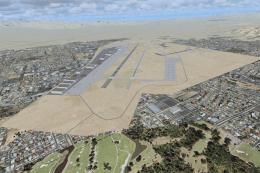
Nellis Air Force Base (KLSV), Nevada (NV). Adds ramp parking and some scenery…
 FSX Scenery
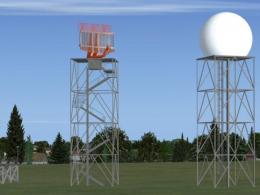
Aviano Air Base Scenery, Italy. Scenery for Aviano Air Base (LIPA), done with…
 FSX Scenery
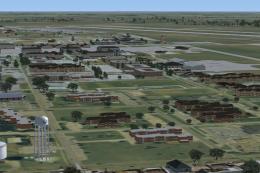
Sheppard Air Force Base (KSPS), Wichita Falls, Texas (TX). So you want to be …
 FSX Scenery
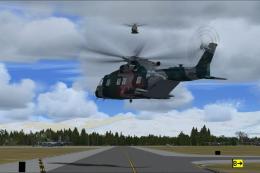
Bagram Air Force Base V3 Update 1. Bagram, Afghanistan (AF). Portions of some…
 FSX Scenery
Pease Air Force Base, New Hampshire (NH), v2.8. This is Pease AFB as it was i…
 FSX Scenery
Scott Air Force Base (IATA: BLV, ICAO: KBLV, FAA LID: BLV) is a base of the U…
Be the first to leave a comment on this download.
Be the first to share your thoughts on this download.