

 FSX Historic & Vintage Aircraft
Messerschmitt BF109-k4 183 Dirty
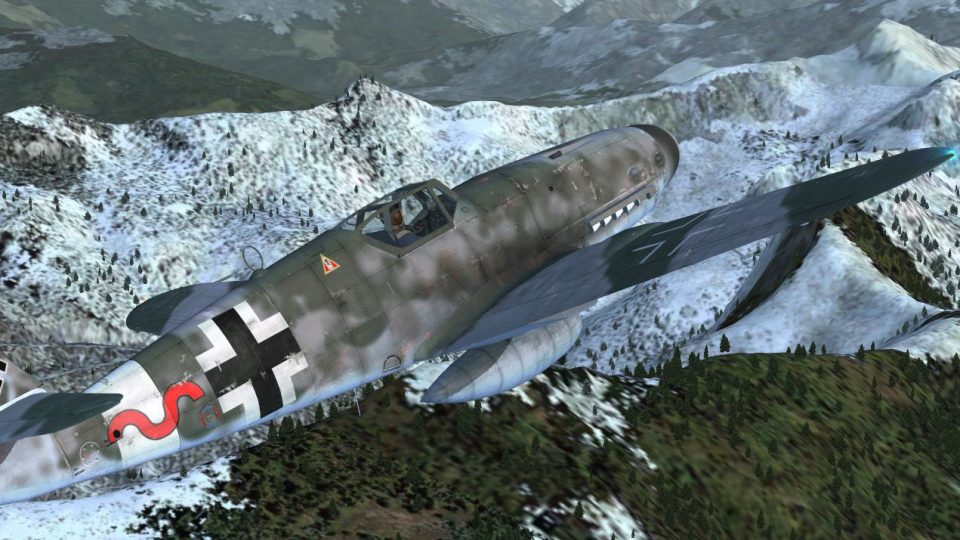
Textures only for the payware Flight Replicas BF 109-k4 with dirty camouflage…
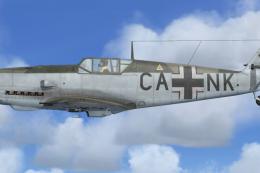
Messerschmitt Bf 109K-4 “Red 1” delivers a convincingly weathered, grime-streaked livery that captures the look of an older airframe, with worn panels and faded paint that adds character in close-up and in flight. Designed for FSX, it requires the payware Flight Replicas BF109-K4 and includes textures only.
 Rate
Rate
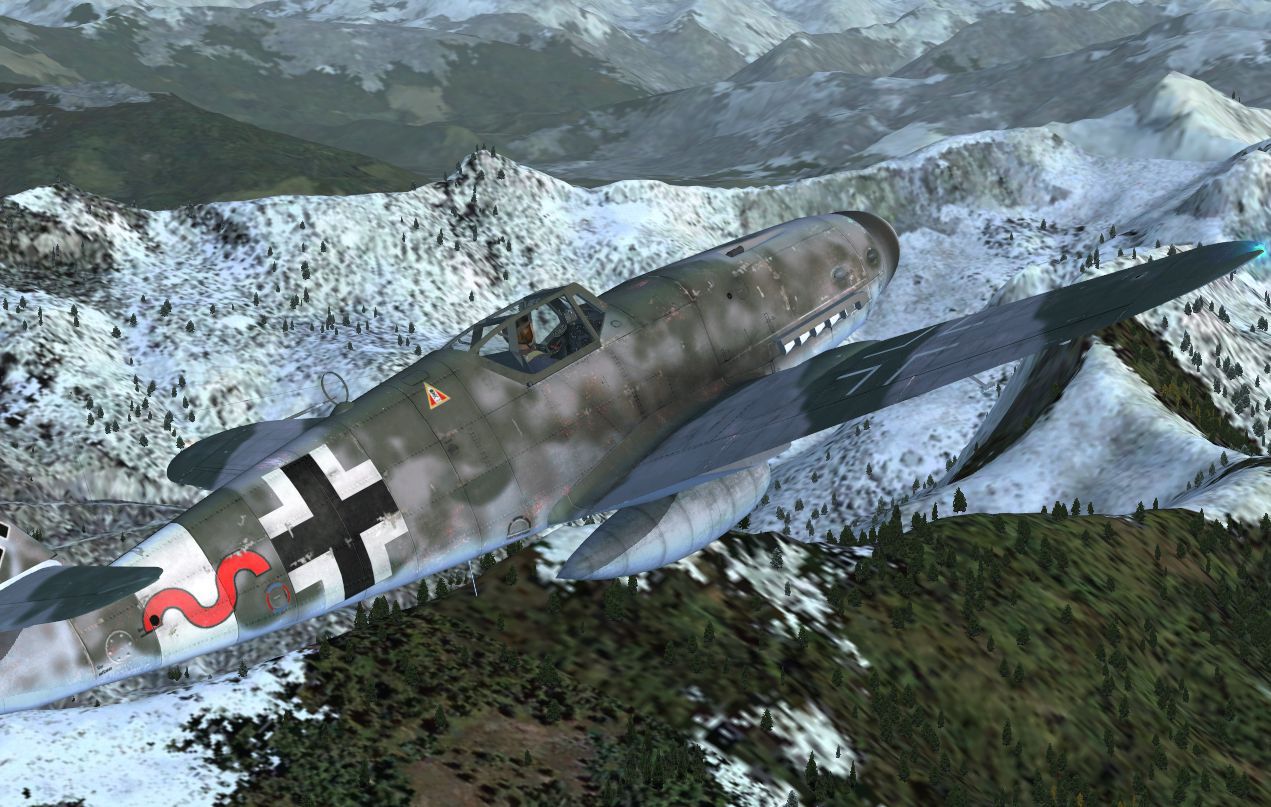
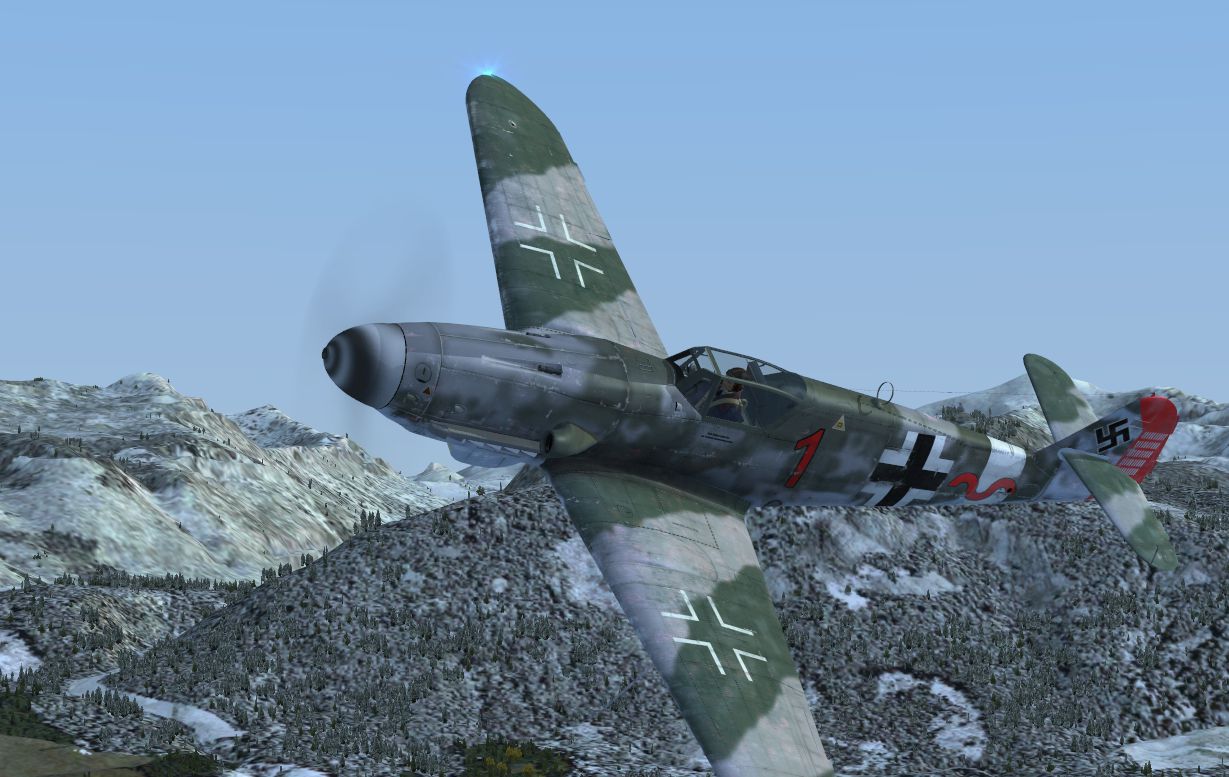
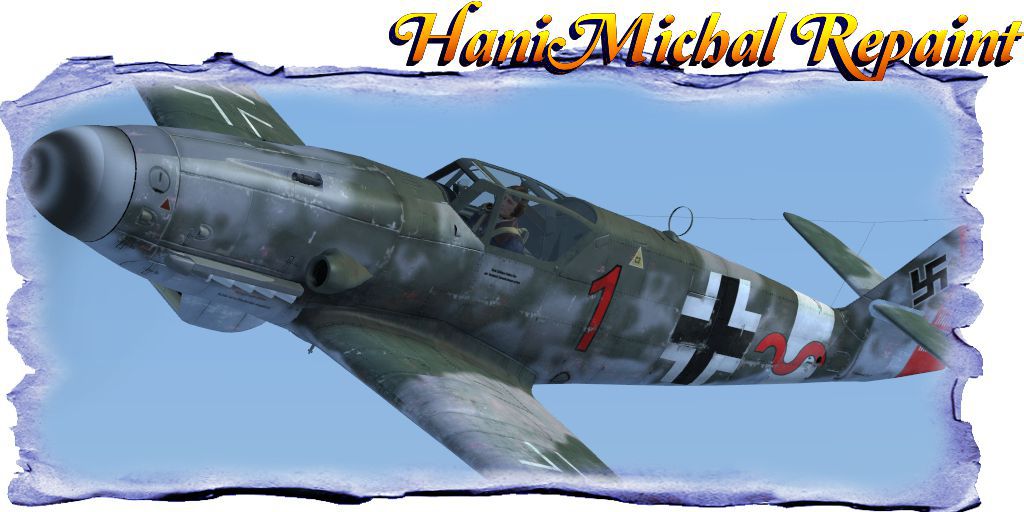
Textures only for the payware Flight Replicas BF109-k4 represent very old and dirty paint. Repaint by Hani Michal.
Screenshot of Messerschmitt BF109-K4 in flight.
[fltsim.XX]

	title=Me-109K4 Red 1 Dirty

	sim=Me-109K4

	model=

	panel=

	sound=

	texture=Red_1_Dirty_Dirty

	kb_checklists=Bf-109K_check.htm

	kb_reference=

	atc_id=

	atc_id_color=

	ui_manufacturer=Flight Replicas

	ui_type=Armed Bf-109K-4

	ui_variation=Red 1 Dirty

	ui_typerole="Single Engine Prop"

	ui_createdby=Flight Replicas

	description=Me-109 K4\Red 1 Dirty Repaint by Hani Michal

	atc_id_font=Verdana,-11,1,600,0
Free for all simmers · 7.71 MB · Scanned clean Oct 2026
Download speed: Free tier is capped at 0.5 Mbps (this file takes approximately 2 mins at the cap). PRO members download at full line speed.
texture.{airline}) inside FSX\SimObjects\Airplanes\{base-aircraft}\.aircraft.cfg in Notepad. Add a new [fltsim.X] section per the readme.readme.txt or README file. It tells you exactly where files go, what dependencies are needed, and any quirks specific to this add-on.The archive texture_red_1_very_dirty.zip has 13 files and directories contained within it.
This list displays the first 500 files in the package. If the package has more, you will need to download it to view them.
| Filename/Directory | File Date | File Size |
|---|---|---|
| Readme and aircraft.cfg.txt | 11.03.12 | 862 B |
| Untitled-1.jpg | 11.03.12 | 149.44 kB |
| Untitled-2.jpg | 11.03.12 | 212.24 kB |
| Fuselage_1.dds | 11.03.12 | 2.67 MB |
| Fuselage_1_bump.dds | 09.13.12 | 5.33 MB |
| Spinner.dds | 09.13.12 | 2.67 MB |
| Stabilizers.dds | 11.02.12 | 2.67 MB |
| texture.cfg | 07.09.12 | 125 B |
| Thumbnail.jpg | 11.03.12 | 88.73 kB |
| Wing_L.dds | 11.02.12 | 2.67 MB |
| Wing_R.dds | 11.02.12 | 2.67 MB |
| flyawaysimulation.txt | 10.29.13 | 959 B |
| Go to Fly Away Simulation.url | 01.22.16 | 52 B |
Only PRO members can place votes.
More FSX & P3D add-ons hand-picked based on this download.
FSX Historic & Vintage Aircraft
Textures only for the payware Flight Replicas BF 109-k4 with dirty camouflage…
 FSX Historic & Vintage Aircraft
Textures only for the payware Flight Replicas BF 109-k4 with dirty camouflage…
 FSX Historic & Vintage Aircraft
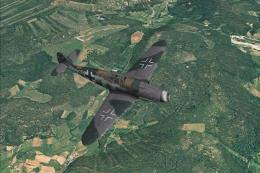
Five repaint textures for Flight Replicas Messerschmitt BF 109-k4 representin…
 FSX Historic & Vintage Aircraft
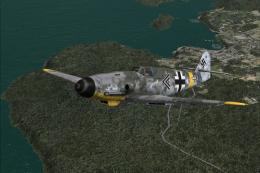
Pack with six different textures for the Flight Replicas Messerschmitt BF 109…
 FSX Historic & Vintage Aircraft
Two repaint textures for Flight Replicas BF 109-k4 FSX representing BF-109 G-…
 FSX Historic & Vintage Aircraft
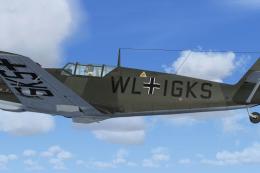
Textures for WWII Fighters Messerschmitt Bf-109E3 code WL-IGKS. This aircraft…
 FSX Historic & Vintage Aircraft
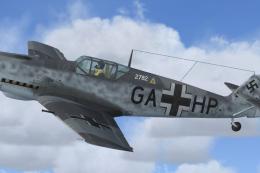
Textures for WWII Fighters Messerschmitt Bf109E-7 W.Nr. 2782 fabric livery (S…
 FSX Historic & Vintage Aircraft
Textures only for WWII Fighters Messerschmitt Bf109E-7 W.Nr. 1361 fabric live…
Be the first to leave a comment on this download.
Be the first to share your thoughts on this download.