

 FSX Historic & Vintage Aircraft
Messerschmitt BF109-k4 183 Dirty
Textures only for the payware Flight Replicas BF 109-k4 with dirty camouflage…
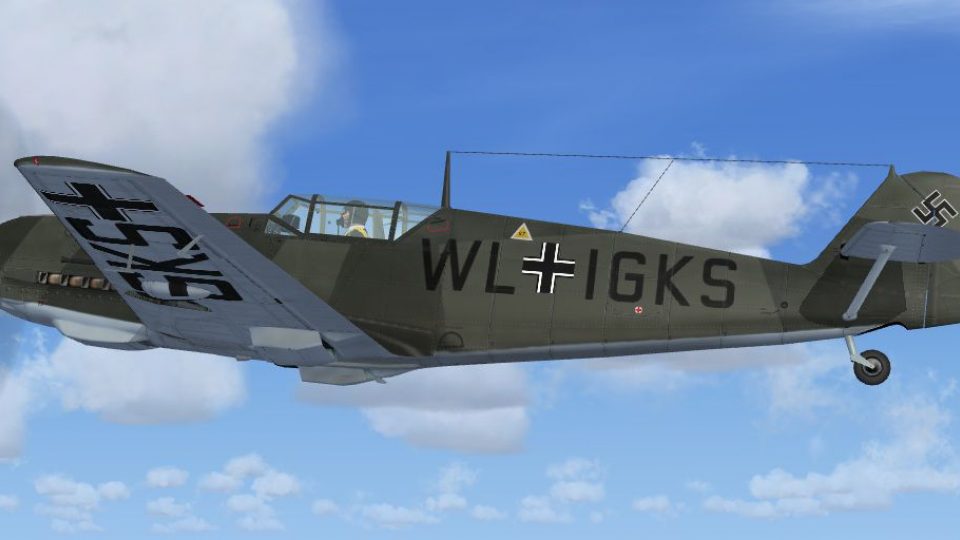
Messerschmitt Bf 109E-3 WL-IGKS textures recreate the historic Luftwaffe test airframe used for aerodynamic trials that informed the later Bf 109F, with period-accurate markings for a convincing virtual cockpit and external model. Designed for FSX, this repaint requires the A2A Simulation WWII Fighters Bf109E base aircraft.
 Rate
Rate
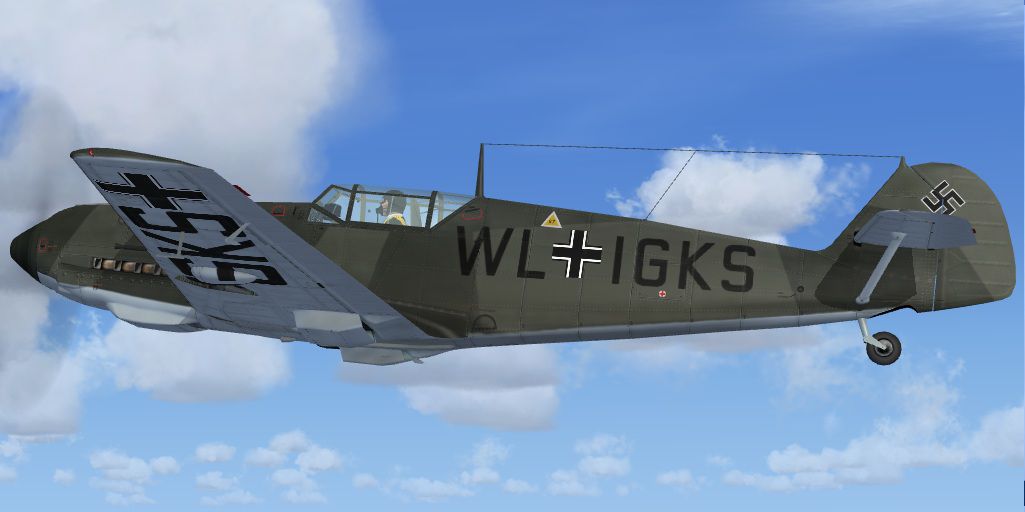
Textures for WWII Fighters Messerschmitt Bf-109E3 code WL-IGKS. This aircraft was used for the aerodynamics tests during development of Bf-109F version. Textures only. A2A Simulation WWII Fighters Bf109E must be installed. Textures by Jindrich Barta.
Screenshot of Messerschmitt Bf109 in flight.
INSTALLATION for WWII_FIGHTERS_Bf109E.
1. Find and open your WWII_FIGHTERS_Bf109E folder.
2. Copy the Textures folder to its Directory.
3. Open the CFG file with word pad and Copy and past the below Text.
Remember to replace the X's with the next number in order:
[fltsim.XX]

title=Bf109E WL IGKS

sim=bf109e

model=e3

panel=

sound=

texture=WL IGKS

kb_checklists=bf109e_check

kb_reference=bf109e_ref

atc_id=

atc_airline=

atc_flight_number=

atc_heavy=0

ui_manufacturer=WWII FIGHTERS

ui_type=Bf-109E3

ui_variation=Bf-109E3 WL-IGKS aircraft for aerodynamics tests

ui_typerole="Single Engine Prop"

ui_createdby="Shockwave Productions Inc."

description= Messerschmitt Bf-109E3 aircraft for aerodynamics tests

atc_id_color=0x00000000

atc_id_font=Verdana,-11,1,600,0

atc_parking_types=MIL_COMBAT

atc_id=Bf109E4

prop_anim_ratio=1.02

visual_damage=0
That's it!
Jindrich Barta
Free for all simmers · 5.87 MB · Scanned clean Oct 2026
Download speed: Free tier is capped at 0.5 Mbps (this file takes approximately 2 mins at the cap). PRO members download at full line speed.
texture.{airline}) inside FSX\SimObjects\Airplanes\{base-aircraft}\.aircraft.cfg in Notepad. Add a new [fltsim.X] section per the readme.readme.txt or README file. It tells you exactly where files go, what dependencies are needed, and any quirks specific to this add-on.The archive 109wligk.zip has 15 files and directories contained within it.
This list displays the first 500 files in the package. If the package has more, you will need to download it to view them.
| Filename/Directory | File Date | File Size |
|---|---|---|
| 109WLIGK | 01.29.11 | 0 B |
| file_id.diz | 01.29.11 | 273 B |
| Read Me.txt | 01.29.11 | 955 B |
| Texture.WL IGKS | 01.29.11 | 0 B |
| bf1091_t.dds | 01.28.11 | 4.00 MB |
| bf1092_t.dds | 01.28.11 | 4.00 MB |
| bf1093_t.dds | 01.28.11 | 4.00 MB |
| bf1094_t.dds | 01.28.11 | 4.00 MB |
| texture.cfg | 07.16.08 | 137 B |
| thumbnail.jpg | 01.28.11 | 94.66 kB |
| Thumbs.db | 01.29.11 | 150.00 kB |
| thumbnail.jpg | 01.28.11 | 94.66 kB |
| Thumbs.db | 01.29.11 | 38.00 kB |
| flyawaysimulation.txt | 10.29.13 | 959 B |
| Go to Fly Away Simulation.url | 01.22.16 | 52 B |
Only PRO members can place votes.
More FSX & P3D add-ons hand-picked based on this download.
FSX Historic & Vintage Aircraft
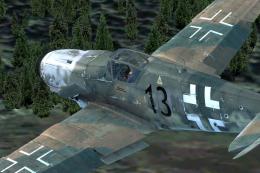
Textures only for the payware Flight Replicas BF 109-k4 with dirty camouflage…
 FSX Historic & Vintage Aircraft
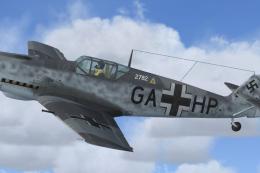
Textures for WWII Fighters Messerschmitt Bf109E-7 W.Nr. 2782 fabric livery (S…
 FSX Historic & Vintage Aircraft
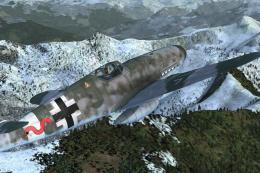
Textures only for the payware Flight Replicas BF 109-k4 with dirty camouflage…
 FSX Historic & Vintage Aircraft
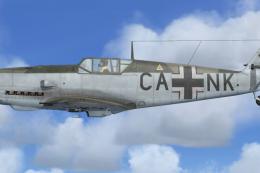
Textures only for the payware Flight Replicas BF109-k4 represent very old and…
 FSX Historic & Vintage Aircraft
Textures only for WWII Fighters Messerschmitt Bf109E-7 W.Nr. 1361 fabric live…
 FSX Historic & Vintage Aircraft
Five repaint textures for Flight Replicas Messerschmitt BF 109-k4 representin…
 FSX Historic & Vintage Aircraft
Pack with six different textures for the Flight Replicas Messerschmitt BF 109…
 FSX Historic & Vintage Aircraft
Two repaint textures for Flight Replicas BF 109-k4 FSX representing BF-109 G-…
Be the first to leave a comment on this download.
Be the first to share your thoughts on this download.