

 FSX General Aviation Aircraft
Cessna 172 Skyhawk
Cessna 172 Skyhawk. This livery is from the tribute for Microsoft Flight Simu…
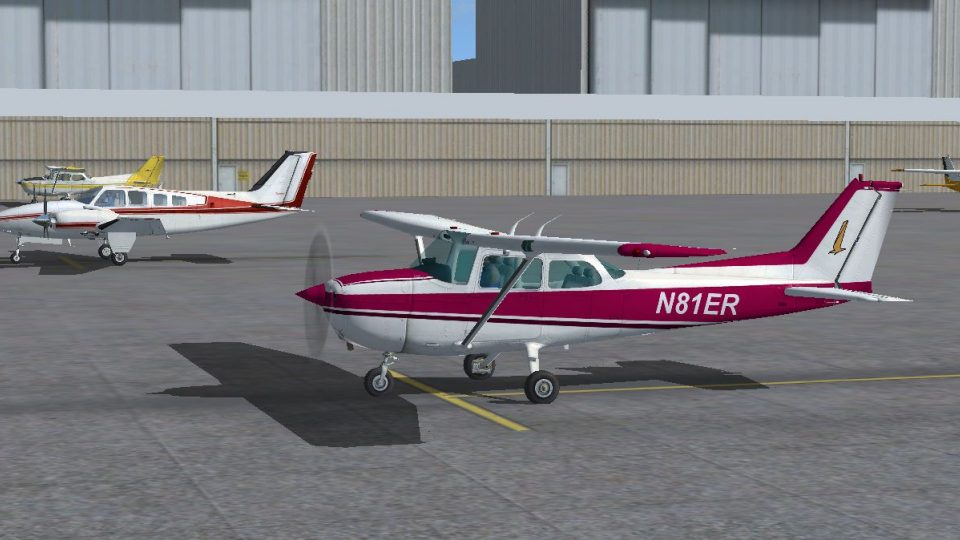
Cessna 172 Skyhawk N81ER livery brings a real-world registration to the default C172 with clean exterior textures that look at home on ramps or in the circuit. Designed for FSX, it requires the stock Cessna 172SP and adds an authentic N81ER option for general aviation flying and screenshots.
 Rate
Rate
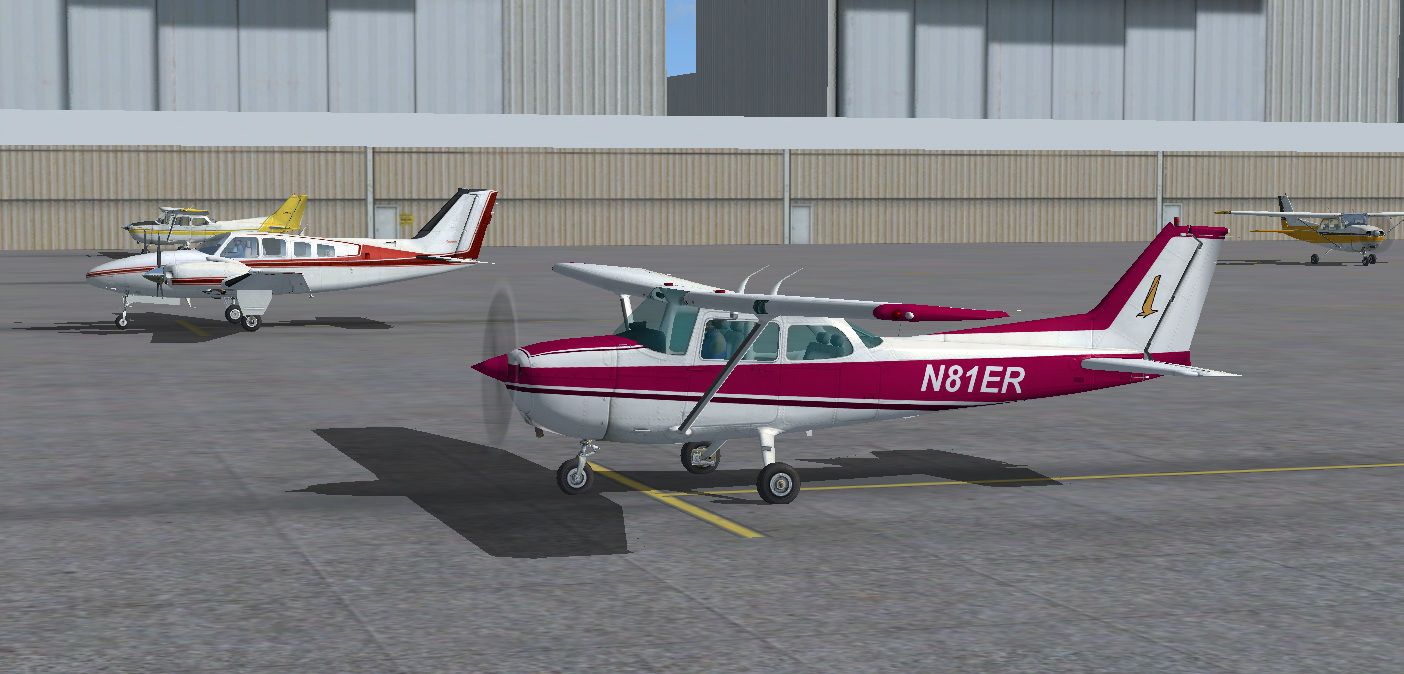
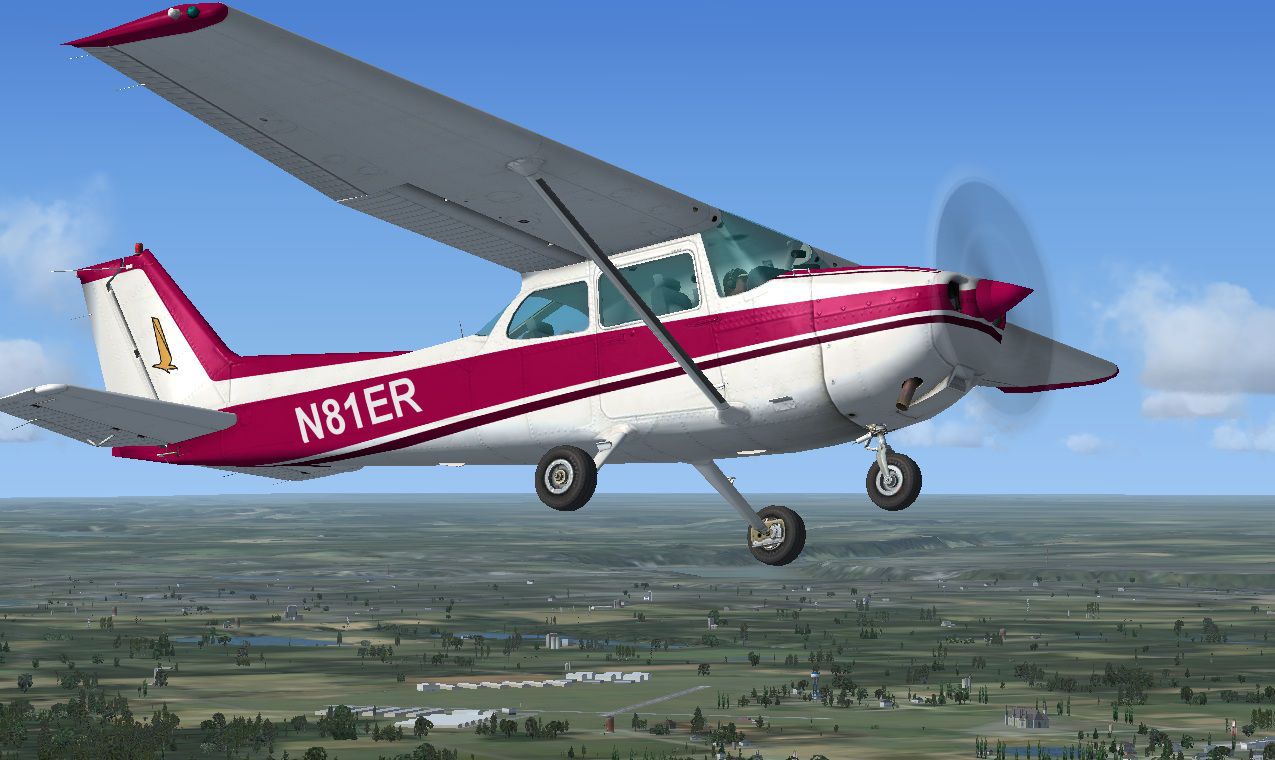
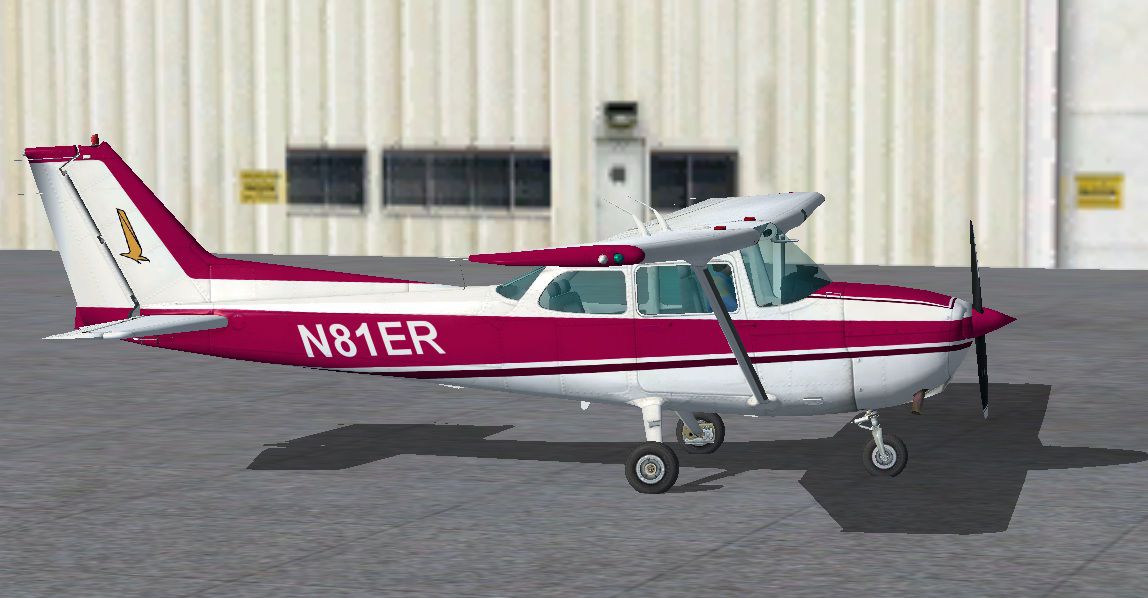
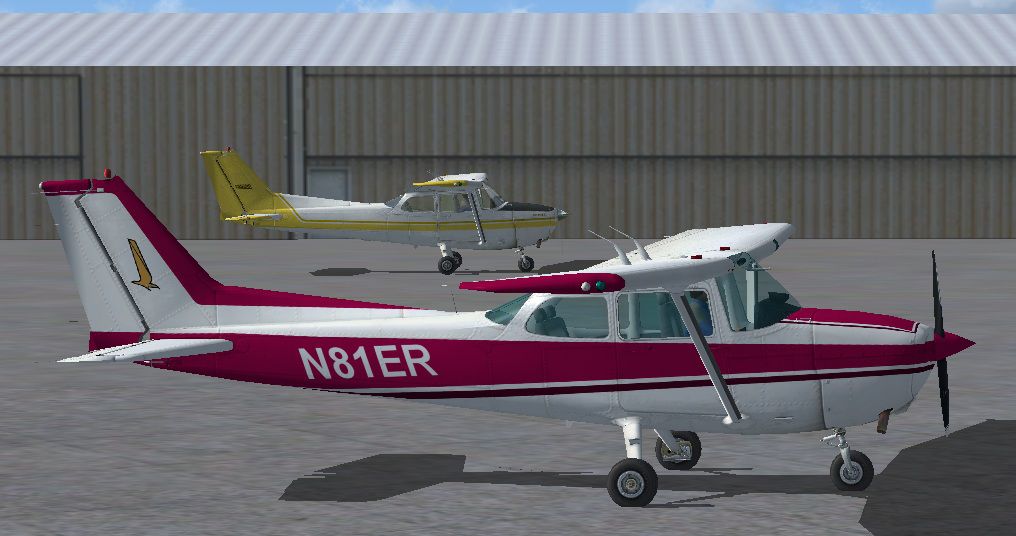
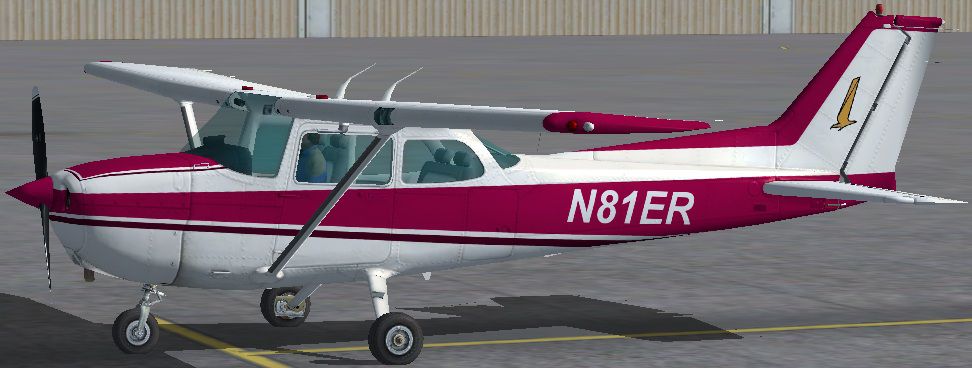
Repaint textures for the default C172 for real world N81ER. By Tom Tiedman.
Screenshot of Cessna 172 Skyhawk on the ground.
[fltsim.X]

	title=Cessna Skyhawk 172SP N81ER

	sim=Cessna172SP

	model=

	panel=

	sound=

	texture=

	kb_checklists=Cessna172SP_check

	kb_reference=Cessna172SP_ref

	atc_id=

	ui_manufacturer="Cessna"

	ui_type="C172SP Skyhawk"

	ui_variation="N81ER"

	ui_typerole="Single Engine Prop"

	ui_createdby="Microsoft Corporation"

	description="Repaint by Tom Tiedman 12-3-2012"
Free for all simmers · 16.13 MB · Scanned clean Oct 2026
Download speed: Free tier is capped at 0.5 Mbps (this file takes approximately 5 mins at the cap). PRO members download at full line speed.
texture.{airline}) inside FSX\SimObjects\Airplanes\{base-aircraft}\.aircraft.cfg in Notepad. Add a new [fltsim.X] section per the readme.readme.txt or README file. It tells you exactly where files go, what dependencies are needed, and any quirks specific to this add-on.The archive fsx_default_cessna_172_n81er.zip has 31 files and directories contained within it.
This list displays the first 500 files in the package. If the package has more, you will need to download it to view them.
| Filename/Directory | File Date | File Size |
|---|---|---|
| file_id.diz | 12.04.12 | 84 B |
| READ ME.txt | 12.04.12 | 673 B |
| Screenshot 1.jpg | 12.04.12 | 247.34 kB |
| Screenshot 2.jpg | 12.04.12 | 139.43 kB |
| Screenshot 3.jpg | 12.04.12 | 169.39 kB |
| Screenshot 4.jpg | 12.04.12 | 244.02 kB |
| Texture.N81ER | 12.04.12 | 0 B |
| C172_1_C.dds | 09.04.06 | 682.79 kB |
| C172_1_night_C.dds | 09.04.06 | 682.79 kB |
| C172_2_C.dds | 09.04.06 | 682.79 kB |
| C172_2_night_C.dds | 09.04.06 | 682.79 kB |
| C172_3_C.dds | 09.04.06 | 682.79 kB |
| C172_3_night_C.dds | 09.04.06 | 682.79 kB |
| C172_4_C.dds | 09.04.06 | 170.79 kB |
| C172_4_night_C.dds | 09.04.06 | 170.79 kB |
| c172_c.bmp | 05.12.06 | 170.74 kB |
| C172_Interior_T.dds | 09.04.06 | 341.45 kB |
| c172_interior_t_night.dds | 09.04.06 | 42.79 kB |
| C172_Pilot.dds | 09.04.06 | 682.79 kB |
| C172_reflection.dds | 09.04.06 | 170.79 kB |
| C172_T.bmp | 12.04.12 | 16.00 MB |
| C172_T.dds | 12.04.12 | 16.00 MB |
| c172_t_bump.dds | 09.04.06 | 1.00 MB |
| c172_t_spec.dds | 09.04.06 | 1.33 MB |
| fresnel_ramp.dds | 09.04.06 | 640 B |
| Prop_C172.dds | 09.04.06 | 85.46 kB |
| texture.cfg | 08.14.06 | 137 B |
| thumbnail.jpg | 12.04.12 | 106.66 kB |
| thumbnail.jpg | 12.04.12 | 106.66 kB |
| flyawaysimulation.txt | 10.29.13 | 959 B |
| Go to Fly Away Simulation.url | 01.22.16 | 52 B |
Only PRO members can place votes.
More FSX & P3D add-ons hand-picked based on this download.
FSX General Aviation Aircraft
Cessna 172 Skyhawk. This livery is from the tribute for Microsoft Flight Simu…
 FSX General Aviation Aircraft
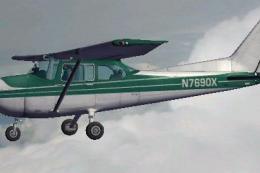
FSX Cessna 172 SP Skyhawk registration N7690X. Textures only for the default …
 FSX General Aviation Aircraft
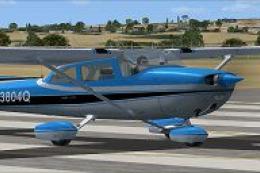
Immerse yourself in a vintage aviation atmosphere with this repaint of the Ca…
 FSX General Aviation Aircraft
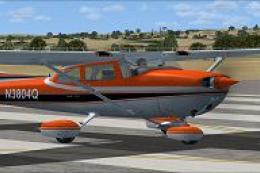
Experience a distinctive take on the iconic Cessna Skyhawk 172 with these uni…
 FSX General Aviation Aircraft
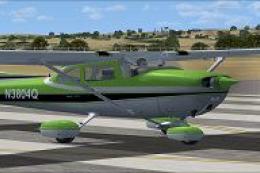
Enhance your installation of Microsoft Flight Simulator X with this carefully…
 FSX General Aviation Aircraft
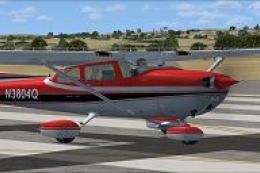
This repaint adds a vibrant red exterior finish to the Carenado Cessna 172N f…
 FSX General Aviation Aircraft
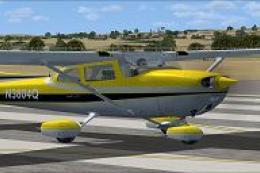
Classic styling meets modern simulation in this vivid yellow repaint for the …
 FSX General Aviation Aircraft
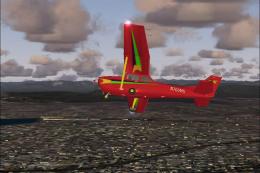
Experience a refined rendition of this popular four-seat light aircraft with …
Be the first to leave a comment on this download.
Be the first to share your thoughts on this download.