

 FS2004 Propeller Aircraft
Airwork Ltd. Vickers Viscount 1959
A long establish company, Airwork became one of the main constituents of Brit…
Airwork Ltd’s London-based Vickers Viking livery recreates one of eleven post‑1945 passenger aircraft, capturing the airline’s first modern airliner era through the mid‑1950s before Viscount service took over. Built for FS2004, it requires the FSDS Vickers Viking model by Rick Piper and includes accurate Airwork markings and registration.
 Rate
Rate
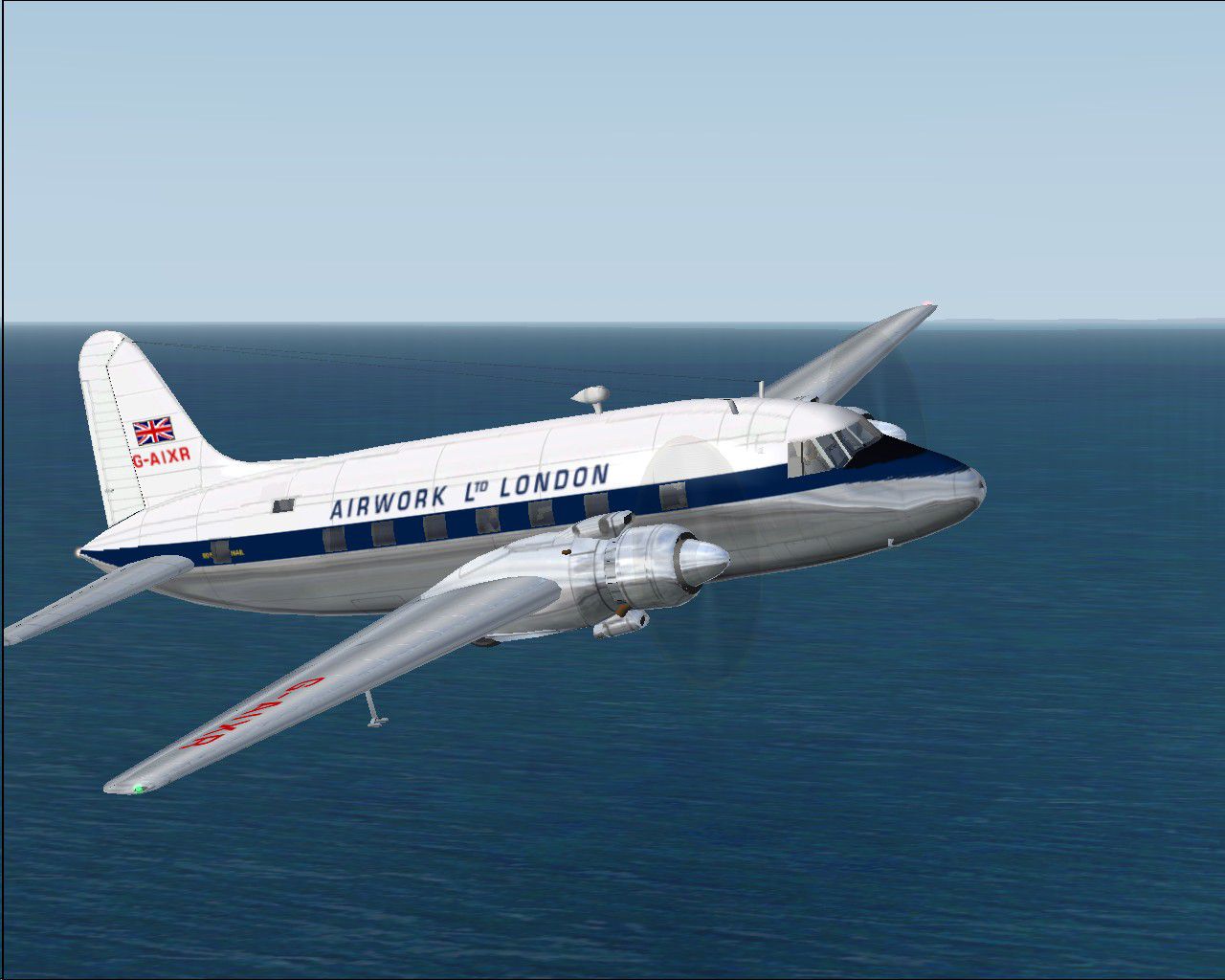
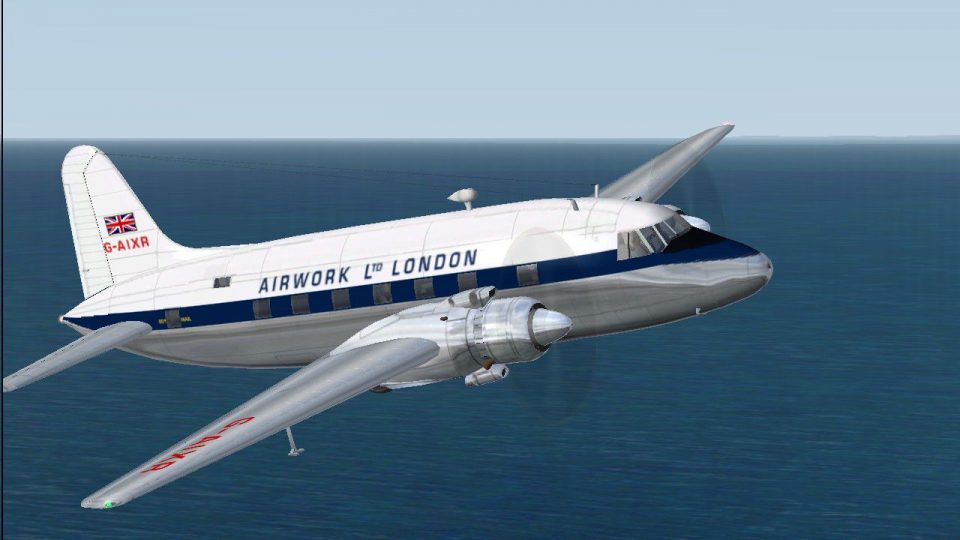
One of eleven Vikings bought in 1945 for passenger operations. The type gave Airwork its first modern type after World War II serving extensively until the mid fifties, being supplemented and eventually replaced by Viscounts. Requires the FSDS Vickers Viking model by Rick Piper. By Garry Russell.
Screenshot of Airwork Ltd London Viking in flight.
Installation:
Place the unzipped texture folder into the FSDS Viking folder and paste the above text into the aircraft config renumbering to the next available.
[fltsim.xx]

	title=Vickers Viking Airwork

	sim=FSDS2 Vickers Viking

	model=

	panel=

	sound=

	texture=airwork

	kb_checklists=

	description=One of eleven Vikings bought in 1945 for passenger operations the type gave Aiwork its first modern type after World War II serving extensively until the mid fifties, being supplemented and eventually replaced by Viscounts. Model by Rick Piper. Repaint by Garry Russell.

	ui_manufacturer=Vickers

	ui_type=Viking

	ui_variation=Airwork Ltd-London

	visual_damage=1

	atc_heavy=0

	atc_id=G-AIXR

	atc_airline=Airwork

	atc_flight_number=gaixr

	atc_type=Vickers

	atc_model=BL17

	prop_anim_ratio=0.9
Free for all simmers · 467.63 KB · Scanned clean Oct 2026
Download speed: Free tier is capped at 0.5 Mbps. PRO members download at full line speed.
FS9\Aircraft\, FS9\Addon Scenery\, FS9\Gauges\, or FS9\Effects\.readme.txt or README file. It tells you exactly where files go, what dependencies are needed, and any quirks specific to this add-on.The archive awrkvc1.zip has 11 files and directories contained within it.
This list displays the first 500 files in the package. If the package has more, you will need to download it to view them.
| Filename/Directory | File Date | File Size |
|---|---|---|
| read me.txt | 12.10.04 | 2.03 kB |
| Texture.airwork | 12.11.04 | 0 B |
| 4blade1.bmp | 08.24.01 | 65.05 kB |
| cyl_16.bmp | 12.10.04 | 16.07 kB |
| Fuse.bmp | 12.11.04 | 512.07 kB |
| Glass.bmp | 09.04.03 | 4.07 kB |
| prop.bmp | 12.10.04 | 64.07 kB |
| wing.bmp | 12.10.04 | 512.07 kB |
| Viking3.jpg | 12.10.04 | 160.33 kB |
| flyawaysimulation.txt | 10.29.13 | 959 B |
| Go to Fly Away Simulation.url | 01.22.16 | 52 B |
Only PRO members can place votes.
More FS2004 add-ons hand-picked based on this download.
FS2004 Propeller Aircraft
A long establish company, Airwork became one of the main constituents of Brit…
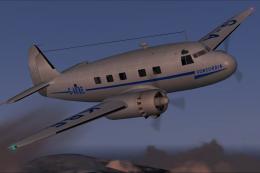 FS2004 Propeller Aircraft
Cunliffe Owen Aircraft Ltd Concordia (1947). Twin engined 550 hp Alvis Leonid…
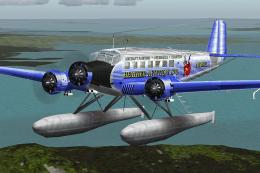 FS2004 Propeller Aircraft
This complete freeware package introduces a float-enabled adaptation of the w…
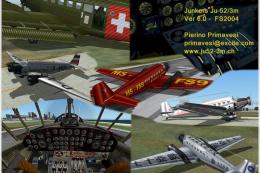 FS2004 Propeller Aircraft
Complete package with animated model, flight model, 2D panel, XML metric gaug…
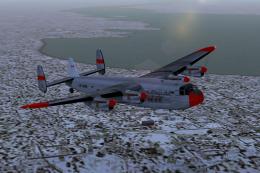 FS2004 Propeller Aircraft
Requires AVROYORK.ZIP basepack; Avro York Merlin 500 FDE and panel update rec…
 FS2004 Propeller Aircraft
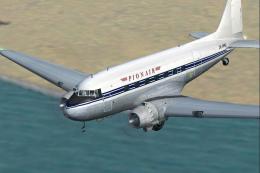
A repaint of the default Douglas DC3 that represents DC-3D ZK-AMS operated to…
 FS2004 Propeller Aircraft
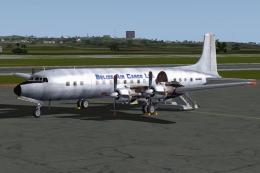
These textures depict N6354C (c/n 45111) originally delivered to BOAC as G-AO…
 FS2004 Propeller Aircraft
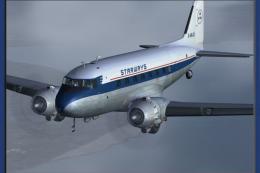
Repaints by John Payne. Original DC3 base textures courtesy of Mark Beaumont.…
Be the first to leave a comment on this download.
Be the first to share your thoughts on this download.