

 FS2004 Propeller Aircraft
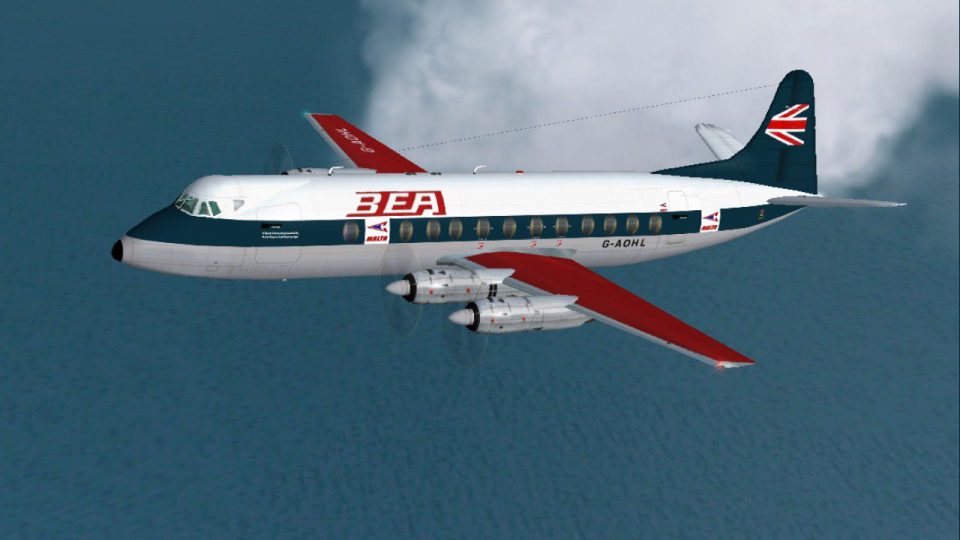
BEA-Malta Vickers Viscount 802
G-AOHO as it appeared during secondment to the wholly owned subsidiary that p…
BEA Malta livery for the Vickers Viscount 802 recreates a mainline aircraft with a subtly adjusted scheme used on island services, adding period character to the virtual cockpit and external model. Designed for FS2004, it requires the FSDS Viscount 800 model by Rick Piper and includes accurate registration and airline callsign details.
 Rate
Rate
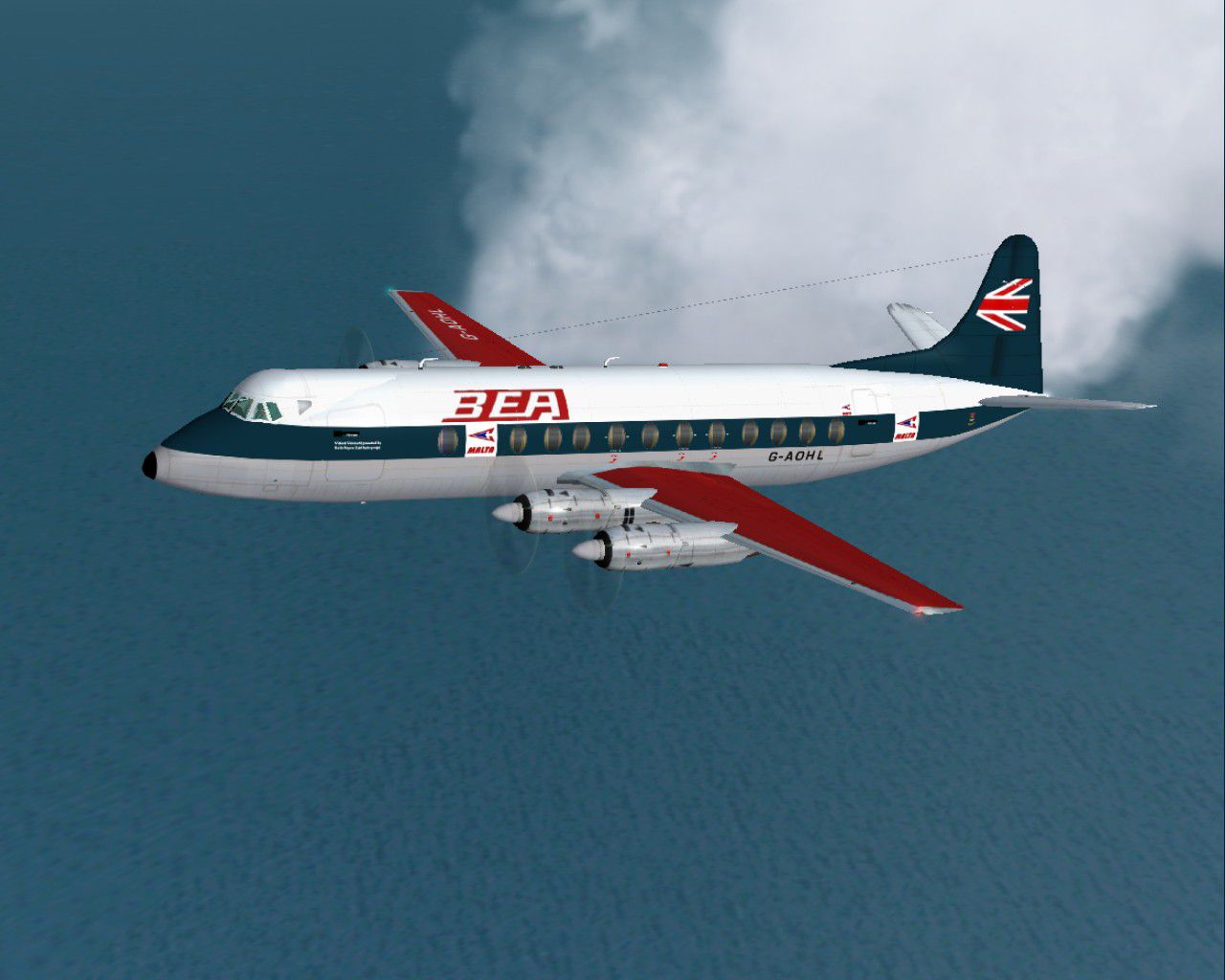
One of the mainline BEA Viscount fleet wearing a slightly modified livery while in Malta operating services from the island. Requires the FSDS Viscount 800 model by Rick Piper. By Garry Russell/Fraser McKay.
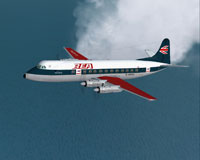
Screenshot of BEA Malta Viscount 802 in flight.
Installation:
Place the unzipped texture folder into the FSDS Viscount 800 folder and paste the above text into the aircraft config renumbering to the next available.
[fltsim.xx]

	title=Vickers Viscount 802 Malta

	sim=Viscount

	model=

	panel=

	sound=

	texture=malta

	checklists=

	description=One of the mainline BEA Viscount fleet wearing a slightly modified livery while in Malta operating services from the island./Model by Rick Piper. Repaint by Garry Russell/Fraser McKay.

	ui_manufacturer=Vickers

	ui_type=Viscount 800

	ui_variation=BEA Malta

	visual_damage=1

	atc_heavy=0

	atc_id=G-AOHL

	atc_airline=Malta

	atc_flight_number=101
Special thanks to Fraser McKay who kindly drew the Malta logo based on a very poor picture in his possesion.
Free for all simmers · 486.82 KB · Scanned clean Oct 2026
Download speed: Free tier is capped at 0.5 Mbps. PRO members download at full line speed.
FS9\Aircraft\, FS9\Addon Scenery\, FS9\Gauges\, or FS9\Effects\.readme.txt or README file. It tells you exactly where files go, what dependencies are needed, and any quirks specific to this add-on.The archive v802malt.zip has 20 files and directories contained within it.
This list displays the first 500 files in the package. If the package has more, you will need to download it to view them.
| Filename/Directory | File Date | File Size |
|---|---|---|
| read me.txt | 06.18.05 | 2.23 kB |
| texture.Malta | 06.18.05 | 0 B |
| 4blade1.bmp | 08.24.01 | 65.05 kB |
| Eng.bmp | 06.18.05 | 256.07 kB |
| fin.bmp | 06.18.05 | 256.07 kB |
| fuse1.bmp | 06.18.05 | 256.07 kB |
| Fuse1_L.bmp | 06.18.05 | 256.07 kB |
| Fuse2.bmp | 06.18.05 | 256.07 kB |
| Fuse2_L.bmp | 06.18.05 | 256.07 kB |
| Fuse3.bmp | 06.18.05 | 256.07 kB |
| Fuse3_L.bmp | 06.18.05 | 256.07 kB |
| prop.bmp | 06.18.05 | 64.07 kB |
| prop_LM.bmp | 06.18.05 | 64.07 kB |
| steps.bmp | 06.18.05 | 64.07 kB |
| Thumbs.db | 06.18.05 | 9.00 kB |
| Wing-L.bmp | 06.18.05 | 256.07 kB |
| Wing-R.bmp | 06.18.05 | 256.07 kB |
| Viscount7.jpg | 06.18.05 | 133.60 kB |
| flyawaysimulation.txt | 10.29.13 | 959 B |
| Go to Fly Away Simulation.url | 01.22.16 | 52 B |
Only PRO members can place votes.
More FS2004 add-ons hand-picked based on this download.
FS2004 Propeller Aircraft
G-AOHO as it appeared during secondment to the wholly owned subsidiary that p…
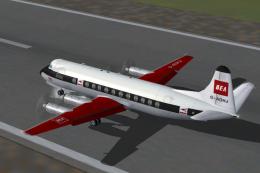 FS2004 Propeller Aircraft
Viscount 802, BEA Malta later logo. In service with BEA the Malta Airline G-A…
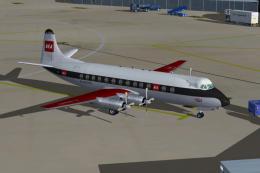 FS2004 Propeller Aircraft
When BEA were asked to make the registrations more visible on the Viscounts t…
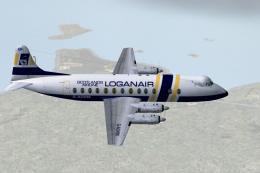 FS2004 Propeller Aircraft
Loganair leased this Vickers Viscount from BAF in 1984 to increase capacity d…
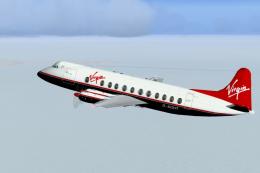 FS2004 Propeller Aircraft
A number of Vickers Viscounts were used by Virgin during the 1980's on lease …
 FS2004 Propeller Aircraft
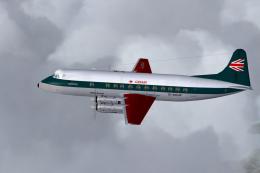
Gib Air/BEA (BA). Many BEA Viscounts were seconded to GB airways before they …
 FS2004 Propeller Aircraft
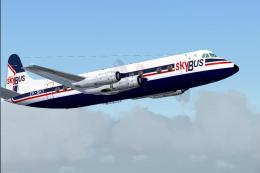
Fledgling New Zealand carrier Skybus leased V.802 G-AOHT from BAF. After a re…
 FS2004 Propeller Aircraft
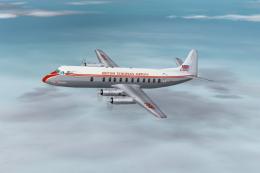
Viscount 800, 1950's. A set of four aircraft paints comprising of G-AOHP "Jam…
Be the first to leave a comment on this download.
Be the first to share your thoughts on this download.