

 FS2004 Propeller Aircraft
Fairchild C-119 Boxcar
Fairchild C-119 Boxcar of the U.S. Air Antarctica Scientific Research USAF Ba…
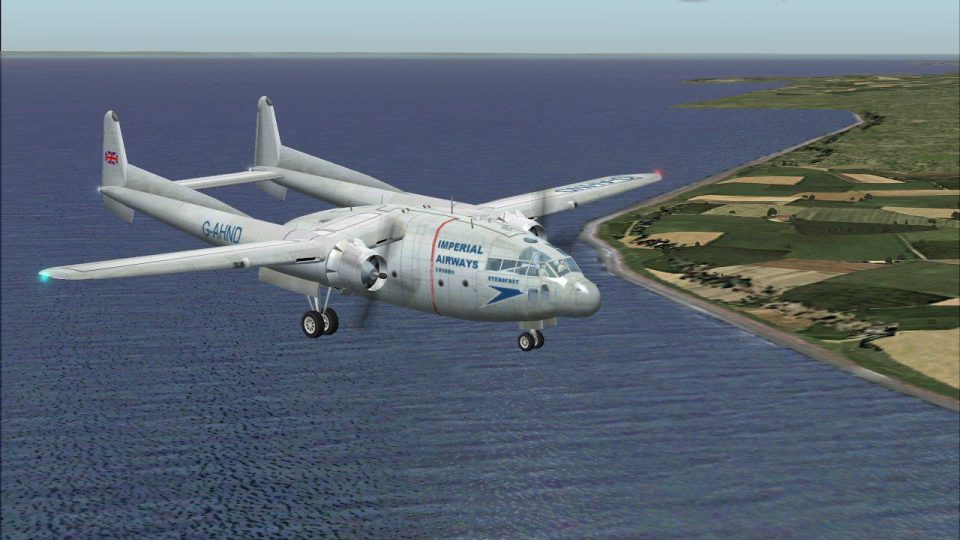
Imperial Airways C-119 “Steadfast” brings a plausible postwar engine-transport concept to FS2004, pairing classic airline markings with a detailed C-119 package for European cargo operations and scenic coastal flybys. It includes custom Imperial textures and livery configuration notes, and requires C119BXCR.ZIP and C119FIX.ZIP.
 Rate
Rate
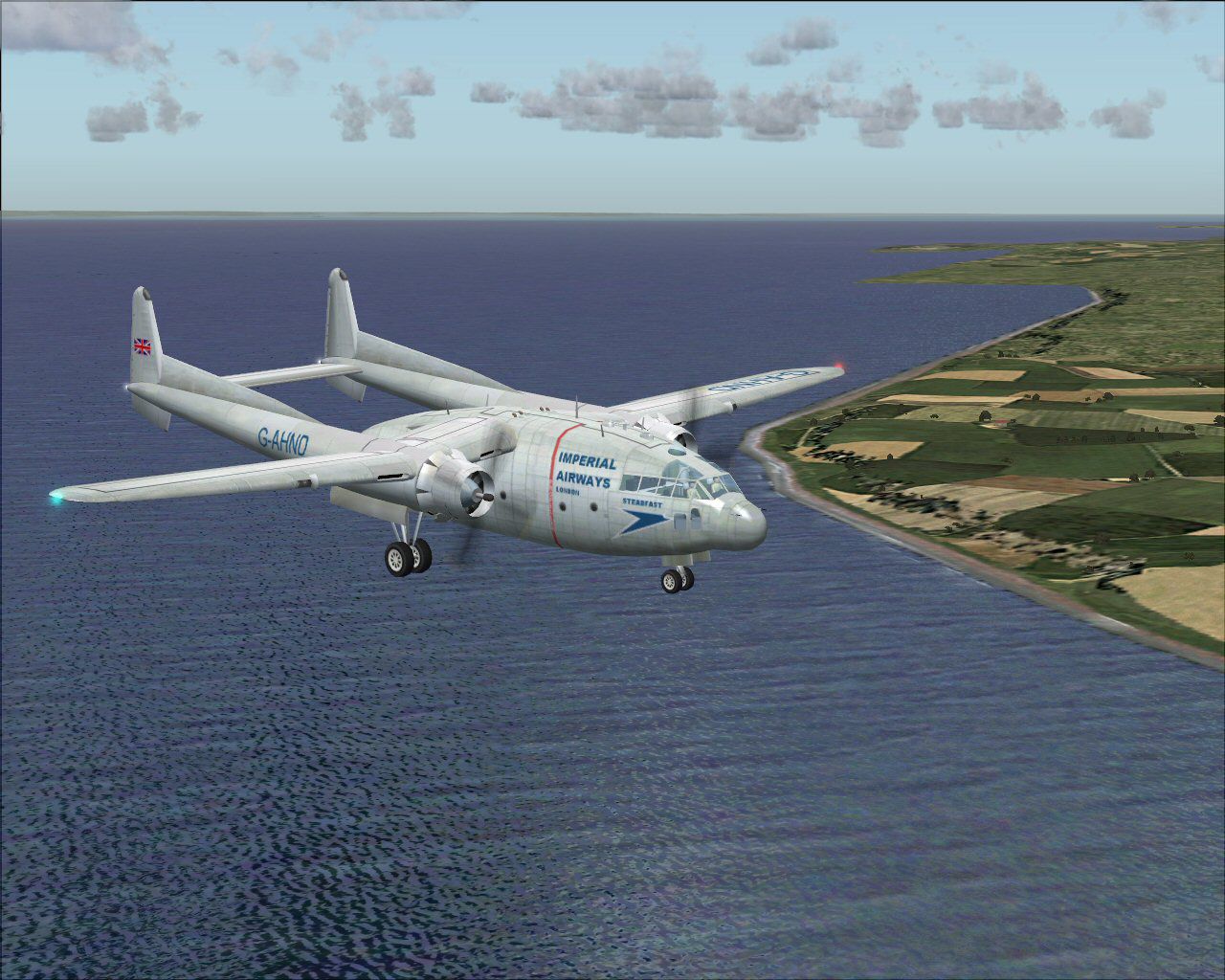
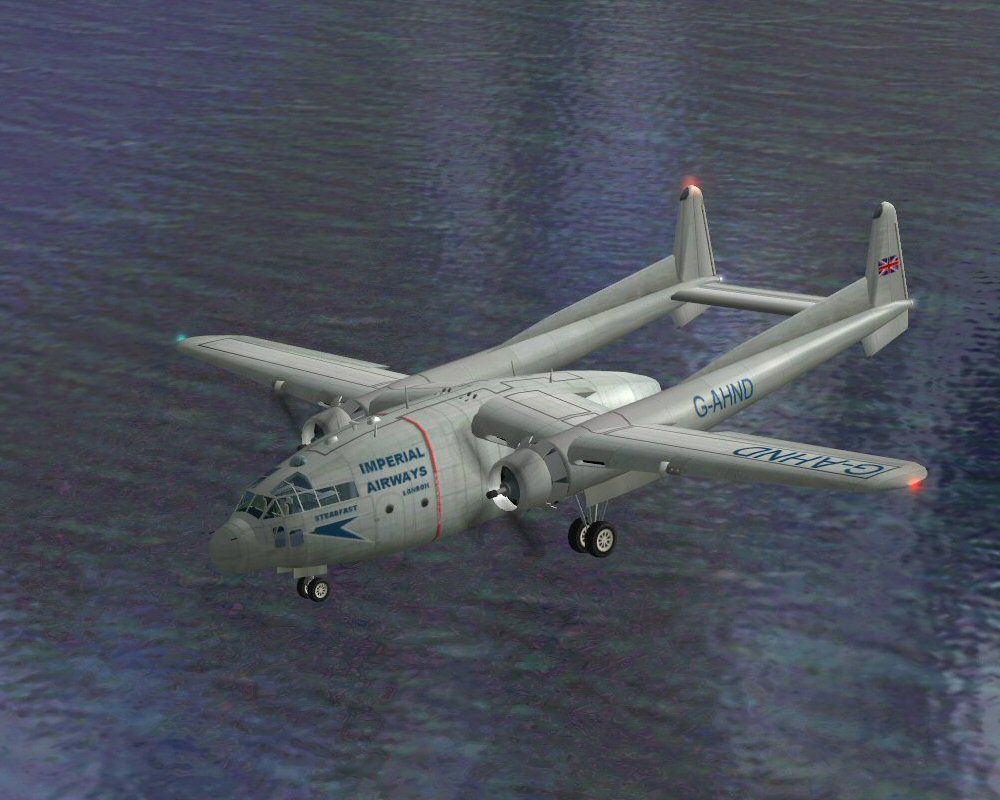
TWA used a C-82 to transport replacement engines around Europe to their unserviceable aircraft; the author wondered if Imperial Airways had survived whether it might have had a similar capability. As a result of this flight of fancy here is the first member of the S class - 'Steadfast'. Many thanks to Daisuke Yamamoto and Heather Sherman for all their work producing this great model. Requires files C119BXCR.ZIP and C119FIX.ZIP. Imperial Airways marking by Nige Edwards.
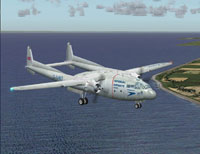
Screenshot of Imperial Airways C-119 flying by the coast.
Installation:
Hope you enjoy this release.
Free for all simmers · 803.04 KB · Scanned clean Oct 2026
Download speed: Free tier is capped at 0.5 Mbps. PRO members download at full line speed.
FS9\Aircraft\, FS9\Addon Scenery\, FS9\Gauges\, or FS9\Effects\.readme.txt or README file. It tells you exactly where files go, what dependencies are needed, and any quirks specific to this add-on.The archive imperial.zip has 11 files and directories contained within it.
This list displays the first 500 files in the package. If the package has more, you will need to download it to view them.
| Filename/Directory | File Date | File Size |
|---|---|---|
| c119_01.bmp | 01.28.07 | 512.07 kB |
| c119_02.bmp | 01.27.07 | 512.07 kB |
| c119_03.bmp | 01.27.07 | 128.07 kB |
| c119_12.bmp | 01.27.07 | 128.07 kB |
| Imperial Airways.txt | 01.29.07 | 1.07 kB |
| Original Readme.txt | 01.27.07 | 795 B |
| steadfast2.jpg | 01.28.07 | 121.24 kB |
| steadfast3.jpg | 01.28.07 | 222.61 kB |
| Thumbs.db | 01.29.07 | 25.00 kB |
| flyawaysimulation.txt | 10.29.13 | 959 B |
| Go to Fly Away Simulation.url | 01.22.16 | 52 B |
Only PRO members can place votes.
More FS2004 add-ons hand-picked based on this download.
FS2004 Propeller Aircraft
Fairchild C-119 Boxcar of the U.S. Air Antarctica Scientific Research USAF Ba…
 FS2004 Propeller Aircraft
An update of the C119 Boxcar by Mike Stone. The author has added the rest of …
 FS2004 Propeller Aircraft
C-119 Flying Boxcar. Textures only; requires C119BXCR.ZIP by Daisuke Yamamoto…
 FS2004 Propeller Aircraft
Imperial Airlines textures only for the FSDZign Lockheed L049 Constellation (…
 FS2004 Propeller Aircraft
FS2004 US Airways Saab 340B. Model by Mike Stone. Repaint by Dan Milsop.
 FS2004 Propeller Aircraft
Reg# G-BVVK. This Twin Otter flys regular service in the Scotish Highlands & …
 FS2004 Propeller Aircraft
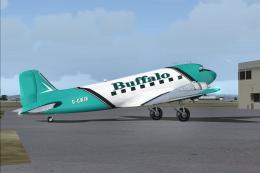
A repaint of the default DC-3 in Buffalo Airways livery. Textures only. By Mi…
 FS2004 Propeller Aircraft
The Danish charter airline Sterling (European) Airways used as number of DC-6…
Be the first to leave a comment on this download.
Be the first to share your thoughts on this download.