

 FS2004 Propeller Aircraft
Lockheed L-749 Constellation Base Kit
Included in this sim package are seven models and five textures. Panel textur…
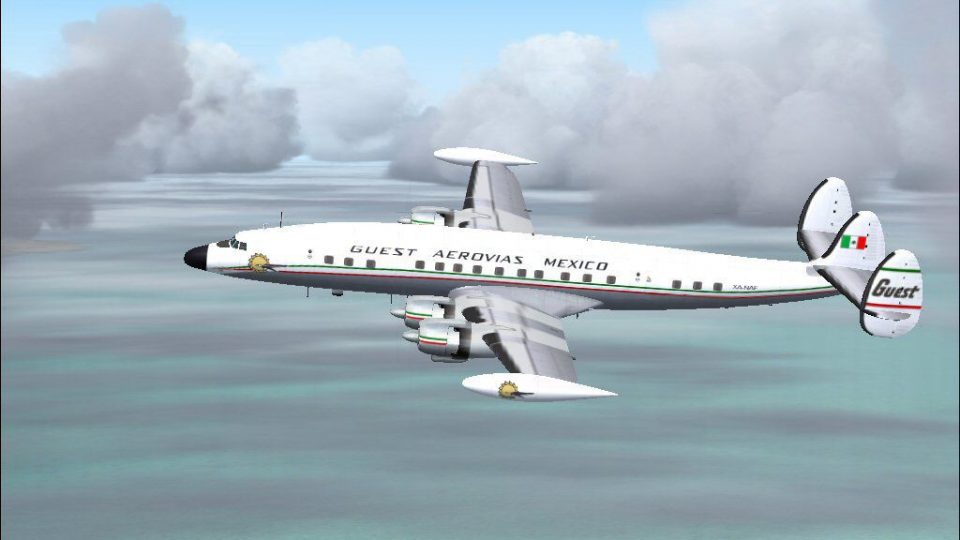
Aerovias Guest’s Lockheed L-1049G Super Constellation XA-NAF (circa 1961) arrives as a detailed repaint with accurate markings and period airline character, complementing Manfred Jahn’s flight model and virtual cockpit. Designed for Microsoft Flight Simulator 2004, it requires the L1049G.ZIP base package.
 Rate
Rate
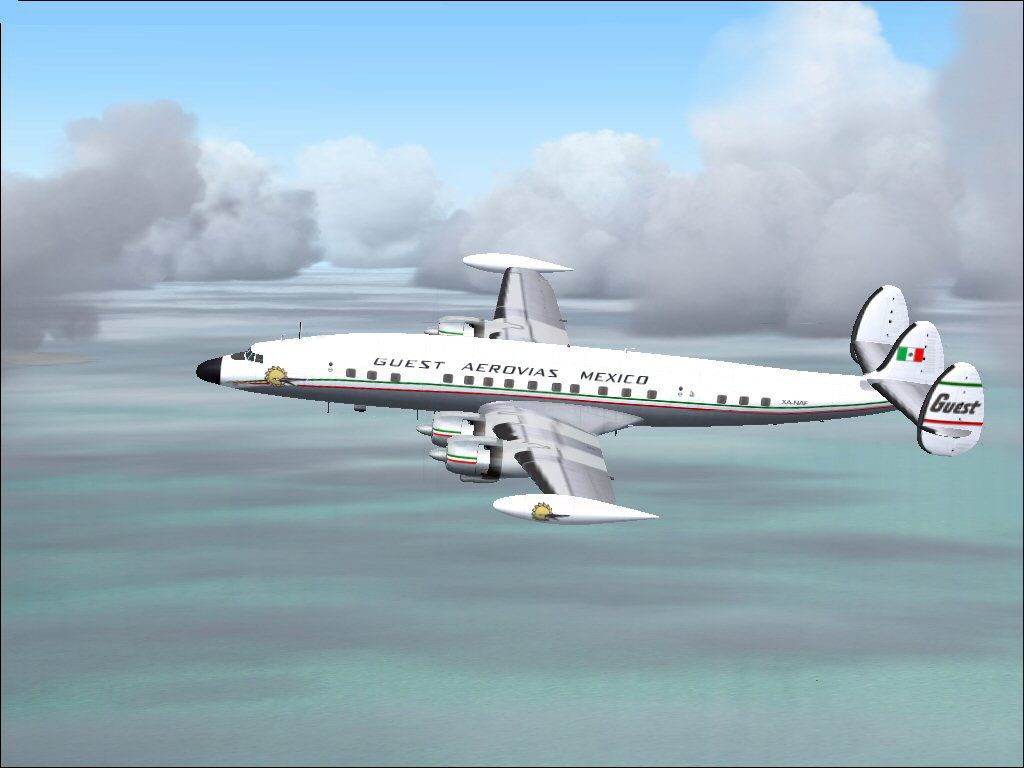
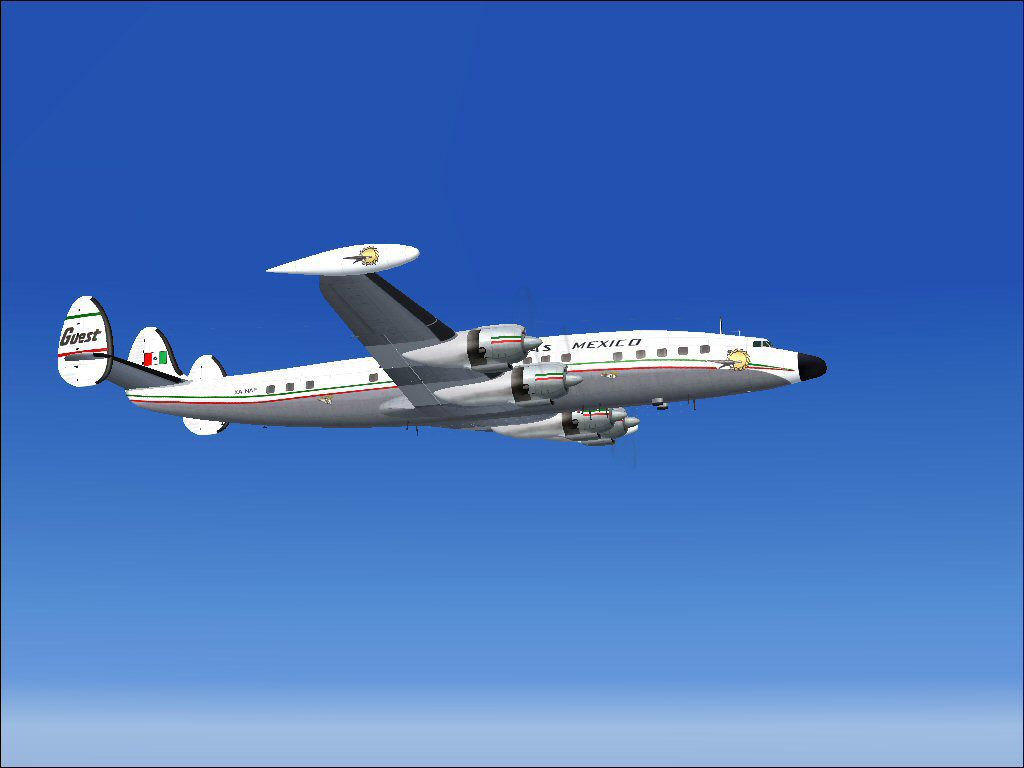
This freeware release features a meticulously crafted Aerovias Guest repaint for the Lockheed L-1049G Super Constellation, representing registration XA-NAF from around 1961. Created by Gary Harper and based on Manfred Jahn’s L-1049G model, this add-on delivers period-inspired aesthetics and an authentic feel for anyone flying in Microsoft Flight Simulator 2004. Installation requires the base L1049G.ZIP, which can be acquired from the Fly Away Simulation mod library. The content below covers essential details and includes the necessary configuration entries.
The real-world L-1049 series, often called the “Super G,” was a stretched variant in Lockheed’s Constellation lineup, renowned for its enhanced performance and more spacious cabin. Aerovias Guest, known in Mexico for its passenger operations, employed propeller-driven airliners prior to widespread jet adoption. This particular airframe—XA-NAF—reflects the airline’s branding from the early 1960s, capturing a distinctive moment in commercial aviation.
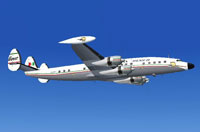
Screenshot of LocAerovias Guest SuperG Constellation in flight.
This repaint highlights the characteristic lines of the “Super Constellation.” Users will notice historically accurate fuselage markings, tail logos, and window layouts reminiscent of Aerovias Guest’s fleet. The underlying model—engineered by Manfred Jahn—accounts for engine power curves, cockpit instrumentation, and aerodynamic nuances specific to the L-1049G. In conjunction, Gary Harper’s texture set ensures consistent detailing across the aircraft’s surfaces.
[fltsim.xx]

title=Lockheed L-1049G Guest Aerovias Mexico

sim=L1049G

model=1049vc_rst

panel=

sound=

texture=Guest

kb_checklists=L1049_check

kb_reference=L1049G_ref

atc_id=689

atc_id_enable=1

ui_manufacturer=Lockheed

ui_type=L-1049G Super Constellation

ui_variation=Guest XA-NAF

description="Super G Constellation XA-NAF"

atc_flight_number=102

atc_heavy=0

atc_airline=Guest

atc_parking_codes=

atc_parking_types=GATE

prop_anim_ratio=0.99

atc_id_color=0x00000000

atc_id_font=Verdana,-11,1,600,0
This L-1049G Constellation texture project relies on the superb modeling work of Manfred Jahn, and the repaint itself is credited to Gary Harper. Be sure to locate the freeware base model in the Fly Away Simulation library before proceeding with this installation. Once integrated, you can relive a piece of early 1960s aviation history with the Aerovias Guest livery in your virtual skies.
Free for all simmers · 923.97 KB · Scanned clean Oct 2026
Download speed: Free tier is capped at 0.5 Mbps. PRO members download at full line speed.
This file is a repaint — the package below is the base model it paints onto. Install it first, or the textures will have nothing to load onto.
FS9\Aircraft\, FS9\Addon Scenery\, FS9\Gauges\, or FS9\Effects\.readme.txt or README file. It tells you exactly where files go, what dependencies are needed, and any quirks specific to this add-on.The archive gst1049g.zip has 18 files and directories contained within it.
This list displays the first 500 files in the package. If the package has more, you will need to download it to view them.
| Filename/Directory | File Date | File Size |
|---|---|---|
| File_ID.DIZ.diz | 05.03.09 | 164 B |
| Gst-2.jpg | 05.03.09 | 56.12 kB |
| Guest-1.jpg | 05.03.09 | 78.09 kB |
| Readme.txt | 05.04.09 | 1.01 kB |
| texture.Guest | 05.03.09 | 0 B |
| fins_l.bmp | 03.20.07 | 1.07 kB |
| fins_t.bmp | 05.01.09 | 1.00 MB |
| floor_2.bmp | 10.08.08 | 65.05 kB |
| fuse_l.bmp | 03.21.09 | 1.00 MB |
| fuse_t.bmp | 05.01.09 | 1.00 MB |
| propdisk.bmp | 04.02.09 | 341.40 kB |
| Thumbs.db | 03.31.09 | 27.00 kB |
| wings_l.bmp | 03.20.07 | 1.07 kB |
| wings_t.bmp | 05.01.09 | 1.00 MB |
| xx1cal.bmp | 10.14.08 | 16.07 kB |
| xxcal_121.bmp | 03.19.09 | 8.07 kB |
| flyawaysimulation.txt | 10.29.13 | 959 B |
| Go to Fly Away Simulation.url | 01.22.16 | 52 B |
Only PRO members can place votes.
More FS2004 add-ons hand-picked based on this download.
FS2004 Propeller Aircraft
Included in this sim package are seven models and five textures. Panel textur…
 FS2004 Propeller Aircraft
The L1049H was a convertible passenger/cargo version of the Super Constellati…
 FS2004 Propeller Aircraft
Improved flight dynamics for the FS2004/FSX Lockheed Constellation Series by …
 FS2004 Propeller Aircraft
Reflexive and weathered textures and complete aircraft with accurate latest .…
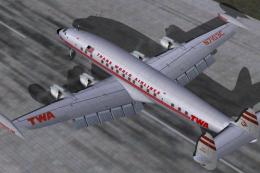 FS2004 Propeller Aircraft
Pre-Release Paint Kit (Flying). This paintkit contains Photoshop (.psd) maste…
 FS2004 Propeller Aircraft
Alphasim Constellation Set. Alpha Simulations is releasing some of their clas…
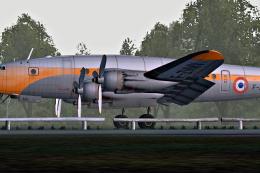 FS2004 Propeller Aircraft
Registration F-ZVMV. Note: This is the second paint for this plane but in "fa…
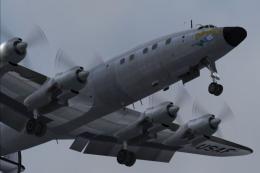 FS2004 Propeller Aircraft
Super Constellation Columbine III, President Eisenhower's personal aircraft 1…
Be the first to leave a comment on this download.
Be the first to share your thoughts on this download.