

 FS2004 Propeller Aircraft
Peerhoven VA Douglas C74
Textures only for Jens B. Kristensen's Douglas C-74 (C74_V10.ZIP). Repaint by…
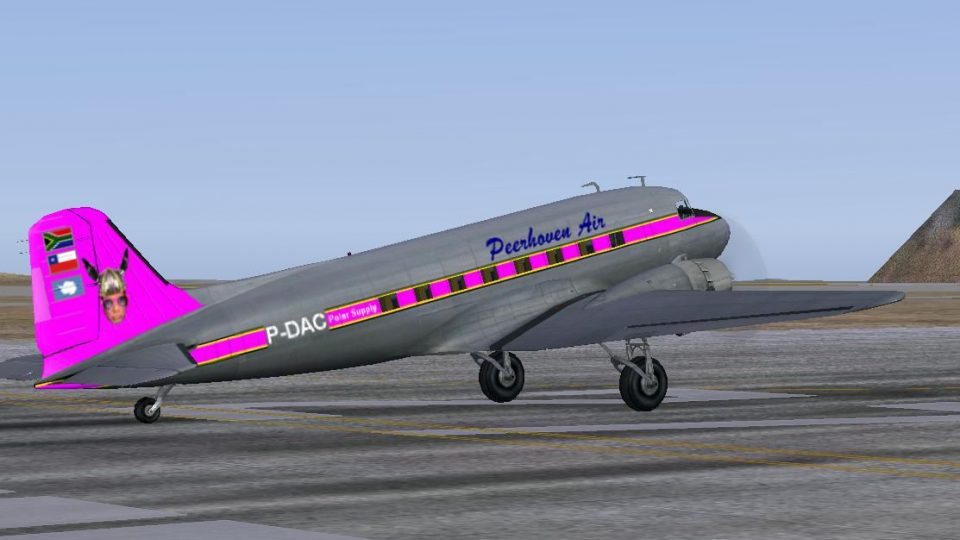
Peerhoven VA long-range Douglas C-47 livery brings a distinctive virtual airline look to Dave Bitzer and Mark Beaumont’s extended-range Dakota in FS2004, with crisp external textures and a matching aircraft selection entry. Requires the C47_5TK base model, and adds an authentic Peerhoven variation for cargo and passenger operations.
 Rate
Rate
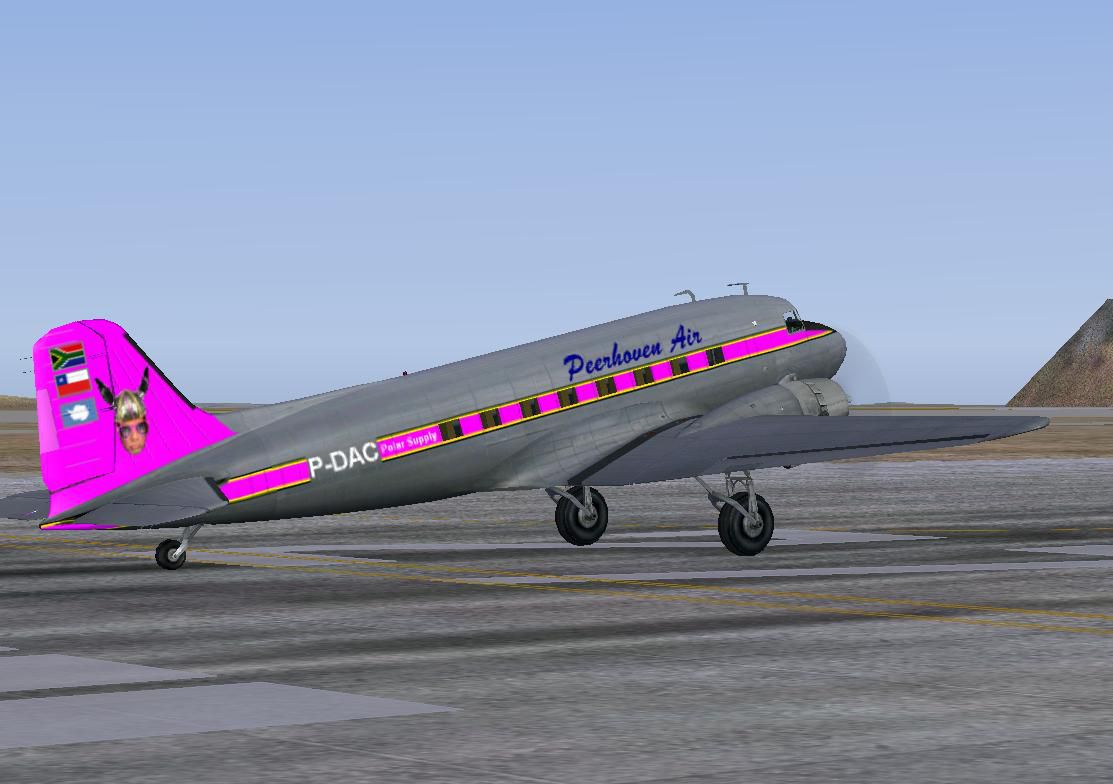
Textures only for Dave Bitzer and Mark Beaumont long range Douglas C-47 (C47_5TK.ZIP). Repaint by Rory Thomson.
Long range Peerhoven VA C-47 preparing for take-off.
[fltsim.XX]

title=Douglas C-47 Peerhoven LR

sim=DC3_RR3 // Was Douglas_DC3

model=

panel=

sound=

texture=Peerhoven

kb_checklists=Douglas_DC3_check

kb_reference=Douglas_DC3_ref

atc_id_enable=0

atc_id=108801

atc_airline=USAF

ui_manufacturer=Douglas

ui_type="C-47"

ui_variation="Peerhoven"

description="The Douglas DC-3 revolutionized air transportation and airline service during the 1930s and 1940s. The C-47 was a wartime conversion of the original DC-3 design with strengthened floor, large cargo doors and other modifications. Over 10,000 were built. Many of these were later converted for both passenger and cargo use with commercial airlines all over the world, and a handful of DC-3s are still at work today."
Please do not replace the origional aircraft textures, and retain the origional along with the Peerhoven textures.
Free for all simmers · 829.43 KB · Scanned clean Sep 2026
Download speed: Free tier is capped at 0.5 Mbps. PRO members download at full line speed.
FS9\Aircraft\, FS9\Addon Scenery\, FS9\Gauges\, or FS9\Effects\.readme.txt or README file. It tells you exactly where files go, what dependencies are needed, and any quirks specific to this add-on.The archive peerhovenc47lr.zip has 8 files and directories contained within it.
This list displays the first 500 files in the package. If the package has more, you will need to download it to view them.
| Filename/Directory | File Date | File Size |
|---|---|---|
| Douglas_DC3_1_T.bmp | 04.11.10 | 2.67 MB |
| File ID.txt | 04.11.10 | 243 B |
| Just a word.txt | 04.11.10 | 992 B |
| Polar Supply 2.JPG | 04.11.10 | 83.42 kB |
| Read Me.txt | 04.11.10 | 4.28 kB |
| Thumbs.db | 04.11.10 | 13.50 kB |
| flyawaysimulation.txt | 10.29.13 | 959 B |
| Go to Fly Away Simulation.url | 01.22.16 | 52 B |
Only PRO members can place votes.
More FS2004 add-ons hand-picked based on this download.
FS2004 Propeller Aircraft
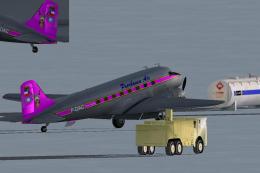
Textures only for Jens B. Kristensen's Douglas C-74 (C74_V10.ZIP). Repaint by…
 FS2004 Propeller Aircraft
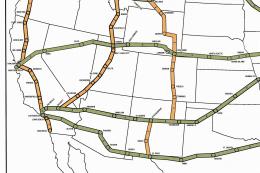
Textures only for Dave Bitzer and Mark Beaumont long range Douglas C-47 (C47_…
 FS2004 Propeller Aircraft
A compilation of paints for the Radio Range version 4.0 DC-3. This was an eff…
 FS2004 Propeller Aircraft
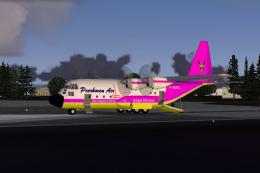
This is a new FS2004 Douglas DC3 for the DC-3 that was used in the Radio Rang…
 FS2004 Propeller Aircraft
Textures only for Mike Stone's Fairchild C119 (SFC119BX.ZIP). Repaint by Rory…
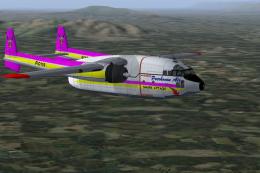 FS2004 Propeller Aircraft
Textures only for Mike Stone's Fairchild C119. Repaint by Rory Thomson. Scree…
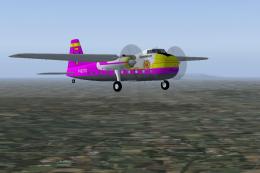 FS2004 Propeller Aircraft
Textures only for Mike Stone's Bristol 170 (SB170.ZIP). Repaint by Rory Thoms…
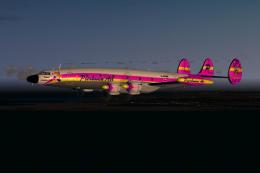 FS2004 Propeller Aircraft
Created in response to the enthusiastic suport for Peerhoven Air VA. Repaint …
Be the first to leave a comment on this download.
Be the first to share your thoughts on this download.