

 FSX Civil Aircraft
Qantas Airbus A380-800 Repaint
This freeware package features the iconic Airbus A380 in a Qantas livery, met…
Qantas VH-VYG “Australind” textures bring the default Boeing 737-800 to life with a clean airline paint scheme and reflective diffuse and specular maps that play nicely with light bloom and global reflections in FSX. Requires the default 737-800 base aircraft, with most texture files aliased to the standard folder for straightforward use.
 Rate
Rate


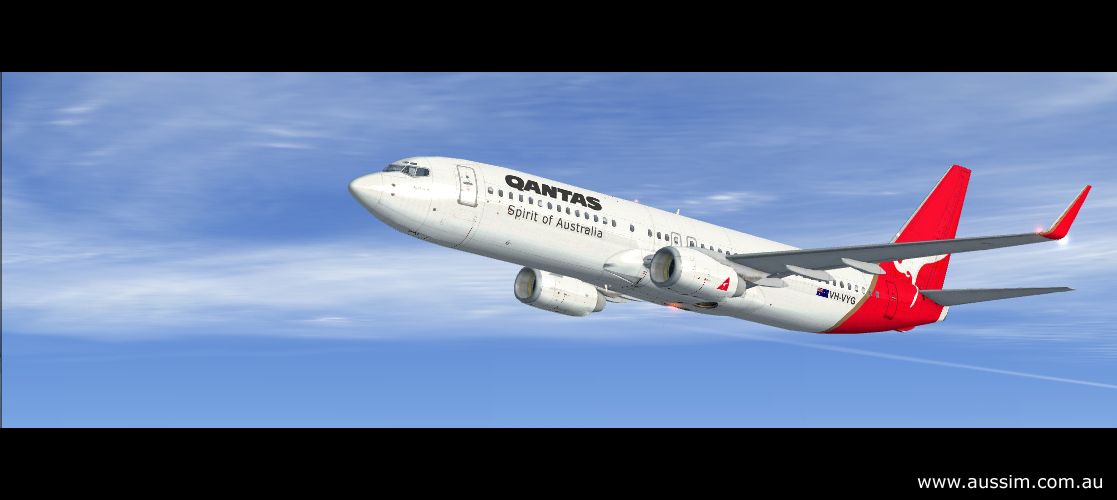

A repaint of the default B737-800 in QANTAS livery. Textures include diffuse and specular set which supports light bloom and global reflections. By Australian Simulation.
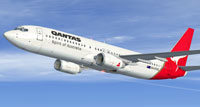
Screenshot of QANTAS Boeing 737-800 in flight.
This is a repaint of the default Flight Simulator X Boeing 737-800 in Qantas livery. We've chosen the Qantas registered VH-VYG (dubbed "Australind") 737-838 paint scheme, though the only difference between most of the Qantas 737 fleet is the registration numbers, and each ship is also named. Only the main fuselage texture was required to be edited in order to achieve this paint scheme, and the remaining texture files have been aliased to the default 737_800\Texture folder. This texture was a bit of a rush job just to get the FS-X library rolling, please feel free to either improve on this texture, or create a better one, as we'd love to have it!
Free for all simmers · 2.35 MB · Scanned clean Oct 2026
Download speed: Free tier is capped at 0.5 Mbps. PRO members download at full line speed.
texture.{airline}) inside FSX\SimObjects\Airplanes\{base-aircraft}\.aircraft.cfg in Notepad. Add a new [fltsim.X] section per the readme.readme.txt or README file. It tells you exactly where files go, what dependencies are needed, and any quirks specific to this add-on.The archive qfx_737.zip has 23 files and directories contained within it.
This list displays the first 500 files in the package. If the package has more, you will need to download it to view them.
| Filename/Directory | File Date | File Size |
|---|---|---|
| file_ID.diz | 11.07.06 | 265 B |
| qfX_737.gif | 11.07.06 | 8.39 kB |
| readme.txt | 11.07.06 | 3.43 kB |
| Airplanes | 11.07.06 | 0 B |
| B737_800 | 11.07.06 | 0 B |
| Texture.Qantas | 11.07.06 | 0 B |
| aircraft.cfg | 11.07.06 | 28.66 kB |
| Australian Simulation.url | 11.07.06 | 80 B |
| b737_800_1_T.dds | 11.06.06 | 1.00 MB |
| b737_800_1_T_Specular.dds | 11.06.06 | 1.00 MB |
| Glasair III for FS9 & FSX.url | 11.07.06 | 87 B |
| Glasair_III_FSX.jpg | 11.07.06 | 189.99 kB |
| Piper Warrior II-III for FS9.url | 11.07.06 | 85 B |
| QF737_01.jpg | 11.07.06 | 263.77 kB |
| QF737_02.jpg | 11.07.06 | 193.54 kB |
| QF737_03.jpg | 11.07.06 | 260.13 kB |
| readme.txt | 11.07.06 | 3.43 kB |
| texture.cfg | 08.14.06 | 137 B |
| thumbnail.jpg | 11.07.06 | 23.93 kB |
| thumbnail.psd | 11.07.06 | 393.21 kB |
| SimObjects | 11.07.06 | 0 B |
| flyawaysimulation.txt | 10.29.13 | 959 B |
| Go to Fly Away Simulation.url | 01.22.16 | 52 B |
Only PRO members can place votes.
More FSX & P3D add-ons hand-picked based on this download.
FSX Civil Aircraft
This freeware package features the iconic Airbus A380 in a Qantas livery, met…
 FSX Civil Aircraft
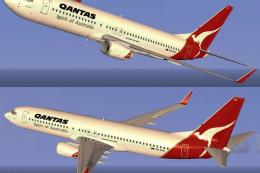
FSX Qantas Boeing 737-800, registration VH-VYD. Textures only for the default…
 FSX Civil Aircraft
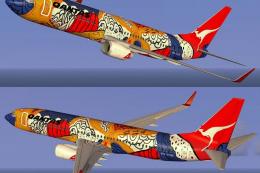
FSX Qantas Boeing 737-800 in Yananji Dreaming livery. Textures only for the d…
 FSX Civil Aircraft
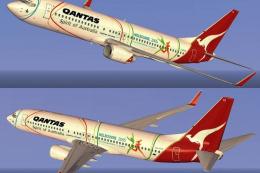
FSX Qantas Boeing 737-800, registration VH-VYE, in Melbourne Commonwealth Gam…
 FSX Civil Aircraft
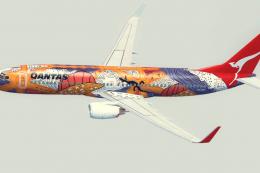
A Qantas B737-800 repaint in the 'Yananyi Dreaming' VH-VXD Aboriginal scheme.…
 FSX Civil Aircraft
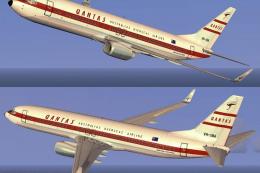
This repaint showcases the classic Qantas Retrojet V-Jet livery for a Boeing …
 FSX Civil Aircraft
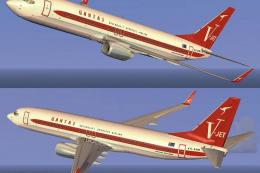
This freeware repaint delivers a striking Qantas Boeing 737-800 “Retrojet V-J…
 FSX Civil Aircraft
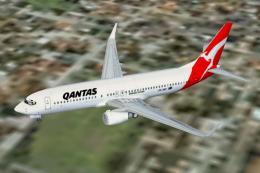
Qantas Jet Connect Boeing 737-800, registration ZK-JDN. This is the New Zeala…
Read what other simmers think, or add your own.

