

 FSX Misc
Boeing 737-800 Engine Smoke
Subtle engine smoke display for the default Boeing 737-800. Tested in FSX SP2…
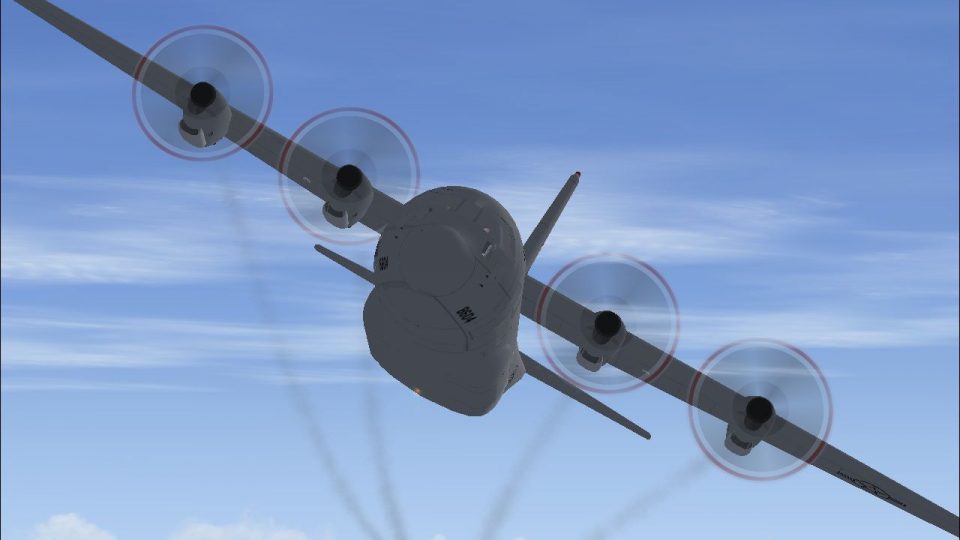
Lockheed C-130J-30 engine smoke effects bring a more authentic turboprop look in Microsoft Flight Simulator X, with position-tuned emissions for all four nacelles and a simple in-sim toggle for quick use during flight. Requires the Premier Aircraft Design Lockheed C-130J-30 package and includes the matching fx file plus SmokeSystem configuration entries.
 Rate
Rate

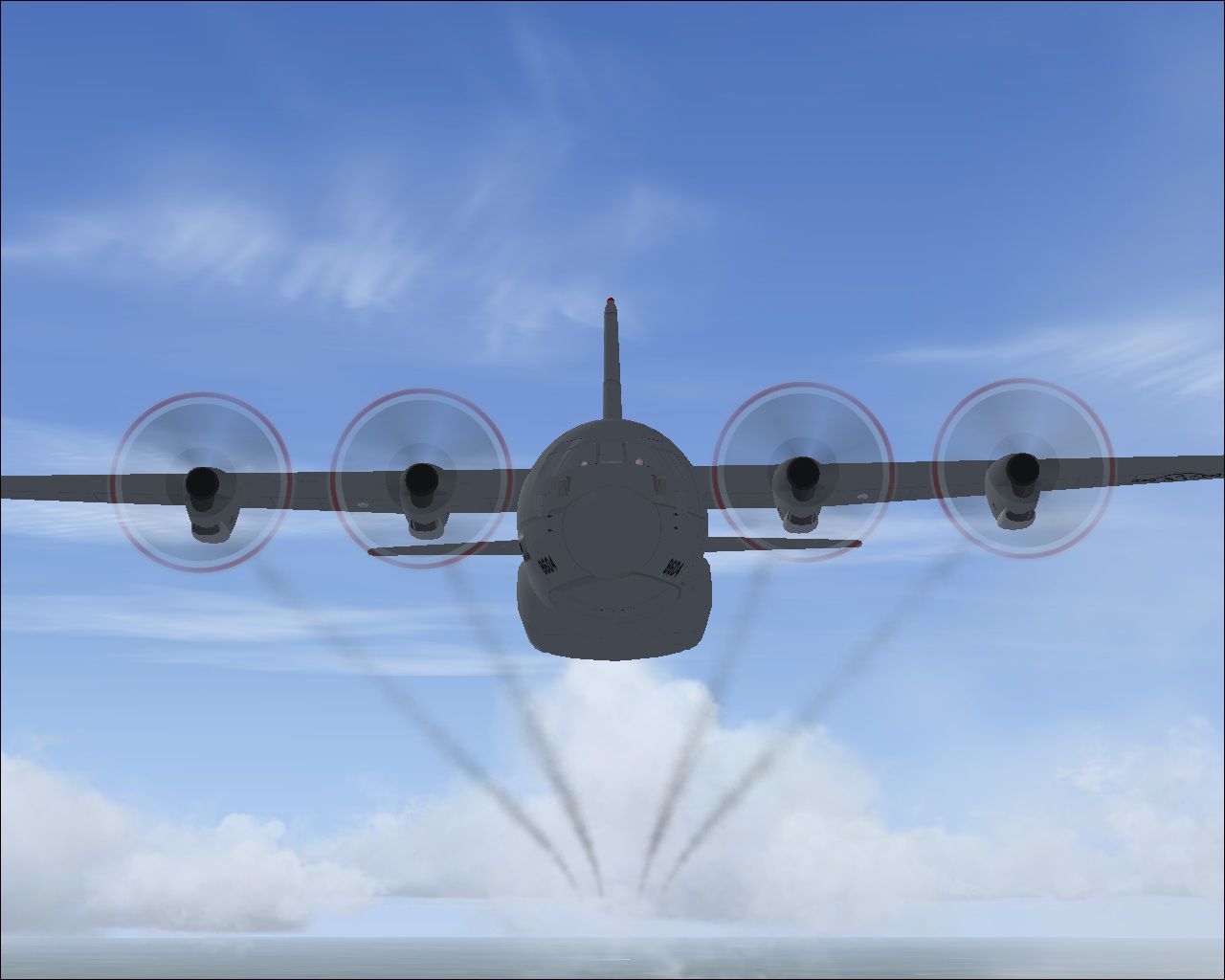
FSX compatible engine smoke system for the Premier Aircraft Design Lockheed C-130J-30 (C130J30_4X.ZIP). by Tom Tiedman.
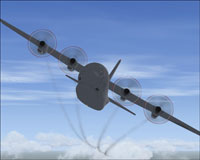
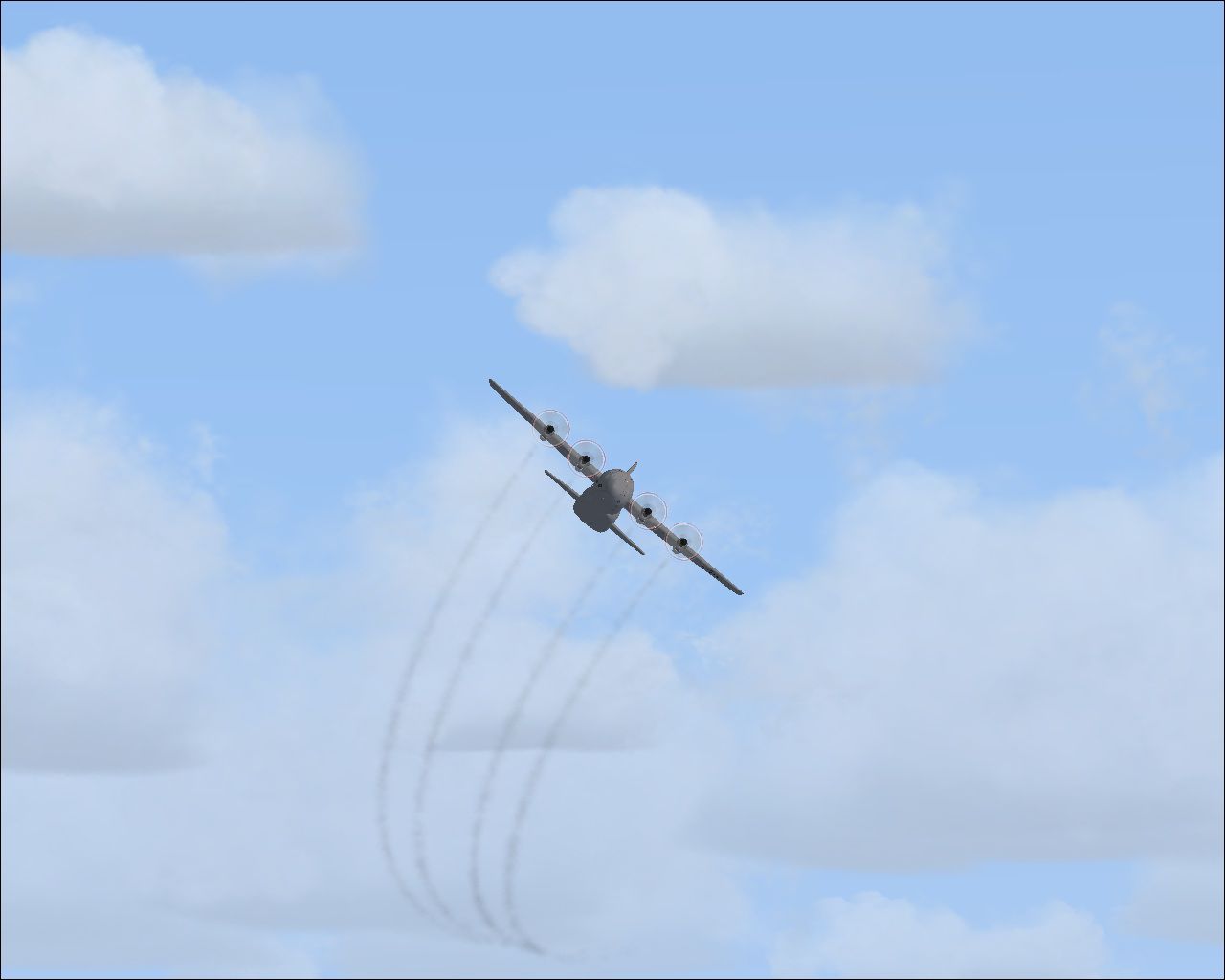
Screenshot of Lockheed C-130 banking left.
Installation:
[SMOKESYSTEM]

smoke.0= -5.232, -35.202, -2.852, fx_smoke_f6

smoke.1= -5.232, -16.316, -2.852, fx_smoke_f6

smoke.2= -5.232, 15.916, -2.852, fx_smoke_f6

smoke.3= -5.232, 35.202, -2.852, fx_smoke_f6
Free for all simmers · 369.31 KB · Scanned clean Oct 2026
Download speed: Free tier is capped at 0.5 Mbps. PRO members download at full line speed.
This add-on may require the following files to function properly. If this is a repaint, the dependency below is likely the base aircraft package.
SimObjects\Airplanes\, Addon Scenery\, Effects\, or Gauges\.readme.txt or README file. It tells you exactly where files go, what dependencies are needed, and any quirks specific to this add-on.The archive c-130j-30_premieraircraftdesign_engine_smoke.zip has 8 files and directories contained within it.
This list displays the first 500 files in the package. If the package has more, you will need to download it to view them.
| Filename/Directory | File Date | File Size |
|---|---|---|
| C-130J-30_PremierAircraftDesign_Engine_Smoke.jpg | 06.29.10 | 140.91 kB |
| file_id.diz | 06.29.10 | 162 B |
| fx_smoke_f6.fx | 06.04.10 | 1.17 kB |
| Left Bank.jpg | 06.29.10 | 156.49 kB |
| READ ME and INSTALLATION.txt | 06.29.10 | 1.19 kB |
| Tower View.jpg | 06.29.10 | 93.34 kB |
| flyawaysimulation.txt | 10.29.13 | 959 B |
| Go to Fly Away Simulation.url | 01.22.16 | 52 B |
Only PRO members can place votes.
More FSX & P3D add-ons hand-picked based on this download.
FSX Misc
Subtle engine smoke display for the default Boeing 737-800. Tested in FSX SP2…
 FSX Misc
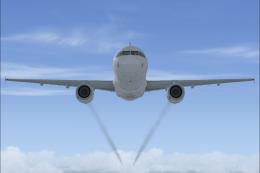
Airbus A321 engine smoke effect with easy Installation. By Tom Tiedman. Scree…
 FSX Misc
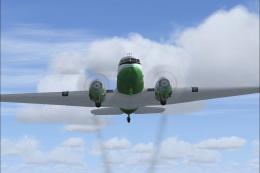
Just add to your FSX default Douglas DC3. Easy Installation. By Tom Tiedman. …
 FSX Misc
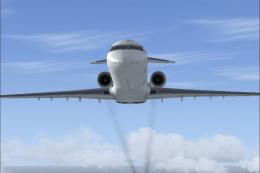
Just add to your default Bombardier CRJ700. Easy Installation. By Tom Tiedman…
 FSX Misc
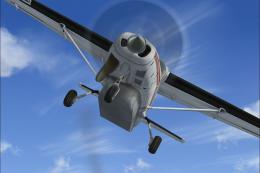
Cessna C208B engine smoke effect with easy installation. By Tom Tiedman. Scre…
 FSX Misc
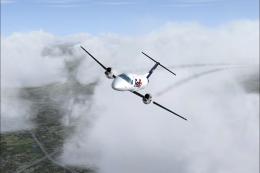
Engine smoke effect for the Erick Cantu freeware Embraer EMB-120 (EMB120-2.ZI…
 FSX Misc
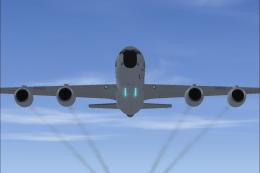
Engine smoke effect for the Premier Aircraft Design FSX Boeing KC-135R Strato…
 FSX Misc
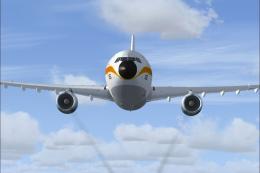
Engine smoke effect for the Thomas Ruth FSX Airbus A300-B, which you must hav…
Be the first to leave a comment on this download.
Be the first to share your thoughts on this download.