

 FSX Misc
Airbus Smoke Effects
An engine smoke effect add-on for the Thomas Ruth Airbus A340-200, 300, 500, …
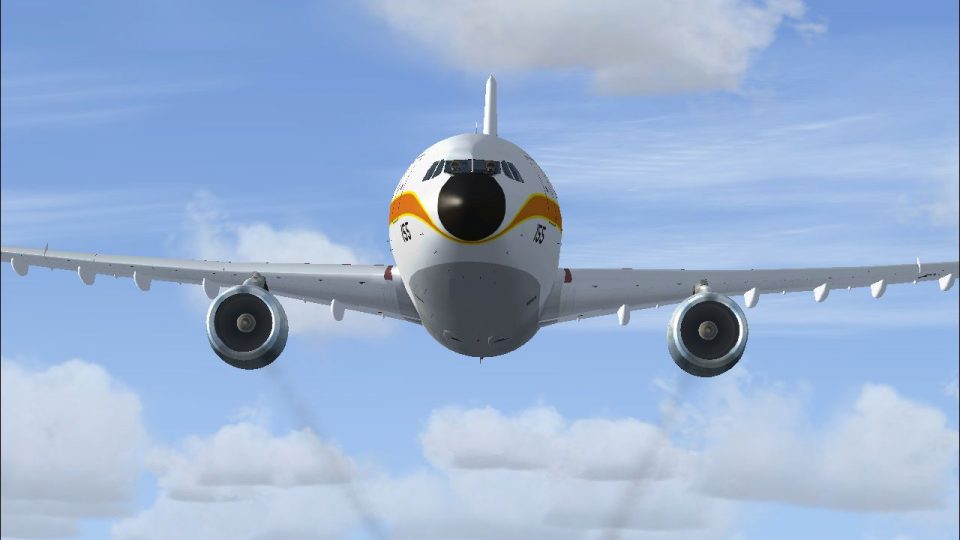
Airbus A300B engine smoke effects add a convincing, movement-triggered exhaust trail to Thomas Ruth’s A300-B1, A300-B2, and A300-B4, with smoke neatly tucked inside the nacelles when parked. Designed for Microsoft Flight Simulator X, it requires the Thomas Ruth A300-B package and integrates cleanly with the aircraft’s smoke system.
 Rate
Rate
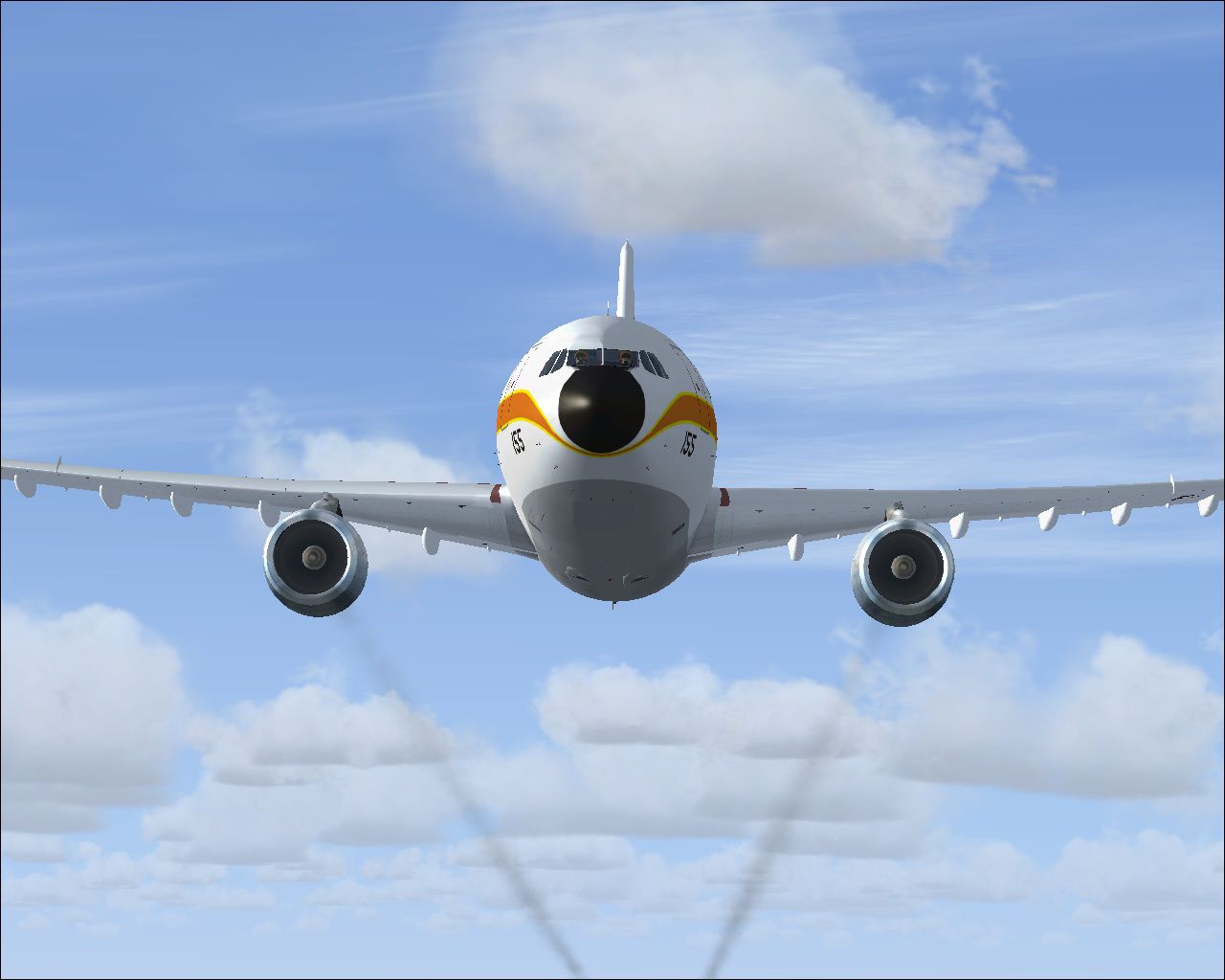

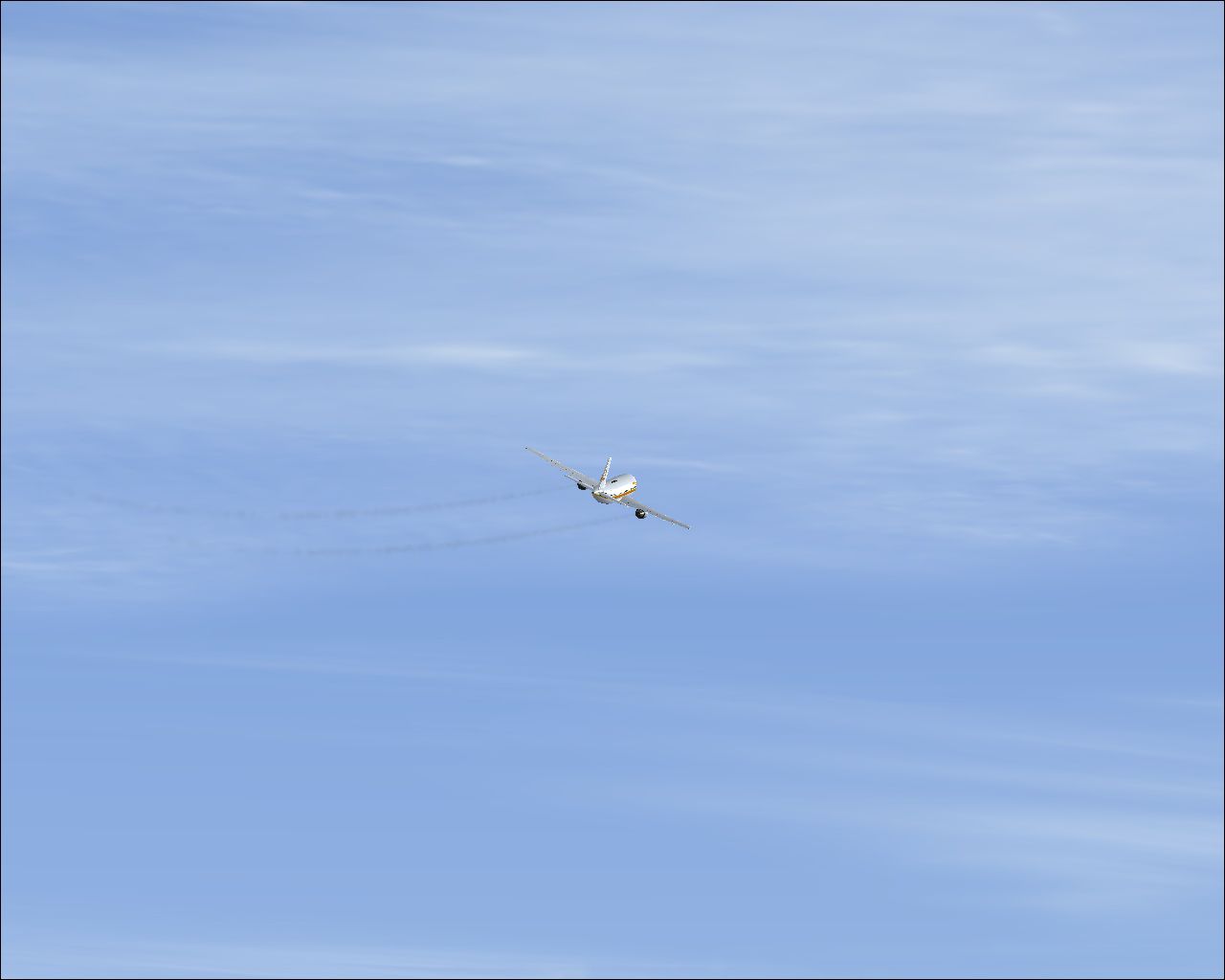
Engine smoke effect for the Thomas Ruth FSX Airbus A300-B, which you must have previously installed in FSX. Works with all three versions, the A300-B1, A300-B2, and A300-B4. Easy installation. By Tom Tiedman.
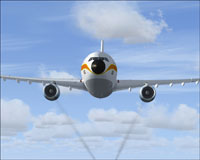
Screenshot of Airbus A300B Engine in flight.
This smoke is hidden inside the engines when the aircraft is standing still. As the aircraft begins moving, the smoke trail appears. As the aircraft comes to a stop, the smoke hides back inside of the engines again.
[SMOKESYSTEM]

smoke.0=13.232, -26.416, -9.001, fx_smoke_f6

smoke.1=13.232, 26.416, -9.001, fx_smoke_f6
Free for all simmers · 334.75 KB · Scanned clean Oct 2026
Download speed: Free tier is capped at 0.5 Mbps. PRO members download at full line speed.
FSX\SimObjects\Airplanes\. The folder must contain an aircraft.cfg file. Effects go into FSX\Effects\; gauges go into FSX\Gauges\.readme.txt or README file. It tells you exactly where files go, what dependencies are needed, and any quirks specific to this add-on.The archive fsx_airbus_a300-b_engine_smoke.zip has 8 files and directories contained within it.
This list displays the first 500 files in the package. If the package has more, you will need to download it to view them.
| Filename/Directory | File Date | File Size |
|---|---|---|
| A300-B Smoke.jpg | 08.05.10 | 156.04 kB |
| file_id.diz | 08.05.10 | 239 B |
| fx_smoke_f6.fx | 06.04.10 | 1.17 kB |
| READ ME and INSTALLATION.txt | 08.05.10 | 1.47 kB |
| Smoke 2.jpg | 08.05.10 | 87.66 kB |
| Smoke 3.jpg | 08.05.10 | 110.00 kB |
| flyawaysimulation.txt | 10.29.13 | 959 B |
| Go to Fly Away Simulation.url | 01.22.16 | 52 B |
Only PRO members can place votes.
More FSX & P3D add-ons hand-picked based on this download.
FSX Misc
An engine smoke effect add-on for the Thomas Ruth Airbus A340-200, 300, 500, …
 FSX Misc
Messing about with engine exhaust flame effects. By Mike Basford. Screenshot …
 FSX Misc
Airbus A321 engine smoke effect with easy Installation. By Tom Tiedman. Scree…
 FSX Misc
Engine smoke effect for your previously installed Guzman/Swindle/Al Nouri FSX…
 FSX Misc
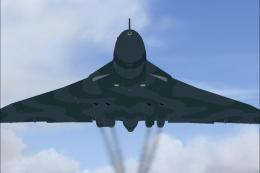
FSX compatible engine smoke effect for the freeware Phoenix Design Avro Vulca…
 FSX Misc
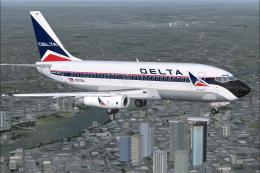
Engine smoke effect for the Boeing 737-200ADV from Tinmouse II (TINMOUSE_II_V…
 FSX Misc
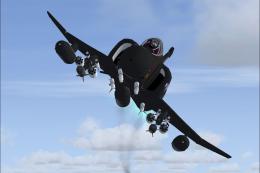
Engine smoke effect for the Ito/Rooks F-4 Phantom II such as the "VX-4 Black …
 FSX Misc
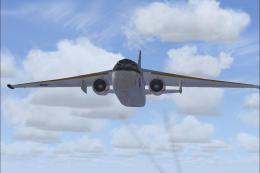
Engine smoke system for the Iris freeware Lockheed S-3B Viking. Easy installa…
Be the first to leave a comment on this download.
Be the first to share your thoughts on this download.