

 FSX Civil Aircraft
Continental Boeing 737-800. B737-800
Continental Boeing 737-800. Fictional textures for the default B737-800. Repa…
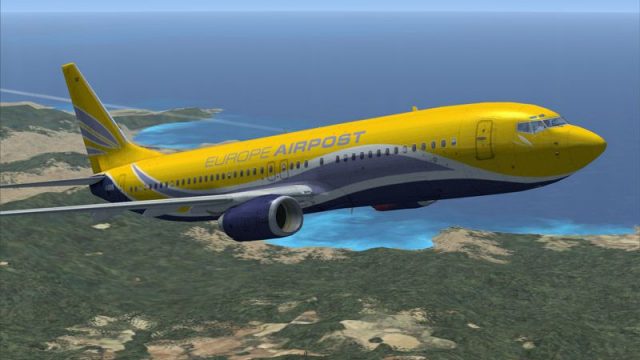
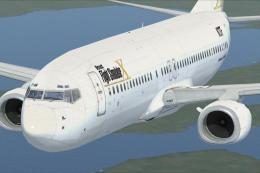
Europe Airpost’s Boeing 737-800 livery brings crisp gradients, accurate logos, and refined panel and rivet detail for convincing mail-freight and charter operations in Microsoft Flight Simulator X. Subtle reflective tuning enhances metal surfaces, and the cockpit windows, engine nacelles, and tail artwork match the real aircraft; requires the default 737-800 base model.
 Rate
Rate
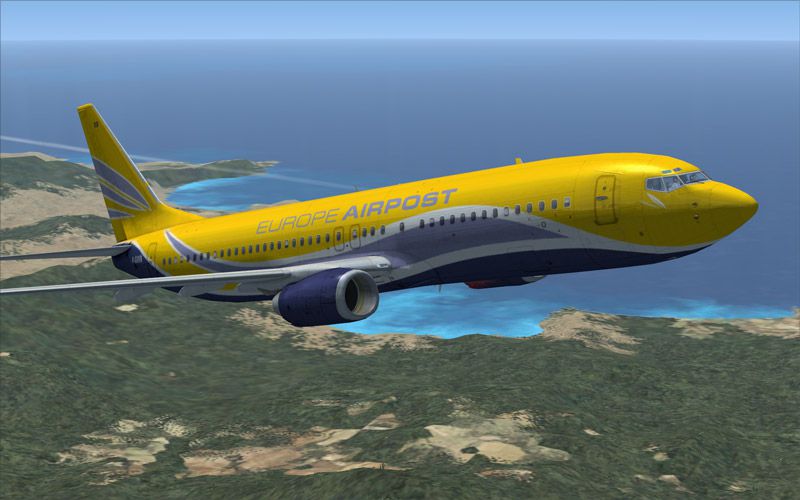
This freeware repaint introduces the Boeing 737-800 in the distinctive colors of Europe Airpost while ensuring complete compatibility with Microsoft Flight Simulator X. It delivers an immersive visual experience for virtual pilots seeking a refined finish, and it only includes the livery—no base model is included. The files were created by the original developers and shared with permission. Continue reading for an in-depth look at all aspects of this add-on.
This reworked livery integrates refined color gradients, precise logo placements, and adjusted panel lines across the airframe. Every fuselage contour is carefully aligned to maintain a seamless result. By using high-resolution layering (layers refer to separate editable image elements), the creators achieved consistent clarity from the nose section to the empennage.
The Boeing 737-800 is renowned for its versatile medium-haul capabilities, supporting numerous airline operations worldwide. In this repaint, attention was paid to ensure that the cockpit window frames and engine nacelles match the real-life configuration of Europe Airpost’s aircraft, a French-based operator that specialized in mail freight services and charter flights. Additionally, the tail design precisely replicates the airline's unique color scheme while preserving correct alignment at the rudder.
From the rivet lines along the fuselage to the properly scaled airline emblems near the cabin windows, this texture set aims for optimum authenticity. Reflective properties (reflective layers are the textures dictating how light interacts with surfaces) subtly enhance the metal surfaces without overwhelming the overall look.
Because this is a textures only add-on, you must have the original model installed. If missing, please acquire the freeware base package from the Fly Away Simulation library.
Europe Airpost’s fleet served both freight and passenger demands. They balanced mail delivery flights across European routes with seasonal charters, often using the reliable Boeing 737-800 for its well-known performance and operational range. This add-on captures the spirit of those operations by including hallmark elements of the airline’s real-world branding.
All visual components shown here were painstakingly prepared by the gifted creators, credited for their attention to detail and commitment to accuracy. They have generously released this package for the community, free of charge, making it an ideal upgrade for anyone interested in European cargo and charter flight simulation scenarios. Feel free to explore its capabilities within your virtual cockpit on any route you choose.
Free for all simmers · 3.01 MB · Scanned clean Oct 2026
Download speed: Free tier is capped at 0.5 Mbps. PRO members download at full line speed.
texture.{airline}) inside FSX\SimObjects\Airplanes\{base-aircraft}\.aircraft.cfg in Notepad. Add a new [fltsim.X] section per the readme.readme.txt or README file. It tells you exactly where files go, what dependencies are needed, and any quirks specific to this add-on.The archive fb73eurp.zip has 13 files and directories contained within it.
This list displays the first 500 files in the package. If the package has more, you will need to download it to view them.
| Filename/Directory | File Date | File Size |
|---|---|---|
| Texture.fpo | 04.28.07 | 0 B |
| Aircraft.txt | 04.28.07 | 640 B |
| b737_800_1_T.dds | 04.27.07 | 1.33 MB |
| b737_800_1_T_Specular.dds | 04.28.07 | 1.33 MB |
| b737_800_2_T.dds | 09.04.06 | 1.33 MB |
| b737_800_2_T_Specular.dds | 09.04.06 | 1.33 MB |
| Fresnel_Ramp.dds | 09.04.06 | 640 B |
| Install.txt | 04.28.07 | 925 B |
| preview.jpg | 04.27.07 | 91.88 kB |
| texture.cfg | 08.14.06 | 137 B |
| thumbnail.jpg | 04.27.07 | 8.88 kB |
| flyawaysimulation.txt | 10.29.13 | 959 B |
| Go to Fly Away Simulation.url | 01.22.16 | 52 B |
Only PRO members can place votes.
More FSX & P3D add-ons hand-picked based on this download.
FSX Civil Aircraft
Continental Boeing 737-800. Fictional textures for the default B737-800. Repa…
 FSX Civil Aircraft
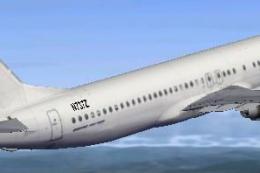
This freeware repaint features a custom interpretation of the default Boeing …
 FSX Civil Aircraft
Includes pictures of the plane, a mini guide to help you and the texture fold…
 FSX Civil Aircraft
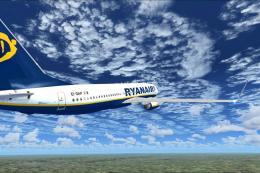
FSX Ryanair Boeing 737-800. EI-DAP textures for the default FSX B737-800. By …
 FSX Civil Aircraft
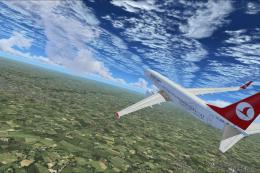
Turkish Airlines Boeing 737-800. Textures by Alex James for the default B737-…
 FSX Civil Aircraft
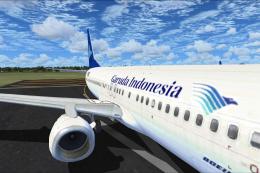
FSX Garuda Indonesia Boeing 737-800, registration PK-GEE. Textures only for t…
 FSX Civil Aircraft
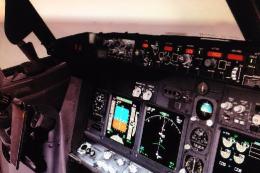
Includes: EZDok cameras and effects; FSForce profile; ShockWave lights; landi…
 FSX Civil Aircraft
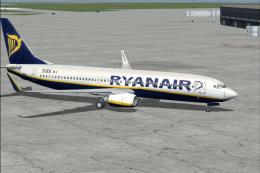
registration EI-DCK. Revised textures for the default B737-800 with better bl…
Be the first to leave a comment on this download.
Be the first to share your thoughts on this download.