

 FSX Propliners
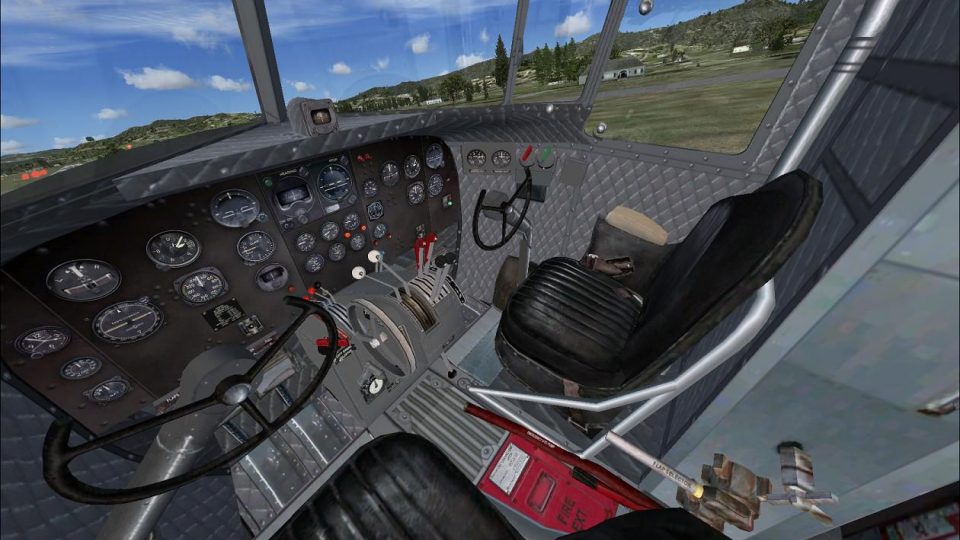
HAF Douglas DC-3/C-47
This is a repaint (textures only) package for the default DC3. These textures…
Refresh the Douglas DC-3 and Manfred Jahn C-47 Skytrain with redesigned interior textures that deliver a clean, uniform grey airliner finish across the virtual cockpit. Built for FSX, this repaint targets the default DC-3 and the freeware C-47, providing a modernized cabin ambiance while preserving classic panel layout and readability.
 Rate
Rate
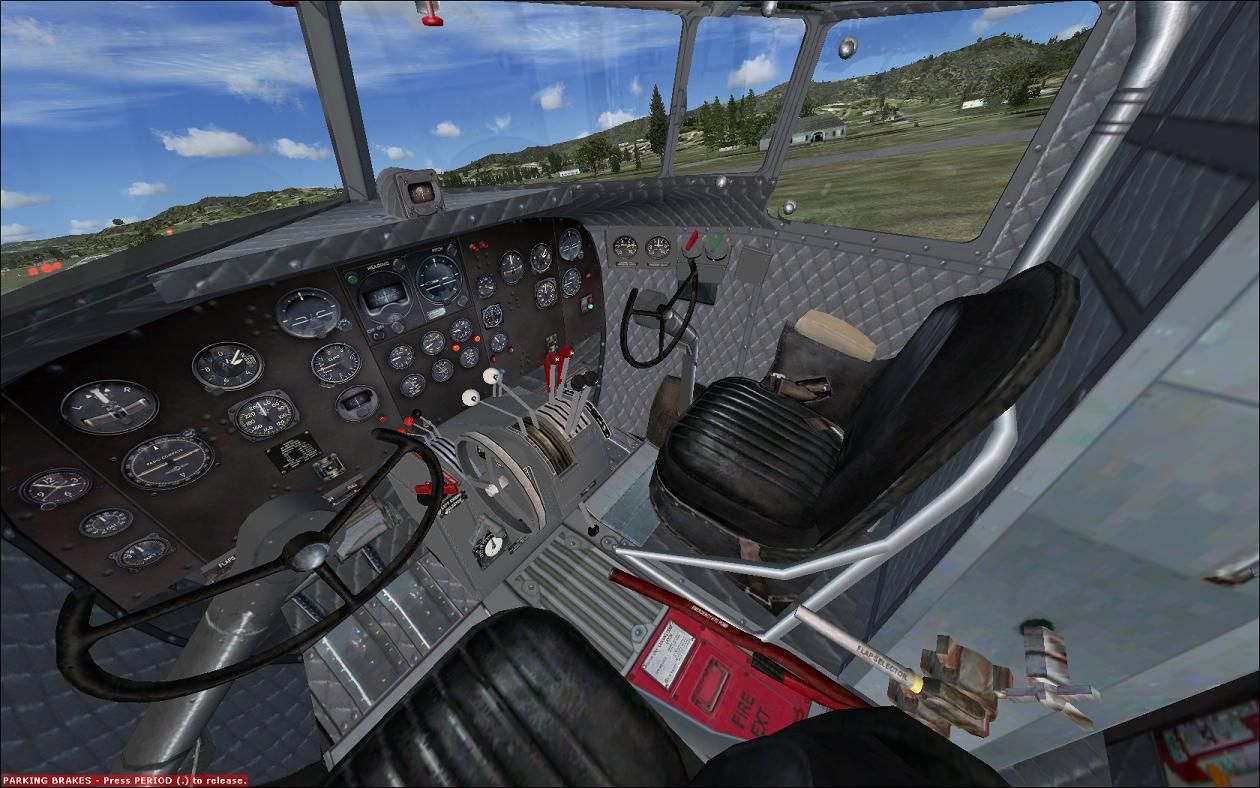
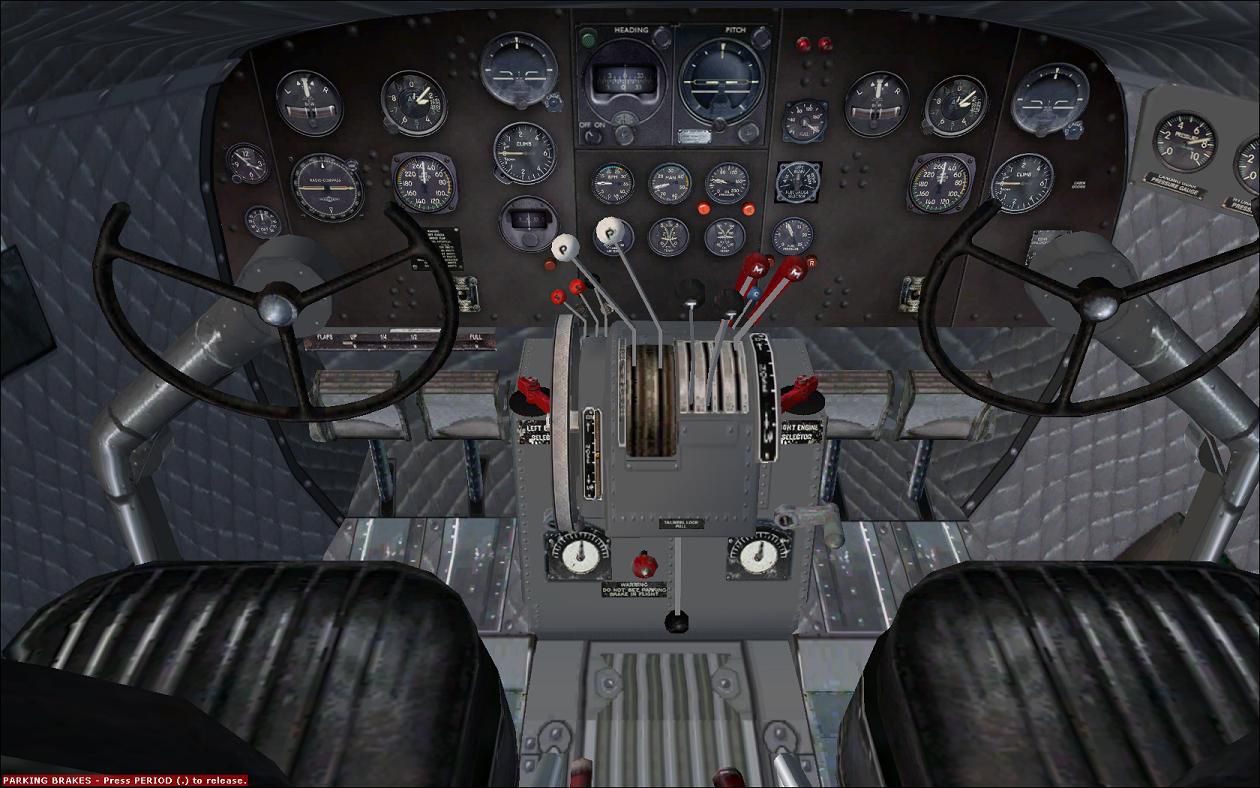
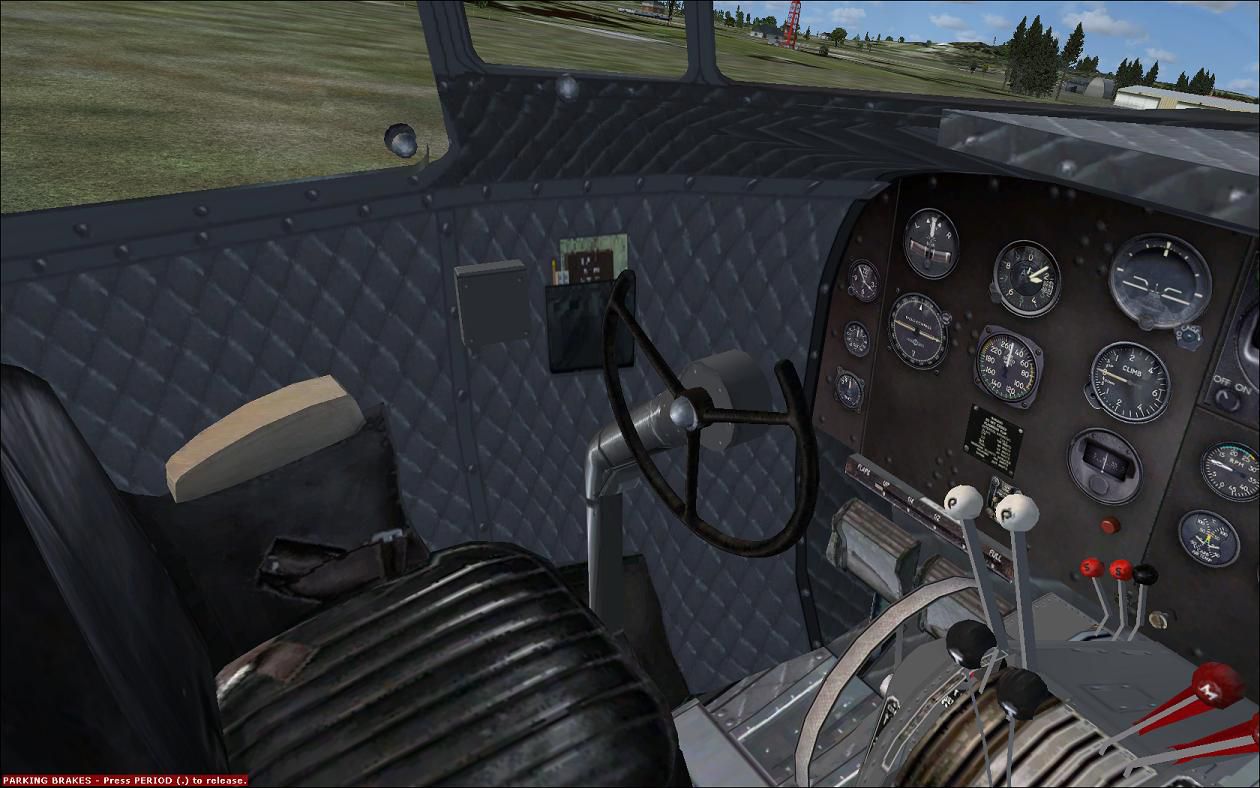
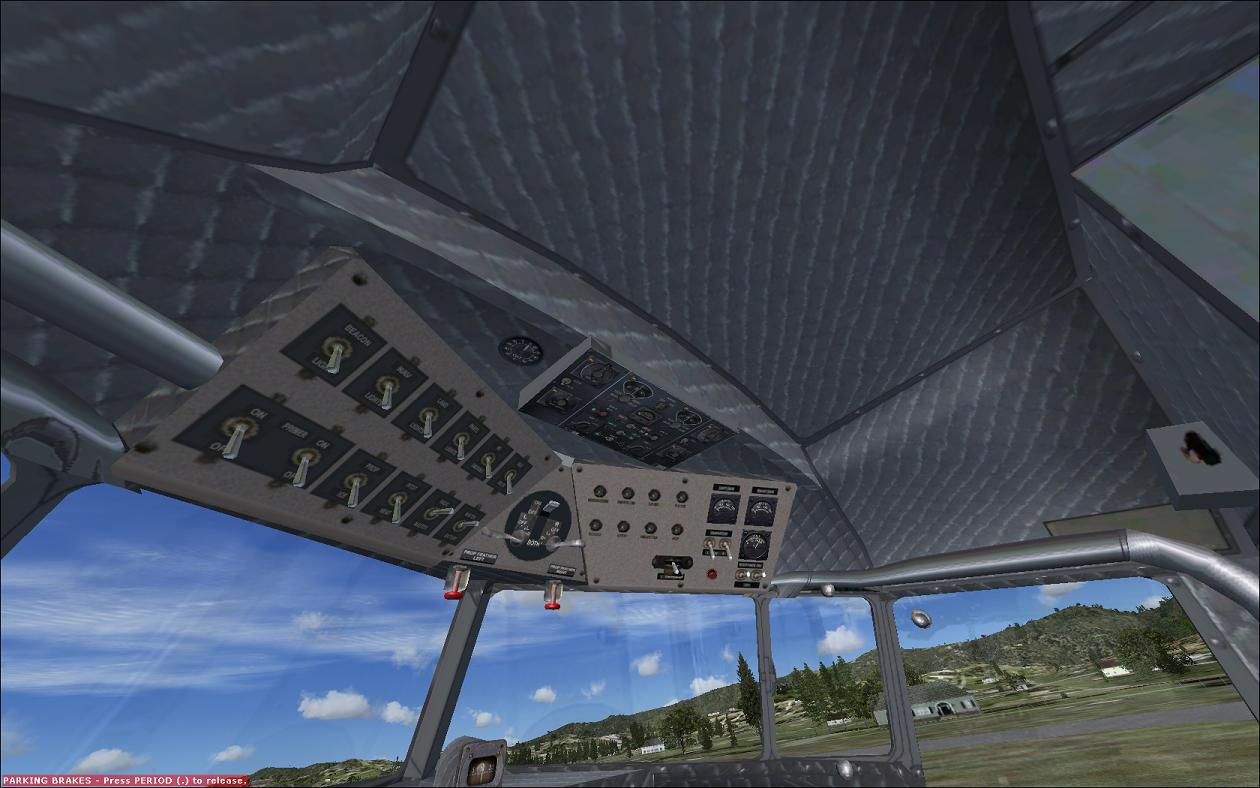
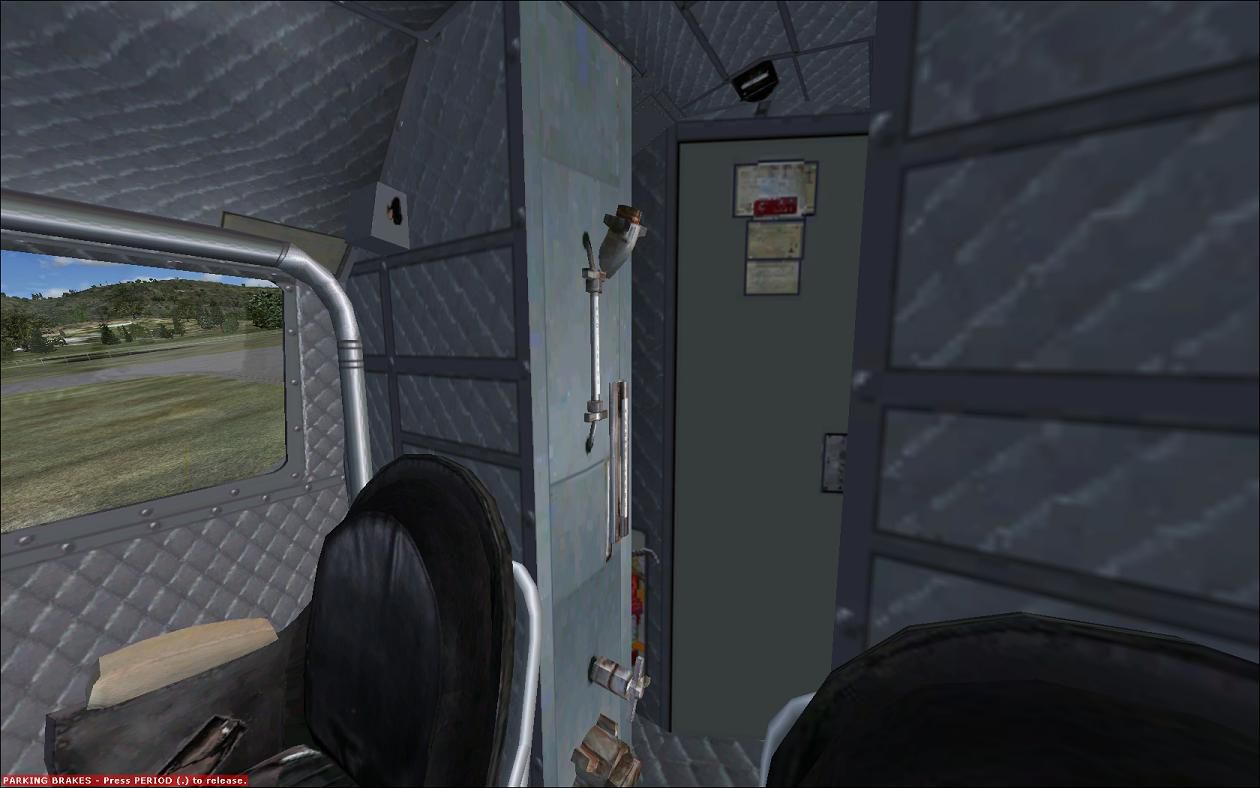
This is a texture change for the interior of the default DC-3 and Manfred Jahn's C-47 Skytrain. It will give the virtual cockpit a clean grey airliner look. By Marvin Carter.
Screenshot of the new interior for the DC-3 and C-47.
The interior textures of the default DC3 depict a worn and well used plane, I just wanted some thing different so I made this for me. Not the greatest, but I thought I would share anyway. My abilities are meager at best, and I put a lot of time in making this, I hope you like!
Place the textures,"Douglas_DC3_1_C", and "Douglas_DC3_2_C" that are in the "VC texture" folder into the texture folder that you want to change the Virtual Cockpit. For default DC3 "/SimObjects/Airplanes/Douglas_DC3/texture.x", or Manfred Jahn's C-47 skytrain "/SimObjects/Airplanes/Douglas_C-47/texture.x". If you place them in the Main texture folder in your plane folder it will overwrite the ones that are already there. Then all of the planes will have grey interiors, you have the choice. As always back up every thing just in case!
Free for all simmers · 1.07 MB · Scanned clean Oct 2026
Download speed: Free tier is capped at 0.5 Mbps. PRO members download at full line speed.
SimObjects\Airplanes\, Addon Scenery\, Effects\, or Gauges\.readme.txt or README file. It tells you exactly where files go, what dependencies are needed, and any quirks specific to this add-on.The archive greyinteriordc3_c47.zip has 12 files and directories contained within it.
This list displays the first 500 files in the package. If the package has more, you will need to download it to view them.
| Filename/Directory | File Date | File Size |
|---|---|---|
| Douglas_DC3_1_C.dds | 03.07.11 | 512.12 kB |
| Douglas_DC3_2_C.dds | 03.07.11 | 128.12 kB |
| file_id.diz | 03.08.11 | 250 B |
| readme.txt | 03.08.11 | 1.70 kB |
| 1.jpg | 03.07.11 | 147.59 kB |
| 2.jpg | 03.07.11 | 136.62 kB |
| 3.jpg | 03.07.11 | 84.10 kB |
| 4.jpg | 03.07.11 | 124.78 kB |
| 5.jpg | 03.07.11 | 109.79 kB |
| thumbnail for upload.jpg | 03.07.11 | 147.59 kB |
| flyawaysimulation.txt | 10.29.13 | 959 B |
| Go to Fly Away Simulation.url | 01.22.16 | 52 B |
Only PRO members can place votes.
More FSX & P3D add-ons hand-picked based on this download.
FSX Propliners
This is a repaint (textures only) package for the default DC3. These textures…
 FSX Propliners
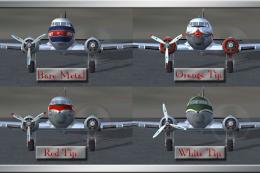
These files are prop replacement textures for the MAAM R4D6/DC3 passenger mod…
 FSX Propliners
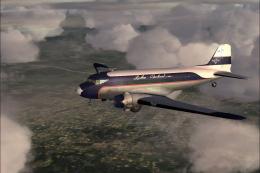
Turner Airlines was begun by Roscoe Turner in 1947 and was later renamed Lake…
 FSX Propliners
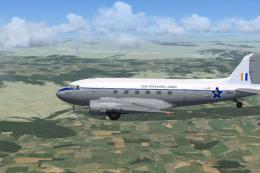
Douglas C-47B-30-DK, (c/n 32948) delivered to RAF under the 'Lend/Lease' sche…
 FSX Propliners
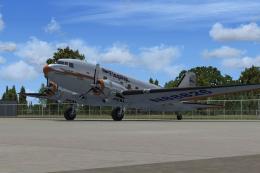
American Airways Douglas C-47, 1947 Flagship Tulsa texture update. This is an…
 FSX Propliners
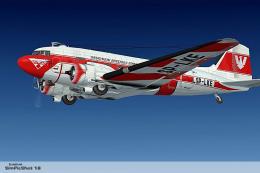
Repaint for a Douglas C-47 in service from the Polish Flight Calibration Serv…
 FSX Propliners
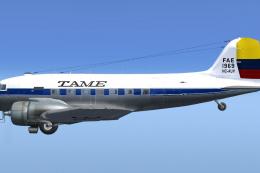
Textures only, you will need the payware DC-3 Legends Of Flight base model by…
 FSX Propliners
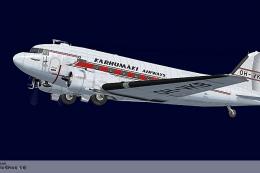
Repaint for a C47 in service from the Finish Karhumaki Airways during 1954-57…
Be the first to leave a comment on this download.
Be the first to share your thoughts on this download.