

 FSX Propliners
Douglas DC-3 Texture Fix
These files will fix default FSX textures for this aircraft that appear blurr…
Sharper replacement texture files restore crisp detail to the default Douglas DC-3, eliminating the common blurred look across multiple liveries while keeping the original aircraft intact. Designed for Microsoft Flight Simulator X, the package updates the main exterior textures for a cleaner, more authentic classic airliner presentation.
 Rate
Rate
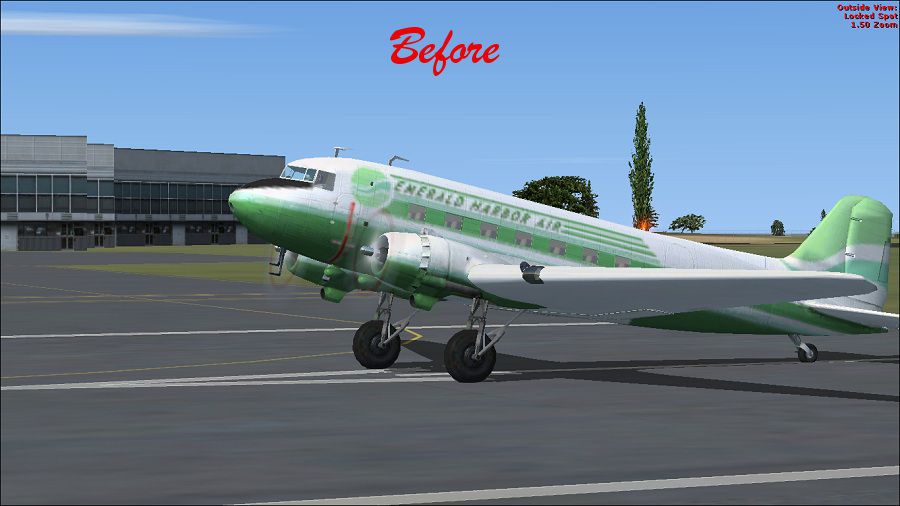
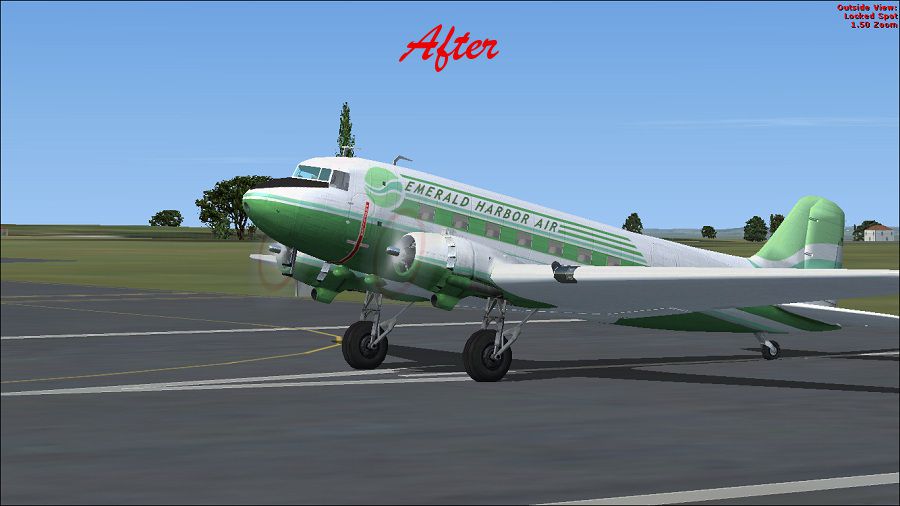
Replacement main texture files for the default Douglas DC3 to fix the aircraft's blurred appearance. By Paul Craig.
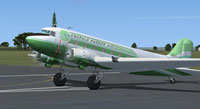
Screenshot of the default Douglas DC-3 with corrected textures.
First make back up copies of your Douglas DC3 texture files. Douglas DC3 located at OS (C)/Program Files(x86)/Microsoft Games/Microsoft Flight Simulator X/SimObjects/Airplanes/Douglas_DC3. Then follow the instructions below:
For some reason, the texture numbers do not go in sequence, (maybe its just my installation) so I have included a thumbnail jpeg in each of the texture folders. Now enjoy your DC3 without blurs!
Free for all simmers · 2.28 MB · Scanned clean Oct 2026
Download speed: Free tier is capped at 0.5 Mbps. PRO members download at full line speed.
SimObjects\Airplanes\, Addon Scenery\, Effects\, or Gauges\.readme.txt or README file. It tells you exactly where files go, what dependencies are needed, and any quirks specific to this add-on.The archive no_blur_fsx_default_dc3.zip has 15 files and directories contained within it.
This list displays the first 500 files in the package. If the package has more, you will need to download it to view them.
| Filename/Directory | File Date | File Size |
|---|---|---|
| After-Douglas DC3.jpg | 03.15.11 | 96.98 kB |
| Before- Douglas DC3.jpg | 03.15.11 | 103.13 kB |
| FILE_ID.DIZ | 03.15.11 | 193 B |
| Readme.txt | 03.15.11 | 1.06 kB |
| Texture 1 | 03.15.11 | 0 B |
| Douglas_DC3_1_T.dds | 03.15.11 | 1.00 MB |
| Texture 2 | 03.15.11 | 0 B |
| Douglas_DC3_1_T.dds | 03.15.11 | 1.00 MB |
| Texture 3 | 03.15.11 | 0 B |
| Douglas_DC3_1_T.dds | 03.15.11 | 1.00 MB |
| Texture 4 | 03.15.11 | 0 B |
| Douglas_DC3_1_T.dds | 03.15.11 | 1.00 MB |
| thumbnail.png | 03.15.11 | 21.26 kB |
| flyawaysimulation.txt | 10.29.13 | 959 B |
| Go to Fly Away Simulation.url | 01.22.16 | 52 B |
Only PRO members can place votes.
More FSX & P3D add-ons hand-picked based on this download.
FSX Propliners
These files will fix default FSX textures for this aircraft that appear blurr…
 FSX Propliners
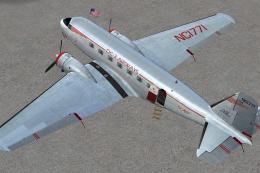
This carefully crafted repaint showcases a gleaming bare metal finish on a Do…
 FSX Propliners
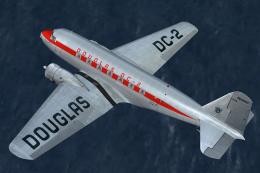
This freeware package offers a custom livery repaint for the payware Douglas …
 FSX Propliners
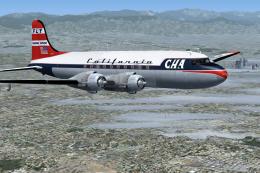
This is a mega pack containing a highly detailed Douglas DC-4 & C-54 model fo…
 FSX Propliners
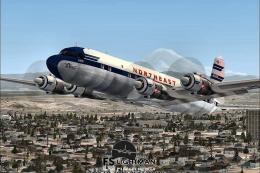
The flight model was created by Classic Airliners. All other updates were add…
 FSX Propliners
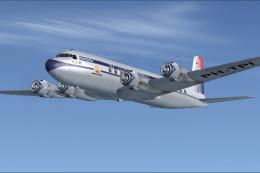
This package includes the DC6 in its earliest form with short nose (no weathe…
 FSX Propliners
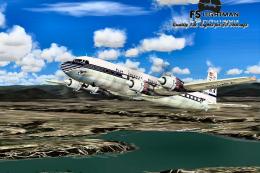
Pan Am Douglas DC-7 in Pan American 1990's livery. DC7 model by Classic Airli…
 FSX Propliners
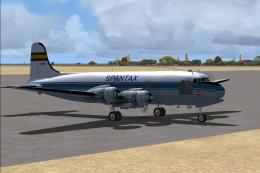
Complete aircraft of classic DC4 54 from Spantax Airline with virtual cockpit…
Be the first to leave a comment on this download.
Be the first to share your thoughts on this download.