

 FSX Propliners
Civilian Beech A-11 Radio Gauge Fix
Fix for use with FSX_CIV_AT-11_VC_LIVERY_V2_.ZIP. This add-on removes a probl…
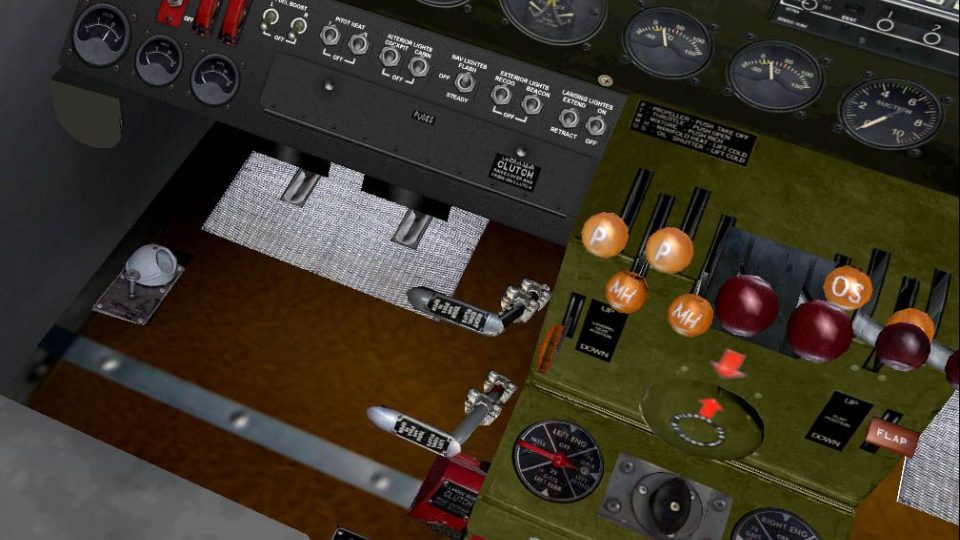
Civilian Beech A-11 package refreshes the classic twin with an optional new virtual cockpit and livery, plus a reworked cockpit for the N92KC variant, updated radio, navigation, and autopilot gauges, and a more authentic engine start sequence. Built for Microsoft Flight Simulator X, it requires the original FS2004 A-11 base files.
 Rate
Rate
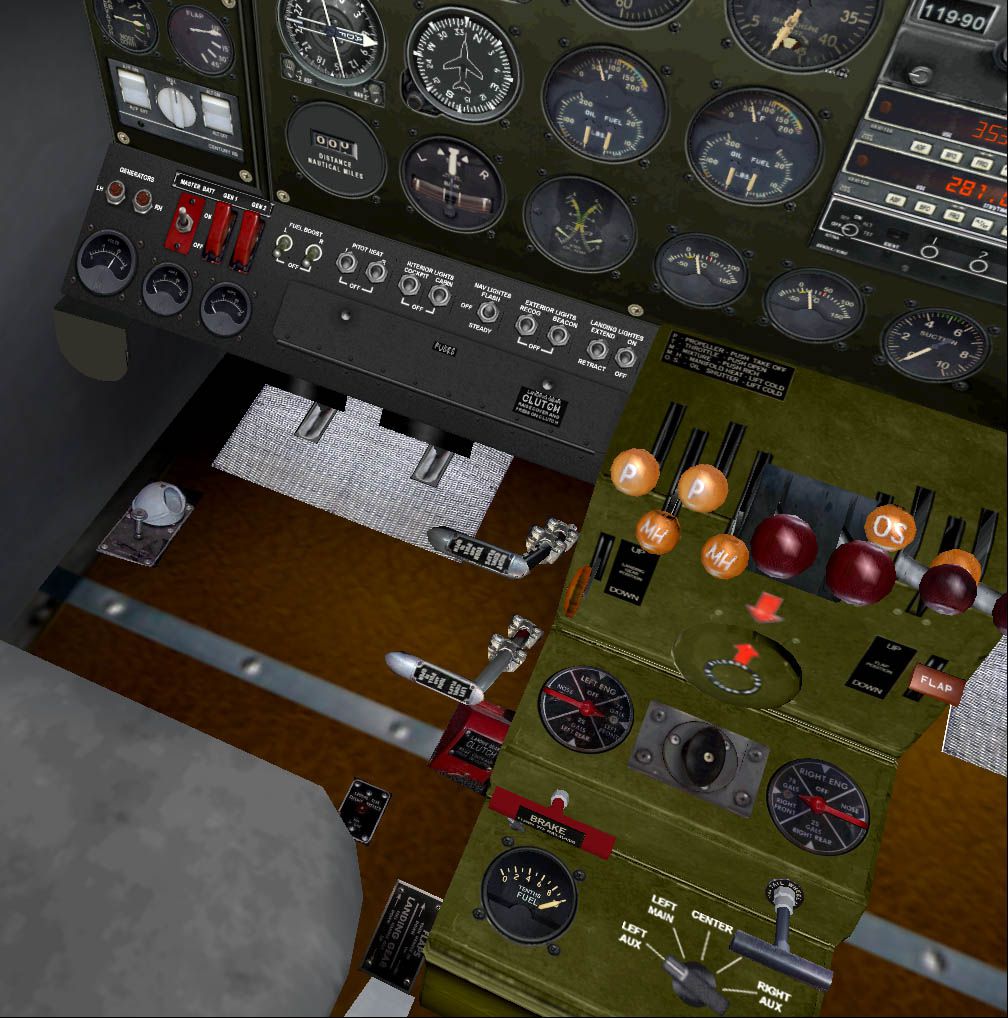
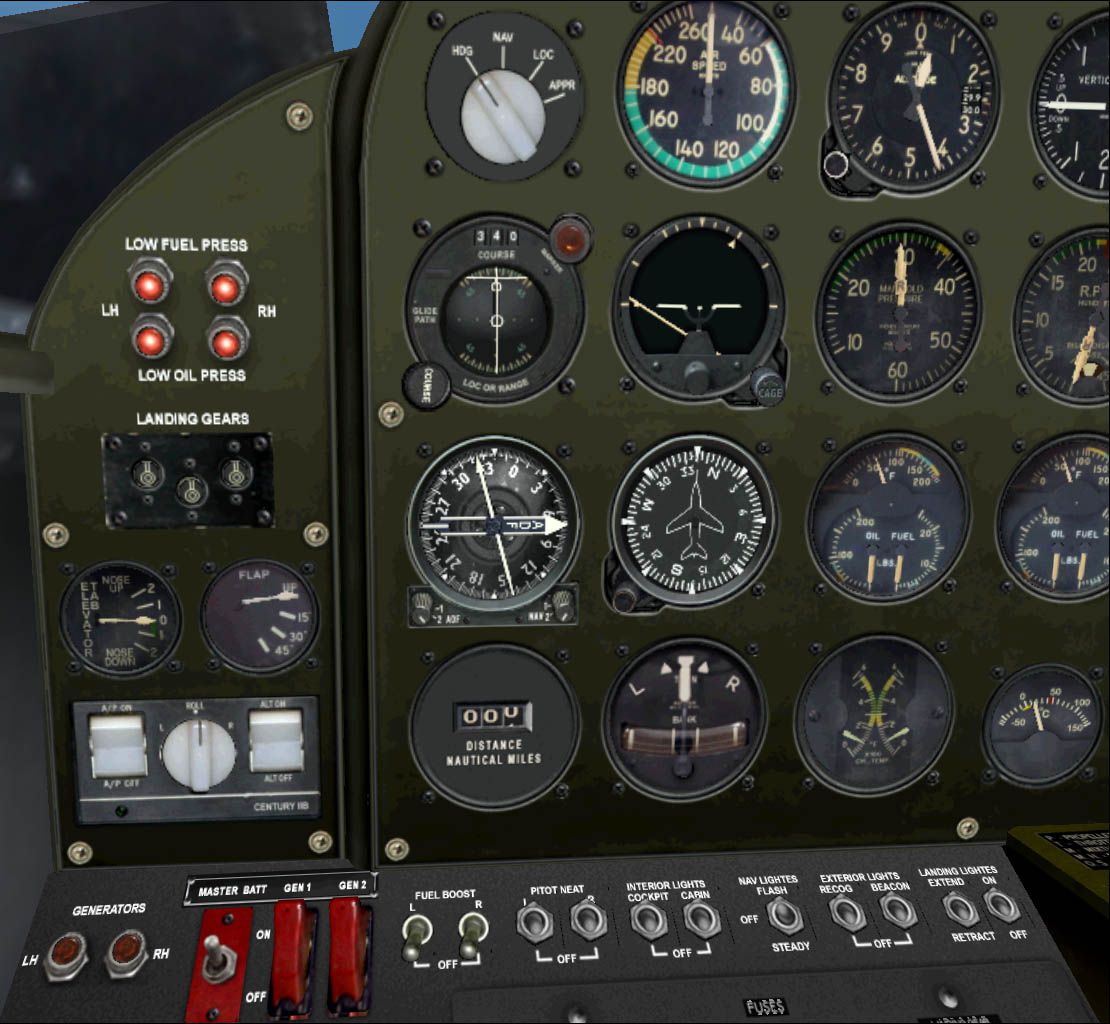
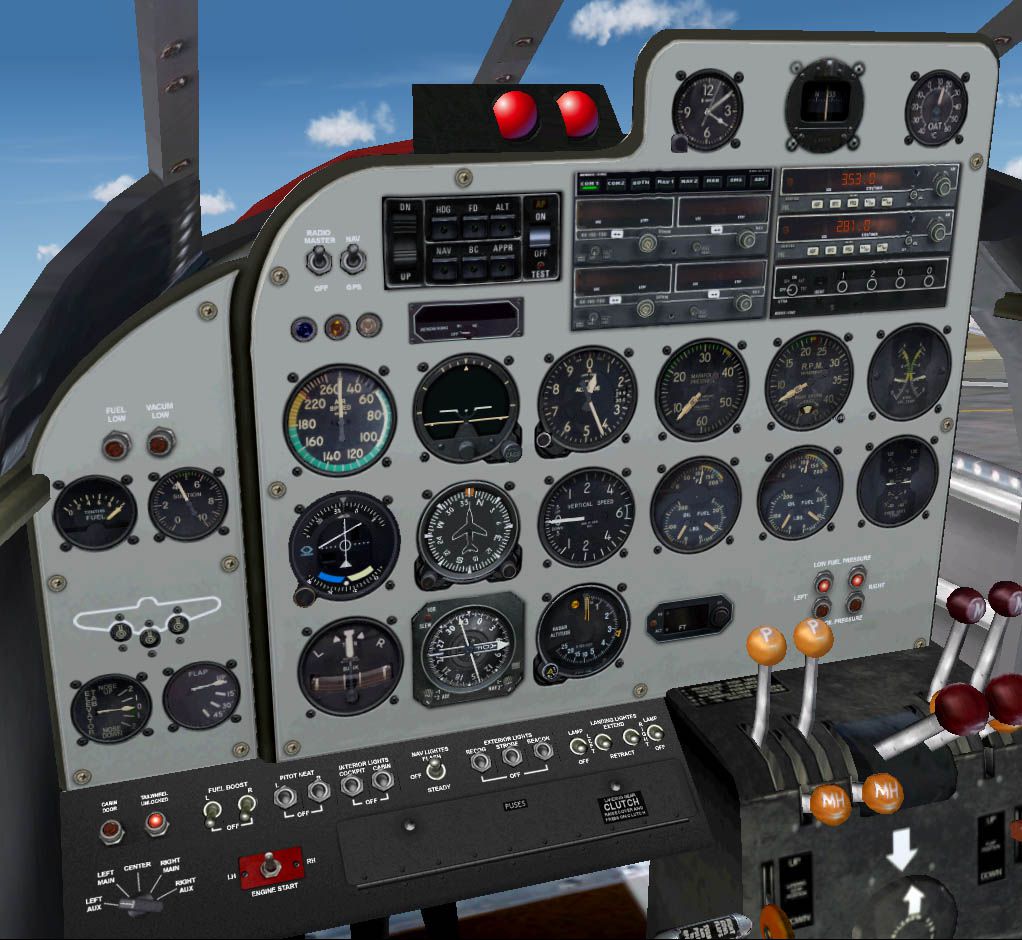
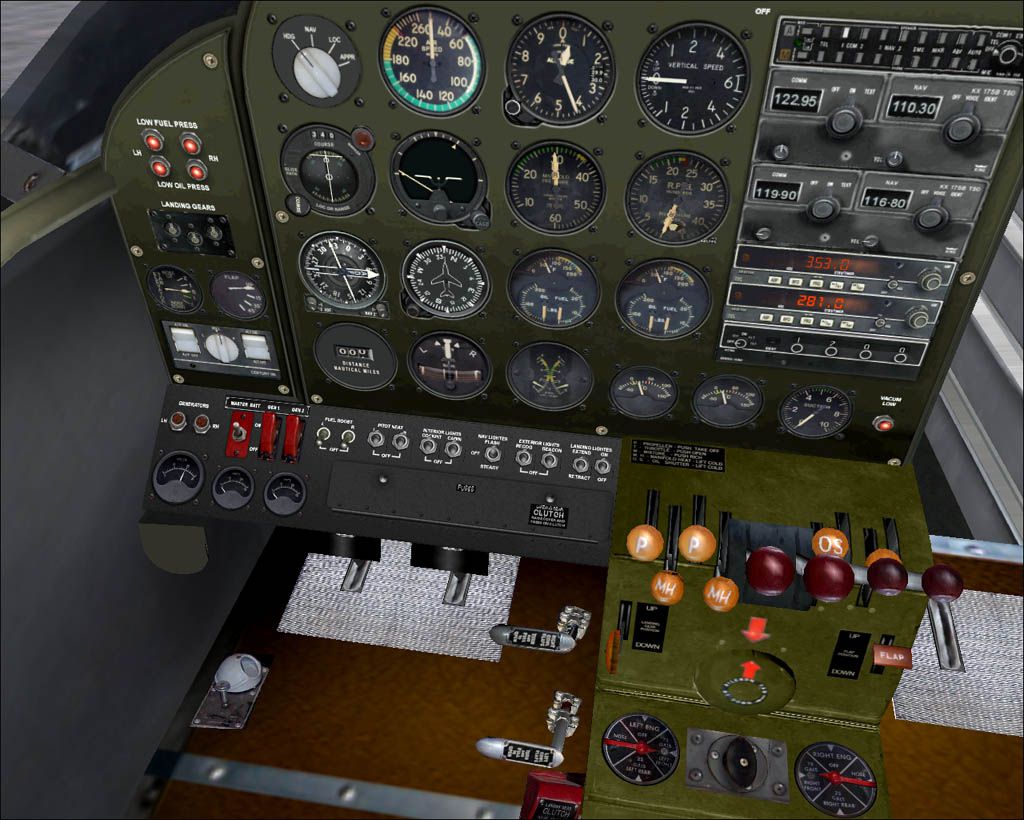

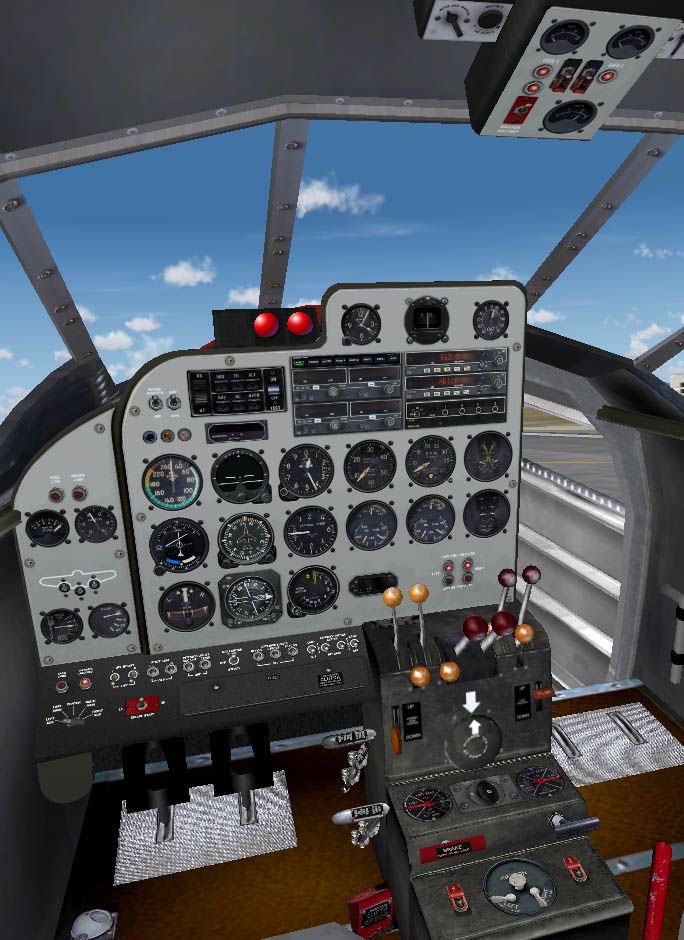

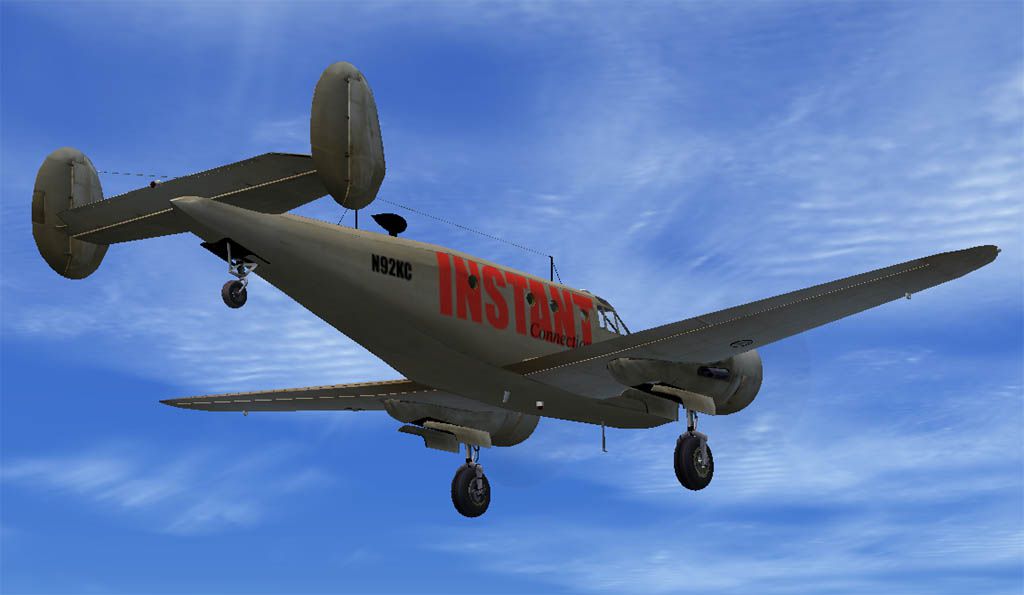
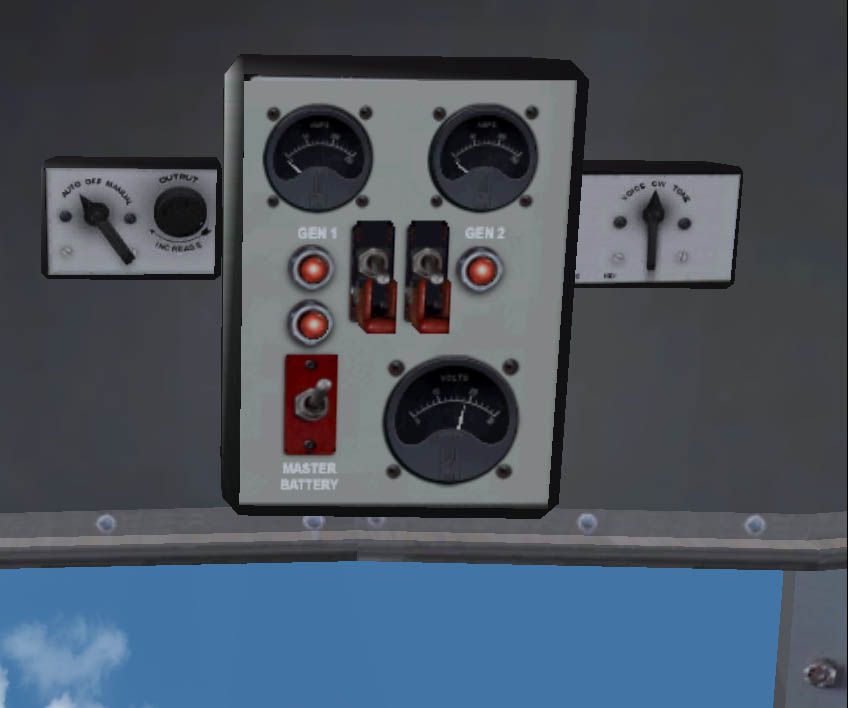
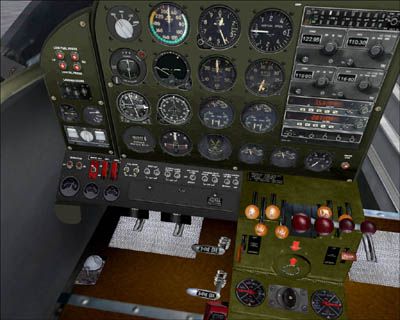
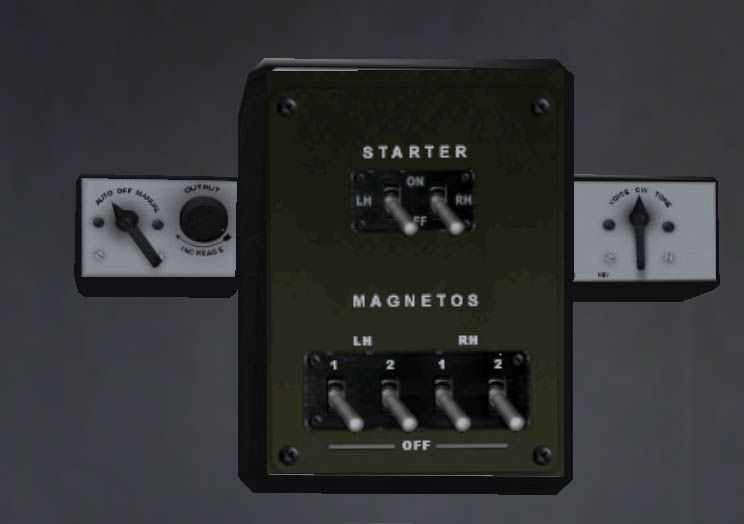
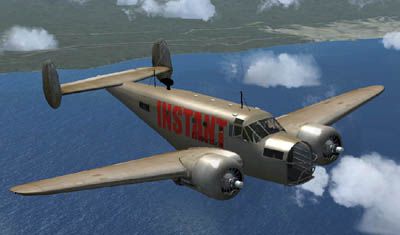
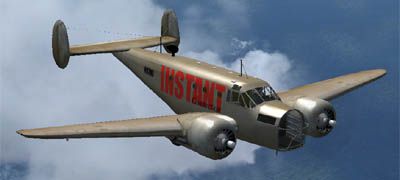
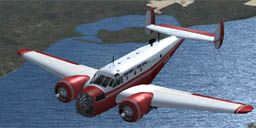
The package includes a new stand-alone civilian Beech A11 (minus basic files from the original FS2004 A-11 package by Milton Shupe - AT11PKG2.ZIP) with another optional VC and livery and a reworked VC for the previously uploaded package (FSX_FS9AT-11_N92KC_PACK.ZIP). This new staff contains new radio, navigation and autopilot gauges and provides a new accurate and strict engine starting procedure. To make installation easier the package is arranged as a set of two stand-alone aircraft. By Vladimir Gonchar. (See also FSX_CIVILIAL_A-11_RADIO_FIX.ZIP).
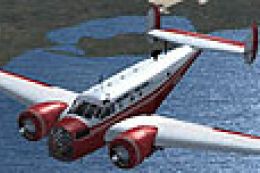
Screenshot of Civilian Beech A-11 in flight.
Free for all simmers · 25.45 MB · Scanned clean Oct 2026
Download speed: Free tier is capped at 0.5 Mbps (this file takes approximately 7 mins at the cap). PRO members download at full line speed.
This add-on may require the following files to function properly. If this is a repaint, the dependency below is likely the base aircraft package.
FSX\SimObjects\Airplanes\. The folder must contain an aircraft.cfg file. Effects go into FSX\Effects\; gauges go into FSX\Gauges\.readme.txt or README file. It tells you exactly where files go, what dependencies are needed, and any quirks specific to this add-on.The archive fsx_civ_at-11_vc_livery_v2_.zip has 83 files and directories contained within it.
This list displays the first 500 files in the package. If the package has more, you will need to download it to view them.
| Filename/Directory | File Date | File Size |
|---|---|---|
| Beech AT-11_INSTANT | 05.15.11 | 0 B |
| Aircraft.cfg | 05.15.11 | 12.98 kB |
| at-11.air | 02.18.10 | 9.98 kB |
| Beech_18_Checklist.doc | 05.15.11 | 33.00 kB |
| panel | 05.13.11 | 0 B |
| ARC_IN-1004A_RMI1.cab | 05.13.11 | 345.52 kB |
| Beech A-11.cab | 05.13.11 | 2.48 MB |
| Beech C-45H_gauge.cab | 04.22.10 | 742.86 kB |
| Beech_A-11_startup.cab | 05.15.11 | 341.50 kB |
| C-54_navigation.cab | 05.13.11 | 1.03 MB |
| C-54_radios.cab | 05.13.11 | 557.37 kB |
| Century IIB_Flight_Controller.cab | 05.13.11 | 149.56 kB |
| mini_panel.bmp | 02.02.11 | 2.25 MB |
| panel.cfg | 05.15.11 | 6.80 kB |
| Startup_panel.bmp | 05.10.11 | 543.02 kB |
| Thumbs.db | 10.23.10 | 28.00 kB |
| vc01.bmp | 05.12.11 | 3.00 MB |
| vc03.bmp | 05.09.11 | 3.00 MB |
| replacement texture | 05.14.11 | 0 B |
| eng1_t.bmp | 05.14.11 | 4.00 MB |
| engo_t.bmp | 05.14.11 | 4.00 MB |
| fedexbox25kg.bmp | 05.14.11 | 17.05 kB |
| fedexboxmed.bmp | 05.14.11 | 17.05 kB |
| fillet_t.bmp | 05.14.11 | 2.00 MB |
| fusec_t.bmp | 05.14.11 | 4.00 MB |
| spinpropb18.bmp | 07.28.09 | 1.00 MB |
| tails_t.bmp | 05.14.11 | 4.00 MB |
| thumbnail.jpg | 05.14.11 | 21.51 kB |
| Thumbs.db | 05.14.11 | 51.00 kB |
| vc01_L.bmp | 05.12.11 | 1.00 MB |
| vc03_L.bmp | 05.11.11 | 256.05 kB |
| windows.bmp | 10.27.10 | 64.07 kB |
| wings_t.bmp | 05.14.11 | 4.00 MB |
| texture.instant | 05.14.11 | 0 B |
| Beech AT-11_N92KC | 05.15.11 | 0 B |
| Aircraft.cfg | 05.15.11 | 12.84 kB |
| at-11.air | 02.18.10 | 9.98 kB |
| Beech_18_Checklist.doc | 05.15.11 | 33.00 kB |
| panel | 05.13.11 | 0 B |
| ARC_IN-1004A_RMI2.cab | 05.13.11 | 475.32 kB |
| Beech A-11.cab | 05.13.11 | 2.48 MB |
| Beech C-45H_gauge.cab | 03.23.10 | 706.30 kB |
| Beech D18S_startup2.cab | 05.13.11 | 227.56 kB |
| C-54_navigation.cab | 05.13.11 | 1.29 MB |
| C-54_radios.cab | 05.13.11 | 557.37 kB |
| Electrical_panel.bmp | 05.13.11 | 543.02 kB |
| mini_panel.bmp | 02.02.11 | 2.25 MB |
| panel.cfg | 05.15.11 | 7.73 kB |
| vc01.bmp | 05.12.11 | 3.00 MB |
| vc03.bmp | 05.03.11 | 3.00 MB |
| perlacement texture | 05.14.11 | 0 B |
| ecubox.bmp | 03.03.11 | 2.00 MB |
| eng1_t.bmp | 02.25.11 | 4.00 MB |
| engo_t.bmp | 02.25.11 | 4.00 MB |
| fedexbox25kg.bmp | 05.14.11 | 64.05 kB |
| fillet_t.bmp | 02.25.11 | 2.67 MB |
| fusec_t.bmp | 02.28.11 | 4.00 MB |
| prop.bmp | 03.02.10 | 341.43 kB |
| spinpropb18.bmp | 03.02.10 | 85.43 kB |
| tails_t.bmp | 03.03.11 | 4.00 MB |
| thumbnail.jpg | 02.28.11 | 21.52 kB |
| Thumbs.db | 05.14.11 | 42.50 kB |
| vc01_L.bmp | 05.15.11 | 1.00 MB |
| vc03_L.bmp | 02.24.11 | 256.05 kB |
| windows.bmp | 10.27.10 | 64.07 kB |
| wings_t.bmp | 02.28.11 | 4.00 MB |
| texture.N92KC | 05.14.11 | 0 B |
| instant_01.jpg | 05.14.11 | 63.84 kB |
| instant_02 small.jpg | 05.14.11 | 27.16 kB |
| instant_02.jpg | 05.14.11 | 80.26 kB |
| readme.txt | 05.15.11 | 2.42 kB |
| Thumbs.db | 05.14.11 | 52.50 kB |
| VC1_01.jpg | 05.14.11 | 155.93 kB |
| VC1_02.jpg | 05.13.11 | 179.46 kB |
| VC1_03.jpg | 05.13.11 | 193.23 kB |
| VC1_04 small.jpg | 05.14.11 | 47.11 kB |
| VC1_04.jpg | 05.13.11 | 168.57 kB |
| VC1_05.jpg | 05.13.11 | 37.10 kB |
| VC2_01.jpg | 05.13.11 | 139.45 kB |
| VC2_02.jpg | 05.13.11 | 178.28 kB |
| VC2_03.jpg | 05.13.11 | 57.73 kB |
| flyawaysimulation.txt | 10.29.13 | 959 B |
| Go to Fly Away Simulation.url | 01.22.16 | 52 B |
Only PRO members can place votes.
More FSX & P3D add-ons hand-picked based on this download.
FSX Propliners
Fix for use with FSX_CIV_AT-11_VC_LIVERY_V2_.ZIP. This add-on removes a probl…
 FSX Propliners
This is an FSX Acceleration update for the VC panel of the original twin-engi…
 FSX Propliners
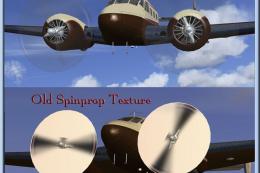
Replacement prop texture for an FSX installation of the Beechcraft D18S by Mi…
 FSX Propliners
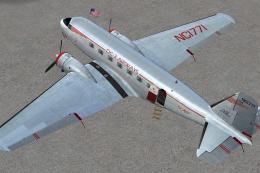
This carefully crafted repaint showcases a gleaming bare metal finish on a Do…
 FSX Propliners
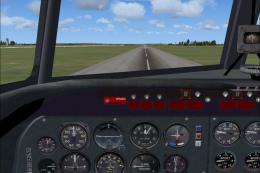
Canadair’s Merlin-powered adaptations of the Douglas DC-4—commonly referred t…
 FSX Propliners
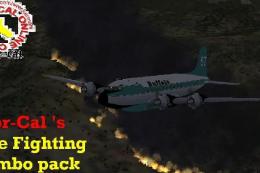
Fire at Pine Flat viewable in multiplayer along with a long lasting red fire …
 FSX Propliners
This is a texture change for the interior of the default DC-3 and Manfred Jah…
 FSX Propliners
Turner Airlines was begun by Roscoe Turner in 1947 and was later renamed Lake…
Be the first to leave a comment on this download.
Be the first to share your thoughts on this download.