

 FSX General Aviation Aircraft
Piper Arrow III Pack
Explore the skies with the meticulously crafted Piper Arrow III Pack, a premi…
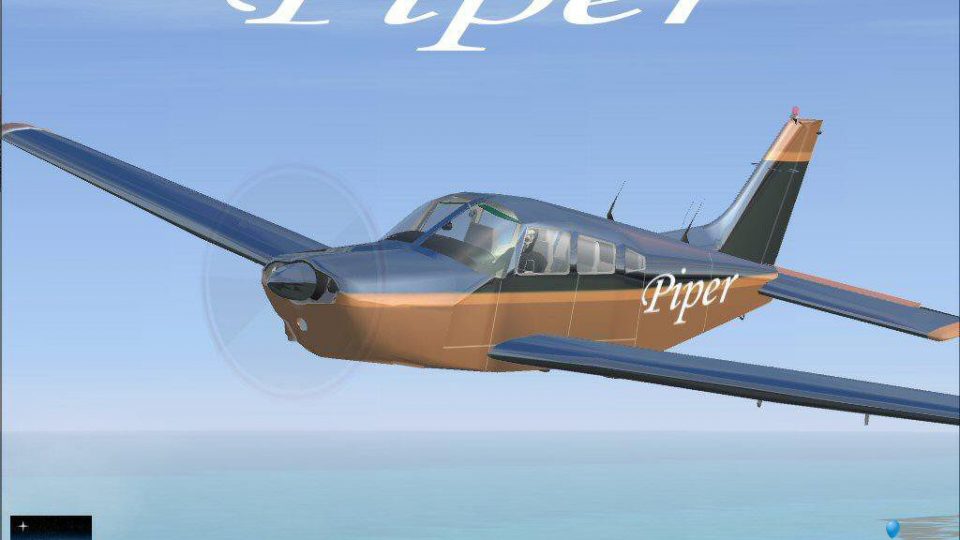
Piper PA28-201 “Metallic Pipe-Dream” brings a classic trainer and tourer to FSX with a glossy two-tone metallic livery that catches light realistically from every angle. A carefully tuned alpha-channel texture set delivers convincing reflectivity and crisp exterior detail, packaged as a complete freeware aircraft ready for general aviation flying.
 Rate
Rate
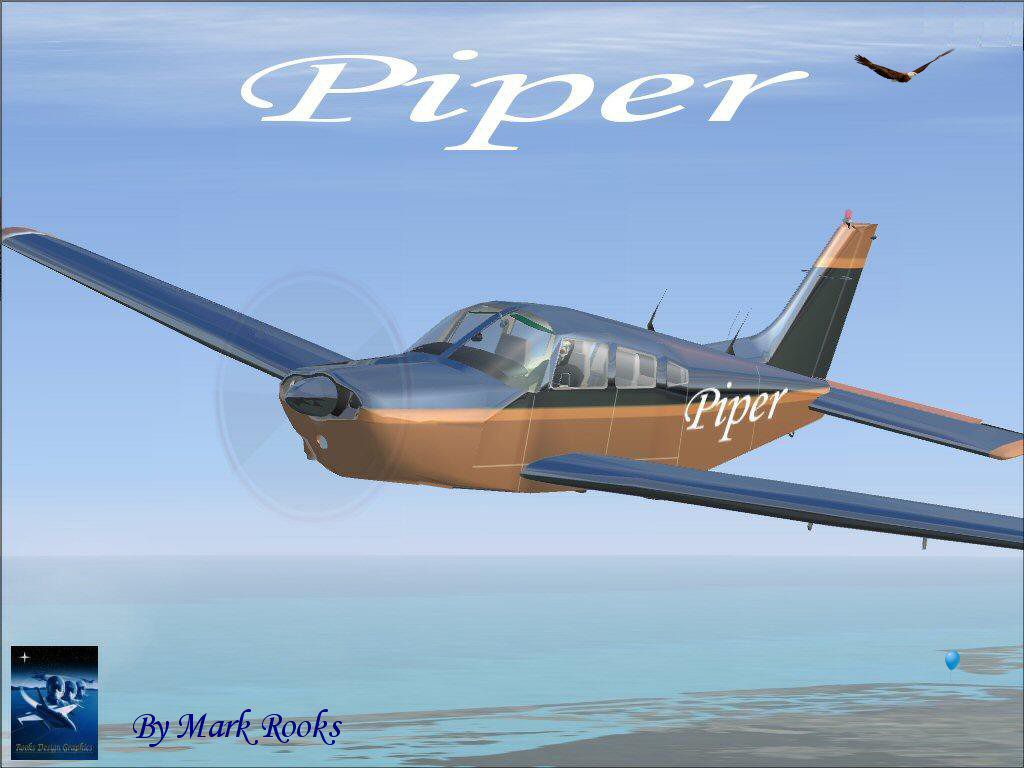
This add-on delivers a striking visual rendition of a Piper PA28-201 configured for use in Microsoft Flight Simulator X. It arrives in a compact freeware package, featuring a two-tone metallic livery that showcases a distinctive reflective effect. Developed by Hauke Keitel, with specialized textures from Mark Rooks and Mary Moo, this variant—named “Metallic Pipe-Dream”—brings a fresh aesthetic dimension to the classic Piper design.
The PA28 series has long been associated with dependable single-engine performance and straightforward flight characteristics. Piper originally introduced models in this lineage to cater to general aviation pilots and training programs. Enthusiasts appreciate the aircraft’s stable handling and moderate cruise speed, making it a favored choice for cross-country trips. This particular iteration underlines those strengths while layering on an eye-catching external finish.
Rooks Design Graphics employed a modified alpha channel method to achieve the shimmering reflection across the fuselage. This specialized alpha channel integrates numerous development steps, ensuring high-quality visual fidelity. It amplifies the metallic paint effect, creating realistic light reflections from different vantage points. However, it is crucial to keep the integrity of these files intact, or the reflectivity can fail, resulting in undesirable textures.
Depiction of the finished exterior in flight configuration.
C:\Program Files\Microsoft Games\FSX\SimObjects\AircraftOnce installed, the aircraft’s newly assigned exterior should appear in your selection menu, reflecting the polished two-tone coat in clear skies or low light conditions.
Because the process behind the metallic effect relies on a tightly controlled alpha channel technique, refrain from opening and resaving these textures outside of the original format. Any inadvertent modifications can disrupt the precise layering, leading to a solid-black exterior or compromised reflectivity. This caution is a direct result of the extensive multi-step workflow developed by Rooks Design Graphics.
Full acknowledgment goes to Hauke Keitel for the base aircraft model, alongside Mark Rooks (also known as Fire Ball) and Mary Moo for producing and refining the distinctive metallic texture package. This freeware release incorporates the complete aircraft, ensuring an all-in-one download for flight simulation enthusiasts looking to explore a vivid new appearance on the venerable Piper platform.
Free for all simmers · 2.66 MB · Scanned clean Oct 2026
Download speed: Free tier is capped at 0.5 Mbps. PRO members download at full line speed.
SimObjects\Airplanes\, Addon Scenery\, Effects\, or Gauges\.readme.txt or README file. It tells you exactly where files go, what dependencies are needed, and any quirks specific to this add-on.The archive rdgmpd.zip has 6 files and directories contained within it.
This list displays the first 500 files in the package. If the package has more, you will need to download it to view them.
| Filename/Directory | File Date | File Size |
|---|---|---|
| Metallic Pipe-Dream.zip | 06.12.07 | 2.54 MB |
| Read Me First.txt | 06.12.07 | 1.13 kB |
| Screen Piper.jpg | 06.11.07 | 152.54 kB |
| text1.txt | 06.12.07 | 357 B |
| flyawaysimulation.txt | 10.29.13 | 959 B |
| Go to Fly Away Simulation.url | 01.22.16 | 52 B |
Only PRO members can place votes.
More FSX & P3D add-ons hand-picked based on this download.
FSX General Aviation Aircraft
Explore the skies with the meticulously crafted Piper Arrow III Pack, a premi…
 FSX General Aviation Aircraft
Piper PA28-180 Cherokee. This file contains the default FS2004 PA28-180 with …
 FSX General Aviation Aircraft
Piper Warrior II PA28-161 Version for FSX with SP2. A Gmax model that feature…
 FSX General Aviation Aircraft
FSX PA-42 Piper Cheyenne 400LS The PA-42-1000 Piper Cheyenne 400LS is a high …
 FSX General Aviation Aircraft
Piper PA-44-180 Seminole. Model of this twin aircraft in a series of Pipers, …
 FSX General Aviation Aircraft
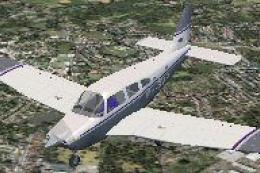
FSX/SP2 Piper Archer III PA28-181. Version for FSX with SP2. LOD's, xml gauge…
 FSX General Aviation Aircraft
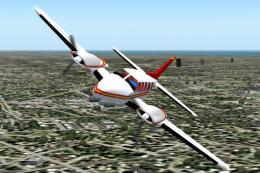
Piper PA-31 Navajo, a family of cabin-class, twin-engine aircraft designed an…
 FSX General Aviation Aircraft
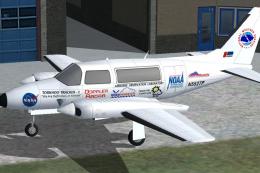
Piper PA-31 Navajo Pack. SP2 compatible and flyable compilation of Dee Waldro…
Be the first to leave a comment on this download.
Be the first to share your thoughts on this download.