

 FSX General Aviation Aircraft
Antonov An-2 SP-AMN
A skin for model of Antonov / PZL Mielec An-2 from SibWings. A repaint of Aer…
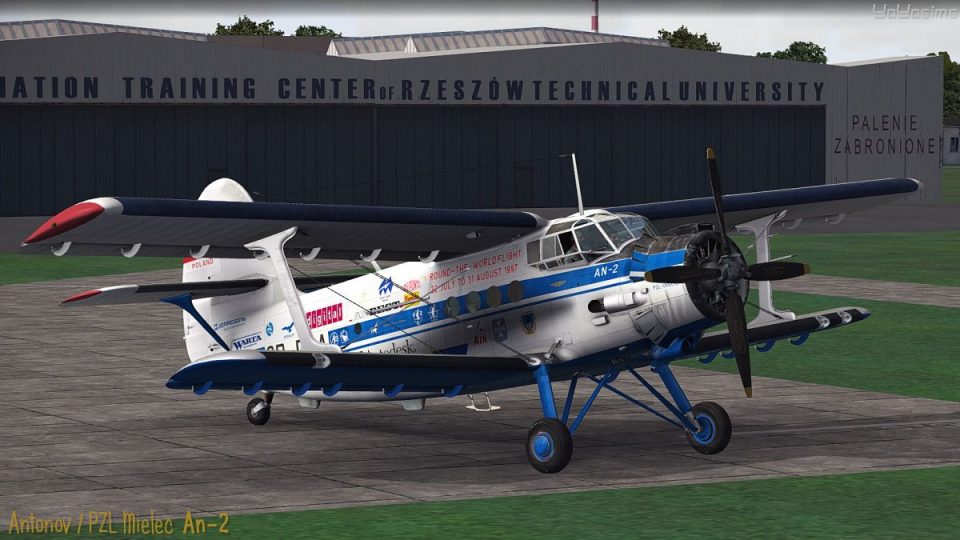
Antonov An-2 SP-DLA brings Waldemar Miszkurka’s 1997 around-the-world starter scheme to the rugged biplane, capturing the look of his aircraft at the outset of the adventure. Created for Microsoft Flight Simulator X, it requires the SibWings An-2 model and complements the classic virtual cockpit experience.
 Rate
Rate

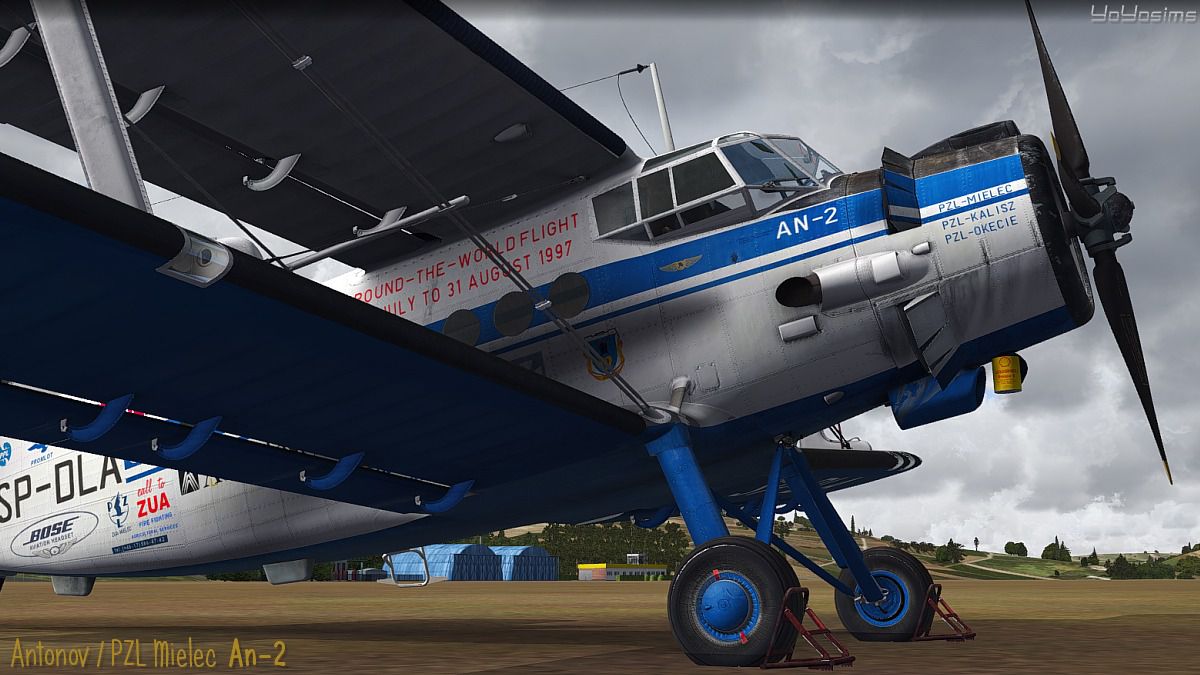

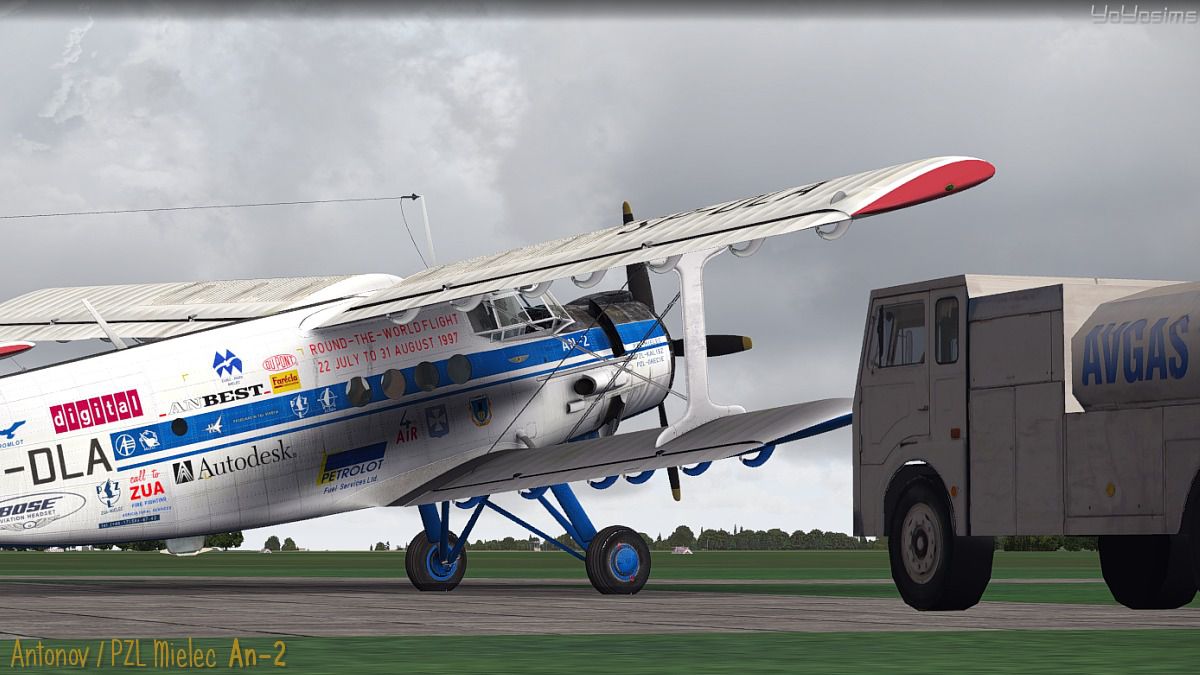
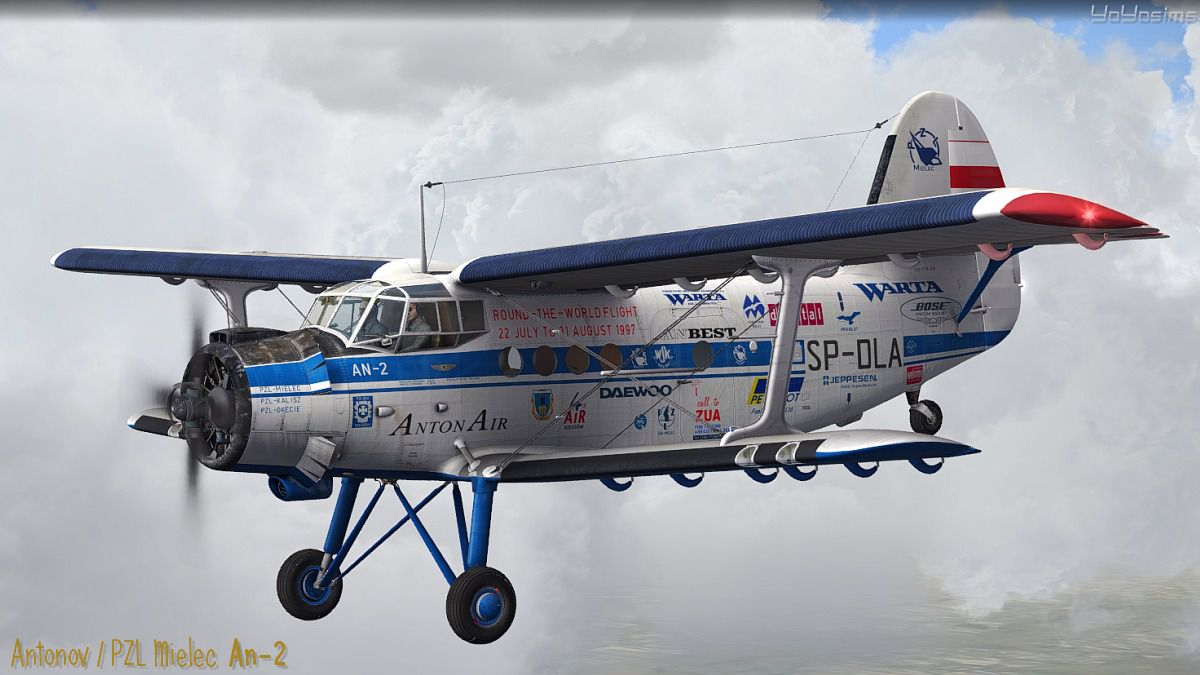
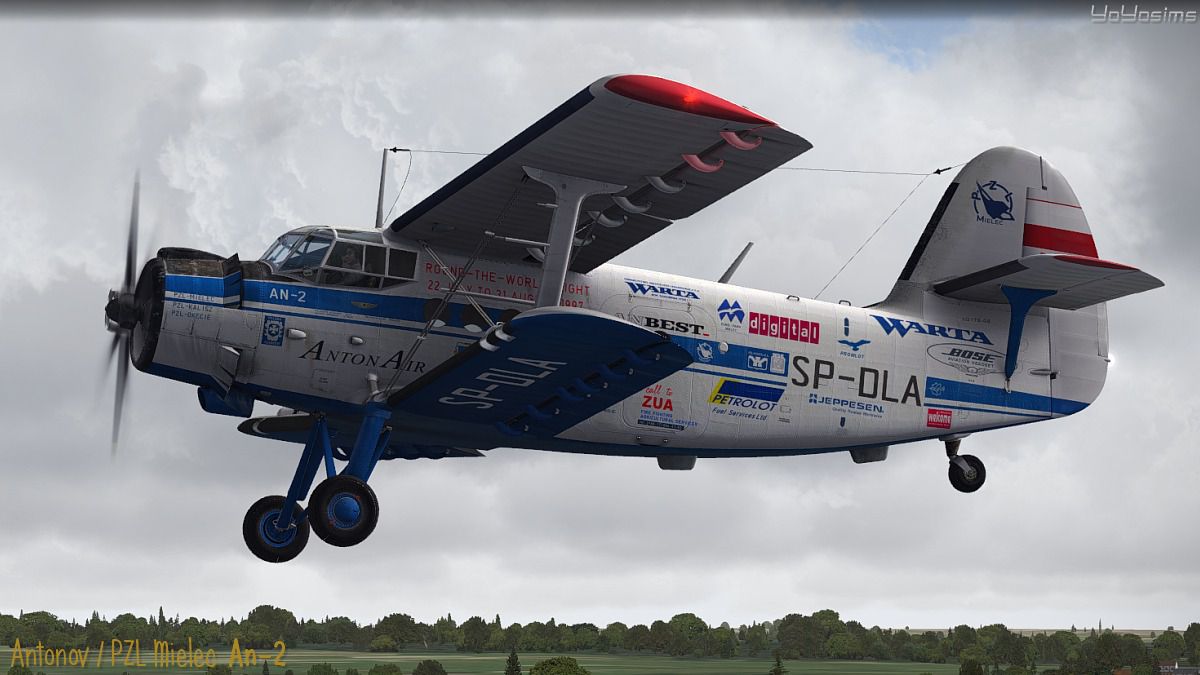
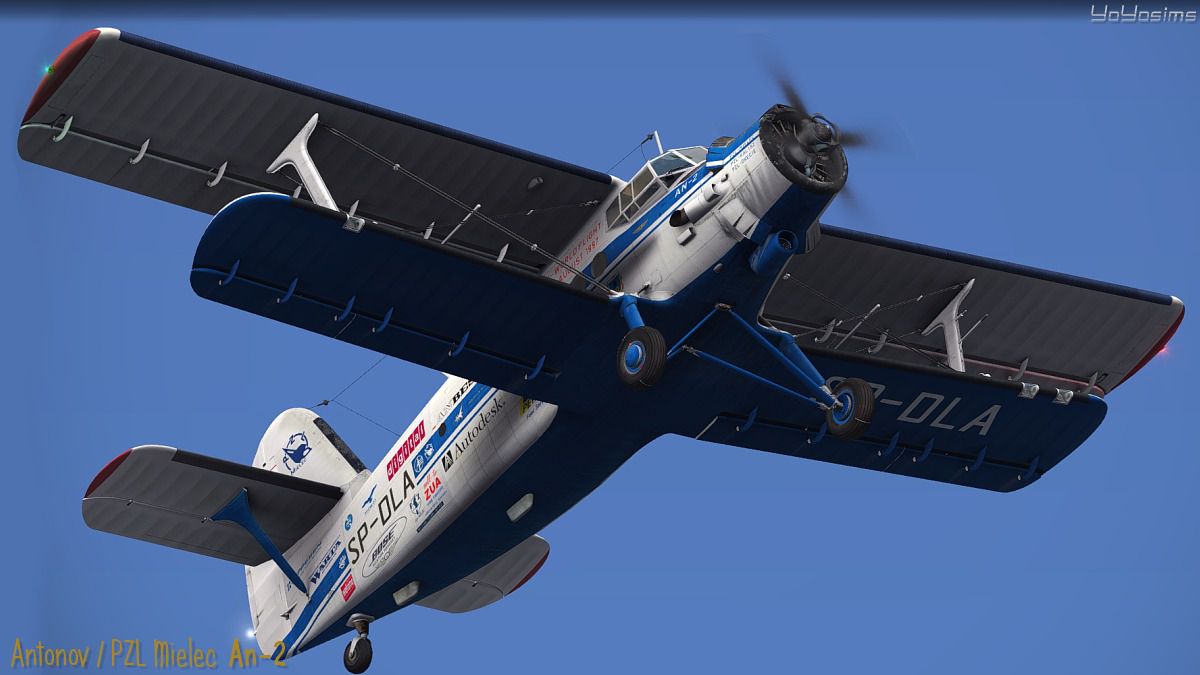
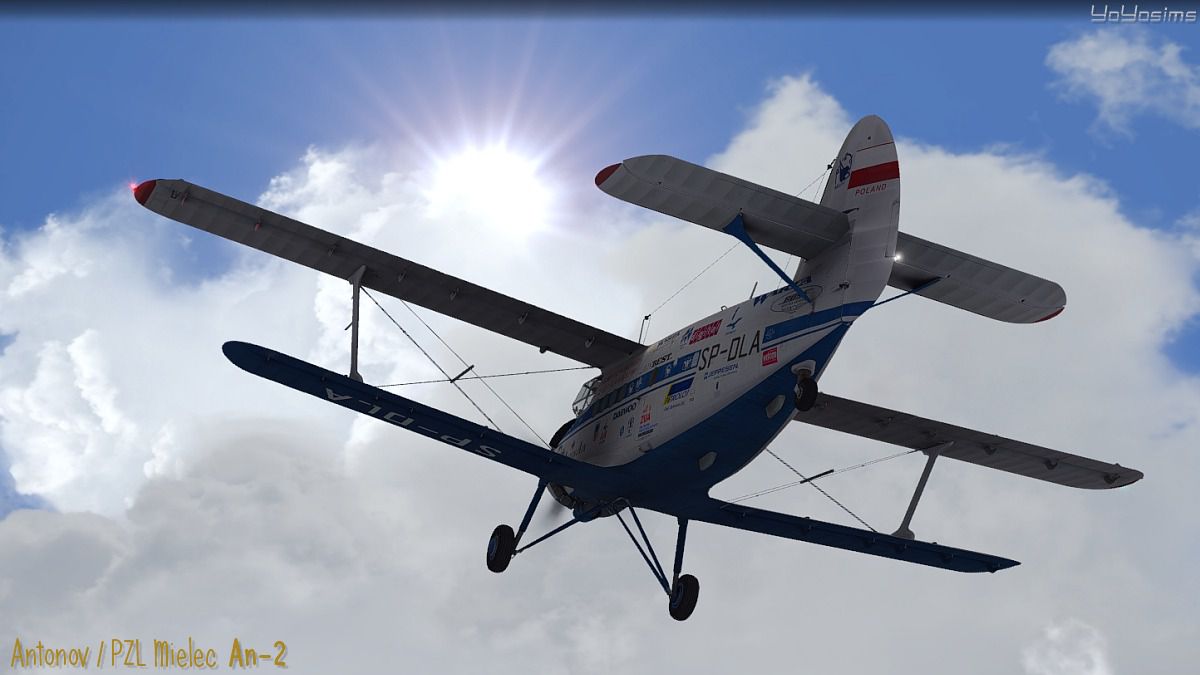

In this aircraft Waldemar Miszkurka plus two crew flew around the world in 1997. The skin presents An2 of W. Miszkurka at the beginning of this big challenge and adventure. If you want, try to do it too. The repaint is for the model by Sibwings. By Rafal Stankiewicz, yoyosims.
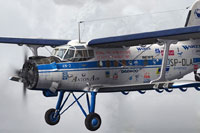
Screenshot of Antonov An-2 SP-DLA in flight.
[fltsim.x]

title=Antonov AN2 SP-DLA

sim=Antonov_AN2_v2.1

model=

panel=

sound=

texture=SP-DLA

kb_checklists= AN-2_check

kb_reference=

atc_id_color=0xff000000

atc_id=07

atc_airline=

atc_flight_number=

atc_parking_types=RAMP

ui_manufacturer="Antonov"

ui_type="An-2"

ui_variation="SP-DLA"

ui_typerole="Single Engine"

ui_createdby="SibWings Lab."

description=The repaint of Antonov / PZL Mielec AN-2 of Waldemar Miszkurka (Around the World first flight on An-2 in 1997!). Skin presents on An-2 of W.Miszkurka in the beginning of this big challenge and adventure.
Enjoy!
Free for all simmers · 8.18 MB · Scanned clean Oct 2026
Download speed: Free tier is capped at 0.5 Mbps (this file takes approximately 2 mins at the cap). PRO members download at full line speed.
texture.{airline}) inside FSX\SimObjects\Airplanes\{base-aircraft}\.aircraft.cfg in Notepad. Add a new [fltsim.X] section per the readme.readme.txt or README file. It tells you exactly where files go, what dependencies are needed, and any quirks specific to this add-on.The archive texture_sp-dla.zip has 21 files and directories contained within it.
This list displays the first 500 files in the package. If the package has more, you will need to download it to view them.
| Filename/Directory | File Date | File Size |
|---|---|---|
| An2_texture01_T.dds | 06.24.13 | 4.00 MB |
| An2_texture02_T.dds | 06.24.13 | 4.00 MB |
| An2_texture03_T.dds | 06.24.13 | 4.00 MB |
| An2_texture04_T.dds | 06.24.13 | 4.00 MB |
| an2_texture05_T.dds | 06.24.13 | 4.00 MB |
| fresnel_ramp.dds | 02.07.13 | 1.12 kB |
| texture.cfg | 03.15.13 | 135 B |
| thumbnail.jpg | 06.25.13 | 40.44 kB |
| texture.SP-DLA | 06.25.13 | 0 B |
| Readme.txt | 06.25.13 | 3.39 kB |
| thumbnail.gif | 06.25.13 | 8.99 kB |
| SP-DLA_An-2_screen1.jpg | 06.24.13 | 204.67 kB |
| SP-DLA_An-2_screen2.jpg | 06.25.13 | 160.13 kB |
| SP-DLA_An-2_screen3.jpg | 06.25.13 | 122.92 kB |
| SP-DLA_An-2_screen4.jpg | 06.25.13 | 182.77 kB |
| SP-DLA_An-2_screen5.jpg | 06.25.13 | 114.71 kB |
| SP-DLA_An-2_screen6.jpg | 06.25.13 | 161.79 kB |
| SP-DLA_An-2_screen7.jpg | 06.25.13 | 183.96 kB |
| SP-DLA_An-2_screen8.jpg | 06.25.13 | 214.15 kB |
| flyawaysimulation.txt | 10.29.13 | 959 B |
| Go to Fly Away Simulation.url | 01.22.16 | 52 B |
Only PRO members can place votes.
More FSX & P3D add-ons hand-picked based on this download.
FSX General Aviation Aircraft
A skin for model of Antonov / PZL Mielec An-2 from SibWings. A repaint of Aer…
 FSX General Aviation Aircraft
The Antonov An2 'SP-NEH' is owned and operated by the Aeroklub Poznanski. Thi…
 FSX General Aviation Aircraft
SP-2 Acceleration Zlin Z-50L. A Czech aerobatic aircraft. This release comes …
 FSX General Aviation Aircraft
FSX Cessna 172 SP Skyhawk registration N7690X. Textures only for the default …
 FSX General Aviation Aircraft
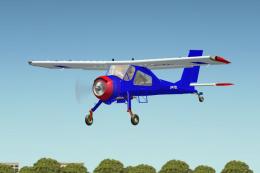
SP-FZL texture for PZL 104 Wilga by Joe Binka and Bruce Thorson Repaint by Wo…
 FSX General Aviation Aircraft
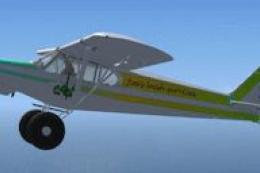
SP-2 Acceleration Piper Super Cub. A repaint of Flight Replica's Piper Super …
 FSX General Aviation Aircraft
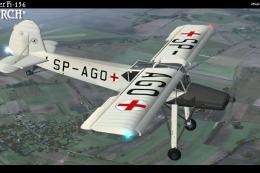
Historic repaint for Fieseler Fi156 "Storch" for FSX. Requires the payware ad…
 FSX General Aviation Aircraft
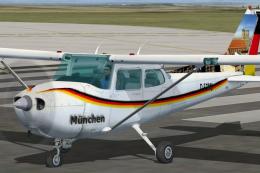
German Cessna 172 SP. Three repaints of the default C172, registration D-FCHA…
Be the first to leave a comment on this download.
Be the first to share your thoughts on this download.