

 FS2004 AFCAD Files
Schiphol AFCAD2 File V2
Updated gates and taxiways for Amsterdam Schiphol Int'l Airport, The Netherla…
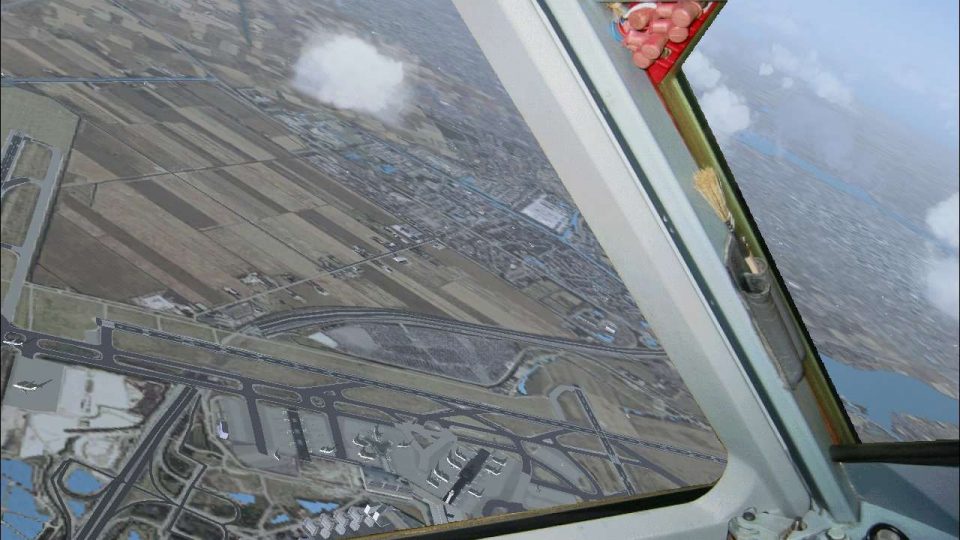
Schiphol Airport (EHAM) gets a more authentic layout with landclass and an AFCAD2 update for FS2004, placing most gates in real-world positions with correct numbering and airline assignments. It adds runway 18R/36L, includes runway and taxiway shoulders, refines taxi routes for smoother traffic flow, and recreates airport roads as closed taxiways.
 Rate
Rate

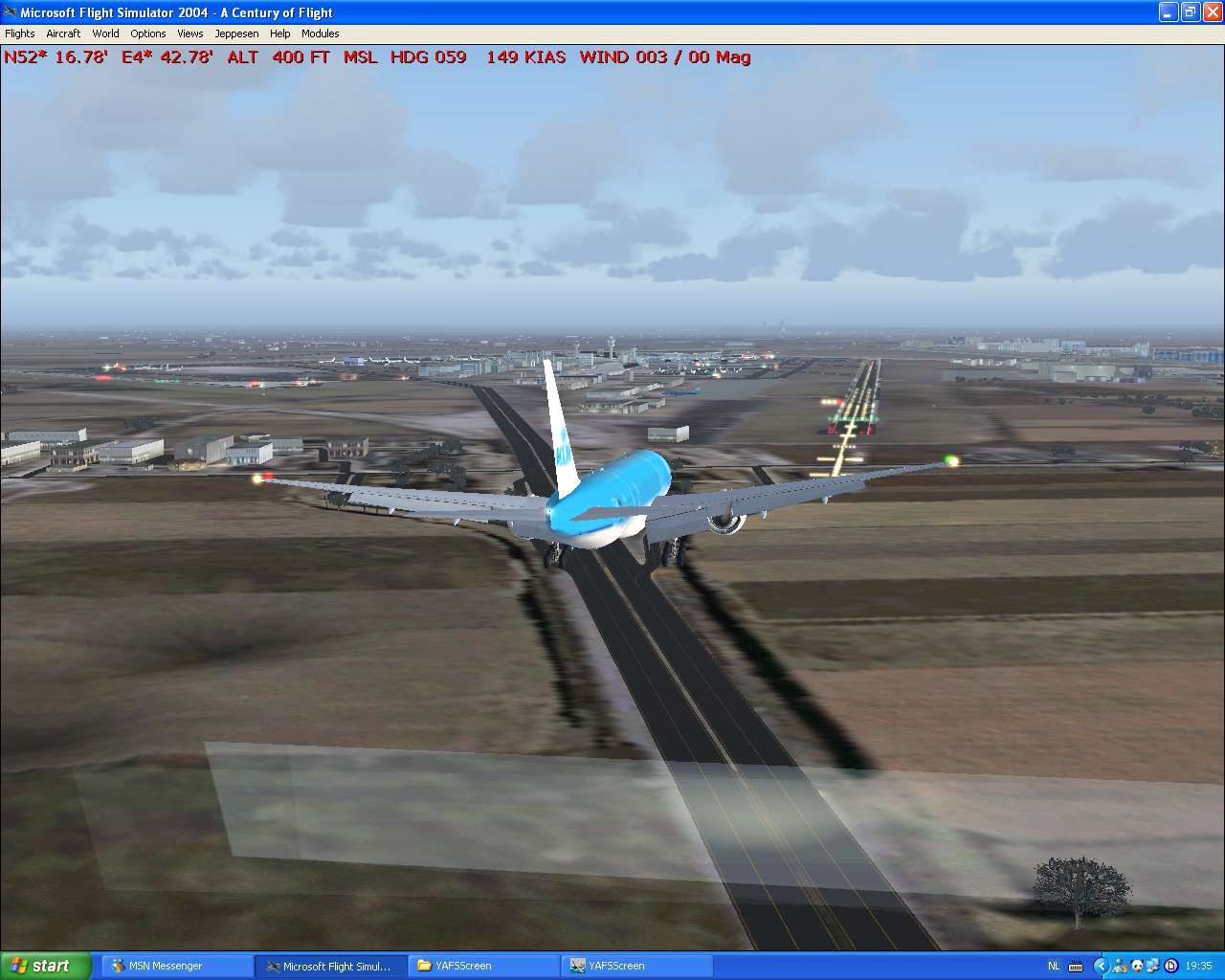
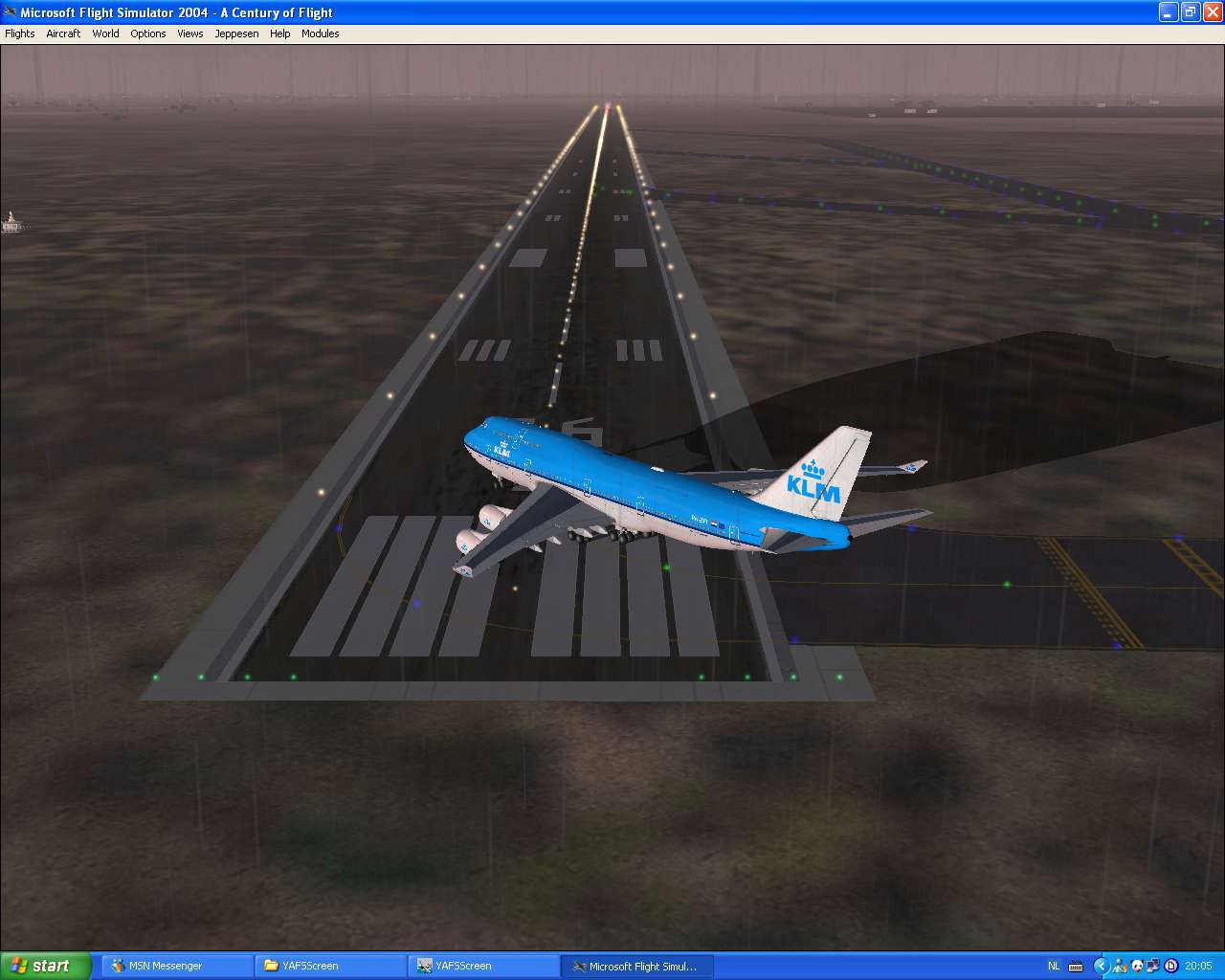
Schiphol Airport, Amsterdam, the Netherlands (EHAM). Includes landclass and AFCAD2 files. This AFCAD2 includes almost all the gates in their real world locations with real gate numbers (some are slightly modified because of MS's poor job on the terminal and apron area, the rest are missing due to lack of room). Airlines are placed at their real gates. By Victor Nauta.

Screenshot of plane taxiing to runway at Schiphol Airport.
Other features:
All in all this looks and feels alot better than the default airfield and it is really stretching AFCAD to it's max.
Some Statistics:
Free for all simmers · 336.19 KB · Scanned clean Oct 2026
Download speed: Free tier is capped at 0.5 Mbps. PRO members download at full line speed.
FS9\Aircraft\, FS9\Addon Scenery\, FS9\Gauges\, or FS9\Effects\.readme.txt or README file. It tells you exactly where files go, what dependencies are needed, and any quirks specific to this add-on.The archive ehamafc2.zip has 11 files and directories contained within it.
This list displays the first 500 files in the package. If the package has more, you will need to download it to view them.
| Filename/Directory | File Date | File Size |
|---|---|---|
| 36R18LEHAM | 12.14.03 | 0 B |
| scenery | 12.14.03 | 0 B |
| 36R18LEHAM.bgl | 12.14.03 | 1.45 kB |
| SCENERY.dat | 12.14.03 | 252 B |
| READ ME.txt | 12.15.03 | 1.84 kB |
| YAFSScreen_050.jpg | 12.15.03 | 99.83 kB |
| YAFSScreen_052.jpg | 12.15.03 | 142.02 kB |
| YAFSScreen_053.jpg | 12.15.03 | 81.43 kB |
| AF2_EHAM.bgl | 12.15.03 | 71.44 kB |
| flyawaysimulation.txt | 10.29.13 | 959 B |
| Go to Fly Away Simulation.url | 01.22.16 | 52 B |
Only PRO members can place votes.
More FS2004 add-ons hand-picked based on this download.
FS2004 AFCAD Files
Updated gates and taxiways for Amsterdam Schiphol Int'l Airport, The Netherla…
 FS2004 AFCAD Files
With this AFCAD2 file the runways 01L/19R and 01R/19L are renumbered to 36C/1…
 FS2004 AFCAD Files
Tokyo Narita Airport (RJAA), Japan (not for the default FS2004 airport; detai…
 FS2004 AFCAD Files
An AFCAD2 file for Soekarno-Hatta Airport, Jakarta, Indonesia (WIII) for use …
 FS2004 AFCAD Files
An AFCAD2 file for Ngurah Rai Int'l Airport, Denpasar Bali, Indonesia (WRRR),…
 FS2004 AFCAD Files
Changi Airport (WSSS), Singapore, based on the real airport. By Aaron Yan Wei…
 FS2004 AFCAD Files
An AFCAD2 file for Sepinggan Airport, Balipapan, Indonesia (WRLL), for use wi…
 FS2004 AFCAD Files
Jomo Kenyatta Airport (HKJK), Nairobi, Kenya. Removes all gates and parking s…
Be the first to leave a comment on this download.
Be the first to share your thoughts on this download.