

 FSX Civil Aircraft
Air Canada Bombardier CRJ-700
FSX Air Canada Bombardier CRJ-700. Textures only for the default CRJ700 inclu…
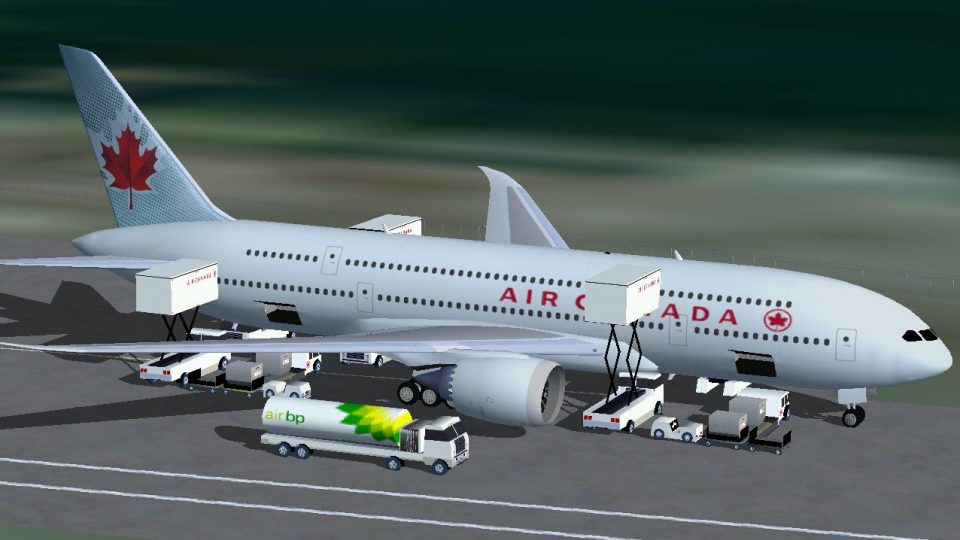
Air Canada Boeing 700 brings a futuristic twin-jet double-decker concept to FSX, pairing modern widebody styling with a roomy three-class cabin for around 450 passengers and long-range legs up to 9,600 nm. Animated Ground Servicing adds lively boarding, fueling, and baggage operations, backed by detailed exterior textures and a functional virtual cockpit.
 Rate
Rate
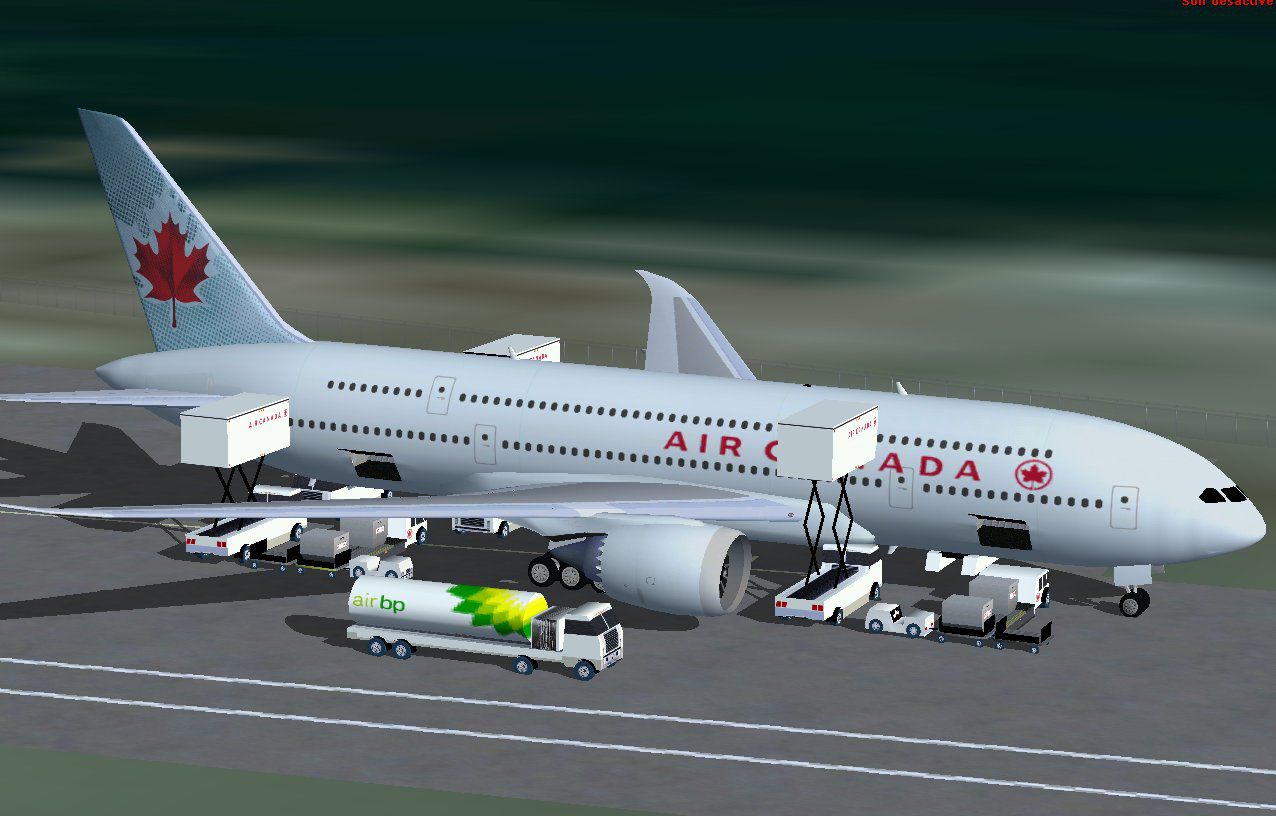
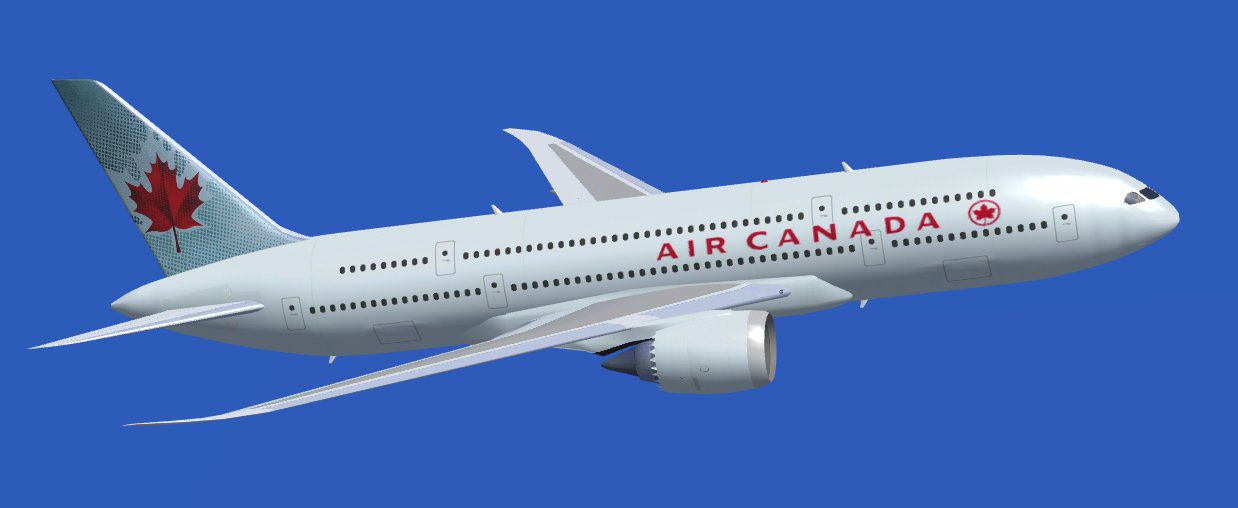
This freeware add-on offers a visionary Air Canada Boeing 700 twin-jet design featuring a double-decker layout and extensive Animated Ground Servicing elements. By blending generous passenger capacity with modern styling, it aims to reimagine what might evolve as a successor to the 747. Created by Camil Valiquette specifically for Microsoft Flight Simulator X, it delivers a unique experience with expanded virtual range and an advanced cabin configuration.
The concept integrates two full decks, allowing seating for approximately 450 passengers across three cabin classes. This multi-tier approach increases internal space without sacrificing aerodynamic efficiency. The aircraft’s structure still retains a streamlined profile typically found in contemporary wide-bodies.
With an estimated maximum range of 9,600 nautical miles, the Boeing 700 concept provides enough reach for ultra-long-haul operations. The increased lift and balanced wing design contribute to stable handling during both climb-out and cruise phases. This range is intended to satisfy global routes while offering flexible flight planning for virtual airline schedules.
Among the highlights is the enhanced AGS (Animated Ground Servicing), which simulates real-world support operations around the aircraft. It includes animated vehicles that handle passenger boarding, fuel uploads, and luggage management. The fluid movement of each service element boosts authenticity on the ramp before takeoff and after landing.
Adorned with the recognizable emblem of Air Canada [primary national carrier of Canada], the Boeing 700’s exterior paintwork conveys brand identity and showcases attention to detail. Subtle shading and precise modeling accents ensure the livery presents a realistic finish when viewed from various external camera angles.
All fine-tuned modeling and texture work comes courtesy of the original creator, Camil Valiquette. The interior and exterior both adhere to his standard of accuracy and detail, while the cockpit area benefits from refined instrumentation suited for high-capacity flight scenarios.

This unique Boeing 700 project underscores an innovative direction in long-range flight operations with a comfortable climate for virtual passengers. From its multi-deck arrangement to refined ground handling animations, it stands as an immersive extension to Microsoft Flight Simulator X. Developed and painted by Camil Valiquette, this Air Canada edition broadens any collection of futuristic airliner concepts.
Free for all simmers · 1.83 MB · Scanned clean Oct 2026
Download speed: Free tier is capped at 0.5 Mbps. PRO members download at full line speed.
FSX\SimObjects\Airplanes\. The folder must contain an aircraft.cfg file. Effects go into FSX\Effects\; gauges go into FSX\Gauges\.readme.txt or README file. It tells you exactly where files go, what dependencies are needed, and any quirks specific to this add-on.The archive 700ac_x.zip has 27 files and directories contained within it.
This list displays the first 500 files in the package. If the package has more, you will need to download it to view them.
| Filename/Directory | File Date | File Size |
|---|---|---|
| CamSim Boeing 700 Air Canada | 02.13.08 | 0 B |
| 700.air | 02.22.06 | 12.76 kB |
| 700ac.jpg | 12.14.07 | 46.99 kB |
| 700acfsx.jpg | 02.13.08 | 120.11 kB |
| aircraft.cfg | 02.13.08 | 14.47 kB |
| Effects.zip | 03.25.06 | 1.80 kB |
| file_id.diz | 02.13.08 | 370 B |
| model.700 | 02.13.08 | 0 B |
| 700.mdl | 02.09.08 | 2.65 MB |
| Model.cfg | 11.27.07 | 22 B |
| Panel | 02.13.08 | 0 B |
| panel.cfg | 02.12.07 | 40 B |
| Read Me.txt | 02.13.08 | 2.67 kB |
| SOUND | 02.13.08 | 0 B |
| Sound.cfg | 02.12.07 | 42 B |
| texture.ac | 02.13.08 | 0 B |
| 787eng_t.bmp | 12.07.07 | 1.00 MB |
| 787ext_t.bmp | 02.13.08 | 1.00 MB |
| 787int_t.bmp | 02.13.08 | 1.00 MB |
| 787tail_t.bmp | 03.23.06 | 1.00 MB |
| 789wings_t.bmp | 11.07.07 | 1.00 MB |
| fuse_t.bmp | 12.07.07 | 1.00 MB |
| gris_t.bmp | 03.17.06 | 16.07 kB |
| pilot1.bmp | 12.06.06 | 256.07 kB |
| thumbnail.jpg | 02.13.08 | 4.37 kB |
| flyawaysimulation.txt | 10.29.13 | 959 B |
| Go to Fly Away Simulation.url | 01.22.16 | 52 B |
Only PRO members can place votes.
More FSX & P3D add-ons hand-picked based on this download.
FSX Civil Aircraft
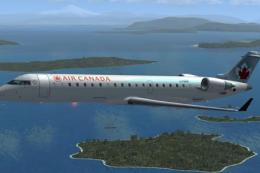
FSX Air Canada Bombardier CRJ-700. Textures only for the default CRJ700 inclu…
 FSX Civil Aircraft
This repaint package offers an updated Air Canada livery for the Bombardier C…
 FSX Civil Aircraft
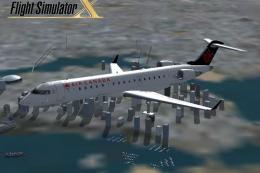
FSX Air Canada CRJ-700 circa 1994-2004. A repaint for the default Bombardier …
 FSX Civil Aircraft
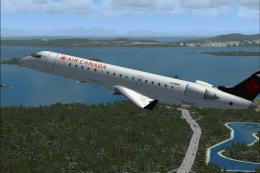
Enjoy a carefully crafted repaint capturing Air Canada’s earlier design on a …
 FSX Civil Aircraft
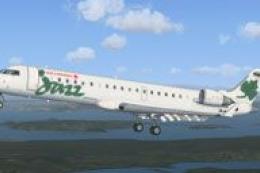
Textures only for the default CRJ700. Repaint by Dwight Estey. Screenshot of …
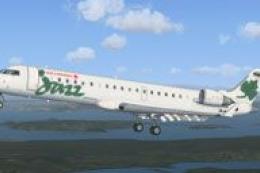 FSX Civil Aircraft
Textures only for the default CRJ700. Screenshot of Air Canada Jazz CRJ 700 i…
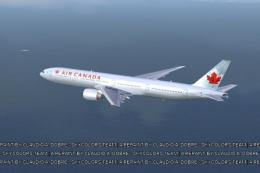 FSX Civil Aircraft
FSX Air Canada Boeing 777-300ER GE, registration C-FIUL. A photoreal repaint …
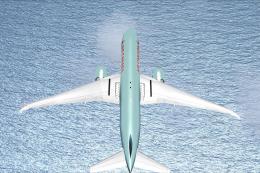 FSX Civil Aircraft
Air Canada Boeing 777-200LR. Model by Project Open Sky. Repaint by Yosuke. Ai…
Be the first to leave a comment on this download.
Be the first to share your thoughts on this download.